
How To Get Sand Out Of Iphone
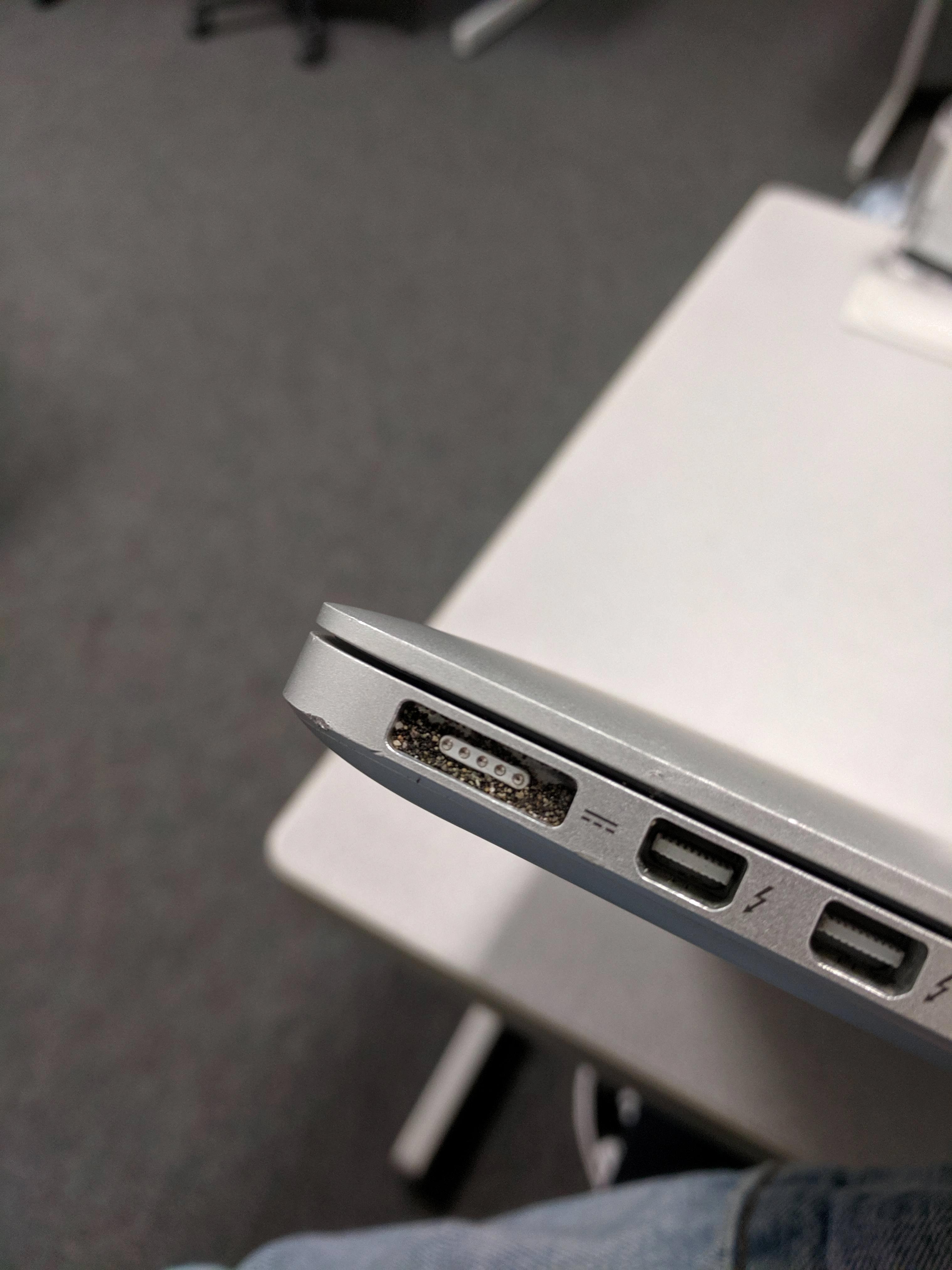
Alright, friend, let's talk about the ultimate party crasher after a glorious day at the beach: sand. Specifically, sand that has decided your iPhone's internals are the perfect spot for a tiny, granular rave. You've been there, right? You pull out your phone, and suddenly it sounds like a maraca convention inside. Don't panic! We've all been there, and luckily, getting sand out of your iPhone isn't as impossible as finding a parking spot at the mall on Black Friday.
First things first, take a deep breath. Your phone probably isn't a goner. It just needs a little TLC and a firm but gentle eviction notice for those tiny, abrasive squatters. Think of us as your digital clean-up crew, ready to arm you with the know-how to get your gadget gleaming again.
Why Sand is the Enemy (Besides Getting Everywhere)
Before we dive into the how-to, let's have a quick, non-scary chat about why sand and phones don't mix. Sand is made of tiny, hard, sharp particles. When these little villains get into your charging port, speaker grilles, or even under your screen, they can cause a whole host of mischief:
Must Read
- Scratches: On your screen or camera lens. Ouch!
- Blocked Ports: Preventing charging or headphones from working.
- Muffled Sound: Your speakers will sound like they're underwater (and not in a cool, intentional way).
- Button Issues: Buttons feeling gritty or getting stuck.
So, yeah, sand is less of a friendly visitor and more of an uninvited, destructive guest. Time to show it the door!
The Big No-Nos (Read This First!)
Before you even think about shaking it like a Polaroid picture, there are a few things you absolutely, positively, DO NOT do:
- Don't rinse it under water: Unless your phone is certified waterproof and you know what you're doing, water will just make a sandy situation way worse.
- No vacuum cleaners: The suction can be too strong and potentially damage internal components. Plus, who wants a vacuum cleaner for a phone cleaner?
- Avoid metal objects: Sticking a paperclip into your charging port is like playing a tiny game of Russian roulette with your electronics. Just don't.
- No harsh chemicals: Leave the industrial cleaner for your bathroom, not your precious iPhone.
Got it? Good. Now let's get down to business!
Operation Sand Eviction: Step-by-Step!
1. Power Down!
This is crucial. Treat your phone like it's about to undergo a tiny, delicate operation. Always power off your iPhone before you start cleaning. Safety first, friends!
2. The Gentle Shake & Tap
Hold your phone with the charging port facing downwards. Give it some gentle shakes and taps against your palm. Imagine you're trying to dislodge stubborn glitter after a particularly fabulous party. You'd be surprised how many grains will just fall out.
3. Compressed Air (Your Cautious Friend)
This is where things get serious, but we need to be smart. Grab a can of compressed air (the kind you use for keyboards). Now, listen closely: Hold the can upright and at least 6-8 inches away from your phone. Use short, controlled bursts. Think of it as a gentle whisper, not a hurricane. Aim for the ports, speaker grilles, and any other openings. The goal is to blow the sand out, not deeper in!
4. The Lint Roller or Masking Tape Trick
For the screen and back of your phone, a regular lint roller or even a piece of masking tape (lightly pressed and peeled off) can work wonders. The stickiness will pick up those superficial grains that are just clinging on for dear life.

5. The Nooks and Crannies Crew (Toothpicks & Soft Brushes)
For those super stubborn bits in your charging port, headphone jack (if you still have one!), or speaker grilles, you'll need a precise tool. A soft-bristled toothbrush (a clean one, please, not the one you use for your teeth!) or a wooden toothpick are your best bets. Gently, gently, gently! Use light, circular motions with the toothbrush or carefully pick out visible grains with the toothpick. Remember, no metal!
6. The Grand Finale: Microfiber Magic
Once you're confident you've evicted all the sandy freeloaders, give your iPhone a good wipe down with a clean, dry microfiber cloth. This will remove any dust, smudges, and lingering microscopic sand particles, leaving your phone looking (and feeling) spick and span.

When to Call in the Pros
If, after all this TLC, your phone still sounds like a tiny desert or isn't charging properly, it might be time to wave the white flag and head to a professional. Sometimes, sand can cause internal damage that's beyond a DIY fix. Don't be a hero; seek expert help!
Preventative Measures (Because an Ounce of Prevention...)
Future beach trips? Consider a waterproof phone pouch or a simple plastic bag to keep your phone sand-free. Or, you know, just leave it in the beach bag while you're building epic sandcastles. Your phone will thank you, and you'll have one less thing to worry about.
So there you have it! You've successfully evicted those pesky grains, and your iPhone is ready for its next adventure – perhaps a less sandy one! Go forth, digitally clean adventurer, and conquer your day!