
How To Get Live Tv On My Smart Tv
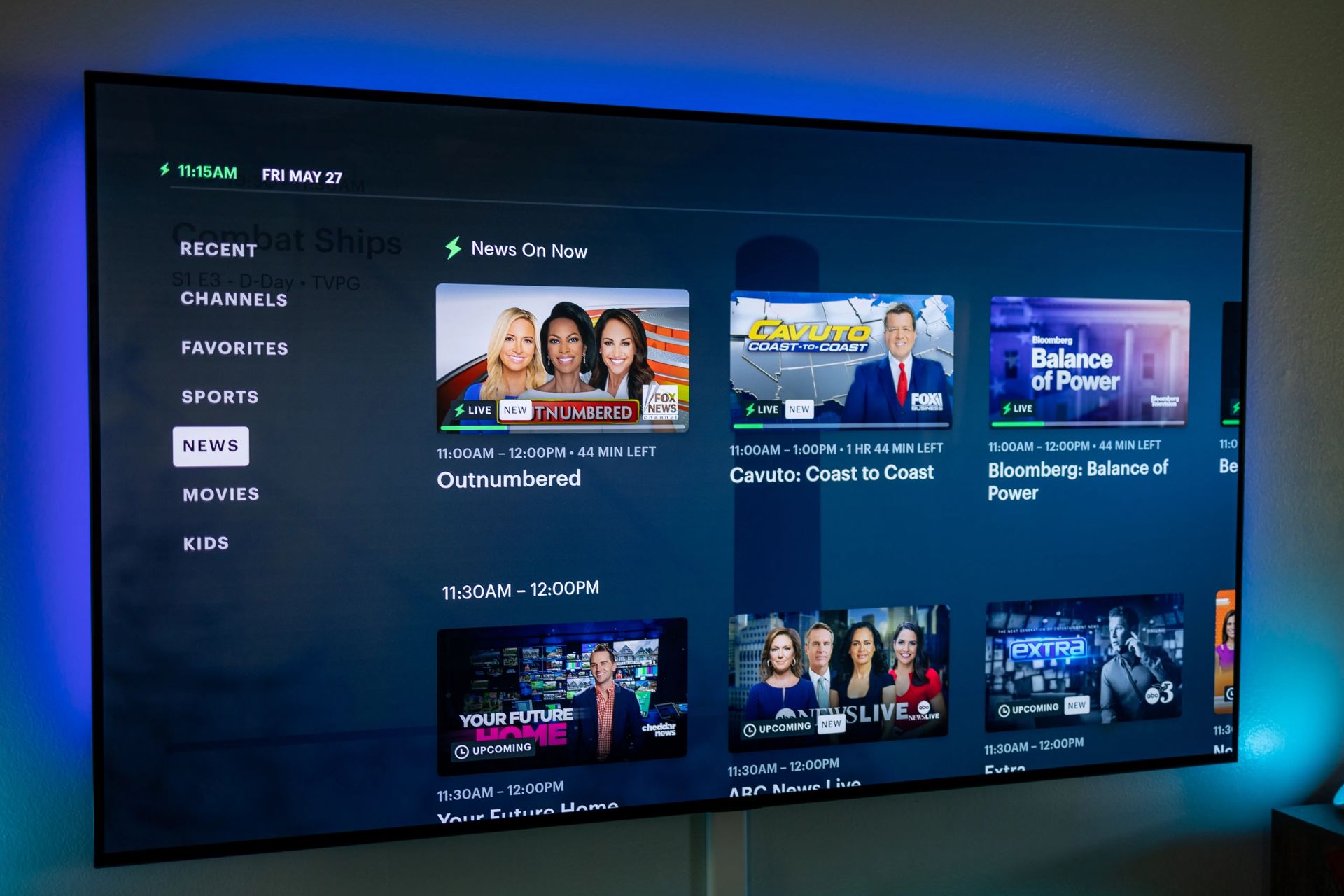
Hey there, couch potato extraordinaire! Ever feel like your smart TV is...well, not that smart? Want some good ol' fashioned live TV without, you know, actually going outside to find an antenna from 1985? You've come to the right place. Let's get that tube blaring!
First Things First: What's the Vibe?
Okay, before we dive in, let's check your equipment. Do you have a smart TV? I mean, a real smart TV. One that connects to the internet. If you're reading this on it right now… probably. If you're staring at a blank screen that only shows the time... maybe not. Just sayin’.
Is it connected to Wi-Fi? Super important! Otherwise, this whole plan is DOA. Think of your Wi-Fi as the lifeblood of your streaming dreams. No Wi-Fi, no party. A fun fact: Did you know that the first TV remote was connected to the set by a wire? Imagine tripping over that while trying to change the channel!
Must Read
And the biggest question: What kind of live TV are you craving? We talking local news? Major networks? Or are you looking for something more… niche? Like competitive cheese rolling? (Yes, that’s a real thing.)
Option 1: The App-solute Solution (Streaming Services)
The easiest way to get live TV on your smart TV is through streaming services. Think of them as cable TV... but cooler. And often cheaper! Hulu + Live TV, YouTube TV, Sling TV, FuboTV – they're all vying for your attention (and your wallet).
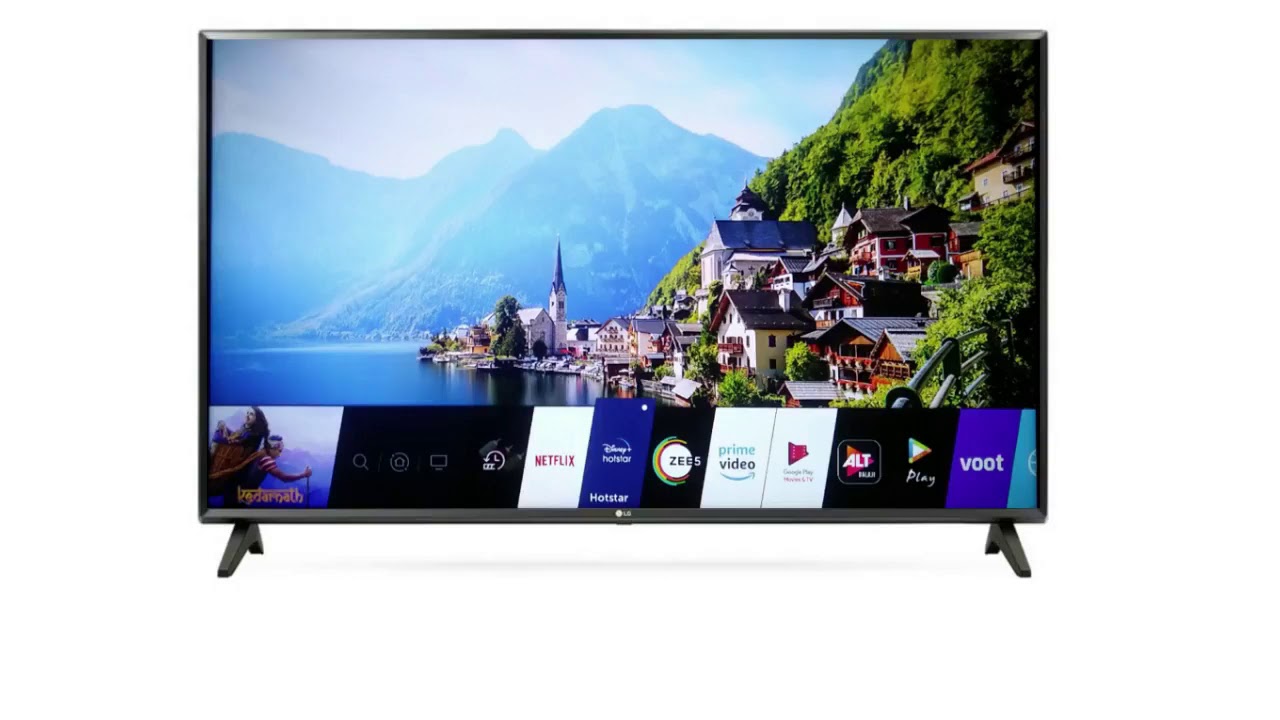
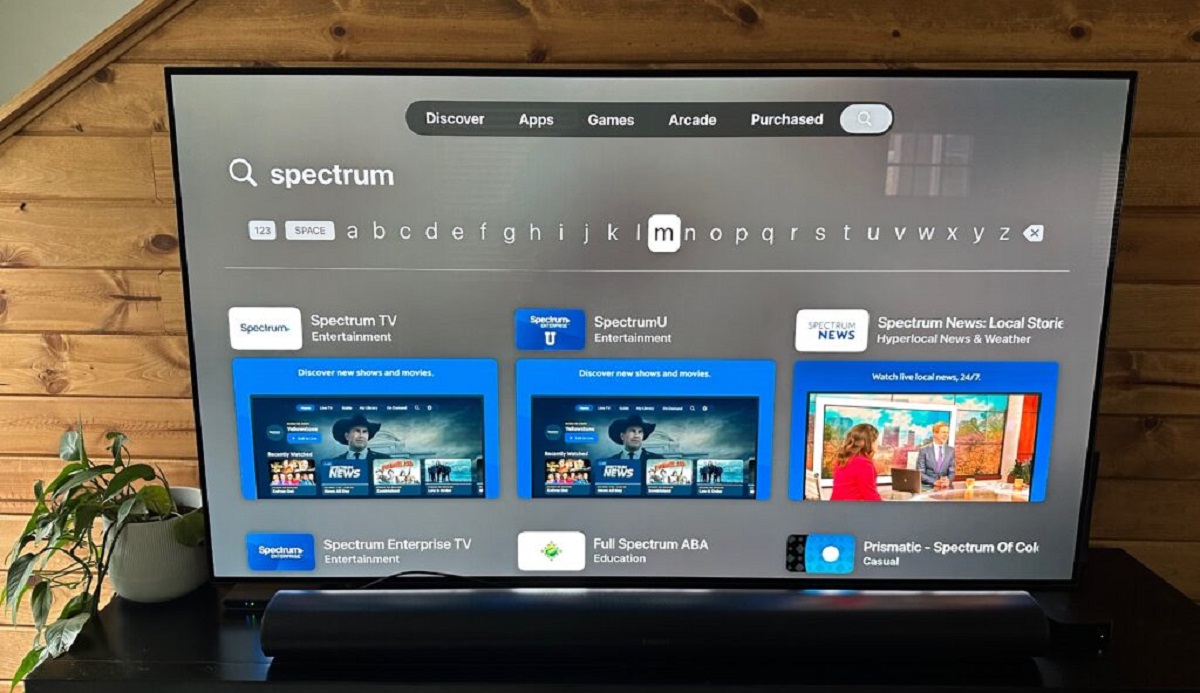
Download their apps from your smart TV's app store. It’s usually a pretty straightforward process – like downloading a game. Just search, click, and… boom! The app is there, ready to rumble.
Each service offers different channels and features. Shop around! Most offer free trials, so you can channel surf without committing. It’s like speed-dating for TV channels! Pro tip: check if they carry your local channels. Nothing worse than missing your weather report because you went with a fancy streaming service from outer Mongolia.
Option 2: The Antenna Adventure! (For Those Local Vibes)
Okay, so maybe you’re a purist. Or maybe you just really, really hate paying for TV. Enter the trusty antenna! This isn't your grandma's rabbit ears. Modern antennas are actually pretty sleek. And they're way better at picking up signals.
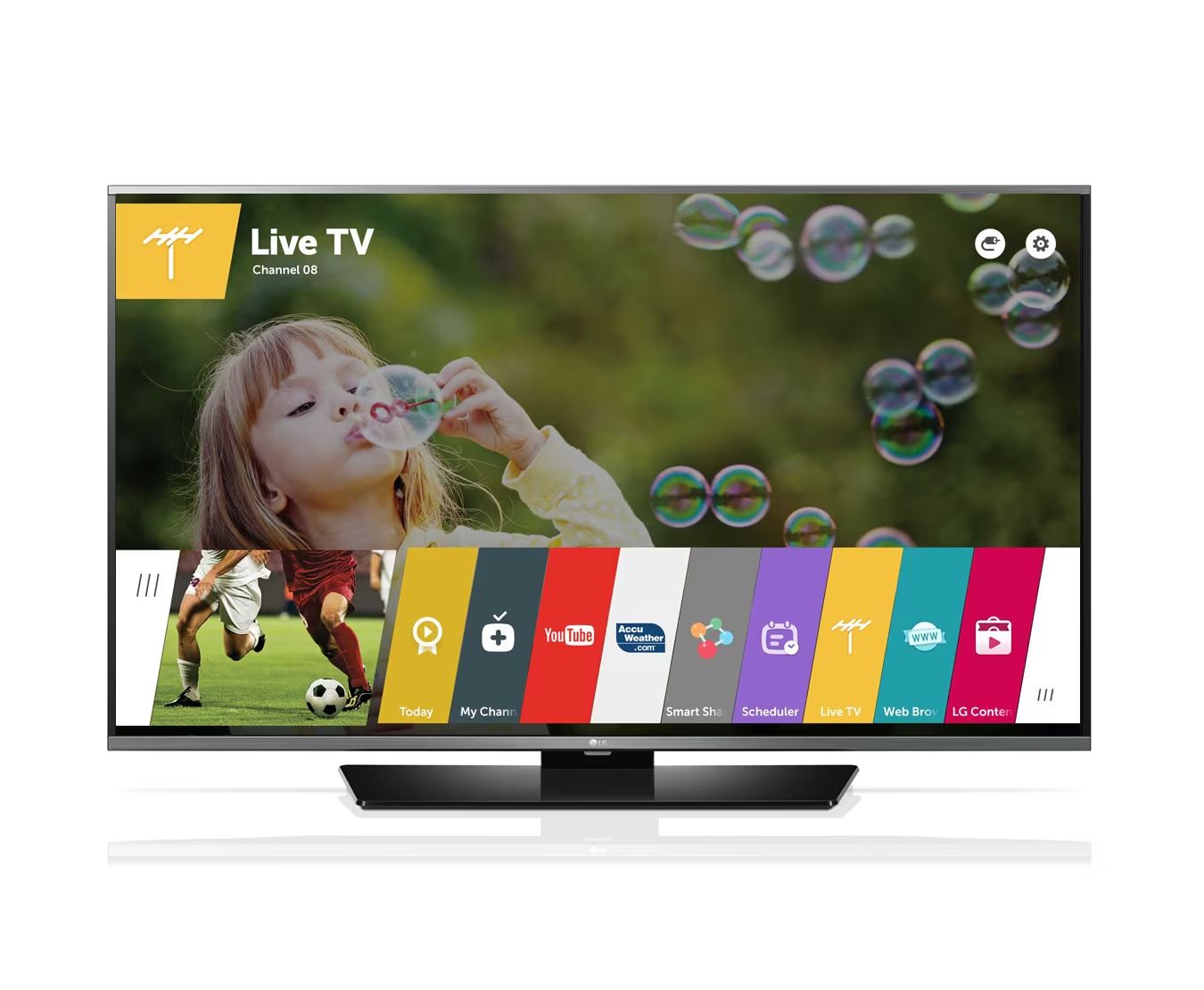
Plug it into your smart TV's antenna port. Then, run a channel scan. Your TV will magically (okay, technologically) search for all the free over-the-air channels in your area. Seriously, it’s like finding buried treasure! Free TV treasure, that is.
The downside? You're limited to what's available in your area. And sometimes, the signal can be flaky. Blame the weather. Or squirrels. Those little critters love to mess with antennas. Fun fact: In the early days of television, some people actually believed that the signals were being transmitted through the ground!
Option 3: The IPTV Intrigue (Proceed with Caution!)
Now, we're getting into slightly murkier waters. IPTV (Internet Protocol Television) services offer live TV through… well, the internet. Sounds similar to streaming, right? The difference is that many of these services are, shall we say, less than legitimate.
Be careful! Some IPTV services are illegal and could expose you to malware or other security risks. Do your research! Read reviews! If it sounds too good to be true, it probably is. Think of it like buying a Rolex from a guy in a trench coat. Probably not the best idea.
A Few Pro Tips for a Smoother Streaming Experience
Check your internet speed! Buffering is the enemy of relaxation. Make sure your internet connection is fast enough to handle streaming live TV. Nobody wants to watch a football game in slow-motion slideshow format.
Update your TV's software! Keeping your smart TV's software up-to-date ensures that you have the latest features and security patches. Plus, it might fix annoying bugs. Nobody likes buggy TV.
Explore your TV's settings! Most smart TVs have a ton of hidden features and customization options. Dive into the settings menu and see what you can find! You might discover a hidden channel or a secret game. Who knows?
Don't be afraid to experiment! Try different apps, antennas, and settings until you find what works best for you. There's no one-size-fits-all solution. It's all about finding your perfect TV-watching paradise. Remember, the best way to watch TV is the way you enjoy it! So, grab some snacks, settle in, and happy viewing!