
How To Fix Decreasing Battery While Charging Iphone

Hey everyone! Ever been in that super frustrating situation where your iPhone's plugged in, promising sweet, sweet battery life, but instead… it's losing power? Like, what even is that? It's like trying to fill a bucket with a hole in the bottom, right? Let's dive into why this happens and, more importantly, how to fix it!
Why is My Battery Doing This?!
Okay, so first things first, don't panic! This isn't always a sign of impending doom for your beloved iPhone. There are several reasons why your battery might be acting up while charging.
Think of your phone as a little engine. When you're charging, you're essentially fueling it up. But if the engine's working super hard (running a ton of apps, streaming videos, playing graphics-intensive games), it can use more power than it's receiving. It's like trying to drive uphill in a gas-guzzler with a half-empty tank – you might not get very far!
Must Read
Here are some common culprits:
- Power-hungry Apps: Are you running demanding apps in the background? Some apps, like games or video editors, are notorious for draining battery.
- Outdated Software: An old iOS version might not be optimized for your battery's health.
- Faulty Charging Cable or Adapter: This is a big one! A damaged or low-quality cable/adapter can significantly reduce charging speed.
- Battery Health: Let's be honest, batteries degrade over time. It's like a favorite pair of jeans – they eventually wear out.
- Extreme Temperatures: iPhones don’t like being too hot or too cold. Think of it as trying to run a marathon in the desert or the Arctic – not ideal!
Troubleshooting Time! Let's Get Fixing
Alright, now for the fun part: fixing the issue! Here are some steps you can take to diagnose and resolve your charging woes.
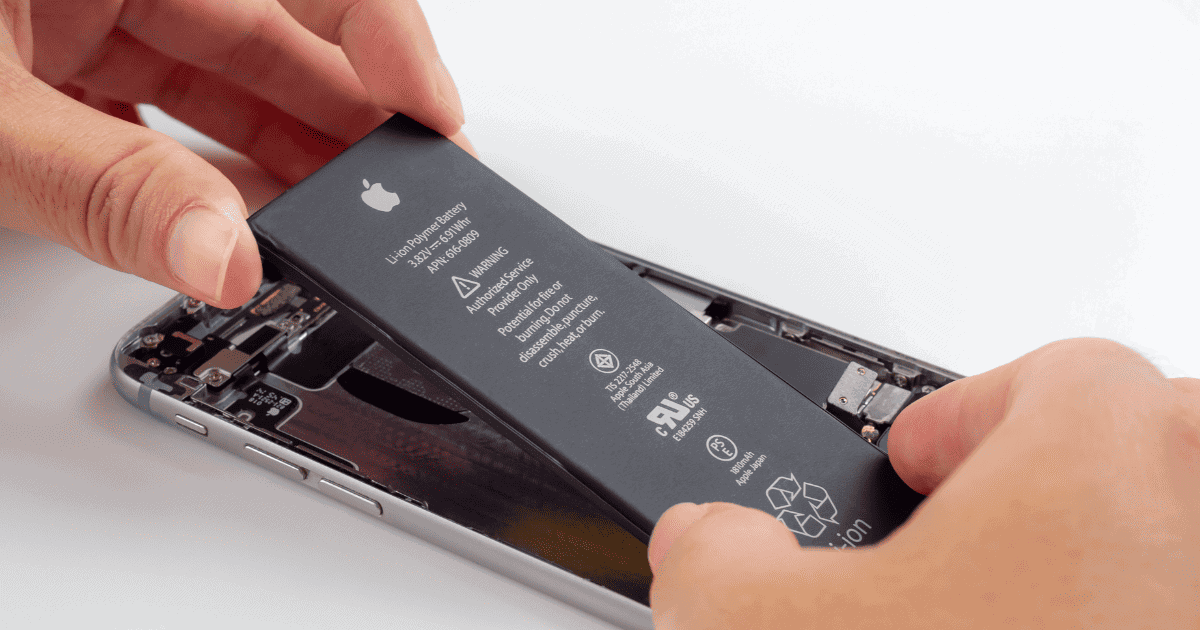
1. The "Close Everything" Approach: Just like telling your brain to chill out, close all those apps running in the background. Double-click the Home button (or swipe up from the bottom if you have a newer iPhone) and swipe away all the apps. See if that makes a difference.
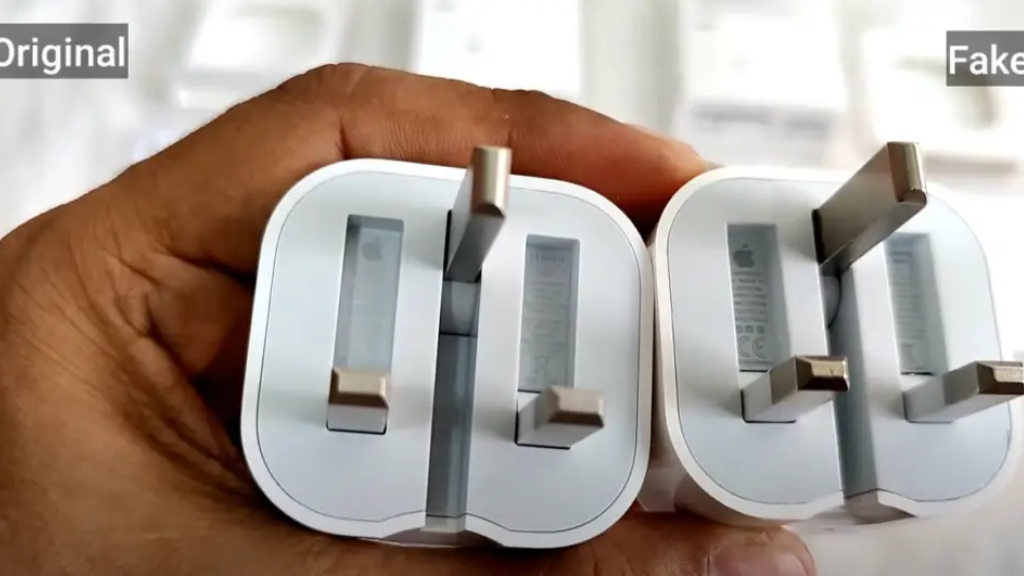
2. Check Your Charging Setup: Is your cable frayed? Is the adapter a genuine Apple product or a reputable brand? Try a different cable and adapter. If you're using a computer to charge, try plugging into a wall outlet instead. Sometimes a computer’s USB port just doesn’t deliver enough juice. It’s like trying to inflate a tire with a tiny hand pump!
3. Software Updates: Head to Settings > General > Software Update and see if there's an update available. Keeping your phone up-to-date ensures you have the latest battery optimizations.
4. Battery Health Check: Go to Settings > Battery > Battery Health. What does it say about your battery's maximum capacity? If it's significantly lower than 100%, it might be time for a battery replacement. Think of it like checking the tire pressure on your car – a low pressure means you’re not getting optimal performance.
5. Temperature Control: Is your phone burning hot to the touch? Let it cool down before charging. Avoid leaving it in direct sunlight or in a hot car. Similarly, don't leave it in freezing temperatures. Remember, iPhones are like Goldilocks – they prefer things just right.
6. Airplane Mode Power-Up: Put your iPhone in Airplane Mode while charging. This disables all wireless radios (Wi-Fi, Bluetooth, Cellular), reducing power consumption. It's like telling your phone to take a nap while it charges.
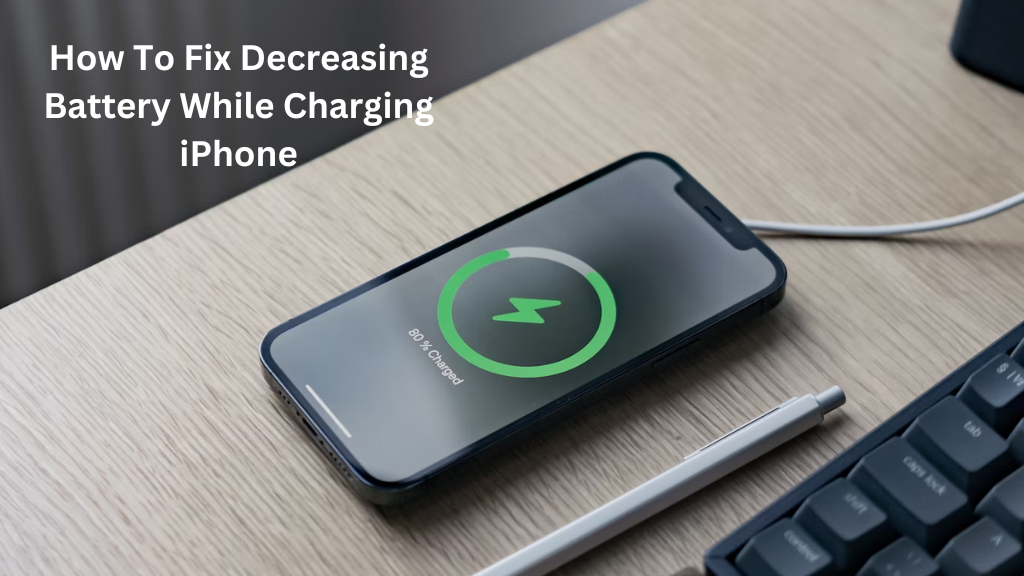
7. Reset Time: Sometimes, a simple restart can work wonders. Turn your iPhone off completely, wait a few seconds, and then turn it back on. It’s like giving your phone a little brain refresh.
Still Not Working? Time for the Pros!
If you've tried all of the above and your iPhone is still losing battery while charging, it might be time to consult with a professional. There could be a hardware issue that requires expert attention. Contact Apple Support or visit an authorized service provider. It's like taking your car to a mechanic when you can't figure out what's wrong under the hood.
Hopefully, these tips will help you get your iPhone charging smoothly again. Remember, a happy iPhone is a well-charged iPhone! Now go forth and conquer your day with a full battery!