
How To Disconnect Sensors On Garage Door
Ever felt like your smart home gadgets have a mind of their own? Like when your garage door refuses to close because a rogue dust bunny or a fleeting sunbeam has upset its delicate optical sensors? It's a modern-day ballet of convenience and occasional frustration, isn't it? Sometimes, in our beautifully automated lives, we just need to take the reins back. And today, we're talking about a little empowerment project: how to temporarily disconnect those finicky garage door sensors.
Think of it as giving your garage door a mindful moment to reset, or perhaps allowing you to get that oversized art piece into the house without a technological tantrum. This isn't about ditching safety forever, but understanding how to troubleshoot and get things moving when you need to.
Why Might You Need This Little Trick?
Let's be real, garage door sensors can be a bit like overly cautious bouncers at an exclusive club. They're designed to stop the door if anything breaks their invisible beam – a kid, a pet, your car bumper (thank goodness!). But sometimes, they get a little… overzealous.
Must Read
You might need to disconnect them if:
- A low-lying sunbeam is constantly tricking them, making your door refuse to close at sunset.
- You're moving a massive piece of furniture that repeatedly blocks the beam as you try to get it in or out.
- One of the sensors is misaligned or dirty, and you just need to get the door down while you await a proper fix.
- You're doing some troubleshooting and want to rule out the sensors as the problem.
Fun fact: These "photo-eye" sensors work by sending a low-power infrared beam from one side of the garage door track to the other. If anything interrupts that beam, the door won't close. It's like a tiny, domestic laser tag game protecting your loved ones and your belongings!
Safety First, Always!
Before we dive into the nitty-gritty, let's have a serious but quick chat. These sensors are there for a very important reason: safety. They prevent the heavy garage door from closing on people, pets, or objects. Disconnecting them means disabling this crucial safety feature. So, this is for temporary troubleshooting and specific, supervised tasks only.

Think of it like temporarily unbuckling your seatbelt to grab something from the back seat – you wouldn't drive like that permanently, right? Once your task is done, always reconnect your sensors and ensure they're working correctly. Also, make sure everyone in your household knows the sensors are temporarily bypassed, so no unexpected surprises!
The How-To: A Step-by-Step Guide
Ready to empower yourself? Grab your favorite beverage, put on some chill music, and let's do this.
Step 1: Power Down, My Friend!
This is arguably the most important step. Before you touch anything electrical, you need to cut the power to your garage door opener. Locate the power cord for the opener (it usually plugs into an outlet on the ceiling) and unplug it. If you can't reach it, or if it's hardwired, go to your home's circuit breaker box and flip the breaker that controls the garage.
Safety check: Once you've cut the power, try to operate the garage door with its remote or wall button. Nothing should happen. If it does, you haven't cut the right power source!
Step 2: Locate Your Little Watchmen
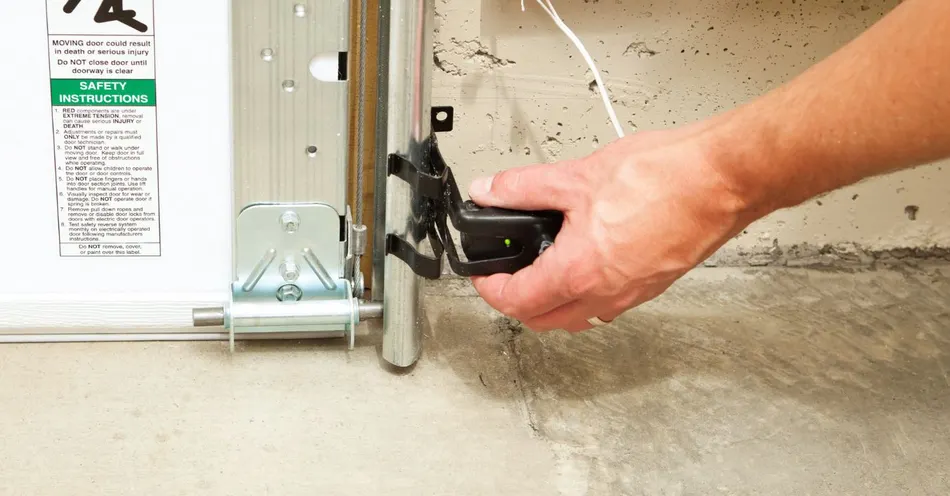
Look down at the bottom of your garage door tracks. You'll see two small, often black or grey, boxes mounted about 4-6 inches off the ground, facing each other. These are your sensors. One is the transmitter (sends the beam) and the other is the receiver (catches the beam). They typically have small wires running from them back to the main garage door opener unit.
Step 3: The Disconnect (Carefully!)
There are usually a couple of ways to disconnect them. Always work on one sensor at a time if you plan to reconnect them immediately, and take pictures!
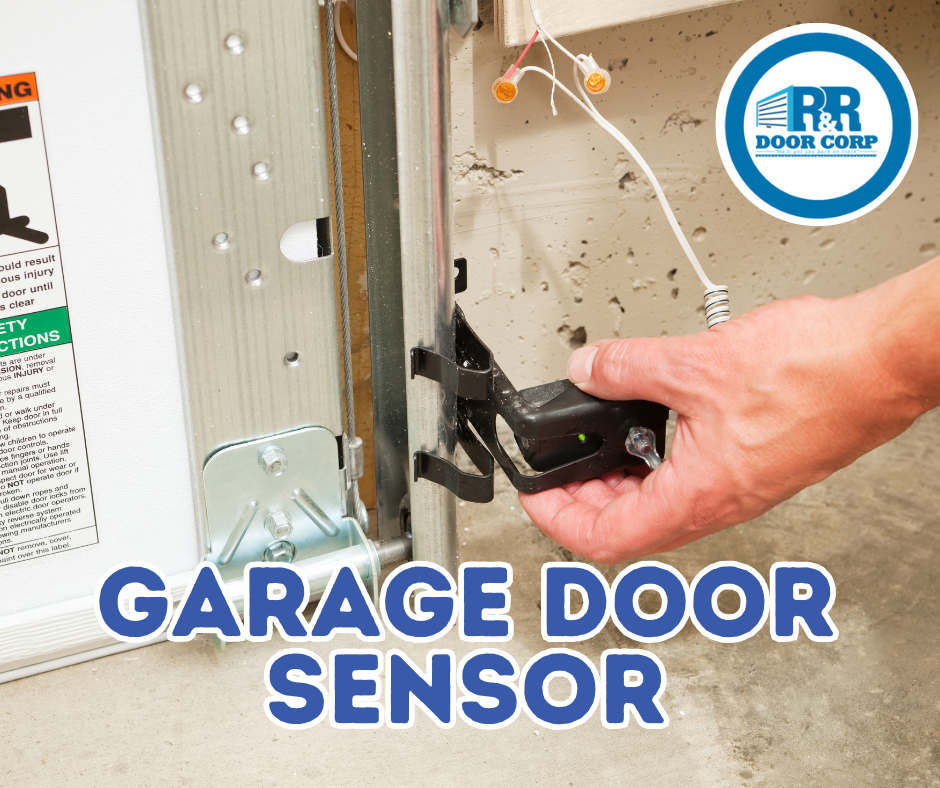
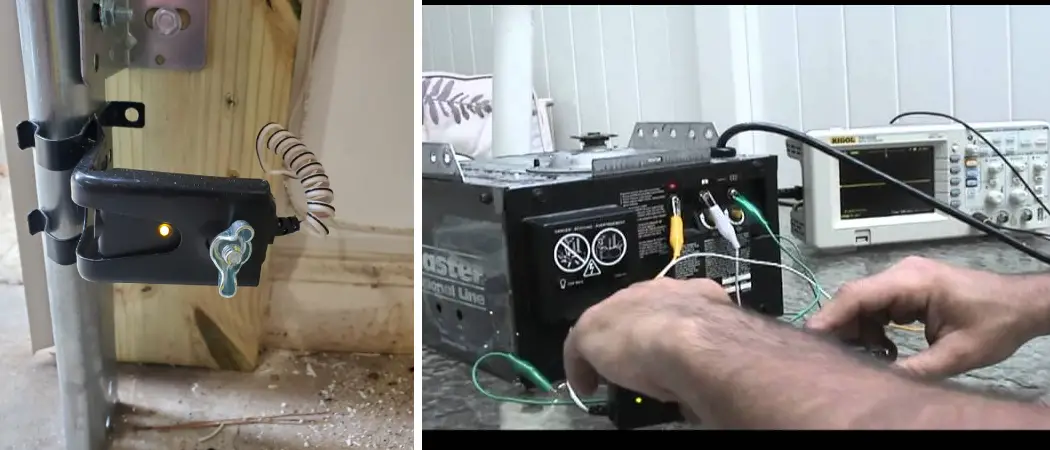
- At the Sensor Itself: Sometimes, the wires are connected to screw terminals or twist-on wire nuts directly on the sensor. You can gently unscrew or untwist these to detach the wires.
- At the Main Opener Unit: More commonly, the wires run all the way from each sensor up to the main garage door opener unit mounted on the ceiling. You'll typically find a terminal block on the back or side of the opener unit, with terminals labeled for "safety sensors" or "photo-eyes." There will be two wires from each sensor connected here. You can gently unscrew the terminals and remove the wires for both sensors.
Crucial Tip: If you're disconnecting at the main unit, take a clear photo of how the wires are connected before you remove them. This will save you a headache when it's time to reconnect!
Step 4: Temporary Bypass & Test (With Extreme Caution!)
Once the wires from both sensors are disconnected, you can plug your garage door opener back in or flip the breaker. Now, try to close the door. It should now operate without the sensors interfering. But remember: this means there's no safety net. Stand clear, keep children and pets away, and manually operate the door with extreme caution.
Reconnecting and Realignment
When you've finished your task, it's time to put everything back together. Power down the unit again (Step 1). Reconnect the wires, referring to your photo if needed. Power back up. If your door still won't close, you might need to realign the sensors. Most sensors have a small LED light that will glow steadily (often green or amber) when they are properly aligned and the beam is clear. Adjust the sensor's angle gently until that light comes on, indicating a clear connection.
The satisfaction of a smoothly functioning garage door, knowing you've tamed the tech, is a small but mighty victory!
A Little Reflection on Disconnecting...
Isn't it interesting how even a simple task like temporarily disconnecting a garage door sensor can make us reflect on our relationship with technology? We're so used to everything "just working" that when it doesn't, it can feel like a glitch in the matrix of our daily lives. But sometimes, just like giving those sensors a break, we too need to disconnect, troubleshoot, and realign ourselves.
Whether it's taking a digital detox, stepping away from social media, or simply taking a moment of quiet without notifications, understanding how to temporarily disengage can be incredibly empowering. It reminds us that we're in control, and sometimes, a little hands-on intervention is exactly what's needed to get things moving smoothly again. So go forth, tackle those sensors, and perhaps even schedule a little "you-time" to disconnect and reconnect with what truly matters.