
How To Clean Battery Corrosion In Remote Control
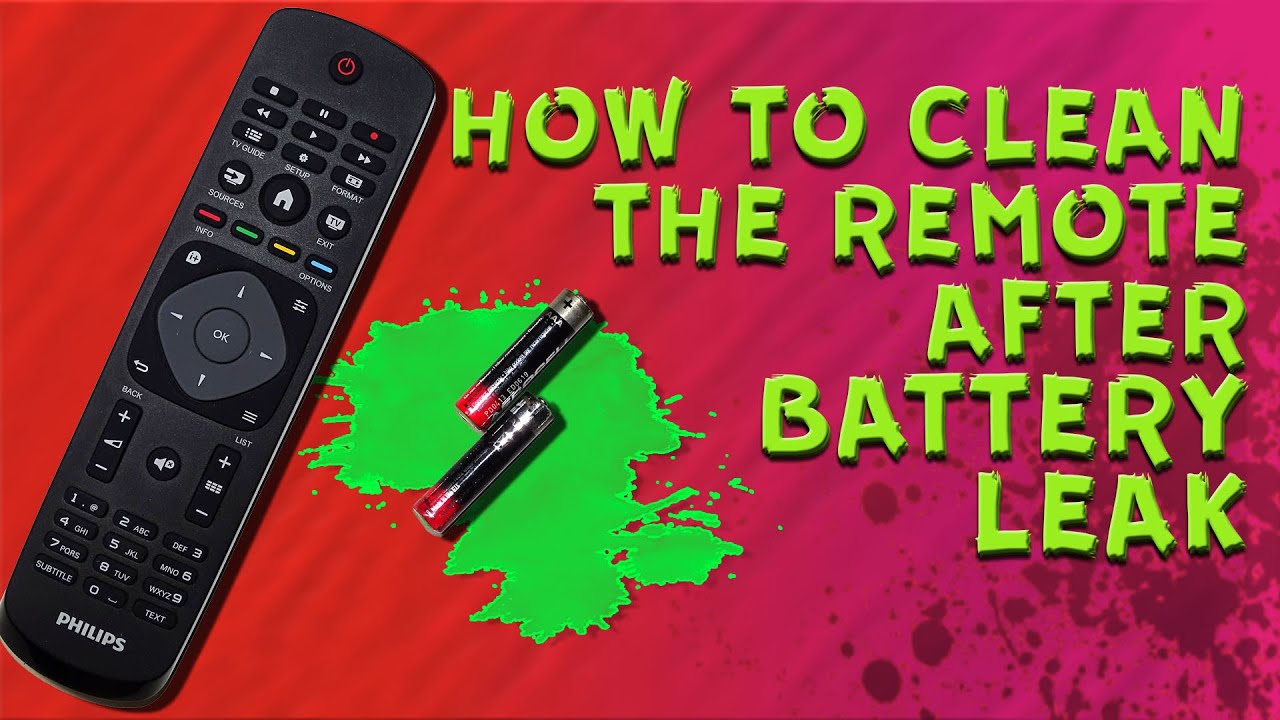
Okay, let's be honest. We've all been there. You're lounging on the couch, ready to binge-watch that new show everyone's raving about, and... nothing. The remote's dead. You flip it over, pop open the battery compartment, and... yuck! That white, crusty stuff – battery corrosion – is staring back at you. It's like the ghosts of batteries past, come back to haunt your TV time.
But don't panic! Dealing with battery corrosion in your remote control isn't some daunting scientific experiment. It's more like cleaning up a spilled glass of juice – annoying, but definitely manageable. And trust me, it's worth the effort. Think of it as giving your trusty clicker a spa day so it can keep serving you faithfully.
Why Bother? The Case for Cleaning
So, why should you even care about a little bit of battery gunk? Well, imagine trying to start your car with a corroded battery terminal. You wouldn’t, right? Same principle here! Corrosion acts like a roadblock, preventing the flow of electricity. That means no channel surfing, no volume control, and definitely no enjoying that show. Clean corrosion equals a working remote. Simple as that.
Must Read
Plus, leaving corrosion unchecked can lead to bigger problems. That gunk can spread, damaging the delicate electronics inside your remote. Think of it like a tiny, battery-powered infection slowly taking over. Not good! Ignoring it now could mean buying a whole new remote later. And nobody wants to do that, especially when a quick clean can fix the issue.
Beyond functionality, there's also a safety aspect. That corrosion is often alkaline, which can irritate your skin if you touch it. So, cleaning it up helps you avoid any unexpected skin reactions. Think of it as protecting your precious binge-watching hands.

Gather Your Supplies: The Corrosion-Busting Toolkit
Alright, time to assemble our cleaning crew! You probably already have most of these items lying around the house. Here's what you'll need:
- White Vinegar or Lemon Juice: These are your secret weapons! The mild acid helps neutralize the alkaline corrosion. Think of it as the superhero ingredient.
- Cotton Swabs: For precise cleaning in those tiny nooks and crannies.
- An Old Toothbrush: A gentle scrubber for stubborn corrosion.
- Paper Towels or a Clean Cloth: For wiping away the mess.
- Safety Glasses (Optional): Just to be extra cautious and protect your eyes from any stray debris.
- Gloves (Optional): To keep your hands clean and protected.
Important note: Always remove the batteries before you start cleaning! This is like disconnecting the power before working on any electrical device. Safety first!

The Cleaning Process: A Step-by-Step Guide
Now for the fun part – the actual cleaning! Don't worry, it's not rocket science.
- Dip a cotton swab into your vinegar or lemon juice. Don't soak it – just dampen it. Think of it like applying a little bit of moisturizer.
- Gently rub the corroded areas with the dampened cotton swab. You'll see the corrosion start to dissolve. It's like magic!
- For stubborn corrosion, use the old toothbrush. Dip the toothbrush in the vinegar or lemon juice and gently scrub the affected areas. Be careful not to apply too much pressure – you don't want to damage the metal contacts.
- Wipe away any residue with a clean cloth or paper towel. Make sure everything is dry before moving on.
- If the corrosion has spread beyond the battery compartment, carefully clean the battery contacts inside the remote itself. Use the cotton swabs to reach those tight spots.
- Let everything dry completely before reinserting the batteries. Patience is key!
Once everything is dry, pop in some fresh batteries (because let's face it, the old ones are probably toast), and test your remote! Hopefully, you'll be back to channel surfing in no time. If not, repeat the cleaning process or consider replacing the remote. Sometimes, even the best spa day can't fix everything.

Prevention is Key: Keeping Corrosion at Bay
Of course, the best way to deal with battery corrosion is to prevent it in the first place. Here are a few tips:
- Remove batteries from devices you're not using for extended periods. Think of it like packing away your winter clothes during the summer. If you're not using it, store it properly.
- Store batteries in a cool, dry place. Extreme temperatures can accelerate corrosion.
- Use good-quality batteries. Cheaper batteries are often more prone to leaking.
- Check your devices periodically for signs of corrosion. Catching it early makes it much easier to clean.
So, there you have it! Cleaning battery corrosion in your remote control is a simple task that can save you time, money, and frustration. Now go forth and conquer that corrosion, and get back to enjoying your favorite shows! You deserve it!
