
How To Change Door Code On Kwikset Lock
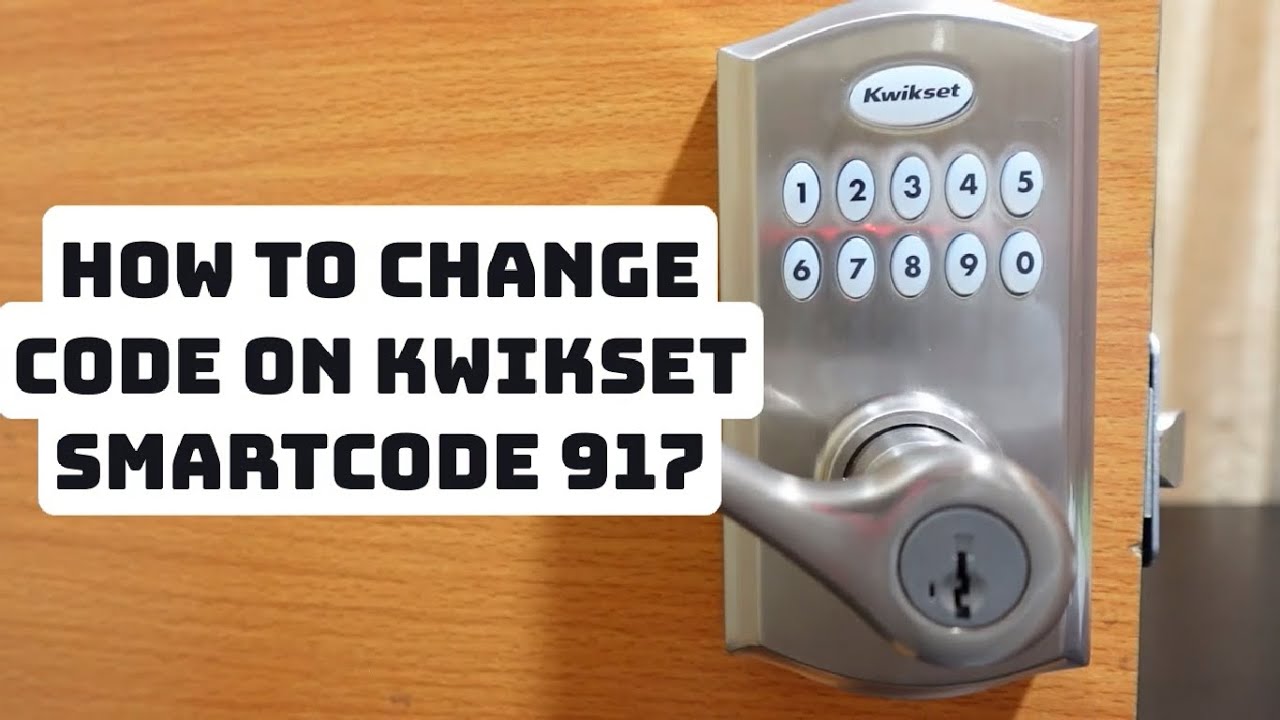
Alright, let's talk about that Kwikset lock on your front door. The one with the snazzy keypad that makes you feel like you're entering a secret lair every time you come home. It's awesome, right? But sometimes, life throws a curveball – maybe you had a memorable party and suddenly your neighbor knows your code, or your delightful ex-roommate still has access. Yikes! Or perhaps you just want to hit refresh, like giving your home security a digital spring cleaning.
Whatever your reason, changing your Kwikset door code is surprisingly easy. Seriously, if you can order takeout, you can do this. Think of it as a small, satisfying victory in the ongoing saga of adulting. We'll walk through it together, step by cheerful step, so you can reclaim your digital fortress and sleep soundly knowing your secrets (and your snacks) are safe.
Why Bother Changing Your Code? (Besides the Obvious)
Okay, the obvious reasons are things like a code falling into the wrong hands. But let's get creative! Imagine this:
Must Read
- The Post-Party Panic: You hosted an epic board game night. Everyone had a blast. But then, you realize you gave the code to that one friend who always "accidentally" shows up unannounced for leftovers. Time for a change!
- The Contractor Conundrum: You gave a handyman a temporary code. Work's done, and you don't want them popping back in to admire their handiwork.
- The Pet-Sitter Shuffle: Your amazing pet sitter had access while you were on vacation. You're back, and while you trust them, rotating that digital key is just good practice.
- A Fresh Start: Moving in? The previous owners probably had a code. Don't let them have a ghostly key to your new abode. Change it on day one!
See? It's not just about security; it's about peace of mind and maintaining a healthy boundary between your home and the outside world. It’s like changing your Wi-Fi password after a big family gathering – just makes sense!
Step 1: Gather Your Wits (and Your New Code)
Before we dive into button-pushing magic, let's do a tiny bit of prep. First, decide on your new code. Make it something memorable to you, but not obvious to others. Avoid birthdays, "1234", or "0000". Maybe a specific sequence on your phone keypad, or a memorable date that isn't publicly known.

Next, grab your Kwikset lock. Be on the inside of your door for this. And hey, check the batteries! A low battery is the arch-nemesis of smooth code changes. If keypad lights are dim, pop in fresh AAs – like an energy drink for your lock.
Step 2: Find the Magical "Program" Button
This is where the real fun begins! On the interior side of your Kwikset lock, you'll find a small button. Depending on your model, it might be right above the battery pack, or along the edge of the mechanism. It's usually labeled "Program" or has a little "P" symbol. Sometimes it's a tiny button you need a pen tip to press, sometimes it's a larger, more friendly button.
This button is your lock's secret handshake. It tells the lock, "Listen up! New instructions!" Think of it as the 'ctrl+alt+delete' for your door code – a little reboot for security.

Step 3: Adding Your Brand-New, Super-Secret Code
Okay, deep breaths! You've got this. Here’s the sequence:
- Press the "Program" button once. You'll likely hear a beep, and the keypad lights on the exterior will flash or glow. This means it's ready for input.
- On the exterior keypad, enter your new user code. This should be 4 to 8 digits long. For example, if your new code is "4567", type "4-5-6-7".
- Press the "Lock" button. This is usually the large Kwikset button on the keypad, or sometimes a dedicated "Lock" symbol. This step saves your new code. You should hear a confirmation beep or series of beeps, letting you know it worked its magic.
Congratulations! You’ve just taught your lock a new trick. It's like teaching an old dog a new password, but for your home's security.
Step 4: Don't Forget to Delete the Old! (The "Change" Part)
Adding a new code is great, but to truly "change" it, you usually want to make sure the old one is gone. This is super important if you're trying to boot out that lingering ex-roommate code!

To delete an existing user code:
- Press the "Program" button once. Again, the lock beeps, and the keypad lights up.
- On the exterior keypad, enter the old user code you want to delete. Be careful here – make sure it's the one you want to erase forever!
- Press the "Program" button again. This acts as a confirmation for deletion. You'll hear a different set of beeps, or maybe a long beep, indicating success. Poof! That old code is gone, like a forgotten bad password on an old email account.
If you have multiple old codes to delete, simply repeat steps 1-3 for each one. Think of it as spring cleaning your digital access points!
Step 5: The Grand Test!
You did it! But don't just walk away. The most crucial step is to test your new code. Close your door (but don't fully lock yourself out – maybe leave a regular key nearby, just in case, for peace of mind!).
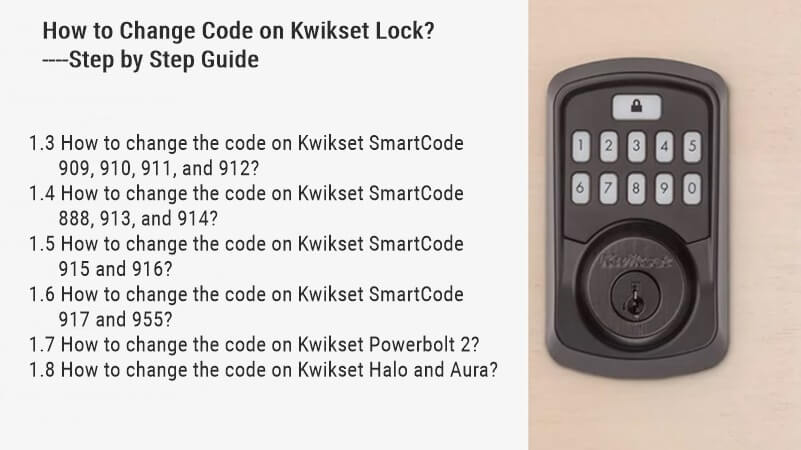
On the exterior keypad, enter your new code. The door should unlock with a satisfying whir. Then, try entering the old code. It should now do absolutely nothing, or give you an error, confirming it's been successfully banished to the digital ether.
If it doesn't work, don't panic! We're all human. Gently repeat the steps. Sometimes a button wasn't pressed firmly, or the timing was off. You'll get it!
A Few Friendly Troubleshooting Tips:
- Check your model: While these steps are common, some Kwikset models might have slight variations. A quick peek at your lock's manual (or a Google search for your specific model, e.g., "Kwikset 910 code change") can provide exact details.
- Batteries, Batteries! Seriously, they're often the culprit. Fresh batteries solve a surprising number of lock issues.
- The Lock Button vs. Kwikset Button: On some models, the large Kwikset logo button acts as the "Lock" button. On others, there's a separate "Lock" symbol. Just be aware of which one confirms the action for your specific lock.
And there you have it! You've successfully changed your Kwikset door code. You're not just securing your home; you're taking charge of your tech, one clever button press at a time. Now go forth and enjoy that renewed sense of security, knowing that your personal space is truly yours – no unauthorized snack raids allowed!