
How To Boost Wireless Internet Signal

Alright, gather 'round, folks! Pull up a comfy chair, grab your imaginary latte, because we need to talk about something crucial, something that often makes us want to gently caress our router with a baseball bat: slow Wi-Fi. We've all been there, hovering in that one magical spot in the house, desperately trying to get YouTube to buffer, or worse, losing that crucial boss battle because your connection decided to take a nap. It's infuriating, isn't it? But fear not, my digitally-challenged comrades, because today, we're going to turn you into Wi-Fi whisperers. We're going to boost that signal!
The Great Router Relocation Project
First things first, let's talk real estate. Your router, bless its blinking little heart, is likely shoved in a corner, behind a bookshelf, or tucked away in a cupboard like a forgotten sock. Stop it! Your router isn't shy; it needs to be front and center, baby! Think of it as the DJ at the party; it needs to be where everyone can hear the tunes.
Ideally, it should be in the center of your home, elevated, and away from walls – especially those thick, brick ones that act like Wi-Fi signal black holes. And here's a fun fact that might surprise you: fish tanks are signal killers! Yes, that lovely aquarium full of serene guppies is literally sucking up your precious Wi-Fi. Who knew Nemo was so selfish?
Must Read
Antenna Acupuncture: Point 'Em Right!
Those little stick-like things poking out of your router? Those are antennas, and they're not just for show! Many routers have two or more. If you have multiple antennas, try positioning one vertically and one horizontally. Why? Because some devices receive vertical signals better, and others prefer horizontal. It's like giving your Wi-Fi two different ways to shout at your devices! Experiment a little; it's not rocket science, just polite gesturing.
Firmware: The Router's Brain Upgrade
This sounds techy, but it's super important. Your router has software, just like your phone or computer, and it gets updates – called firmware. Keeping this updated is like giving your router a turbo boost and a security shield all in one go. Manufacturers often release updates that improve performance and patch vulnerabilities. Check your router's manual or the manufacturer's website for instructions. It’s usually a few clicks and a reboot, and voilà, a smarter router!
Channel Surfing: Find a Less Crowded Highway
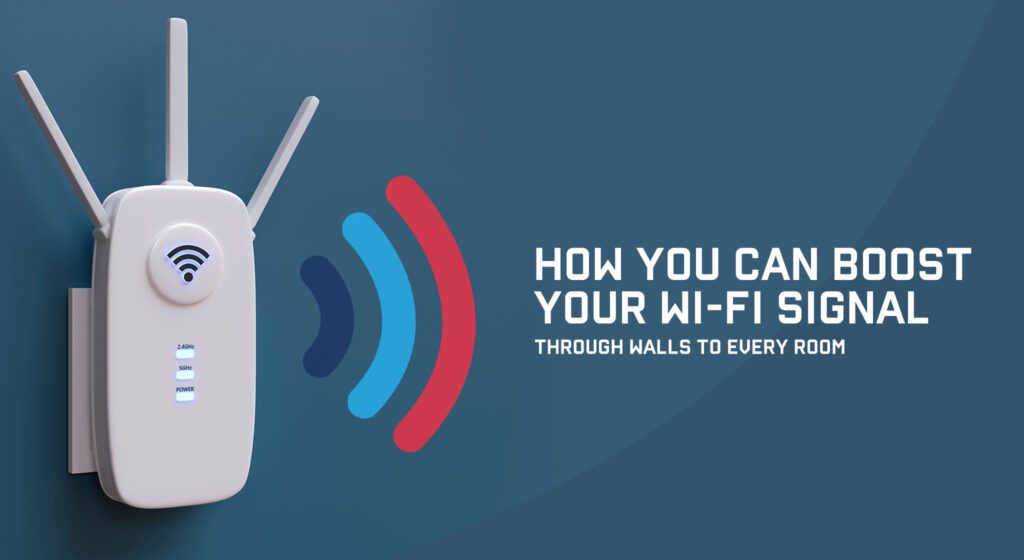
Imagine your Wi-Fi signal is a car, and the channels are lanes on a highway. If everyone's trying to use the same lane, things get slow and congested. Your neighbors' Wi-Fi, your microwave (yes, seriously!), cordless phones, and even baby monitors can all hog the same 2.4GHz lanes. This causes interference.
Most routers offer 2.4GHz and 5GHz bands. The 5GHz band is like the express lane – faster and less crowded, but it doesn't travel as far or penetrate walls as well. For devices closer to the router, use 5GHz. For those further away, stick to 2.4GHz. You can also use free Wi-Fi analyzer apps (available for smartphones) to see which channels are least used in your area and manually switch your router to one of those. It’s like being a digital traffic cop!
The Heavy Artillery: Extenders, Mesh, and Powerline
If relocating and channel surfing aren't quite cutting it, it's time to bring out the big guns.
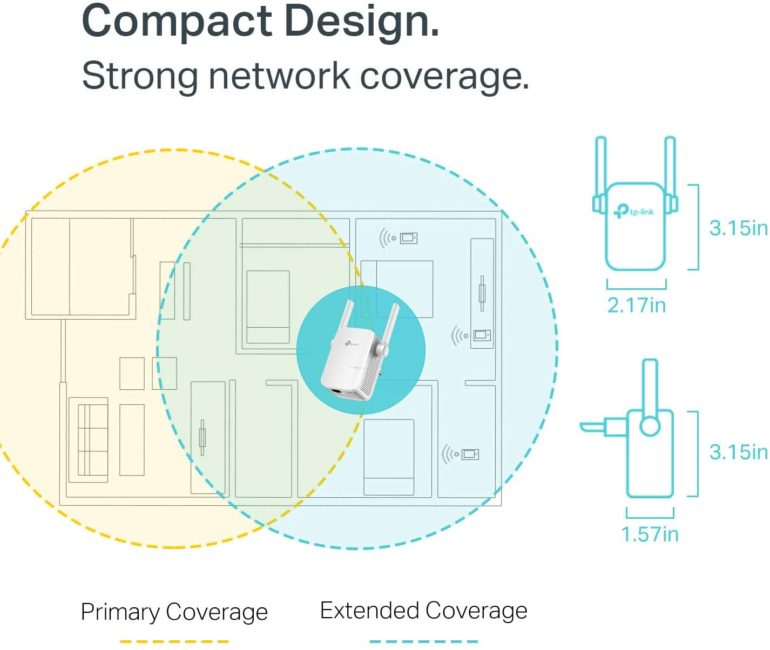
Wi-Fi Extenders: The Echo Chamber
These little gadgets pick up your existing Wi-Fi signal and rebroadcast it. They're great for filling in dead zones, but they often halve your speed because they're doing double duty. Think of them as repeating gossip; it gets the message across, but sometimes a bit garbled.
Mesh Wi-Fi Systems: The Unified Field Theory of Internet
These are the new darlings of home networking. Instead of one router trying to cover everything, a mesh system uses multiple "nodes" that work together to create a single, powerful, seamless Wi-Fi network throughout your entire home. It's like having multiple DJs, all playing the same awesome track. No more dead zones, just pure, unadulterated internet bliss!
Powerline Adapters: The Secret Tunnel
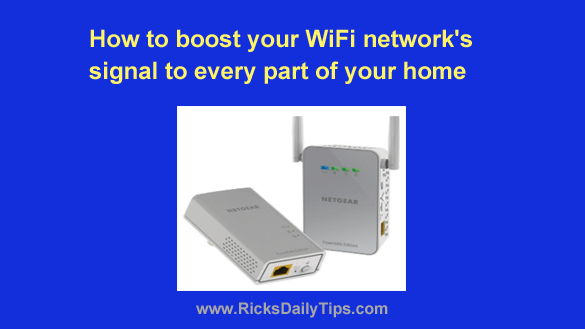
These ingenious devices use your home's existing electrical wiring to transmit network data. You plug one adapter into a wall socket near your router and connect it with an Ethernet cable, and another adapter into a socket in a different room. Voilà! Instant wired internet where you need it, no new cables required. It's like building a secret tunnel for your data!
Password Protection: Stop the Freeloaders!
Seriously, make sure your Wi-Fi network is secure. Not only does it keep your data safe, but it also prevents your next-door neighbor (and their 17 devices) from hogging your bandwidth. Use WPA2 or WPA3 encryption, and for goodness sake, change that default password! "Admin123" is not a fortress, it's a welcome mat.
The Old Faithful: Reboot It!
When all else fails, or even before it fails, just give your router a good old power cycle. Unplug it for about 30 seconds, then plug it back in. It's the universal fix for almost any tech woe, and it's like a mini-vacation for your router's brain, clearing out any accumulated digital cobwebs. You'd be surprised how often this simple trick works wonders.
So there you have it! Boosting your Wi-Fi doesn't have to be a dark art. With a little knowledge, some playful experimentation, and maybe a mental image of your router as a tiny, beleaguered DJ, you can transform your internet experience from a buffering nightmare into a streaming dream. Now go forth and conquer those dead zones!