How To Add Poshmark Link To Instagram Bio
Want to turn your Instagram profile into a mini-marketplace? Adding your Poshmark link to your Instagram bio is a super simple way to boost your sales and connect with potential buyers. It's like putting a "Shop Now!" sign right on your virtual storefront, and who wouldn't want that?
Why is this so useful? Well, for beginners just starting out on Poshmark, it's a fantastic way to get your closet seen. You might have amazing items, but if no one knows where to find them, they won't sell! Sharing your link in your bio eliminates that hurdle. For families clearing out closets to make room (and a little extra cash!), it's a streamlined way to manage your online selling all in one place. Point your friends and family to your Instagram, and from there, directly to your Poshmark closet. Hobbyists who enjoy curating vintage finds or creating their own clothing lines will also see the value. Instagram showcases the style, and Poshmark handles the transaction. It's a perfect combo!
Okay, so how do you actually do it? It's ridiculously easy. Follow these steps:
Must Read
- Open the Instagram app on your phone.
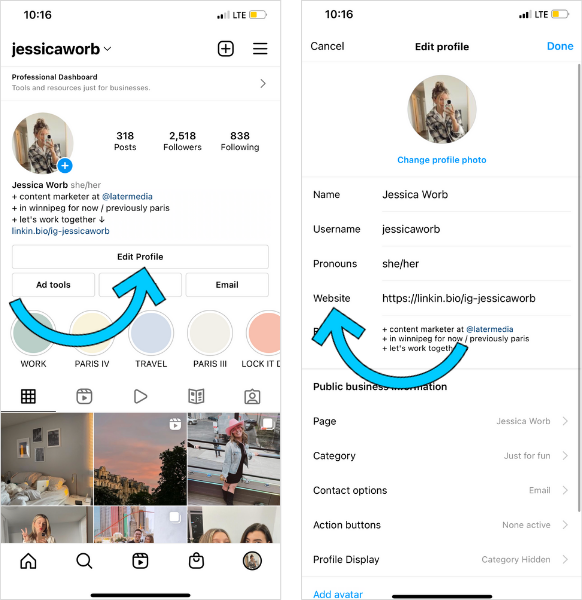
- Go to your profile page by tapping your profile picture in the bottom right corner.
- Tap "Edit Profile."
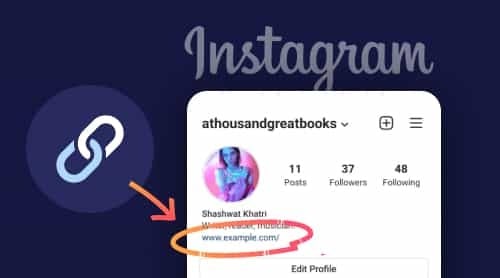
- You'll see a field labeled "Website." This is where the magic happens.
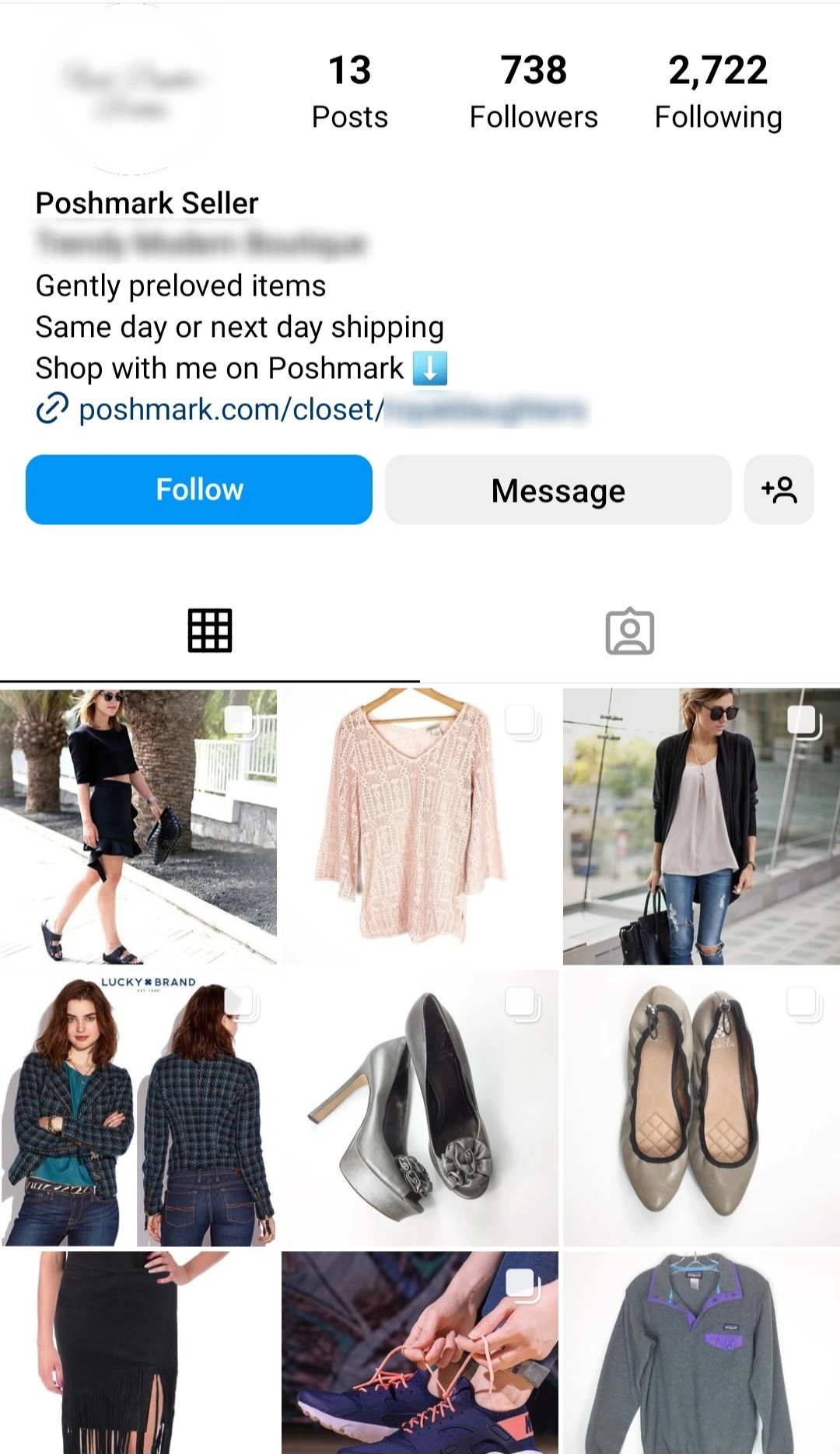
- Go to your Poshmark closet and copy the URL. It usually looks something like this: poshmark.com/closet/yourusername.
- Paste that link into the "Website" field on your Instagram profile.
- Tap "Done" (iOS) or the checkmark (Android) to save your changes.
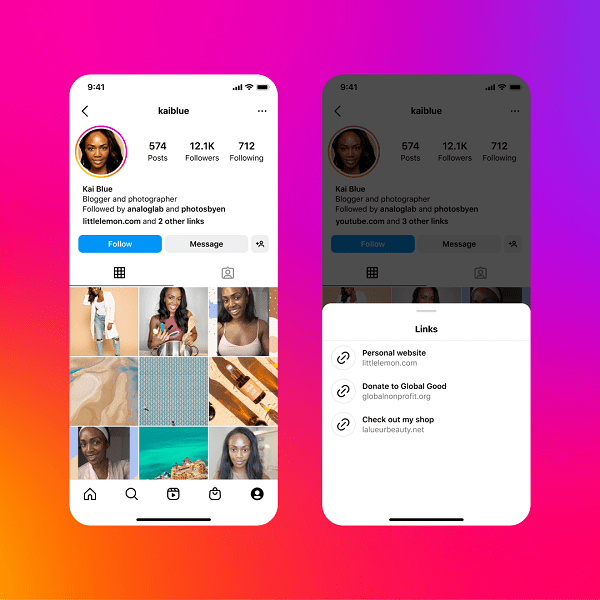
Variations: While simply posting your Poshmark closet link is great, you could also create a Linktree or similar service (like Shorby or Campsite) to house multiple links. This is useful if you have other selling platforms or want to link to specific items or collections in your Poshmark closet. For instance, if you're featuring a specific item in an Instagram post, you could say, "Link in bio!" and your Linktree could have a direct link to that item on Poshmark. You could also use a link shortening service like Bitly to make the link look cleaner and track how many people click on it.

Practical Tips for getting started:
- Double-check your link! Make sure it works. It's no good if people click and get an error page.
- Mention your Poshmark link in your Instagram captions. Remind people that your items are for sale! Use phrases like "Shop my closet" or "Available on Poshmark."
- Include a call to action in your bio. Don't just leave the link hanging there. Tell people what to do with it! Try something like, "Shop my curated vintage collection" or "Decluttering my closet - shop now!"
- Use relevant hashtags in your Instagram posts to attract Poshmark buyers. Hashtags like #poshmark, #poshmarkseller, #shopmycloset, and #styleforsale can help increase visibility.
Adding your Poshmark link to your Instagram bio is a small change that can make a big difference. It’s a fun and easy way to connect with potential buyers, boost your sales, and turn your Instagram profile into a selling powerhouse. So go ahead, give it a try, and watch your Poshmark closet flourish!