How Many Volts To Charge A Laptop

Hey there, techie friend! Ever wondered about the voltage voodoo behind keeping your trusty laptop juiced up? Don't worry, it's not as intimidating as it sounds (unless you're afraid of wall sockets, then maybe a little intimidating...). Let's break down how many volts you need to charge that digital workhorse, shall we?
It's All About the Adapter, Baby!
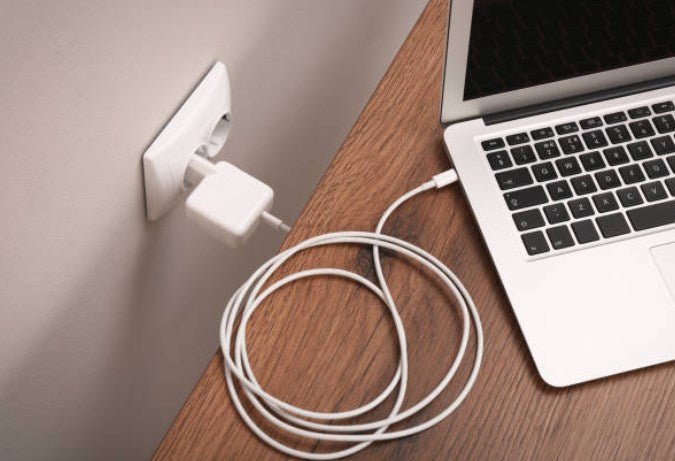
First things first: you probably don't need to worry about the voltage coming straight out of your wall. Why? Because that snazzy power adapter (the brick on your charging cable) is the real MVP here. Think of it as a voltage translator. Your wall is screaming in one voltage, and the adapter calmly whispers a different, laptop-friendly voltage.
Most wall sockets in North America supply 110-120 volts AC (alternating current), while Europe and other regions often use 220-240 volts AC. Your laptop can't handle that directly! It'd be like trying to feed a hummingbird a steak – messy and disastrous.
Must Read
The adapter steps down the voltage to something your laptop can actually use. This is usually somewhere in the range of 15 to 20 volts DC (direct current). See? Much less scary already!
Finding the Magic Number on Your Adapter
So, how do you know the exact voltage your laptop craves? Simple! Look closely at that power adapter. Squint a little if you have to (or grab your reading glasses; we're not judging!). You should find a section labeled "Output." It will look something like this:
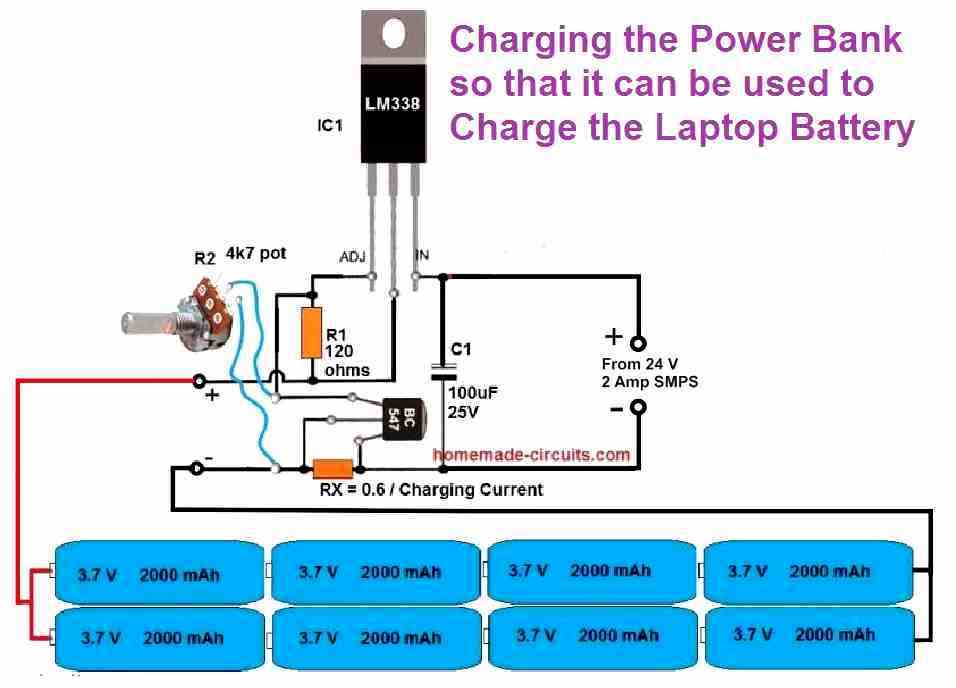
Output: 19.5V ⎓ 3.33A
See that "V" followed by a number? That's your voltage! In this example, the laptop needs 19.5 volts. The "A" stands for Amps, which is related to the amount of current, but for our purposes, focusing on the voltage is key. Voltage is the pressure pushing the electricity, while Amps is the flow rate. Think of a water hose; voltage is how hard the water is coming out, and amps is how much water is flowing.

Important! Always use the adapter specifically designed for your laptop. Mismatched voltages can lead to problems, ranging from your laptop not charging properly to, in extreme cases, damaging the battery or even the laptop itself. (Nobody wants a laptop firework show, right?).
What If I Lost My Adapter? (Oh No!)
Okay, deep breaths. Losing your adapter happens. It's like losing your favorite sock in the dryer – a minor tragedy of modern life. If you need to replace it, don't just grab the first adapter you see. Check your laptop's manual (if you still have it!), the manufacturer's website, or even the laptop itself (sometimes the voltage is printed near the charging port).

Make sure the replacement adapter has the same voltage and at least the same or higher amperage (A) as your original adapter. A slightly higher amperage is okay because the laptop will only draw what it needs. A lower amperage, however, might not be enough to properly charge your laptop, especially while you're using it.
Universal Adapters: A Risky Game?
You might be tempted by those universal laptop adapters with a bunch of different voltage settings. While they can be convenient in a pinch, be extremely careful when using them. Make sure you precisely match the voltage to your laptop's requirements before plugging anything in. One wrong setting and… well, let's just say it won't be a happy ending for your device. Think of it like surgery, precision is the key to avoid irreversible damage.
In a Nutshell (Because Who Wants a Whole Walnut?)
- Your wall socket's voltage doesn't matter as much as the adapter's output voltage.
- Find the "Output" voltage on your adapter – that's the magic number!
- Always use the correct adapter for your laptop.
- If replacing your adapter, match the voltage and ensure equal or higher amperage.
- Be super careful with universal adapters!
So there you have it! Charging your laptop isn't some mysterious electrical engineering feat after all. With a little attention to detail, you can keep your digital companion powered up and ready to go. Now go forth and conquer the digital world... with a fully charged battery, of course! Remember, a happy laptop is a productive laptop, and a productive laptop makes for a happy you! And hey, if all else fails, blame the gremlins. They always get blamed for things, don't they?