How Do You Know If Security Cameras Are On
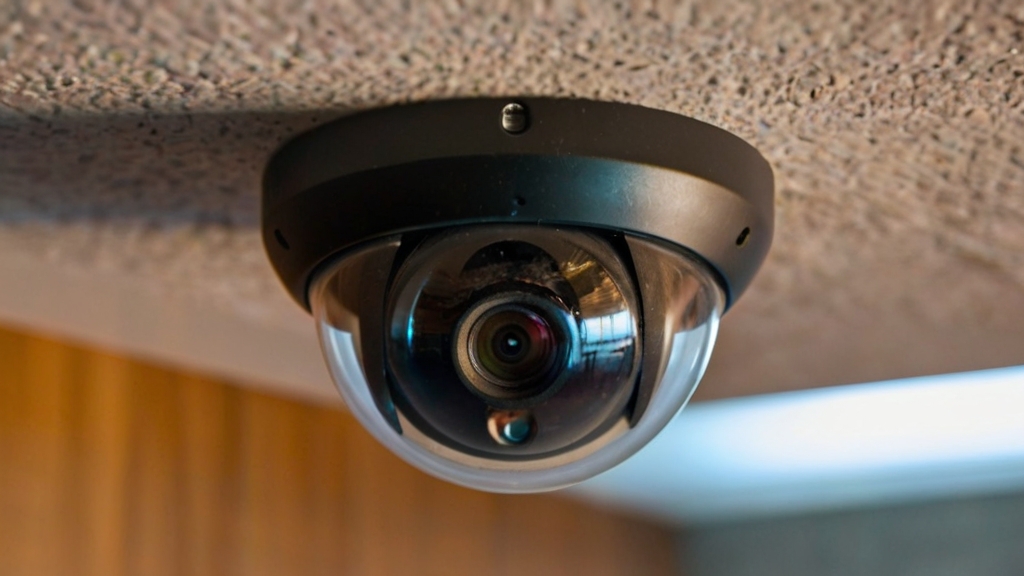
Ever noticed that little glass eye staring back, wondering if it's on? It's a common, fun curiosity. Understanding how security cameras work, even a little, brings awareness in our connected world. Think of yourself as a low-key detective, peeking at hidden tech signals.
Knowing if a camera is active isn't just fleeting curiosity. It's about personal privacy, understanding public spaces, and ensuring your home security devices function. For instance, confirming your smart doorbell or baby monitor is recording provides peace of mind. In public, it's less about avoiding surveillance, more about being informed and mindful of surroundings. It helps us feel grounded, less mystified by omnipresent digital eyes.
This curiosity isn't just for tech gurus; it's a daily life skill and fun learning exercise. Check your home setup: Is that pet camera watching your furry friend? Are outdoor cameras actively deterring mischief? In broader settings, understanding camera indicators can introduce digital literacy and awareness, teaching critical evaluation of technology. Be an informed participant, not just a passive observer.
Must Read
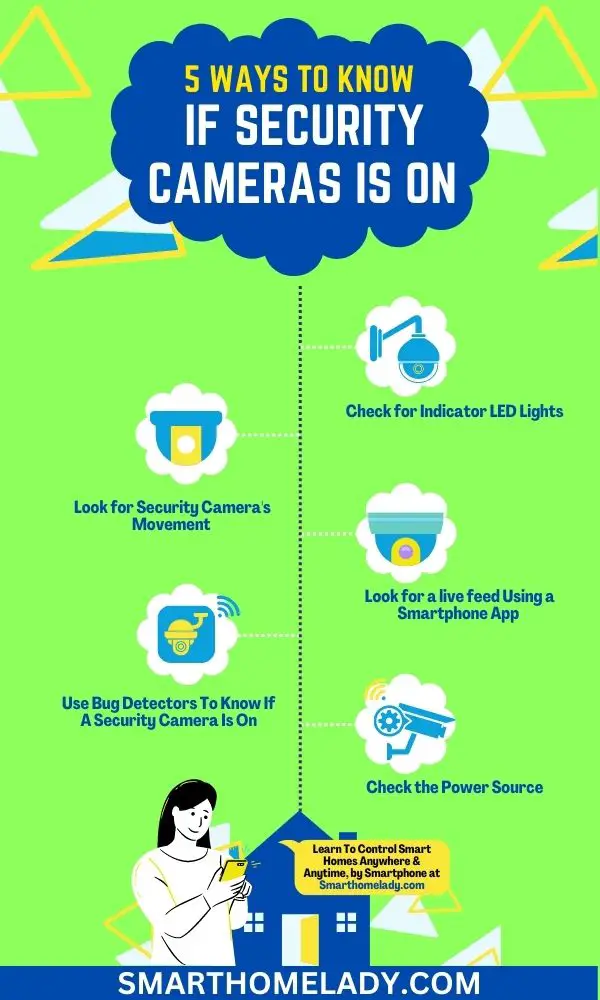
So, how do you actually tell if that little lens is paying attention? Here are some simple, practical tips to explore:
- Look for LED lights: Many cameras, especially consumer models, feature small LED lights (often red, green, or blue) indicating status, like power or recording. Remember, these lights can sometimes be disabled.
- Listen closely: Older or less sophisticated cameras might emit a very faint hum or subtle clicking, particularly with mechanical parts for panning or zooming. This is rare with modern digital cameras, but worth a listen in quiet environments.
- The phone camera trick for Infrared (IR): Often the most revealing method. Many cameras use infrared (IR) light for night vision, invisible to the naked eye. Your smartphone camera, however, can detect it! In darkness, point your phone camera (front-facing often works best) at the camera. If you see faint, pulsing purple or white dots on your screen, you've spotted active IR illuminators!
- Check accompanying apps: If it's your camera system, the simplest way is to check its dedicated app. Most apps provide clear status indicators: online, recording, or motion detection.
Exploring these subtle clues can turn a simple observation into discovery, making you more attuned to hidden technology's quiet workings. Happy detective work!