
How Do You Charge The Nest Thermostat

Okay, so picture this: it's the dead of winter, like, properly frosty outside. You wake up, groggily stumble towards the kitchen for that life-giving coffee, and suddenly, you feel it. A chill. A distinct, creeping cold that makes you pull your bathrobe tighter. You glance at your smart thermostat, your trusty Nest, perched on the wall like a digital sentinel… and it’s blank. Nothing. Nada. Just a sad, dark circle where a cheerful temperature once shone.
Panic sets in, right? Is it broken? Did I accidentally pay the heating bill with monopoly money again? Then, a more fundamental, almost philosophical question dawns on you: "Wait a minute... how does this thing even get power?" You plug in your phone, your laptop, your electric toothbrush for goodness sake, but the Nest? It just... exists. Until it doesn't.
And that, my friends, is exactly the rabbit hole I tumbled down. Because while we love our smart home gadgets for their brains, we often forget about their basic needs – like, you know, electricity. So, let’s peel back the curtain and talk about how your fancy Nest Thermostat charges up and stays alive. Prepare for some mild revelations!
Must Read
The Invisible Lifeline: The C-Wire
Most of the time, your Nest isn't "charging" in the way you think of charging your phone. Its primary power source, its lifeblood, comes directly from your home's HVAC system via something called a C-wire (or "common wire"). This little wire provides a continuous 24-volt AC current, keeping your Nest perpetually powered up and happy. Think of it as a tiny, invisible umbilical cord.
If you look at the wiring behind your Nest (don’t worry, you don’t have to pull it off the wall right now, just imagine it!), you’ll likely see a "C" terminal with a wire connected. That’s the good stuff! This C-wire allows your Nest to run all its smart features – Wi-Fi, sensors, display – without breaking a sweat. It’s the ideal setup.
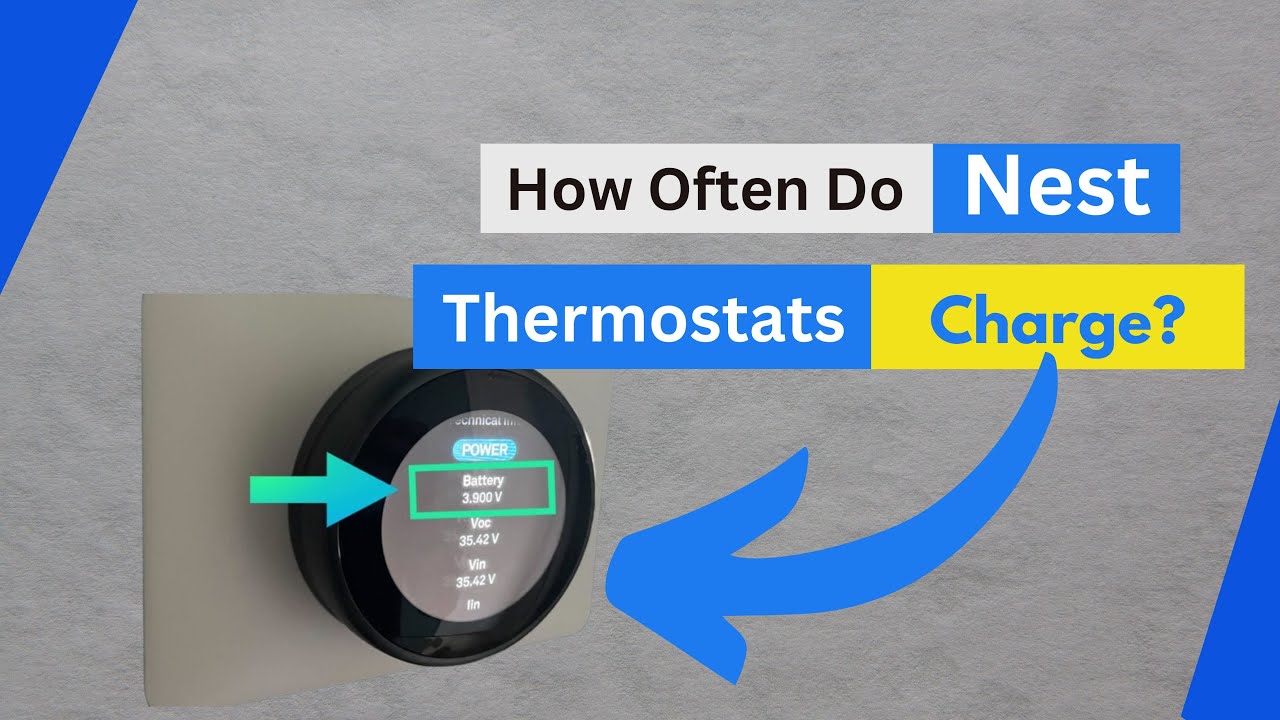
The "Power Stealing" Shenanigans
Now, here’s where it gets a bit cheeky. What if you don't have a C-wire? A lot of older homes don't. Nest was designed to be pretty clever about this. In a pinch, it can actually "power steal" a tiny bit of electricity by drawing small amounts of current through the heating and cooling wires (the R, W, and Y wires).
This isn't ideal, mind you. While it often works, it’s a bit like siphoning gas from your neighbor’s tank – it might cause issues for your HVAC system down the line, leading to flickering lights, buzzing sounds, or even premature wear on your furnace. It’s a workaround, not a permanent solution, and sometimes, it just isn't enough.
Behold! The Internal Battery!
"But wait," you might say, "if it's always connected, why did mine die?" Ah, my curious friend, because your Nest also has a small, rechargeable lithium-ion battery inside! This isn't for primary power, though. It's more like a UPS (Uninterruptible Power Supply) for your thermostat.
This internal battery serves a few critical purposes:
- It helps the Nest smooth out any power fluctuations from the C-wire or power stealing.
- It keeps the Nest running during short power outages or when your HVAC system cycles off.
- It provides a consistent power source for energy-intensive tasks like updating software or connecting to Wi-Fi.
When the Battery Truly Gives Up the Ghost
So, what happened in our frosty morning scenario? Chances are, if your Nest went completely blank, its internal battery finally gave up. This usually happens if:
- You don't have a C-wire, and the power stealing isn't providing enough juice.
- There's an issue with your C-wire connection.
- Your HVAC system isn't supplying consistent power.

The Moment You Can "Charge" Your Nest (Like a Phone!)
And here’s the fun part, the answer to the original question! When your Nest is truly dead, and you need to revive it quickly, you can indeed charge it manually. On the back of the Nest display unit (the part you twist and click, which separates from the base plate on the wall), you'll find a micro-USB port.
Grab a standard micro-USB cable (the kind that used to charge older Android phones or many peripherals) and plug it into the Nest. Then, connect the other end to a wall adapter (like your phone charger's brick – NOT a computer USB port, which might not provide enough power). Give it about 30 minutes to an hour, and you should see the Nest screen spring back to life.
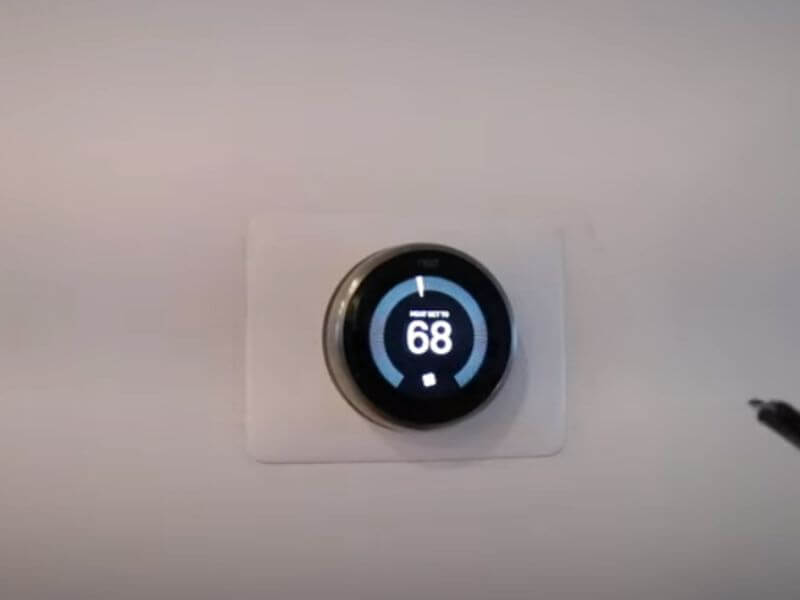
This USB charging is a temporary fix to get it going again. Once it has some life, pop it back onto its base plate. If it drains again quickly, then you know you have a deeper power issue (C-wire, HVAC, etc.) that needs investigating. It's a diagnostic tool as much as a charging method!
Signs Your Nest Is Getting Thirsty for Power
Before it goes completely dark, your Nest might give you some hints. Keep an eye out for:
- Frequent Wi-Fi disconnections (it needs power for the radio!).
- Slow responsiveness or a laggy interface.
- The screen randomly going blank and then coming back on.
- "Low battery" warnings in the Nest app.
So, there you have it! Your Nest isn't running on magic. It’s powered by a clever combination of direct wiring and an internal battery, with a handy (if temporary) USB charging option for emergencies. Understanding how it works can save you a chilly morning and a whole lot of head-scratching. Now, go forth and ensure your smart thermostat is always well-fed!