
How Can I See All Of My Subscriptions

Okay, let's face it. We've all been there. You're scrolling through your bank statement and BAM! A mysterious charge appears. "$12.99 for... CrunchyCatVideos.com?" You think, "Crunchy Cat Videos? Did I even WANT Crunchy Cat Videos? And more importantly, HOW did I even sign up for that?!"
The truth is, in this day and age of streaming services, meal kits, and workout apps, it's ridiculously easy to accidentally accumulate subscriptions like they're digital dust bunnies. But fear not! Unearthing these sneaky recurring charges doesn't require a PhD in finance or a private investigator. We're going on a subscription safari, and I'm your enthusiastic (slightly over-caffeinated) guide!
First Stop: The Obvious Suspects - Your Email Inboxes
Yes, I know, wading through your inbox can feel like slogging through digital quicksand. But trust me, it's the most straightforward place to start. Think of it as your subscription treasure map!
Must Read
Here's the plan: Use those handy dandy search bars! Try keywords like "subscription," "renewal," "payment," "thank you for your order," or even the names of specific services you think you might be subscribed to. For instance, type in "Netflix," "Spotify," "Hulu," "Adobe" or maybe even that weird "GourmetAntsMonthly" box you drunkenly signed up for last year (don't worry, we won't judge... much).
Look for confirmation emails, welcome emails, or anything that mentions recurring payments. These emails often contain links to manage your subscription, which usually allows you to cancel or at least see your payment details.
Pro Tip: Don't just check your primary inbox. Raid your spam, promotions, and even those ancient email addresses you haven't touched since dial-up! You never know where those subscription confirmations are hiding.
Next Up: The Credit Card Caper - Bank & Credit Card Statements
Alright, email excavation complete? Time to put on your detective hat and scrutinize those bank and credit card statements. This is where the real magic (or horror) happens!
Go through each statement, line by line, and identify any recurring charges you don't recognize. Look for patterns – things that come out on the same day each month. "Streaming Paradise, Inc." might not ring a bell, but a quick Google search will likely reveal it's the obscure 80s workout video service you forgot you signed up for after that New Year's resolution lasted a week.
Many banks and credit card companies now offer online portals and apps with features specifically designed to track your spending and identify recurring payments. Use them! They're like having a subscription-sniffing dog at your financial fingertips.
The App Store Arsenal - Subscription Management on Your Devices
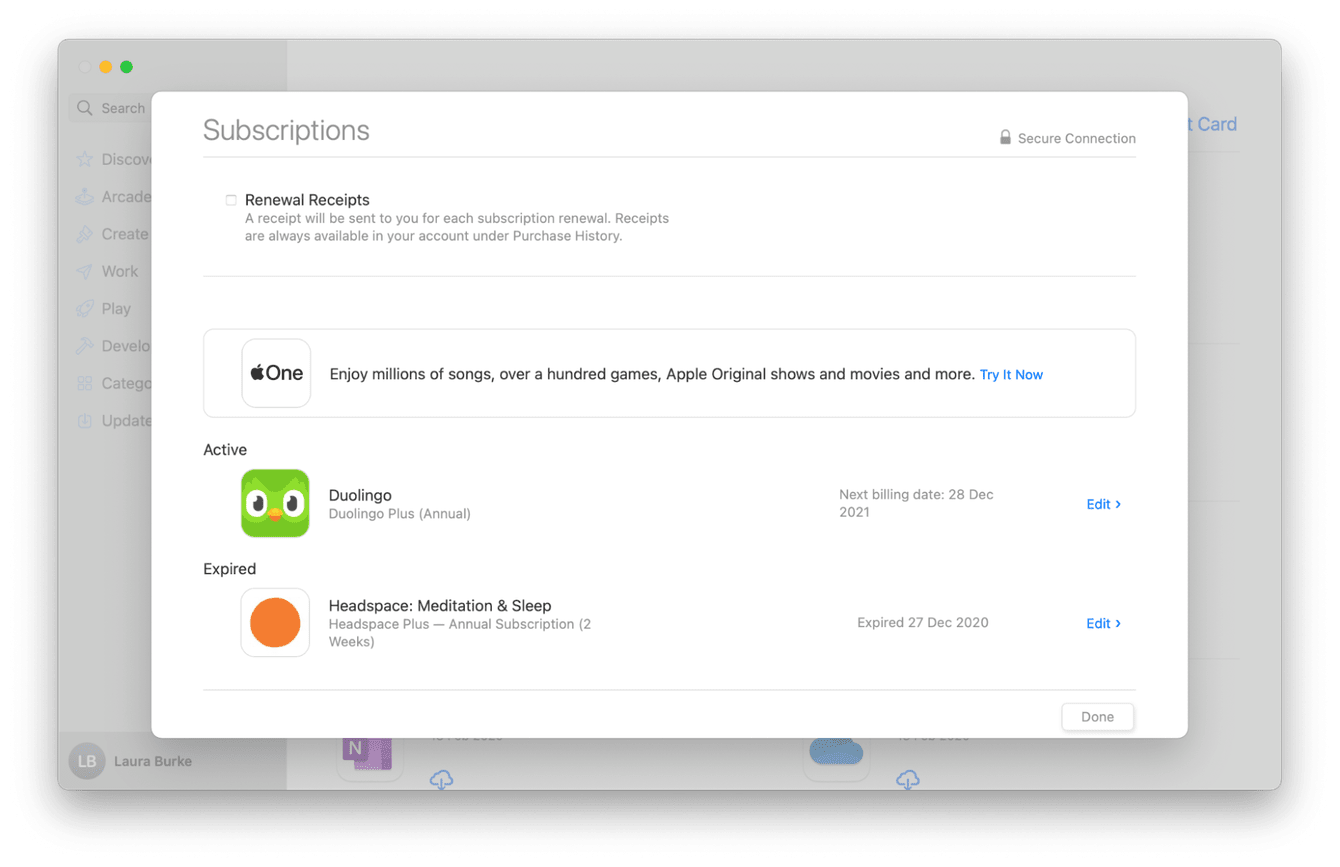
Did you know your phone and tablet are secret subscription ninjas? Yep! Both Apple's App Store and Google Play Store have built-in subscription management tools.
For the Apple Aficionados:
Go to Settings > [Your Name] > Subscriptions. Boom! A list of all your active and expired subscriptions purchased through the App Store. You can manage, change, or cancel them directly from here.
For the Android Aces:
Open the Google Play Store app, tap your profile icon, then tap "Payments & subscriptions" and then "Subscriptions." Easy peasy! You'll see all your Google Play subscriptions listed, ready for your inspection.
Important Note: This only shows subscriptions purchased through the app stores themselves. It won't reveal subscriptions you signed up for directly on a website. Sneaky!
Calling in the Cavalry - Subscription Management Apps & Services
Feeling overwhelmed? Don't fret! If you're still pulling your hair out trying to track everything down, there are apps and services specifically designed to manage your subscriptions for you. Think of them as your subscription butlers!
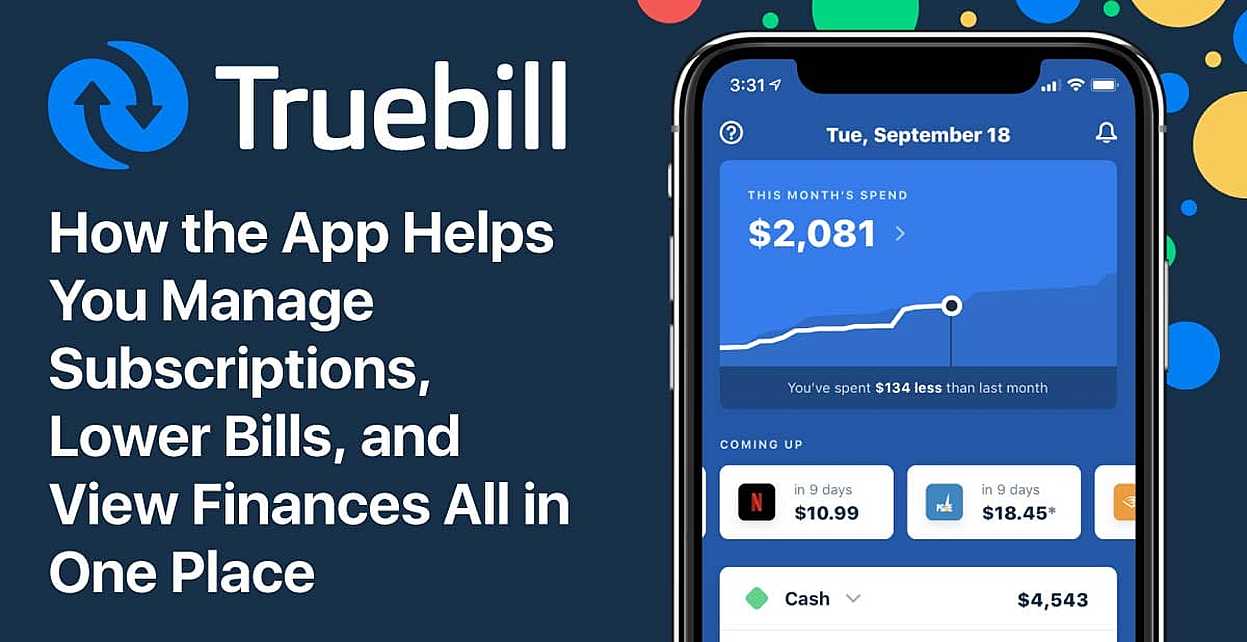
These apps, like Truebill (now Rocket Money) or Bobby, connect to your bank accounts and credit cards, automatically identify recurring charges, and even help you cancel unwanted subscriptions. Some even negotiate lower rates on your behalf! Talk about a superhero service!

Just remember to do your research and choose a reputable service with strong security measures before handing over your financial information.
Victory Lap - Maintaining Your Subscription Sanity
Congratulations! You've successfully conquered the subscription beast! But the battle doesn't end here. To prevent future subscription chaos, consider these tips:
- Be mindful when signing up for free trials. Set a reminder on your phone to cancel before the trial period ends.
- Use a password manager. Strong, unique passwords for each service make it harder for unauthorized subscriptions to slip through the cracks.
- Review your subscriptions regularly. Schedule a monthly or quarterly "subscription audit" to keep everything in check.
And remember, it's okay to cut the cord (or the digital equivalent)! Just because you signed up for something once doesn't mean you're obligated to keep it forever. Embrace the freedom of a streamlined subscription list and enjoy the extra cash in your pocket! Now go forth and conquer your financial life!