Honeywell Thermostat Flashing Cool On How To Fix

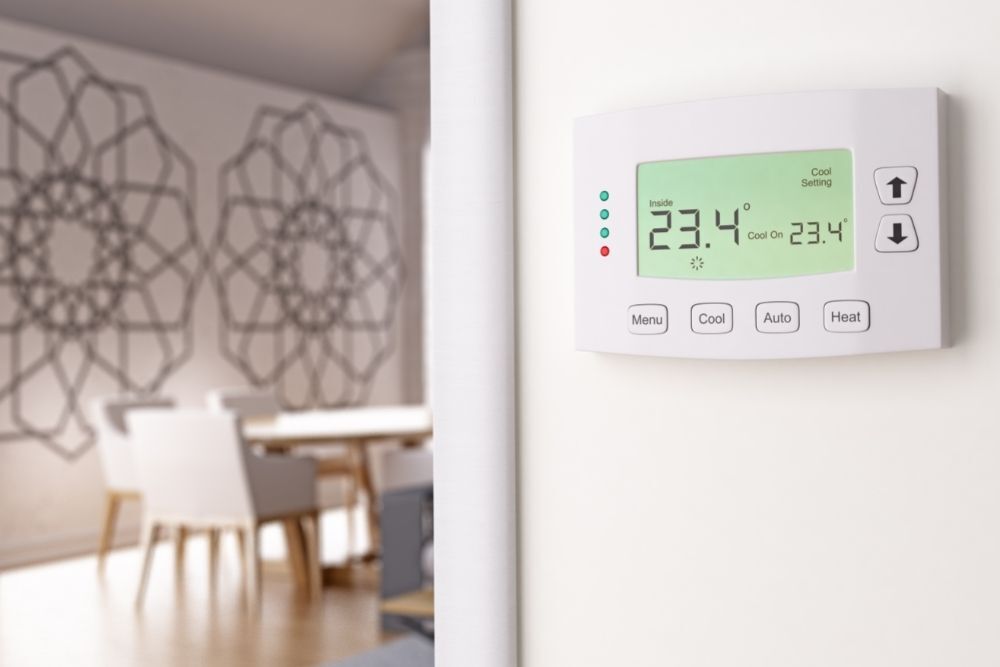
Ever walked into a warm house, marched straight to your Honeywell thermostat, only to find it stubbornly displaying "Cool On" with a frustrating blink? Instead of a blast of refreshing air, you're met with a silent shrug from your AC unit. While it might feel like your thermostat is plotting against you, this common scenario is actually a fantastic opportunity to become a mini-HVAC detective! Understanding this little quirk isn't just useful; it's genuinely empowering, turning a moment of potential panic into a satisfying DIY win. Who doesn't love saving a service call fee and getting their cool on quickly?
This topic truly offers something for everyone. For the beginners among us, it’s a brilliant introduction to how smart home systems communicate, demystifying what seems like a complex issue into a few simple steps. You'll gain confidence in tackling other minor household snags, realizing that many "problems" have straightforward solutions. Families especially benefit, as a quick fix means less time enduring a stuffy home and more time enjoying comfort – crucial for happy kids and peaceful evenings. And for those who enjoy being the go-to person for all things home-related, or the casual hobbyist who likes to understand how things tick, learning about your thermostat's built-in safety features adds another feather to your cap of home maintenance knowledge.
The "Cool On" message, particularly when flashing, is often your Honeywell thermostat's way of telling you it's initiated a compressor short-cycle delay. This isn't a bug; it's a feature! Your AC unit's compressor needs a brief rest between cycles to prevent damage. Imagine trying to sprint immediately after an intense workout – not ideal for your muscles, right? It's the same for your AC. This delay usually lasts between 3 to 5 minutes. You might see this after a power outage, after manually switching your system off and then quickly back to cool, or if the thermostat just experienced a temporary hiccup. Different Honeywell models might display the message slightly differently, but the underlying principle – a protective delay – remains constant across the board.
Must Read
So, what are the simple, practical tips for getting started and fixing this? First and foremost: Patience is key! Often, the flashing "Cool On" simply means you need to wait out the delay. Give it five full minutes. If nothing changes after that:
- Reset Your Thermostat: For many Honeywell models, this means carefully removing the faceplate and taking out the batteries. Wait about 30 seconds, then reinsert the batteries and reattach the faceplate. This often clears minor glitches.
- Check the Circuit Breaker: Head to your electrical panel. Look for the breaker labeled "AC," "Furnace," or "HVAC." Sometimes, a tripped breaker to your outdoor unit or furnace can prevent the AC from starting. If it's tripped, flip it completely off, then firmly back on.
- Inspect the Outdoor Unit: Just a quick visual check. Is it excessively dirty? Is there ice buildup? While not always the cause of the flashing message, these could be underlying issues if the unit eventually turns on but doesn't cool effectively.
If these steps don't resolve the issue, and your AC still isn't kicking on after a reasonable wait, it might be time to call in a professional. But more often than not, a little patience or a quick reset is all it takes.
There's a real satisfaction that comes from understanding and quickly resolving a common household problem like a flashing Honeywell thermostat. It's not just about getting the AC running again; it's about gaining a little more control over your home environment, saving time and money, and feeling that satisfying spark of competence. Go forth, troubleshoot, and enjoy your comfortably cool home!