
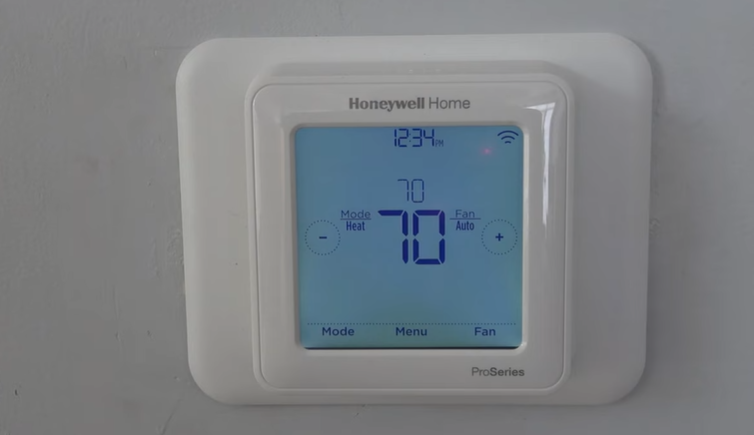
Honeywell Thermostat Blank Screen With New Batteries

Alright, picture this: You’re living your best life, everything’s dandy, and then suddenly your trusty Honeywell thermostat decides to throw a surprise party… for itself. By going completely blank! You, being the savvy homeowner you are, think, "No problem-o! New batteries, stat!" You pop in some fresh ones, feeling like a DIY champ, only for the screen to remain as dark as a moonless night. Crushing, right? It's like baking a cake, pulling it out, and realizing you forgot the flour.
Don't fret, my friend! This is a super common hiccup, and nine times out of ten, it's a quick fix that doesn't involve calling in the cavalry (or a very expensive HVAC tech). Let's troubleshoot this together, shall we? Grab a beverage, maybe a snack, and let's bring that screen back to life!
The Classic "Did You Even Look?" Test (No Judgment!)
Okay, let's start with the basics, because sometimes the simplest things are the sneakiest.
Must Read
Battery Orientation: Did you, by any chance, accidentally pop a battery in backward? It happens to the best of us! Positive to positive, negative to negative. Double-check those little +/- symbols. It’s like trying to put a square peg in a round hole, but slightly less obvious.
Are They REALLY New? I know, I know. You just unwrapped them. But sometimes even fresh batteries can be duds. Or, if they’ve been chilling in your "junk drawer" for ages, they might have expired. Give them a quick visual inspection – no leaky stuff or odd bulges. If you have a battery tester, now's its time to shine!
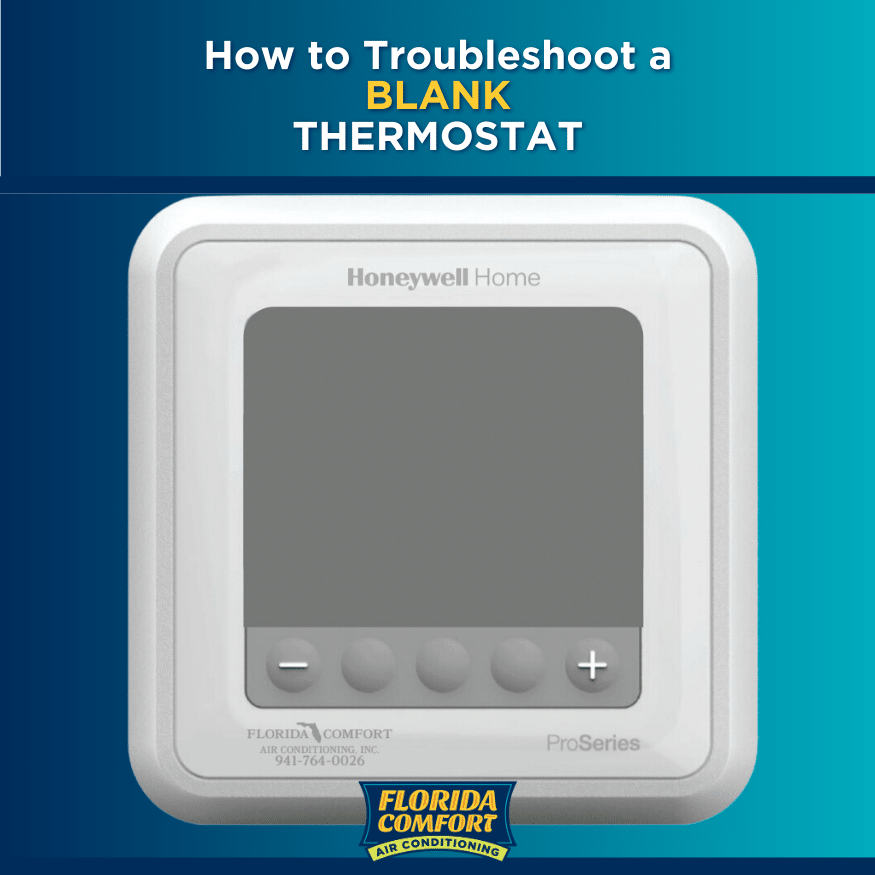
The Magical Reset Button (aka The Battery Removal Dance)
This is often the hero move that brings your thermostat back from the digital abyss. Honeywell thermostats, bless their little circuit boards, sometimes need a little kick in the pants after a battery change to realize new power is flowing.
Here's the trick:
- Remove all the new batteries.
- Wait about 30 seconds to a full minute. This gives the thermostat’s internal capacitors a chance to fully discharge. Think of it as a mini-nap for its brain.
- Reinsert the batteries. Make sure they’re all facing the right way, of course!
Cleanliness is Next to Thermostat-ness
Sometimes, it's not the battery or the thermostat itself, but the tiny contact points where the battery meets the device. Over time, these can get a bit grubby or even corrode.
The Fuzzy Bits: If you see any white, green, or powdery residue on the battery terminals (either on the batteries themselves or inside the thermostat), that's corrosion. Gently clean it off with a cotton swab (Q-tip) dipped in a tiny bit of rubbing alcohol. Make sure it's completely dry before putting batteries back in. You’re basically giving your thermostat a mini spa treatment!
Give it a Gentle Nudge (or a Tap!)
No, don't punch your thermostat (it hasn't done anything that bad). But sometimes, the internal connections just need a little coaxing.
Wiggle & Tap: After inserting the batteries, gently wiggle them a bit to ensure they have a firm connection with the terminals. You could also try giving the thermostat a very gentle tap on the side. Think "percussive maintenance," but super light and loving.
The Circuit Breaker Power Cycle (The Big Reset)
If the battery dance didn't work, and you've cleaned everything to a sparkle, it might be time for a full system reset. This is less about the batteries and more about giving the entire HVAC system (which your thermostat controls) a fresh start.
Head to your electrical panel and find the circuit breaker that controls your furnace or air handler. Flip it OFF for about 1-2 minutes. Then, flip it back ON. This can sometimes jolt the thermostat back into action, especially if there was a minor power glitch that confused it. It's like restarting your computer when it freezes – a classic move!

When All Else Fails...
If you've tried all these friendly suggestions and your Honeywell is still playing statue, it might be time to consider a few other (less fun) possibilities:
- A Frayed Wire: Unlikely if it just stopped after battery change, but possible if there's an underlying issue.
- A Blown Fuse: Some furnace control boards have a small car-style fuse.
- A Truly Dead Thermostat: Sometimes, after years of loyal service, they just give up the ghost. It's sad, but true.
At this point, you might want to consult your thermostat's manual (if you can find it!) or consider calling in a pro. But you've done a stellar job of troubleshooting on your own!
You Did It! (Or At Least You Tried Like a Rock Star!)
See? That wasn't so scary, was it? Most of the time, it's just a matter of giving your Honeywell thermostat a little TLC and understanding its quirks. You're now armed with the knowledge to tackle that blank screen like a seasoned pro. Whether your thermostat is beaming brightly again or you've narrowed down the issue, give yourself a pat on the back. You've conquered a common household mystery, and that, my friend, is a victory worth celebrating! Now go enjoy that perfectly controlled climate!