
Honeywell Pro Series Thermostat Cool On Blinking
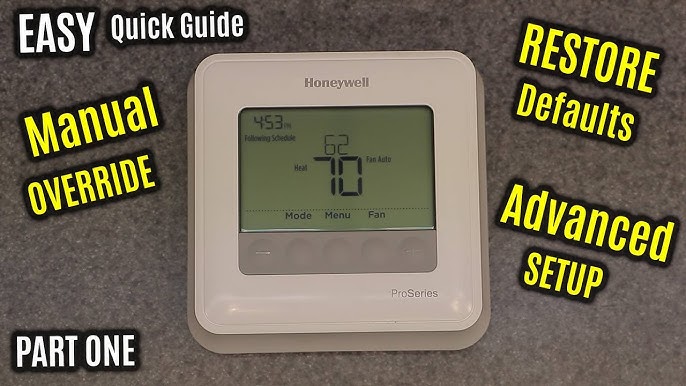
Ah, the humble thermostat. It sits there, usually minding its own business, a quiet sentinel of indoor comfort. Until, one day, you glance at your Honeywell Pro Series thermostat and notice something… peculiar. It’s not just "Cool On." Oh no. It's "Cool On" and it's blinking. Suddenly, your calm living room transforms into a tech mystery, and your brain starts to do that frantic little dance: "Is it broken? Is it judging my life choices? Is the world ending, or just my AC?"
Don't fret, my friend. Take a deep breath. That blinking "Cool On" isn't a secret code for "your AC is about to stage a dramatic, costly exit." It’s more like your thermostat is having a quiet, internal monologue, a brief moment of contemplation. Think of it as your AC unit taking a tiny, well-deserved coffee break before tackling its next big job.
The Blinking Light: Not a Distress Signal, More Like a Thinking Emoji
You know that moment when you ask someone a question, and they pause, maybe tilt their head slightly, before answering? That’s pretty much what your Honeywell thermostat is doing. It’s not an emergency. It's actually a smart feature designed to protect your air conditioning system. Instead of shouting "HELP!", it's gently whispering, "Hold on a sec, I'm working on it."
Must Read
Imagine trying to start your car immediately after turning it off, over and over. Not great for the engine, right? Your AC compressor feels similarly. It needs a little cool-down period, a moment to decompress before kicking back into high gear. That blinking light is its way of saying, "Just five more minutes, Mom! I'm almost ready!" before it makes your house feel like a mountain spring.
Why Your AC Compressor Needs Its Beauty Sleep (A.K.A. Short-Cycle Protection)
This blinking act is all thanks to something called short-cycle protection. It's a fancy term for a very simple, incredibly important idea: preventing your AC unit from turning on and off too quickly. Think of it as a bouncer at a club, making sure there's enough time between guests. Or like your personal trainer telling you to take a 3-minute break between sets, saving you from a pulled muscle.
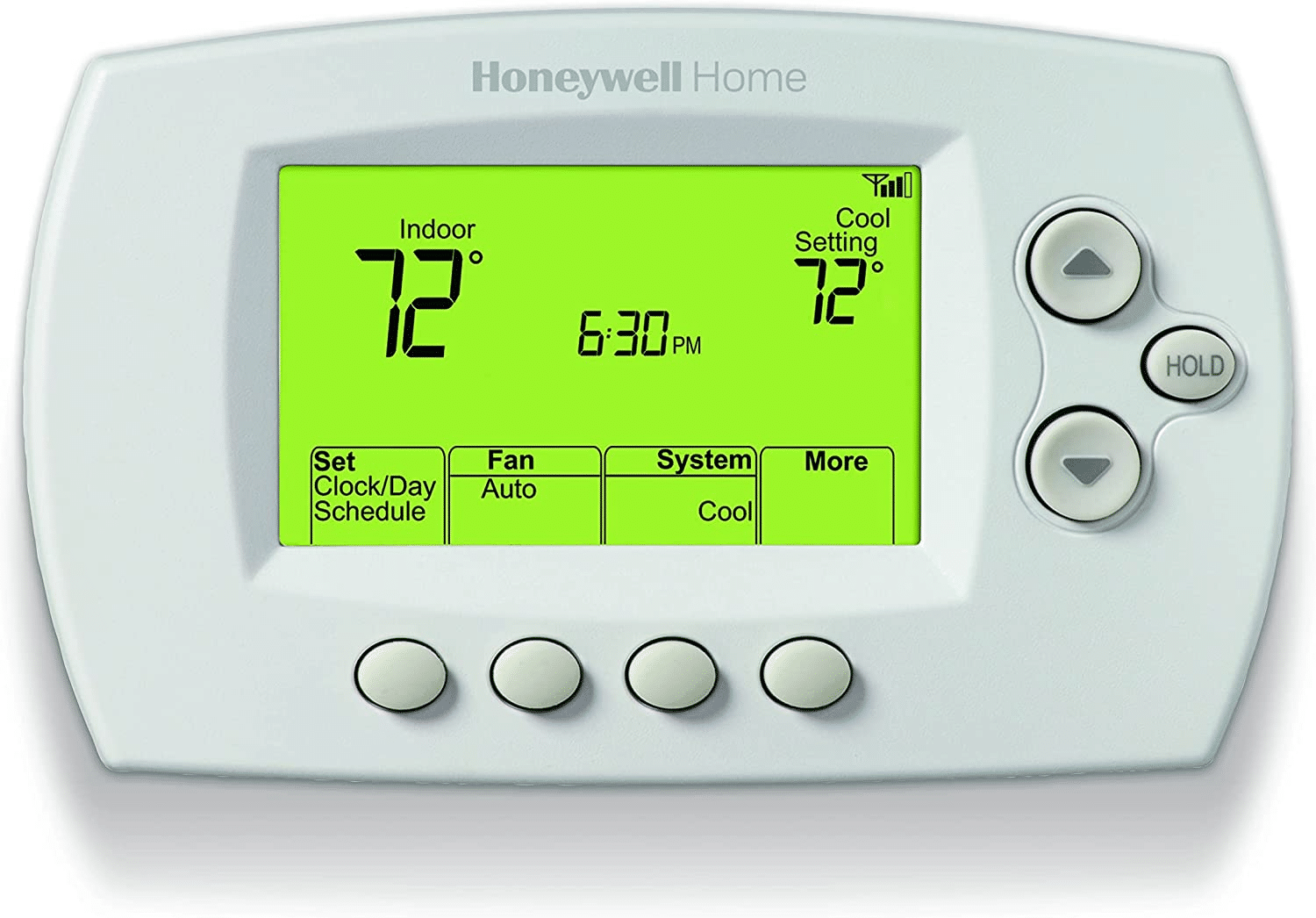
If your AC were to constantly short-cycle, it would wear out faster than your favorite socks. The compressor, the very heart of your AC system, would be under immense strain, leading to costly repairs and a much shorter lifespan. So, when that light is blinking, it means the thermostat has told the AC to cool down, but it’s temporarily holding off on sending the full "GO!" signal. It’s giving it a few minutes to equalize pressure and generally get its act together. It’s a responsible pause, a moment of zen for your hardworking cooling system that's literally saving you money down the line.
Your Role: The Art of Doing Absolutely Nothing (Mostly)
Here's the beautiful, stress-free part: most of the time, when you see that blinking "Cool On," your primary job is to channel your inner zen master. Do nothing. Seriously. It’s not asking for your input; it's simply informing you of its internal process. Go grab a snack, check your social media, or stare blankly at a wall for a few minutes. Chances are, by the time you've finished, the blinking will have stopped, and glorious, cool air will be flowing from your vents.

However, if you're the type who absolutely must fiddle (and let's be honest, who isn't?), there's a gentle ritual. First, ensure your thermostat is set to "Cool" and the temperature is comfortably lower than the current room temp. If it's still blinking stubbornly after several minutes, try switching the system to "Off" for a minute or two, then back to "Cool." Sometimes, a good old-fashioned reboot is all it takes – the digital equivalent of turning it off and on again, just like Grandma always suggested for the VCR.
When to Move From Zen Master to Detective (and Call for Backup)
While usually a sign of healthy protection, there are rare instances when the blinking "Cool On" might be a tiny red flag. If the light blinks for an excessively long time – say, 15-20 minutes or more – and the house isn't getting any cooler, that’s when your inner detective needs to perk up. Is your house starting to feel less like a cool oasis and more like a lukewarm swamp?

This prolonged blinking, coupled with a lack of actual cooling, could indicate a legitimate issue with your AC unit. Perhaps it's low on refrigerant (the AC's lifeblood), or the outdoor unit is struggling due to an electrical problem. A severely clogged air filter (which we all forget to change sometimes!) can also make the system work overtime. In these cases, your thermostat is still doing its job to protect the system, but the underlying issue needs professional attention. It’s like a warning light on your car dashboard that keeps blinking even after you've waited – it means something truly needs fixing. That's when you might want to call in the pros, the HVAC wizards.
But for the vast majority of "Cool On" blinks you'll encounter, remember this: your Honeywell thermostat is just being a responsible adult, taking a brief time-out to protect its (and your) investment. So, relax, smile, and let it do its thing! It’s just working smarter, not harder.
![Honeywell Thermostat Snowflake Blinking [Solved] - THERMOSTATING](https://thermostating.com/wp-content/uploads/2023/02/honeywell-thermostat-pro-series-thermostat.png)