
Home Security System Battery Replacement

Ever heard that little, insistent beep coming from... somewhere? You know the one. It starts subtly, a quiet little chirp, and then it gets more frequent, more demanding. You walk around your house, head cocked, eyes darting, trying to pinpoint the source. Is it the fridge? A smoke detector? Your sanity? (Spoiler alert: it’s almost always the security system.)
Ah, the dreaded security system battery replacement! It sounds like a big, scary, "call-a-professional" kind of job, right? Like you need a special degree in alarmology or something. But guess what? Most of the time, it’s actually super chill. Like, "I can totally do this while sipping my second cup of coffee" chill.
Why Bother? (Besides the Beeping!)
Okay, first things first, that incessant beeping is a pretty good motivator, I'll grant you. It's like your house is trying to communicate in Morse code, and the message is, "Help me, I'm dying!" But beyond the auditory annoyance, think about why we even have these systems. For peace of mind, right? For that warm, fuzzy feeling that someone (or something) is watching over your castle when you're out chasing rainbows or just sleeping soundly.
Must Read
Who wants a silent guardian that's actually just taking a nap because its batteries are kaput? Not me! A dead battery means your system might not work during a power outage, or worse, your sensors could decide to take an unannounced vacation. Not ideal when you’re relying on them to tell you if a squirrel looks at your window funny, let alone an actual intruder!
"Oh, That Battery!" (Spoiler: There's More Than One!)
So, when we talk about changing security system batteries, we're not usually talking about just one magical battery. Nope. It's often a two-pronged attack. You've got:
- Your main control panel battery (the big kahuna, the brains of the operation).
- And then, all the little sensor batteries (the eyes and ears, spread out around your home).
The beeping is usually from the main panel yelling for a new battery. The sensors tend to just silently quit, the sneaky little things, only alerting you when they stop communicating with the main panel.
Tackling the Big Kahuna: The Main Panel Battery
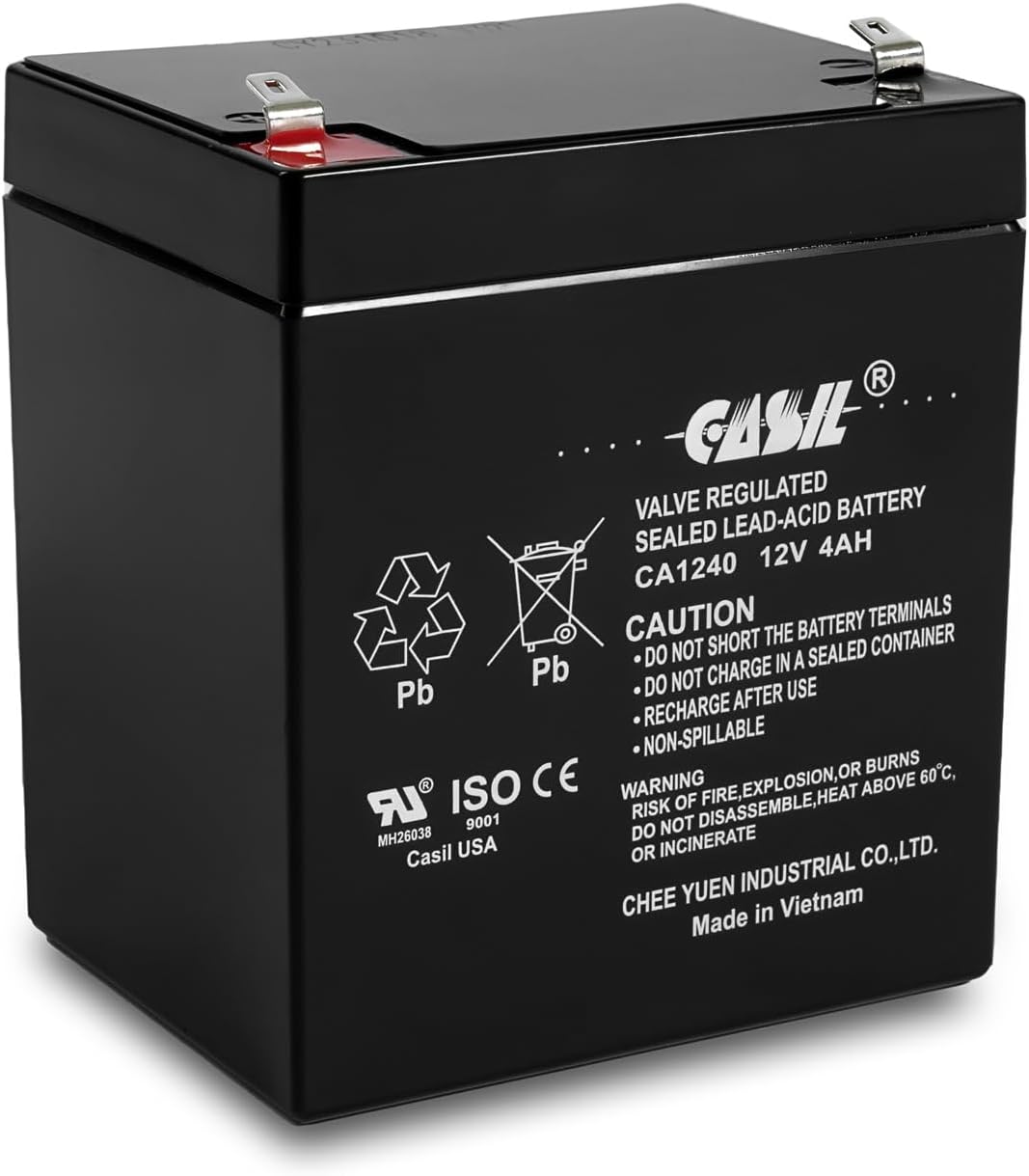
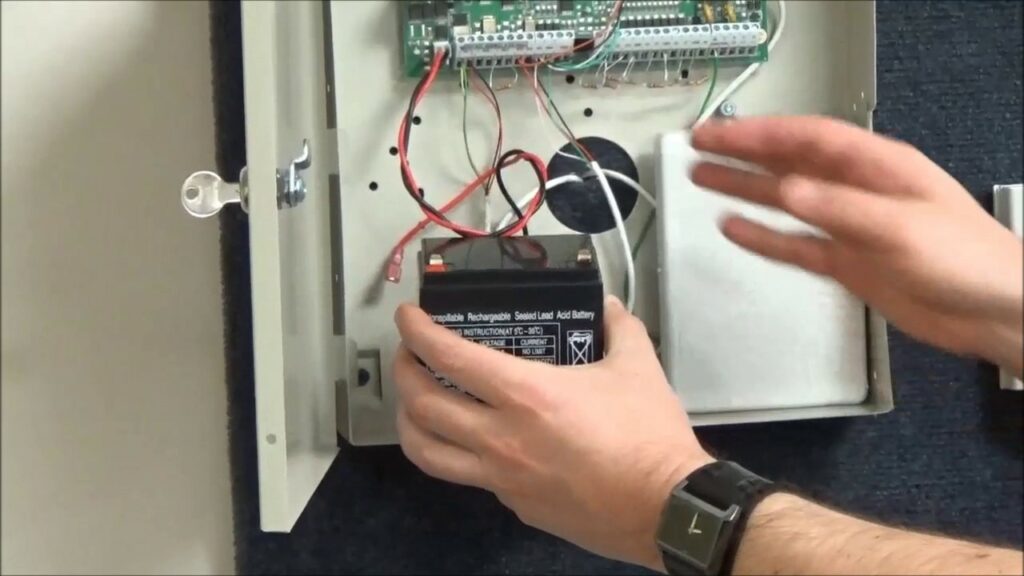
This is usually the one that causes the most anxiety. It’s often hidden inside the main panel box, which might be in a closet, utility room, or that random dusty corner you never look at. But don't fret! It's usually a rechargeable sealed lead-acid battery (fancy name, simple concept), looking a bit like a mini car battery, just smaller.
Here’s the game plan:
Step 1: Locate and Identify
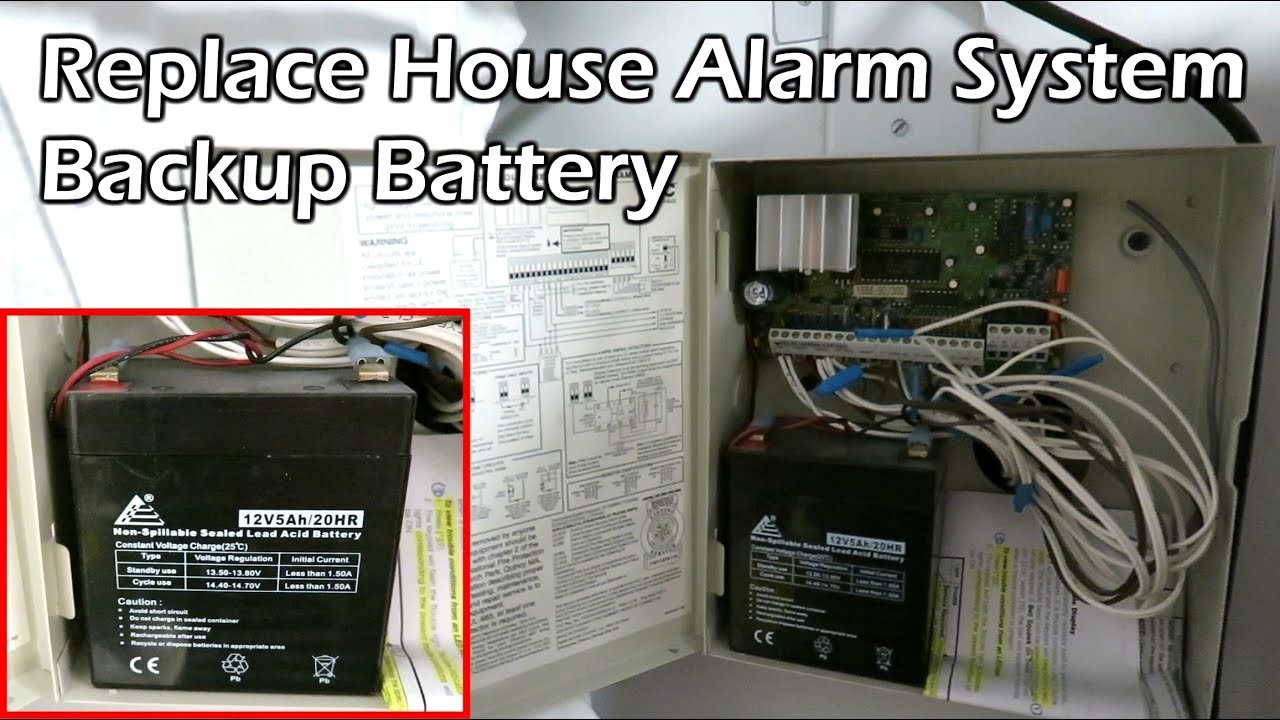
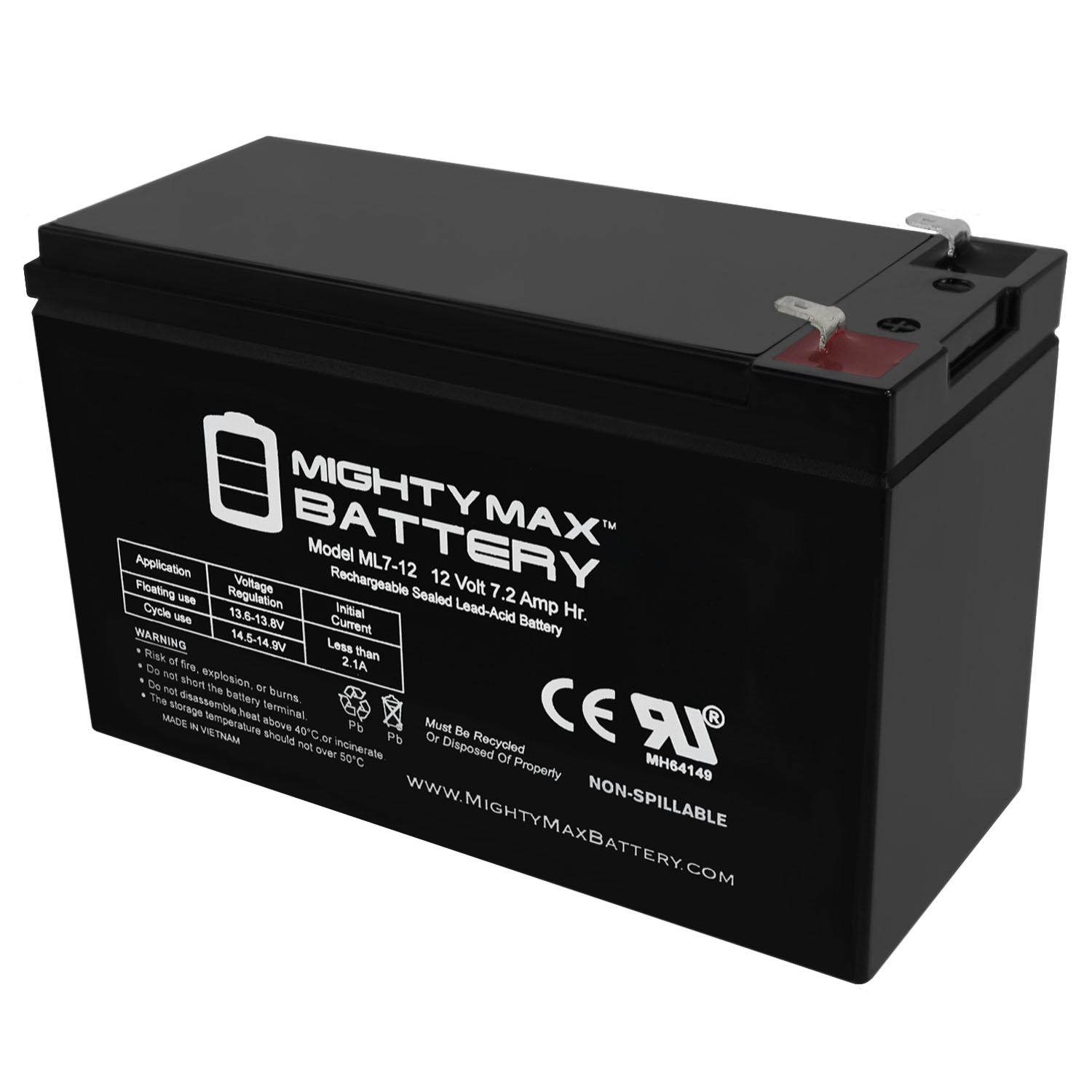
Find your main panel. It's probably a beige or white box. Open it up (sometimes there's a small key, sometimes just a latch). Inside, you’ll see the battery. Before you touch anything, take a picture of how it’s connected! Seriously, this is your future self's best friend. Note the voltage and amp-hours (e.g., 12V 4.5Ah) printed on the battery. That's what you need to buy.
Step 2: Power Down (Mostly)
Most systems have an AC power transformer plugged into a wall outlet. Unplug it! This cuts the main power. Your system will now be running on its dying backup battery. Don't worry, it won't just instantly shut off. You've got time.
Step 3: Disconnect the Old
The battery will have two wires – red and black – connected to terminals. Gently pull them off. Sometimes they're a bit snug. If they don't budge easily, you can wiggle them a bit. Remember which color goes where!
Step 4: Pop in the New!
Slide the old battery out and the new one in. Connect the red wire to the red terminal (+) and the black wire to the black terminal (-). Easy peasy, right?
Step 5: Power Up and Celebrate
Close your panel, plug the AC transformer back in, and listen. The beeping should stop! If it doesn't immediately, give it a few minutes. Sometimes the system needs a moment to realize it's got fresh juice. You might have to enter your disarm code to clear any "low battery" warnings from the keypad. Ta-da! You just saved yourself a service call!
The Little Guys: Sensor Batteries
These are the simpler ones, usually just standard household batteries: AA, AAA, or those flat, round coin cells (CR2032, CR123A, etc.). Each sensor (door, window, motion detector) has its own. The beauty of these is they are generally super easy to replace.
Typically, you just need to: 1. Open the sensor casing (often a small tab, a tiny screw, or just slide it open). 2. Pop out the old battery. 3. Pop in the new one, making sure the polarity (+/-) is correct. 4. Close it up.
Your system should automatically recognize the new battery within a few minutes. Sometimes, if a sensor was completely dead for a while, you might need to "fault" it (open and close the door/window it's on) to wake it up and get it communicating again.
When to Do the Deed?
The obvious answer is when it starts beeping. But a proactive approach is always better! Most experts recommend replacing your main panel battery every 3-5 years. Sensor batteries vary wildly, but a good rule of thumb is to check and potentially replace them annually, especially for high-traffic areas like your front door.
Why not make it a tradition? When you change your clocks for Daylight Saving Time, change your security system batteries! It's a double-whammy of home maintenance that future-you will thank you for.
You Got This!
So, next time you hear that infernal beep, don't despair! Take a deep breath, grab a screwdriver, and remember that you're totally capable of tackling this. It's a small task that makes a big difference to your home's safety and your own peace of mind. Plus, think of the satisfaction! You just outsmarted a blinking light and saved some cash. Go on, pat yourself on the back. You earned it!