
First Alert Chirping After Battery Change
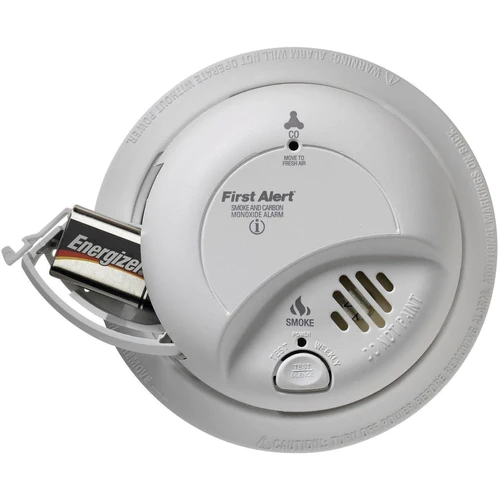
You did it. You finally tackled that incessant, high-pitched chirp. You stood on the wobbly chair, wrestled with the dust-covered plastic, swapped out the old battery for a shiny new one, and felt that surge of domestic victory. Ah, sweet, sweet silence. Or so you thought. Because sometimes, just moments later, that familiar, irritating chirp from your First Alert smoke detector starts up again, mocking your efforts. It's like your home's personal, tiny DJ is spinning a one-hit wonder you never asked for.
Don't despair! This isn't a sign that your home is haunted or that you're a DIY failure. It’s a surprisingly common scenario, and thankfully, often an easy fix. Let's decode the mystery of the post-battery-change chirp and get your home back to its peaceful hum.
The Ghost in the Machine (or, Why It's Still Chirping)
You’d think a new battery would be the end of the story, right? Not quite. Smoke detectors, particularly those from reliable brands like First Alert, are sophisticated little guardians. They have internal capacitors that can retain a small electrical charge even after the old battery is removed. Think of it like a tiny memory chip holding onto the "low battery" warning, even when the power source is gone. This residual charge needs to be dissipated to fully reset the unit.
Must Read
Another common culprit? Sometimes, if you have several smoke detectors, they're interconnected. If one unit is having a legitimate issue (even a weak signal from a new battery that wasn't properly seated), it might cause others in the network to chirp in protest. It's their way of communicating, albeit loudly.
The Simple Fix: The Reset Ritual
Before you resign yourself to buying earplugs or an entirely new detector, try this widely successful reset method. It's like giving your smoke detector a gentle reboot, just like you'd restart your phone when it's acting buggy:

Step 1: Disconnect All Power. If your detector is hardwired (connected directly to your home's electrical system), carefully twist it off its mounting bracket and disconnect the power cable. If it's battery-only, simply remove the battery.
Step 2: Remove the Battery. Ensure the old battery is out, and for good measure, if you put in a new one, take that out too for a moment.
Step 3: The Magic Button Hold. Here’s the crucial part: while the detector is disconnected from all power (no battery, no hardwire), find the test button. Press and hold it down for at least 15-20 seconds. You might hear a final, fading chirp – that's the capacitor draining its last bit of power. Consider it your detector's farewell to its memory of the low battery warning.
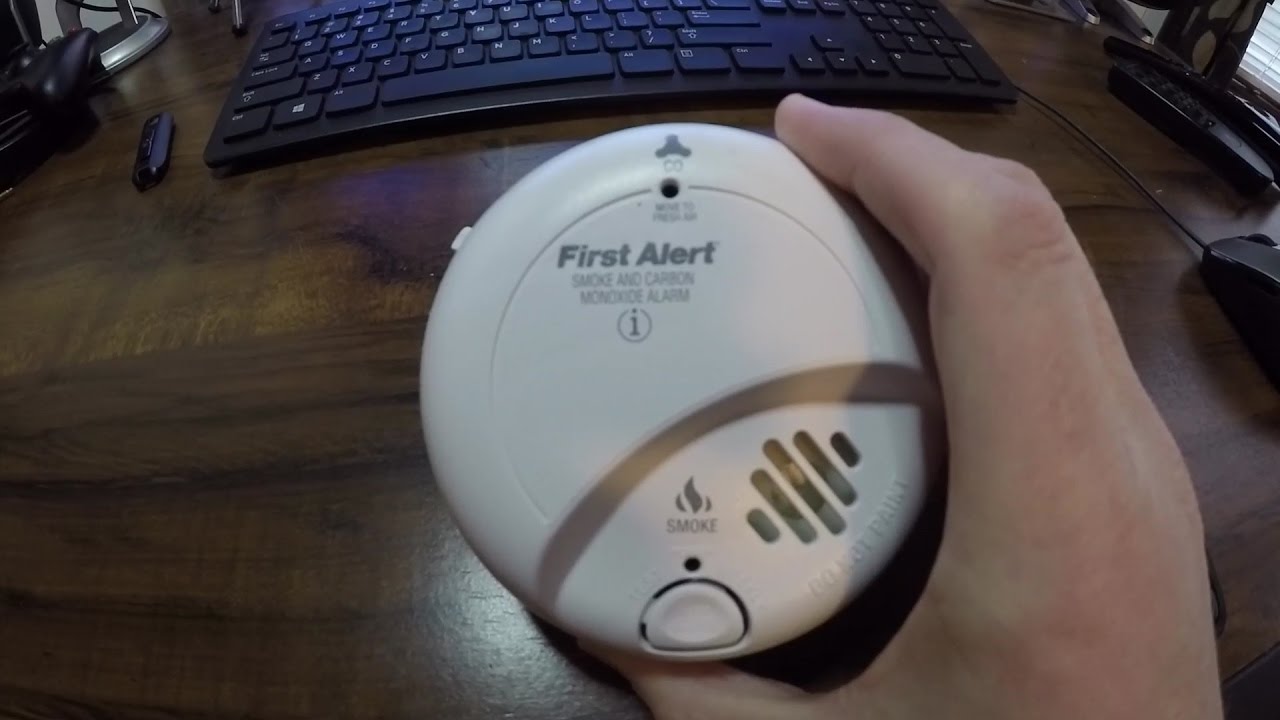
Step 4: Reconnect and Test. Reinsert your new, fresh battery, ensuring it's oriented correctly. If it's hardwired, reconnect the power cable and twist it back onto the bracket. Give it a minute, then press the test button again. You should hear a loud, clear alarm – a sign it's working properly. Then, hopefully, blessed silence.
Pro Tip: Always use high-quality alkaline batteries (or lithium if specified by the manufacturer) and check the expiration date. A "new" battery that's been sitting in a drawer for years might already be weak!

Beyond the Chirp: When to Call for Backup
If the reset ritual doesn't work, there are a couple of other things to consider:
End-of-Life Beep: Smoke detectors aren't meant to last forever. Most manufacturers, including First Alert, recommend replacing units every 10 years. After a decade, the internal components can degrade, making them less reliable. Some models have an end-of-life warning chirp, distinct from a low battery chirp. Check the manufacturing date on the back of your unit – it's often a small sticker or printed directly on the plastic.
Dust and Debris: These sensors are sensitive! A buildup of dust, cobwebs, or even small insects can trigger false alarms or cause erratic chirping. Carefully vacuum around the vents or use a can of compressed air to clear any obstructions.
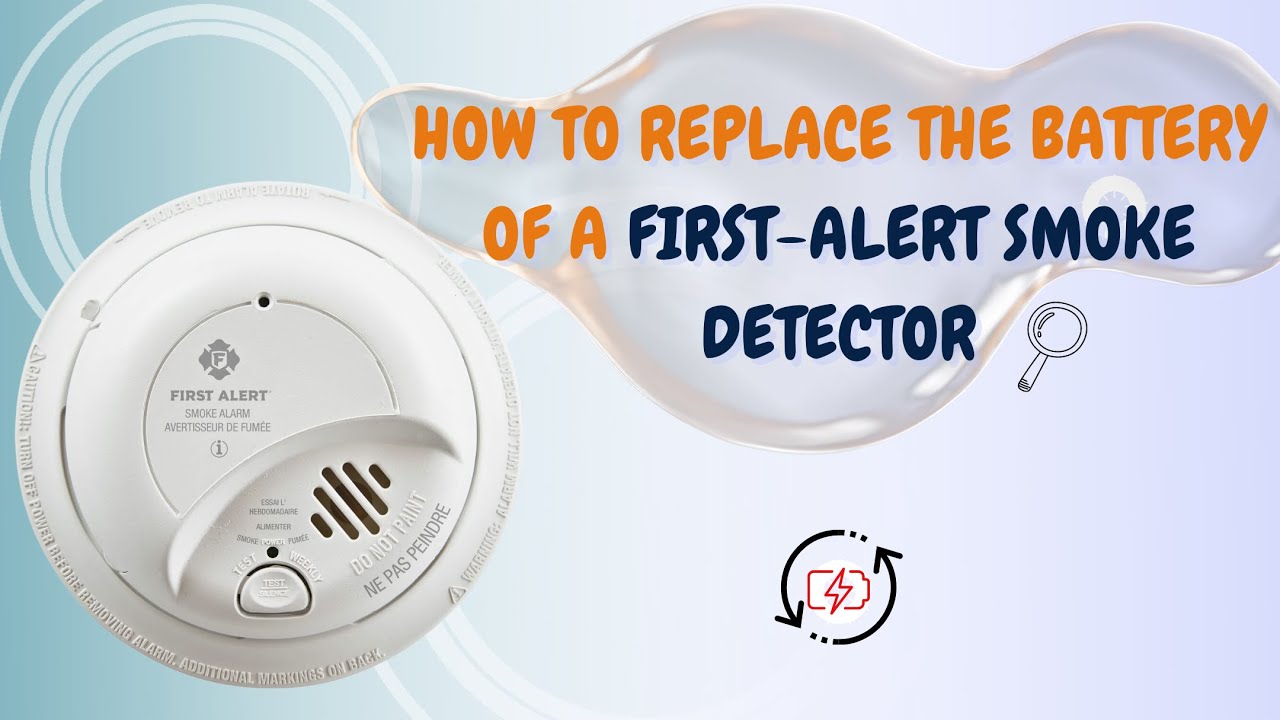
Faulty Unit: Occasionally, despite your best efforts, a detector might simply be defective. If it's relatively new and persistently chirps after all troubleshooting, it might be time for a replacement.
The Sweet Symphony of Silence
Addressing that rogue chirp is more than just silencing an annoyance; it's about ensuring your home's first line of defense is always ready. These little devices are truly unsung heroes, buying precious minutes in an emergency. The peace of mind that comes from knowing your First Alert system is functioning perfectly is truly priceless.
So, the next time your smoke detector acts like a needy toddler, remember: a little patience, a simple reset, and a good battery often do the trick. It's a small act of domestic heroics that ensures safety, tranquility, and allows you to go back to enjoying the quiet moments in your home, without any unexpected soundtracks.