Fire Alarm Chirping After Changing Battery
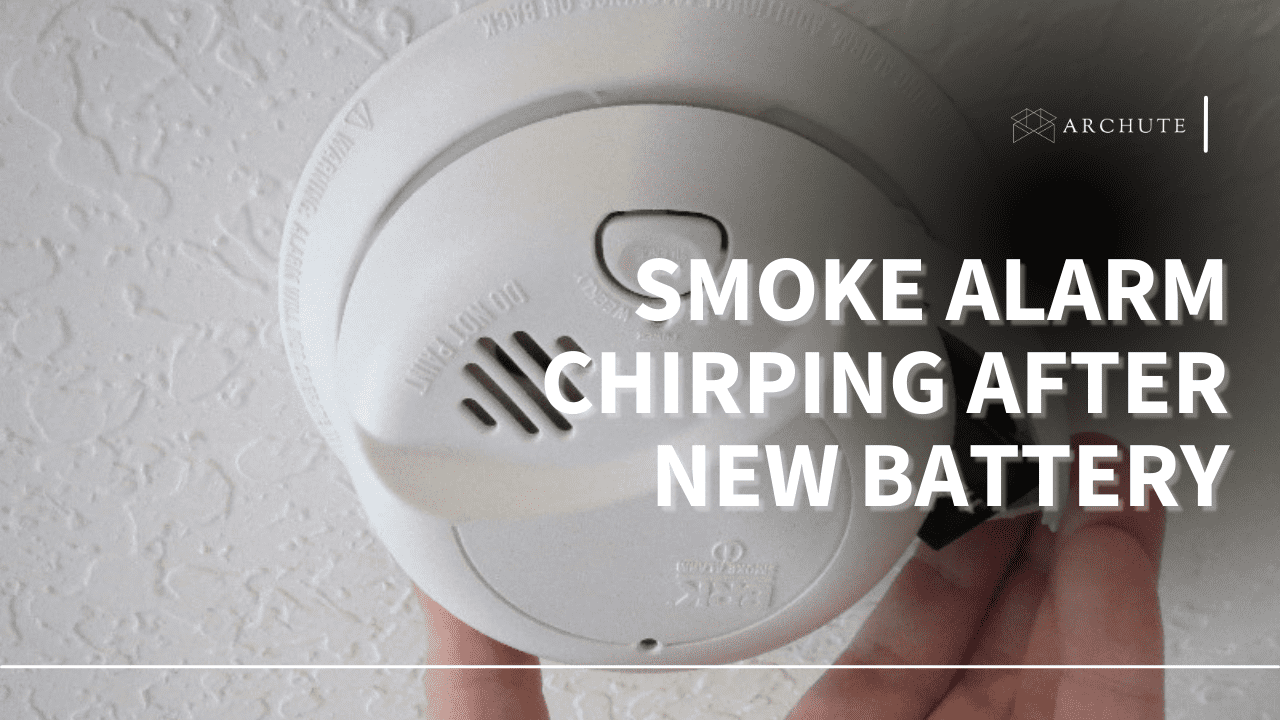
Ah, the dreaded fire alarm chirp! It's a sound that can haunt your dreams, interrupt your favorite TV show, and generally make you question the meaning of peace and quiet. You’ve done the responsible thing: you heard the low battery warning, found a fresh battery (hooray for preparedness!), popped it in, and... chirp! It’s still chirping. If you’ve ever found yourself in this infuriating predicament, you’re definitely not alone. This common household mystery is both universally annoying and surprisingly easy to solve, making it a perfectly fun and useful topic to demystify!
Before we dive into solving the mystery, let's take a moment to appreciate our chirping guardians. Fire alarms, despite their occasional fussiness, are essential. They are your first line of defense, designed to give you precious minutes to escape in case of a fire. The chirp itself, while maddening, is a critical part of their job. It’s not just telling you the battery is low; it’s screaming, "Hey, something isn't quite right here, and I need your attention to keep you safe!" Understanding why it chirps, even after a battery change, ensures your home remains continuously protected and saves you from those late-night, head-scratching moments of frustration.
So, why does your fire alarm continue its irritating serenade even after a fresh battery swap? It often boils down to a few common culprits. Sometimes, the alarm simply needs a moment to reset its internal memory. It's like your computer after a power outage – it needs to boot up and clear any lingering error messages. Other times, the alarm might be holding onto the "low battery" signal from the old power source, even with a new one in place. It's a bit stubborn! Less frequently, the new battery might not be seated perfectly, or perhaps, despite being "new," it's not quite up to snuff. In rare cases, dust or debris could be interfering with its sensors, or if you have interconnected alarms, one might be signaling an issue that's affecting the entire network.
Must Read
Fear not, the solution to this chirping conundrum is usually quite simple and often involves a little "reset ritual." Here’s your step-by-step guide to achieving glorious silence:
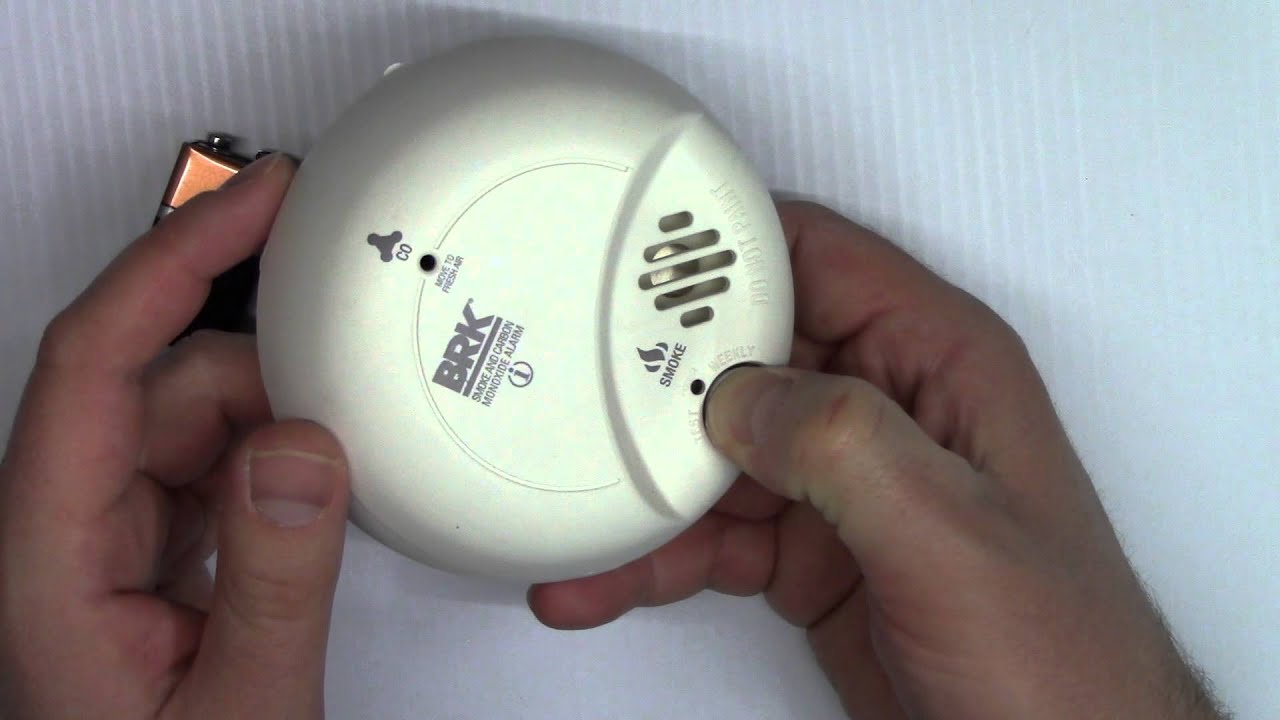
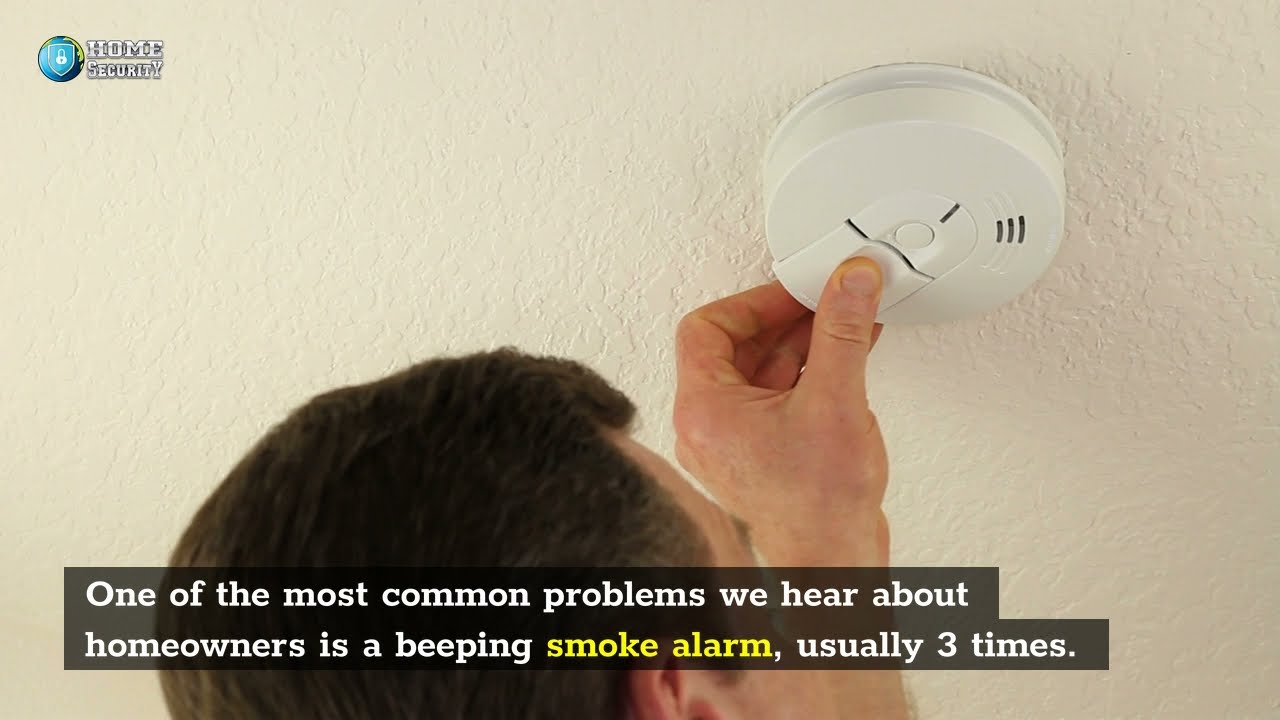
- The Power Drain: The most effective trick! Carefully twist the alarm off its mounting bracket. Remove the battery entirely. Now, here’s the crucial part: press and hold the "Test" button for 15-20 seconds. This action drains any residual power from the alarm's capacitors, essentially giving it a hard reset and clearing its memory of that annoying low-battery warning.
- Re-insert and Re-test: With the power drained, insert your fresh battery firmly back into its compartment. Make sure it clicks securely into place.
- Mount and Monitor: Reattach the alarm to its mounting bracket. Press the "Test" button again briefly to confirm it's working properly (it should emit a loud, continuous alert, then stop).
- Check Connections: If the chirp persists, gently wiggle the battery to ensure a solid connection. Sometimes, it just needs to be snug.
- Clean It Up: Use a soft brush or a vacuum cleaner hose attachment to gently clean around the alarm's vents. Dust can sometimes interfere with its operation.
- Consider Age: Remember, fire alarms aren't immortal! Most have a lifespan of 7-10 years. If your alarm is approaching or past this age, a persistent chirp after a battery change might be its way of telling you it's time for a complete replacement. Check the manufacturing date on the back!
With these simple steps, you can banish that irritating chirp, enjoy your peace and quiet, and most importantly, ensure your home’s guardian is fully operational and ready to protect you. Happy non-chirping!