Easeus Data Recovery Stuck On Recovering
Okay, let's be honest, data recovery isn't exactly a barrel of laughs. But the feeling you get when you resurrect a lost file – that's pure, unadulterated joy! We've all been there: accidentally deleted that crucial presentation, watched your vacation photos vanish into the digital abyss, or suffered the dreaded hard drive crash. Thankfully, software like EaseUS Data Recovery Wizard promises to be our digital superhero, swooping in to save the day. But what happens when your superhero gets... stuck? That little progress bar stubbornly refusing to budge, mocking your hopes and dreams? Let's dive into why EaseUS Data Recovery might be stuck on "Recovering" and, more importantly, what you can do about it.
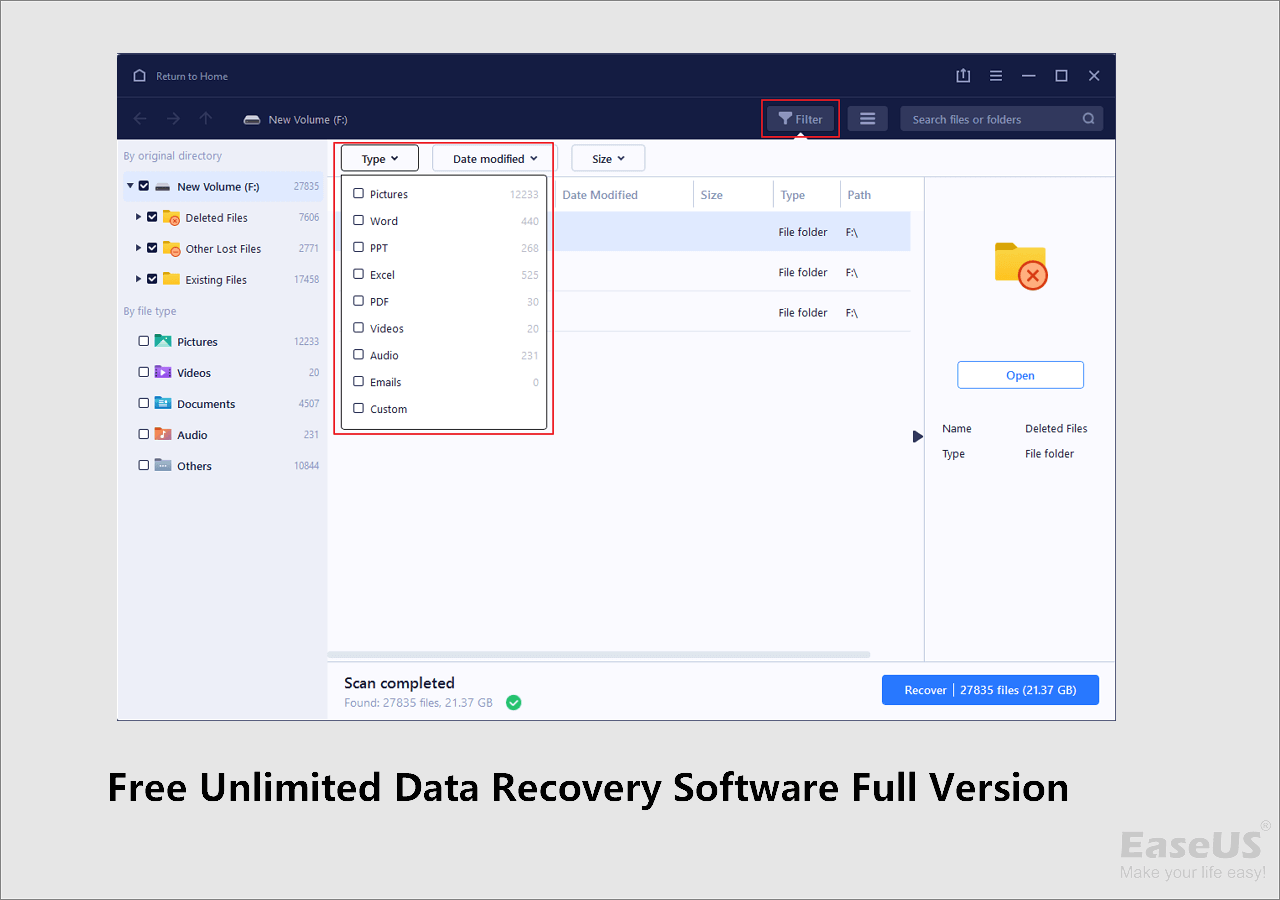
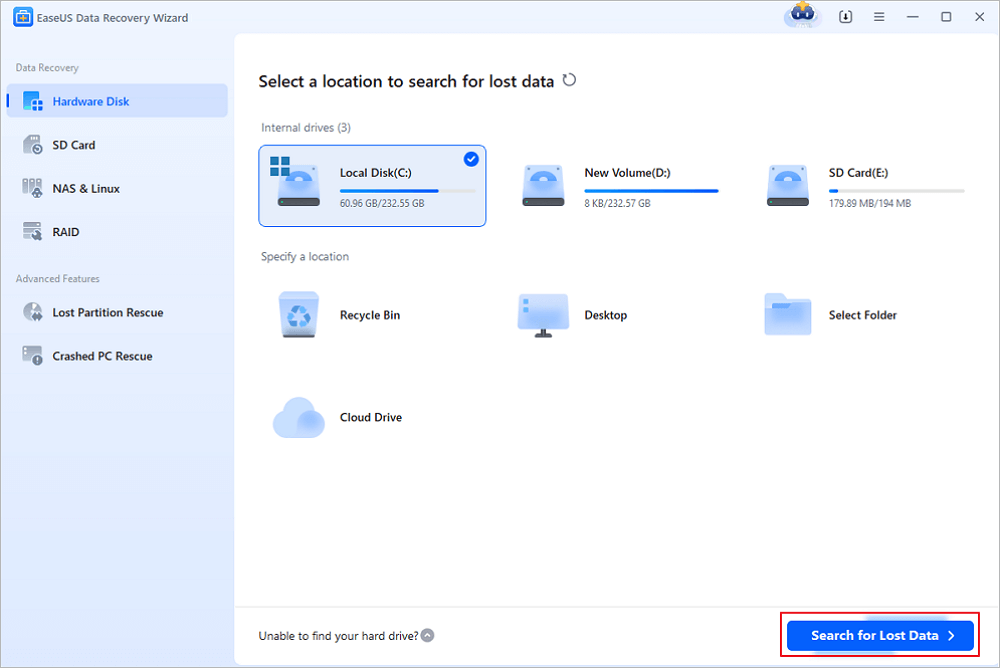
The purpose of data recovery software like EaseUS is simple: to scan your storage device (hard drive, SSD, USB drive, etc.) for remnants of deleted or lost files and then reconstruct them. It works by identifying data fragments that haven't been overwritten and piecing them back together. The benefit? Avoiding a complete meltdown and potentially saving irreplaceable documents, photos, videos, and more. Think of it as a digital archaeologist carefully excavating and rebuilding the past.
But why the dreaded stall? A stuck recovery process can be caused by several factors. One common culprit is a large number of bad sectors on the drive. These are damaged areas that the software struggles to read, causing it to get bogged down. Another reason could be a fragmented drive, meaning the data is scattered all over the place, making the reconstruction process much more complex and time-consuming. Sometimes, it's simply that the file system is heavily corrupted, throwing the software for a loop. Finally, insufficient system resources, like low RAM or a slow processor, can also contribute to the problem.
Must Read
So, what can you do when EaseUS Data Recovery is playing the waiting game... indefinitely? Here are a few troubleshooting steps:
- Be Patient (But Not Too Patient): Data recovery can take a while, especially for large drives. Give it a reasonable amount of time (several hours, even overnight) before giving up. However, if the progress bar hasn't moved in hours, it's probably stuck.
- Check Your Drive's Health: Use a disk diagnostic tool (many are free) to check for bad sectors and other errors. If your drive is failing, attempting recovery can make things worse.
- Close Other Applications: Free up system resources by closing unnecessary programs.
- Run in Safe Mode: Booting into Safe Mode can sometimes help by preventing other software from interfering with the recovery process.
- Try a Different Recovery Mode: EaseUS often offers different recovery modes (e.g., Quick Scan, Deep Scan). Try a less intensive mode first to see if it can retrieve the most important files.
- Consider Professional Help: If all else fails, and the data is truly critical, consider contacting a professional data recovery service. They have specialized tools and expertise to handle complex recovery scenarios.
Data recovery can be a tricky business, but with a little patience and troubleshooting, you can often bring those lost files back from the brink. Remember to back up your data regularly to avoid future heart attacks! And if your digital superhero gets stuck, don't panic – try these tips, and hopefully, you'll be celebrating a successful recovery in no time!