
Does Low Battery Mode Drain Your Battery

Alright, grab your imaginary coffee (or real one, no judgment here!). Let's talk about something that probably pops up on your screen more often than you'd like: that little yellow battery icon. You know the one. It screams, "Danger, Will Robinson! Power levels critical!" And what do we instinctively do? We flip on Low Battery Mode, right?
But then, a sneaky thought creeps in. You're not alone if you've ever wondered, Wait a minute... is this thing actually helping, or is it secretly, maliciously, draining my battery faster because it's, like, doing something?
It's a fair question, honestly! Your phone is already dying, and you don't want to accidentally give it the final push over the edge, do you?
The Big Reveal: Is Low Battery Mode a Friend or Foe?
Let's cut to the chase, because nobody has time for suspense when their phone is at 5%. The short, sweet, and incredibly reassuring answer is: Low Battery Mode is your friend. Your very, very good friend. It's like that super chill buddy who helps you conserve your energy when you're running on fumes after a long week.
Must Read
It doesn't drain your battery. Quite the opposite, actually! Its entire reason for existing is to extend the life of your remaining juice. Think of it as putting your phone on a super strict, but incredibly effective, diet. No frivolous snacking, just the essentials.
So, What's Its Secret Sauce?
When you toggle that switch, your phone suddenly becomes a super-efficient, power-saving ninja. It starts to shut down all the little things that, while nice, aren't absolutely critical when you're teetering on the edge of digital darkness. What kind of things, you ask?
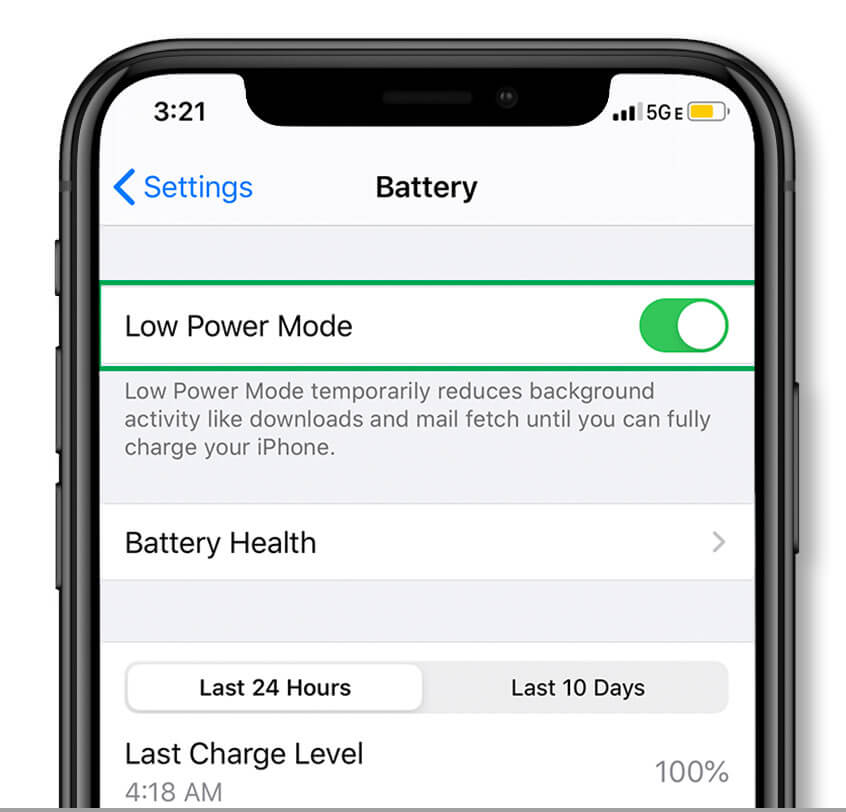
First up, and this is a big one: the screen. Your phone's display is often the biggest power hog. Low Battery Mode usually dims it automatically and drastically shortens the auto-lock time. So, no more accidentally leaving your screen blazing away while you ponder the meaning of life.
Then there's the whole background refresh party. All those apps constantly checking for new emails, tweets, or cat videos? Nope. Low Battery Mode puts a firm stop to most of that background activity. It's like telling all your apps to take a nap until you actually open them. Smart, right?
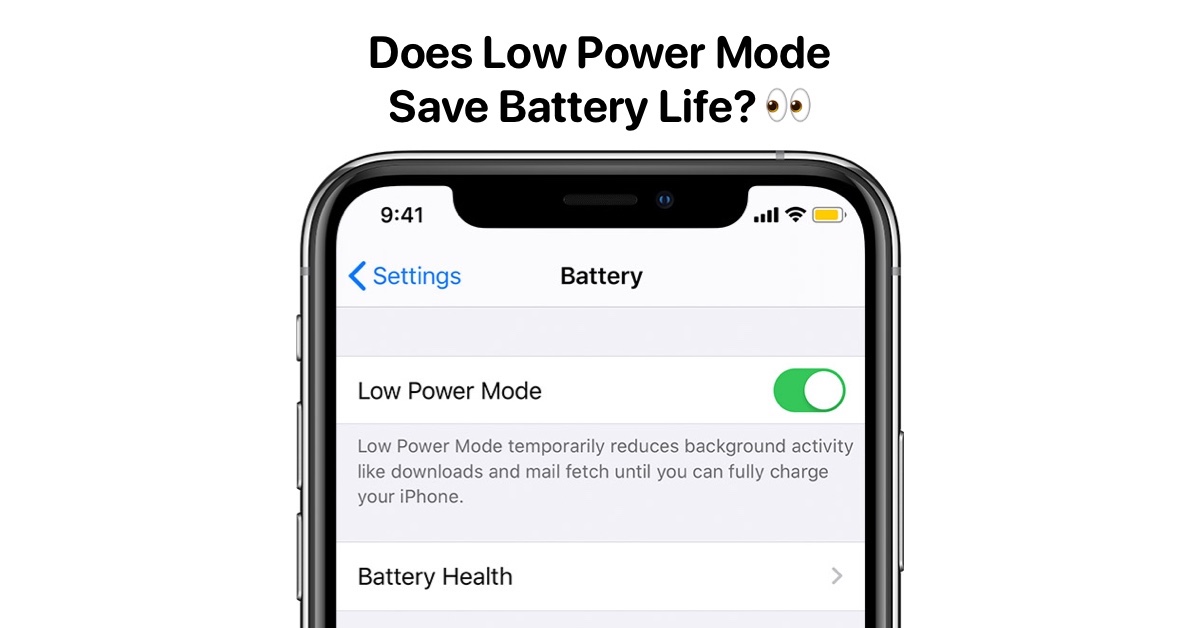
What else gets a gentle nudge towards slumber? Things like automatic downloads and email fetches. Your phone won't be constantly pinging servers for updates you don't necessarily need right now. Some phones might even throttle the processor a tiny bit, or switch from a power-hungry 5G connection to a more conservative 4G. Even the "Hey Siri" or "Okay Google" always-listening feature usually gets put on pause.
Essentially, your phone goes from being a multi-tasking superstar to a minimalist, single-purpose device. It prioritizes keeping you connected for calls and texts (and maybe just one more quick scroll through Instagram, we've all been there) rather than trying to do absolutely everything at once.
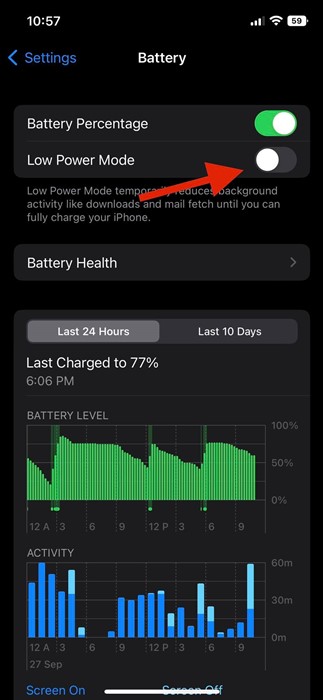
The Trade-Offs (Because Nothing's Perfect, Darling)
Now, while it's a lifesaver, it's not without its quirks. You might notice things feel a tad slower. Notifications might not come through instantly. Some visual effects or animations might be reduced. It's not the full, zippy, bells-and-whistles experience. But honestly, when you're at 8% and just trying to make it home, are you really complaining about the lack of parallax effects?
Think of it like driving your car when the fuel light comes on. You're not going to be flooring it, are you? You're going to cruise, maybe turn off the AC, skip that detour. Low Battery Mode does pretty much the same for your phone: it helps it cruise just a little bit further.
So, Use It! Embrace It!
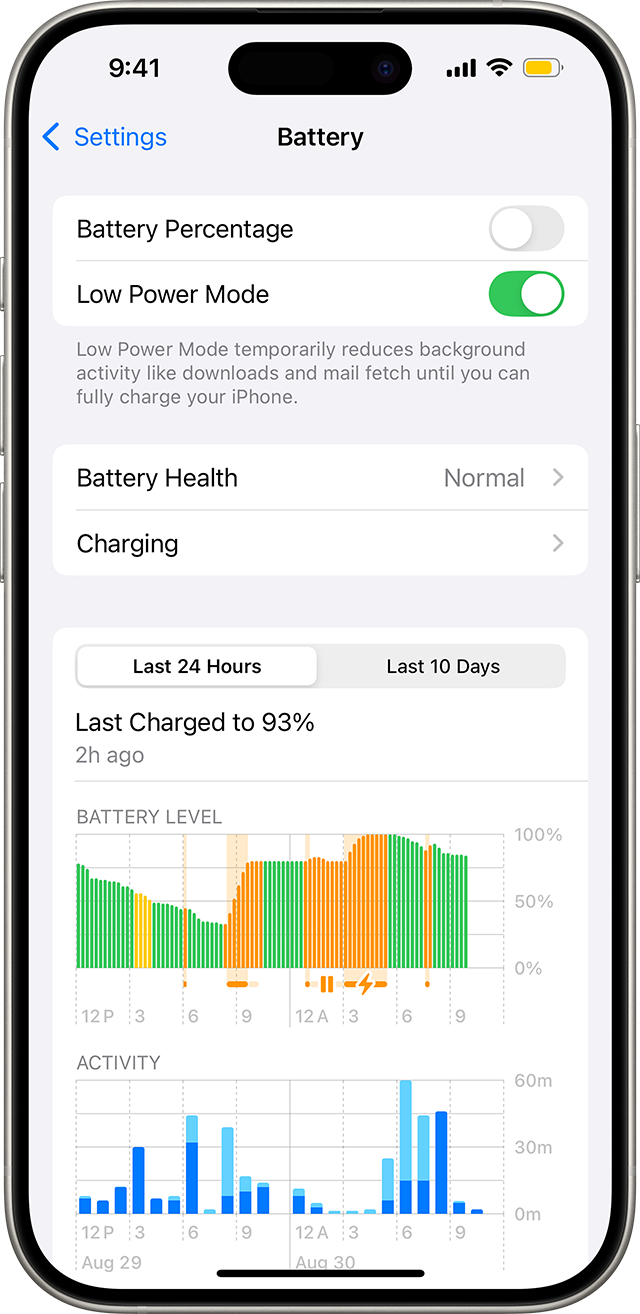
The next time that yellow icon appears, don't fret. Don't let that nagging doubt about it draining your battery creep in. Instead, confidently tap that button, knowing you're actually giving your phone a much-needed, battery-saving hug. You're not speeding up its demise; you're giving it a temporary extension on life.
It's not a magical endless power source, but it is an incredibly effective tool for squeezing every last drop out of a dying battery. And in the world of always-on tech, that's pretty much a superpower, wouldn't you say?
Now, go forth and conquer your day, even if your phone is just barely clinging to life. You've got this!