
Charging Nest Thermostat Blinking Green Light
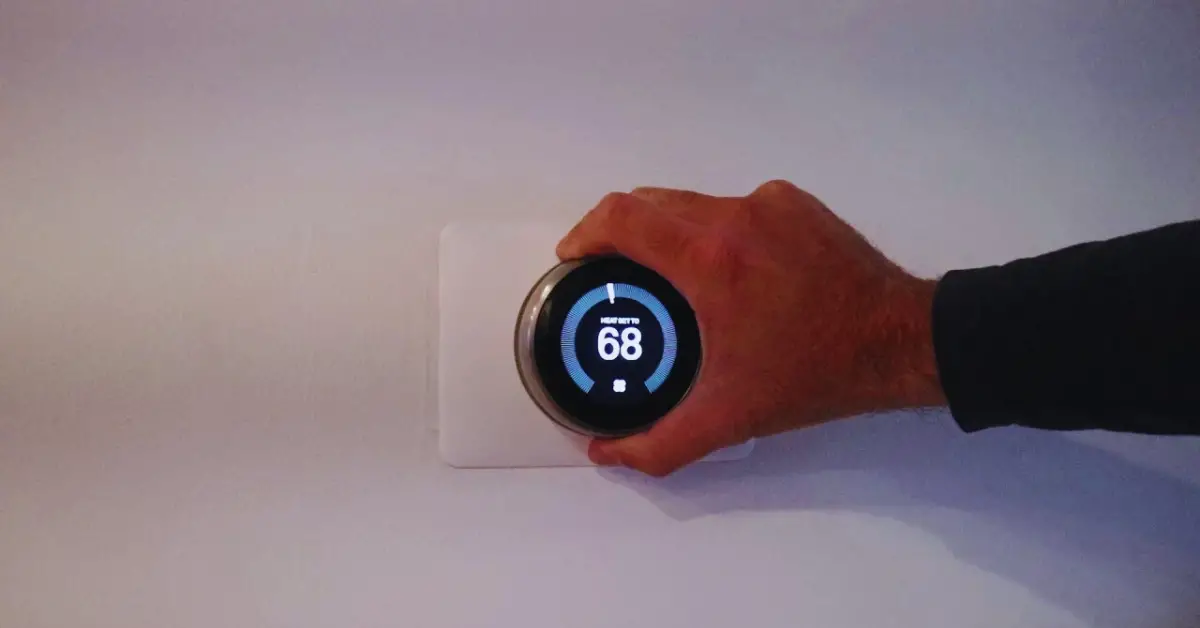
Okay, so picture this: you walk into your living room, maybe it's a bit chilly, and you glance at your beloved Nest Thermostat. But wait. Instead of that familiar, friendly glow, it’s… dark. Nada. Zilch. My friend, you know that mini heart attack feeling, right?
You probably think, "Oh no, not now!" And then you do the sensible thing. You pop it off the wall. Maybe you grab a USB cable. You plug it into a little wall adapter, or perhaps your laptop. You're giving it some much-needed juice, a little caffeine kick for your home's brain.
The Green Blinker of Mystery!
And then it happens. That little screen, previously as dead as a doornail, starts to show some life. But it's not the full-on "I'm back!" screen. Oh no. It’s got this… blinking green light. Just there, pulsing away, like it's winking at you. Or maybe sending a secret message only other smart home gadgets understand?
Must Read
You stare at it. "What gives?" you think. "Is it a good sign? A bad sign? Is it plotting a robot uprising while it charges?" (Okay, maybe that last one's just me, but still!)
It’s enough to make you scratch your head, isn't it? You just want your heat back, or your AC to kick in, and this little green light is just… blinking. Cryptically. Mockingly, even!
Good News, Friend: It’s All Good!
Alright, deep breaths! Here’s the super chill, no-panic-required truth about that blinking green light:
When your Nest Thermostat is plugged into a USB charger and you see that green light flashing, it’s actually a good sign. Seriously! It means it’s doing exactly what it's supposed to do. It’s charging.
Think of it like this: your Nest's battery was probably super, super drained. Like, ran-a-marathon-then-climbed-a-mountain drained. When it gets that initial burst of power, it uses a bit of it to just say, "Hey, I'm alive! And I'm taking in more power!" That blinking light is its way of letting you know it's actively charging and drawing power.
It’s not broken. It’s not angry. It’s not trying to communicate with aliens. It’s simply saying, "Charge me up, buttercup! I'm getting there!"
Why Did it Die in the First Place?
Good question! There are a few reasons your Nest might have gone completely dark:
- Power Outage: Did you have a recent power flicker? Even a tiny one can sometimes knock it out if its internal battery wasn't topped up.
- Wiring Woes: Sometimes, the wiring to your Nest's base might not be providing consistent power. If it's not getting enough juice from the wall, it'll rely on its internal battery, which can eventually run dry.
- Aging Battery: Like any gadget, the internal battery in your Nest isn't immortal. Over years, it might hold less charge, leading to more frequent "oops, I'm dead" moments.
But for now, just know that the blinking green light itself isn't a symptom of these problems; it's just the indication that you're solving the problem of a dead battery!
What to Do Next (and How Long to Wait)
So, you’ve got the blinking green light. Now what? Just chill. Seriously.
Keep it plugged in. Depending on how utterly drained it was, it might take anywhere from 30 minutes to a couple of hours to get enough juice to fully boot up and be reattached to its base. Think of it as a deep, restorative nap for your thermostat.
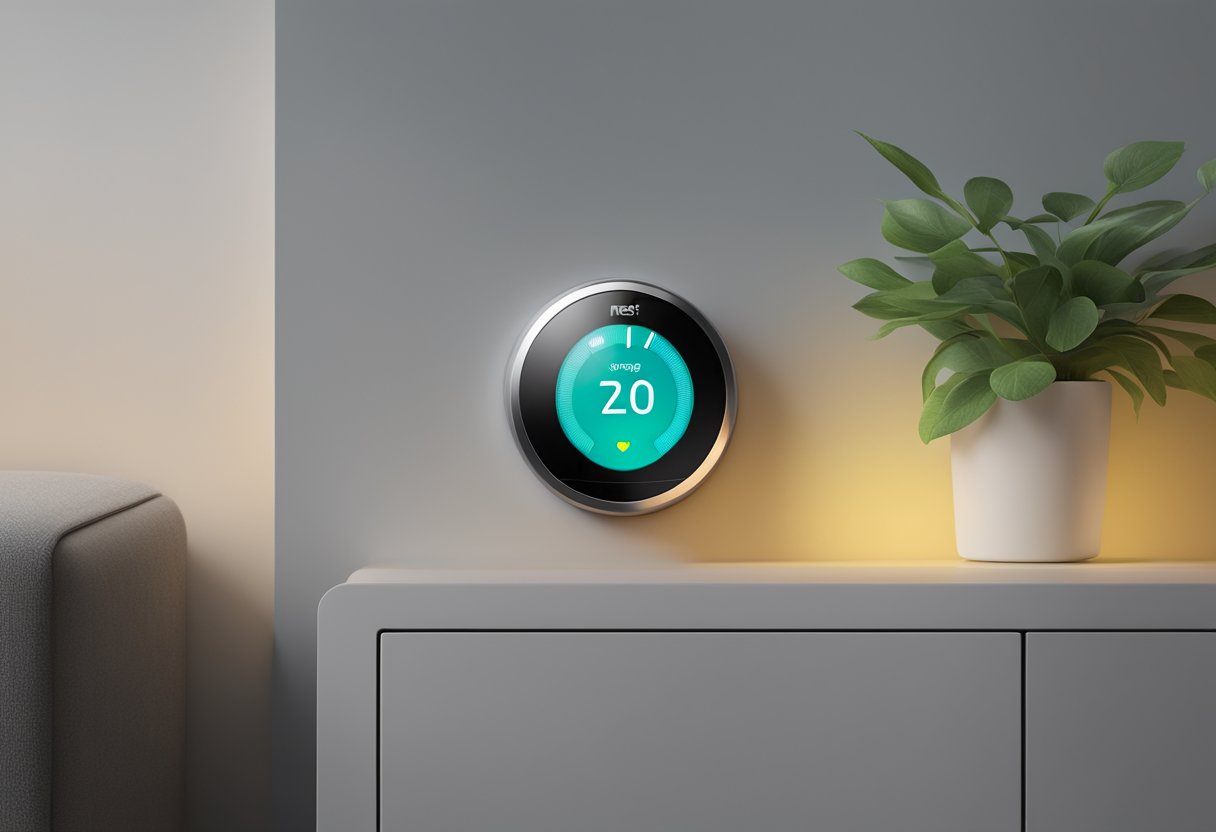
You'll eventually see the screen kick on, perhaps showing the Nest logo, and then eventually a full display. Once it’s fully awake and happy, you can pop it back onto its base on the wall. If the wiring to the base is providing sufficient power, you won't need to do this USB charging dance again anytime soon.
If you find yourself constantly having to charge it via USB, that's when you might want to investigate the wiring to the base or consider if your Nest's battery is nearing the end of its life. But that's a whole other coffee chat, my friend!
For now, that blinking green light? It’s your Nest giving you a little thumbs-up. "I'm on it!" it's saying. So, pour yourself another cuppa, and let your little smart home helper get its much-needed recharge.