
Best Motherboard For Intel I5-12600k
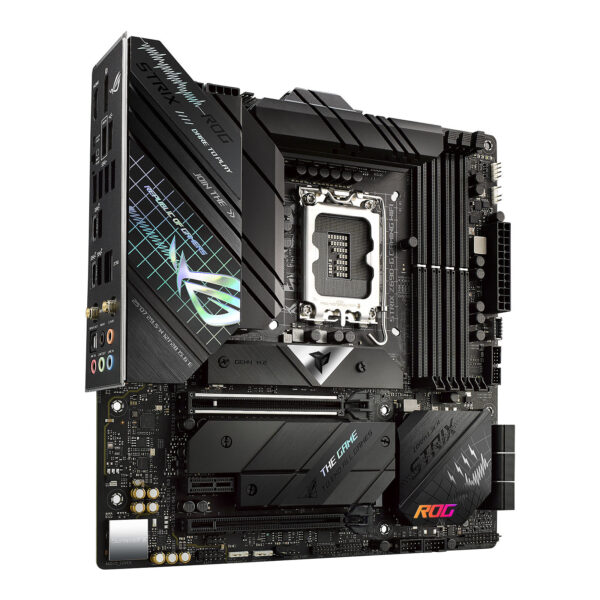
So, you've got your hands on an Intel Core i5-12600K, huh? Smart move. This little chip is a beast, offering a sweet spot of performance and price that makes it a gamer's delight and a content creator's friend. But now you need a motherboard to unleash its full potential. Think of it like finding the perfect partner for a dance – you need the right compatibility and rhythm to truly shine.
Decoding the Motherboard Maze: Chipsets and Features
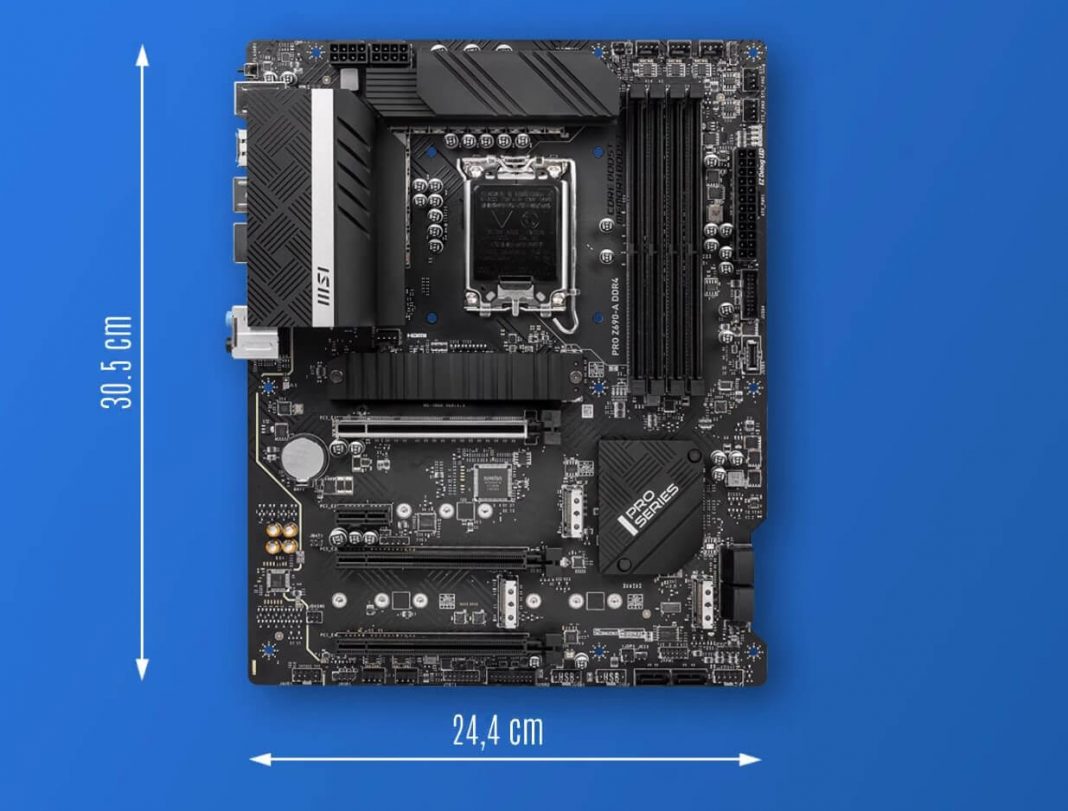
First things first, let's talk chipsets. The 12600K uses the LGA 1700 socket, so you'll need a motherboard from the Intel 600 or 700 series. The most popular (and often the best value) choices are the Z690, B660, and H610. But what's the difference? Think of it like choosing between a luxury sedan, a reliable SUV, and a no-frills compact car.
Z690: The high-end option. This is your luxury sedan. It unlocks the full overclocking potential of your 12600K, allowing you to push it to its limits. Plus, you usually get more PCIe lanes, more USB ports (including the fancy USB 3.2 Gen 2x2), and generally better VRM (Voltage Regulator Module) for stable power delivery. If you're a serious gamer or plan on heavy multitasking, this is your go-to.
Must Read
B660: The sweet spot. This is your trusty SUV. It offers a great balance of features and price. You usually lose the ability to overclock, but honestly, the 12600K is plenty fast out of the box. You still get access to modern features like PCIe 4.0 and decent USB connectivity. It's perfect for most users who want a solid, reliable platform without breaking the bank.
H610: The budget-friendly option. This is your economical compact car. It's the most affordable option, but you'll be making some compromises. Fewer features, fewer expansion slots, and potentially less robust power delivery. It's suitable for basic computing and light gaming, but not ideal if you plan on upgrading or doing anything particularly demanding.
Beyond the Chipset: Features to Consider
Once you've picked your chipset, it's time to dive into the details. Here are some key features to consider:
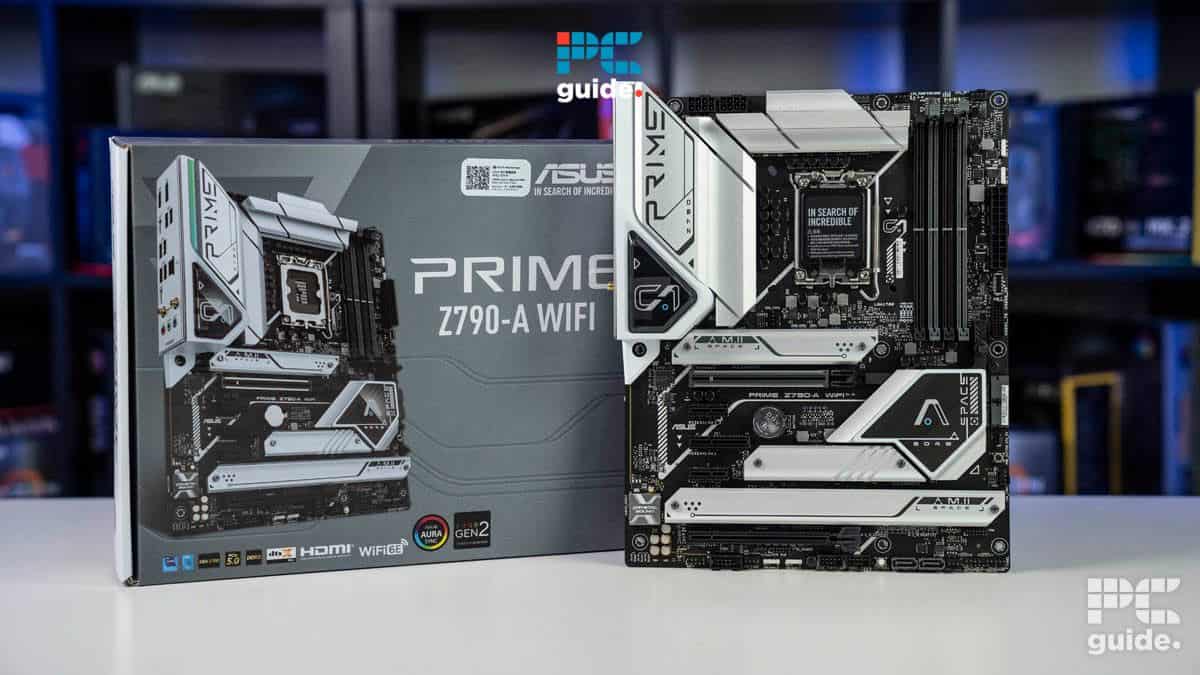
VRM (Voltage Regulator Module): This is what provides clean, stable power to your CPU. A good VRM is crucial, especially if you plan on pushing your system. Look for motherboards with robust VRMs, especially if you're considering a Z690 board for overclocking.
RAM Support: Check the motherboard's RAM speed and capacity. The 12600K benefits from faster RAM, so aim for a board that supports at least 3200MHz DDR4 or even DDR5 if you're feeling fancy (and have the budget).
Storage: M.2 slots are essential for fast NVMe SSDs. Make sure the motherboard has enough M.2 slots for your storage needs. PCIe 4.0 M.2 slots are the fastest, but even PCIe 3.0 is a huge improvement over traditional SATA SSDs.
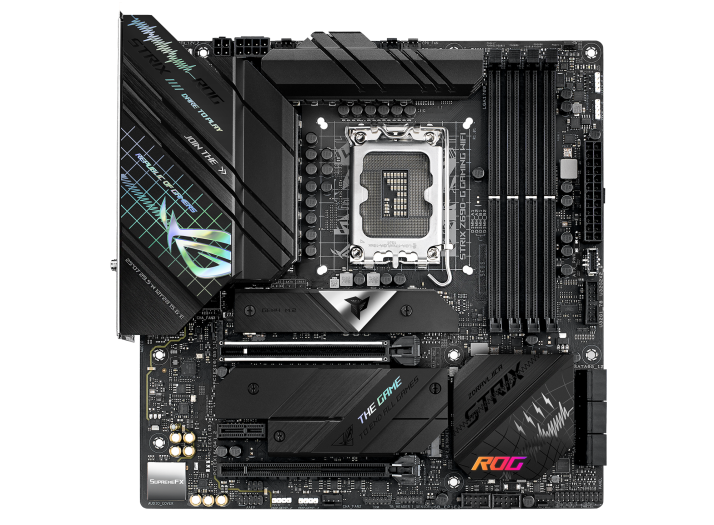
Connectivity: USB ports, Wi-Fi, Ethernet – consider your needs. Do you need Thunderbolt 4 for fast external storage? Do you need Wi-Fi 6 for the latest wireless speeds? Think about your current and future devices.
Aesthetics: Let's be honest, looks matter! If you're building a showpiece PC, choose a motherboard that complements your case and components. RGB lighting can add a touch of flair, but make sure it's customizable and not too overwhelming.
Top Picks (Without Naming Specific Models): A Genre Approach
Instead of recommending specific models (which can become outdated quickly), let's talk about genres. It’s like choosing a movie: do you want action, comedy, or drama?
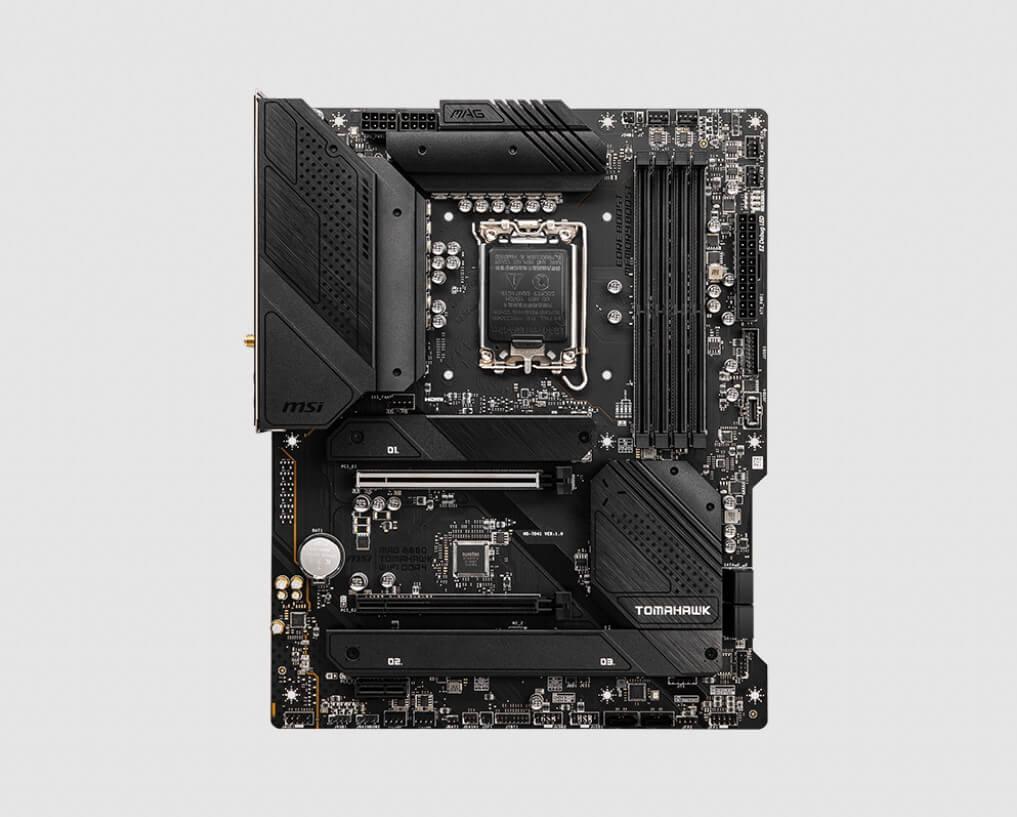
The Overclocker's Dream (Z690): Focus on VRM quality, robust cooling, and plenty of fan headers. Consider features like BIOS Flashback (for easy BIOS updates) and onboard diagnostic tools.
The Balanced Performer (B660): Look for a board with good connectivity, solid VRM, and a clean layout. Don't overspend on features you don't need. A good balance of price and performance is key.
The Budget Champion (H610): Focus on basic functionality and reliability. Don't expect to overclock or run high-end components. Choose a reputable brand and read reviews carefully.
Practical Tip: Check Those Reviews!
Before you pull the trigger, read reviews! Check out reputable tech websites and user reviews to get a sense of the motherboard's strengths and weaknesses. Pay attention to comments about VRM temperatures, BIOS stability, and customer support.
Think of it like reading Yelp reviews before trying a new restaurant – you want to get an idea of what to expect before you commit.
Wrapping Up: Connecting to Daily Life
Choosing the right motherboard can feel overwhelming, but it's a crucial step in building a powerful and reliable PC. Just like choosing the right ingredients for a recipe, the motherboard provides the foundation for your entire system. Take your time, do your research, and choose a board that meets your needs and budget. After all, a happy computer is a happy user. And a happy user? Well, they're more productive, entertained, and ready to tackle whatever the day throws their way. So, go forth and build!