Are Liquid Coolers Better Than Fans

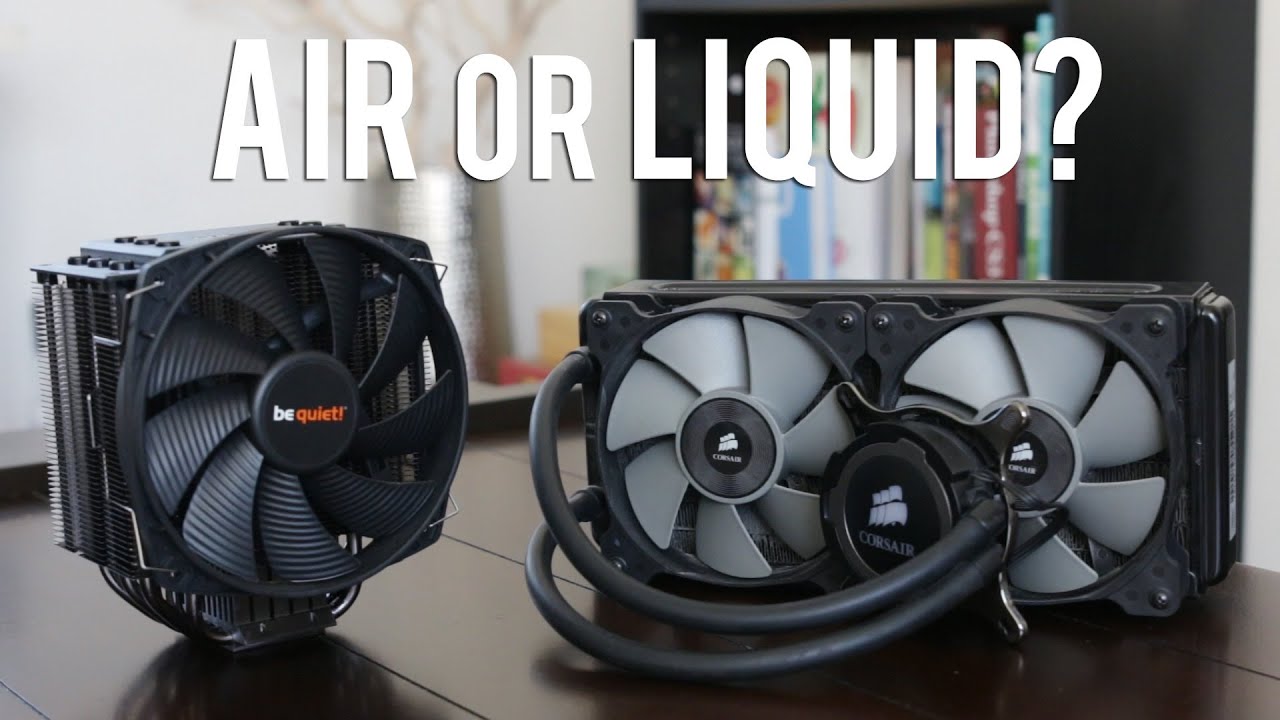
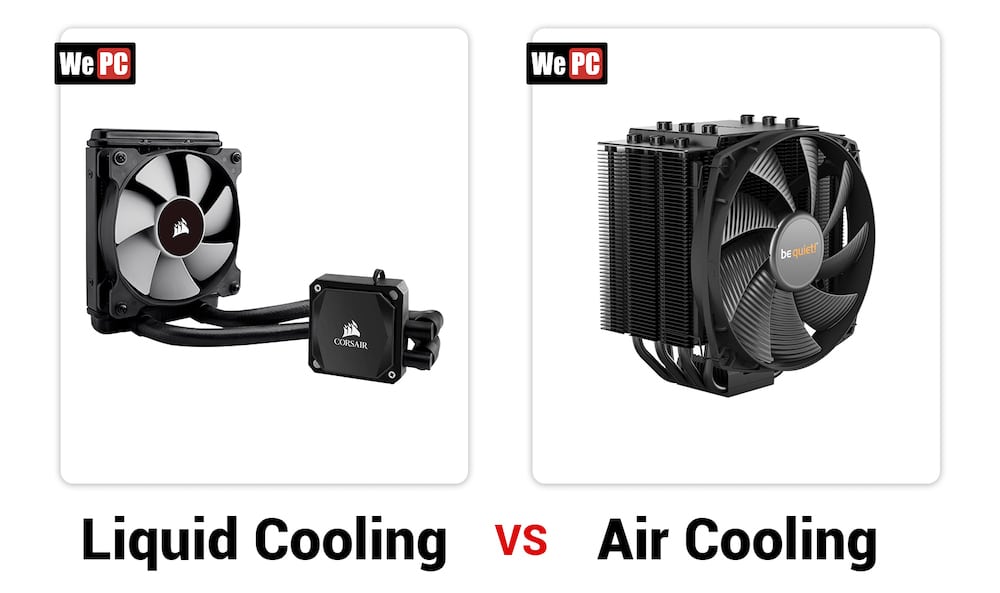
Let's face it, geeking out about computer hardware can be surprisingly fun! And when it comes to keeping your PC running smoothly, the age-old debate rages on: Liquid coolers vs. Fans. Which is better? It's a question that pops up whether you're building your first gaming rig or just trying to stop your old desktop from sounding like a jet engine taking off. We'll break it down in a way that's easy to understand, no tech degree required!
For the Beginner: Maybe you just bought a new computer and noticed it gets a bit warm. A simple fan cooler, also known as an air cooler, is often all you need. These are easy to install, relatively inexpensive, and do a decent job of dissipating heat from the processor (CPU). Think of it like a small desk fan for your computer's brain. They're perfect for everyday tasks like browsing the web, writing emails, and watching videos.
For Families: If your computer is a shared resource used for homework, light gaming, and streaming movies, you might want something a little more robust. A slightly beefier air cooler can offer better cooling and reduce noise levels compared to the stock cooler that comes with your CPU. Imagine fewer complaints about the computer being too loud during movie night! You'll find options with larger fans and more efficient heatsinks designed to handle moderate workloads.
Must Read
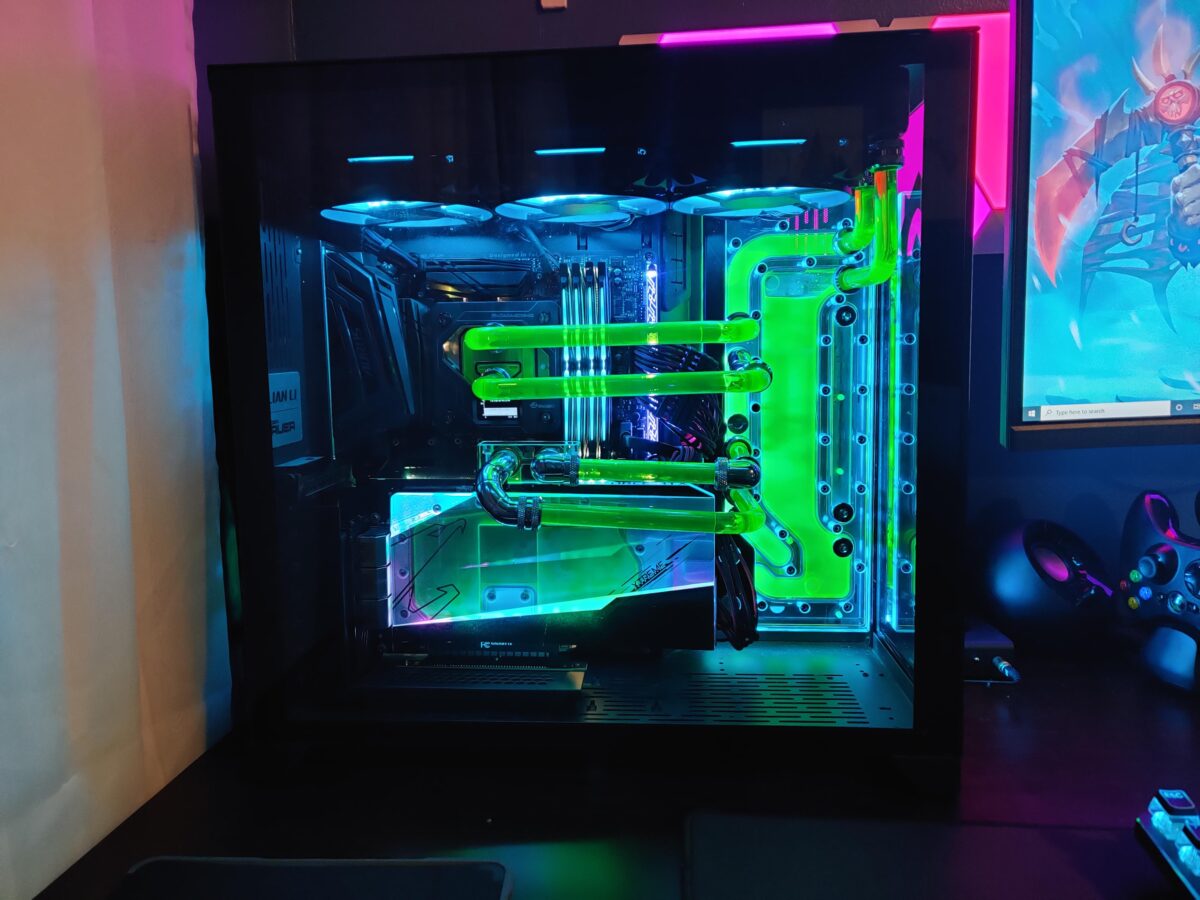
For the Hobbyist and Gamer: This is where liquid coolers start to shine. Also known as All-in-One (AIO) coolers or custom loops, these use a liquid (usually distilled water mixed with coolant) to transfer heat away from the CPU and radiate it out through a radiator, often with fans attached. The benefit? Better cooling performance, which translates to higher overclocking potential (running your CPU faster than its rated speed) and more stable frame rates in demanding games. Think of it like a high-performance engine needing a better cooling system for optimal performance. There are different variations like 120mm, 240mm, or 360mm radiators, impacting cooling capacity. Custom loops involve more intricate plumbing and allow you to cool other components, such as the GPU (graphics card).
Examples and Variations: Consider a Noctua NH-D15 – an example of a high-end air cooler that can rival some liquid coolers in performance. On the liquid cooling side, Corsair's iCUE H150i ELITE LCD is a popular AIO option, offering impressive cooling and customizable RGB lighting. For the truly dedicated, custom water cooling loops from brands like EKWB allow for maximum customization and performance, but require significant expertise and investment.
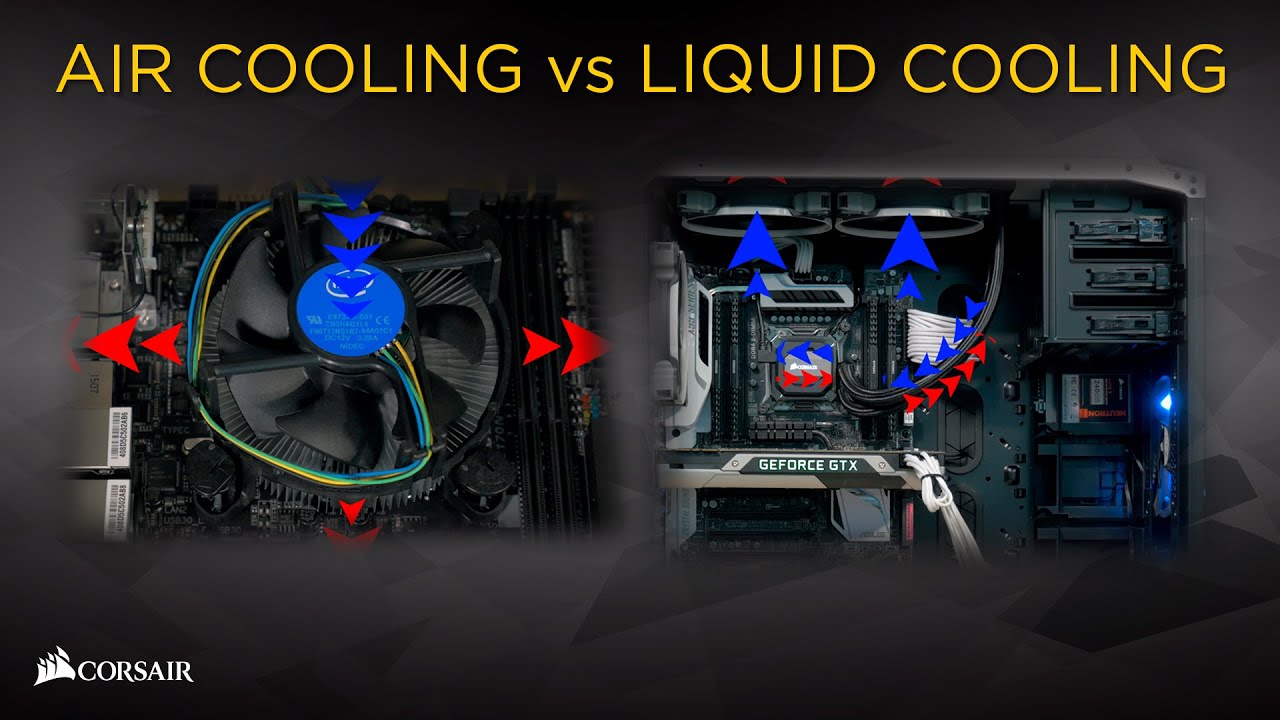
Getting Started: Practical Tips: If you're sticking with air cooling, make sure your case has adequate airflow. Clean the dust out of your fans and heatsinks regularly. If you're considering liquid cooling, watch some installation videos on YouTube before you start. Make sure the cooler is compatible with your CPU socket. Don't be afraid to ask for help from online forums or computer stores.
Ultimately, the "best" cooling solution depends on your needs and budget. Air coolers offer a cost-effective and reliable solution for most users, while liquid coolers provide superior performance for enthusiasts and gamers pushing their hardware to the limit. So, whether you choose a trusty fan or dive into the world of liquid cooling, enjoy the process of optimizing your PC and keeping it running cool! Remember, a happy, cool computer is a happy user!