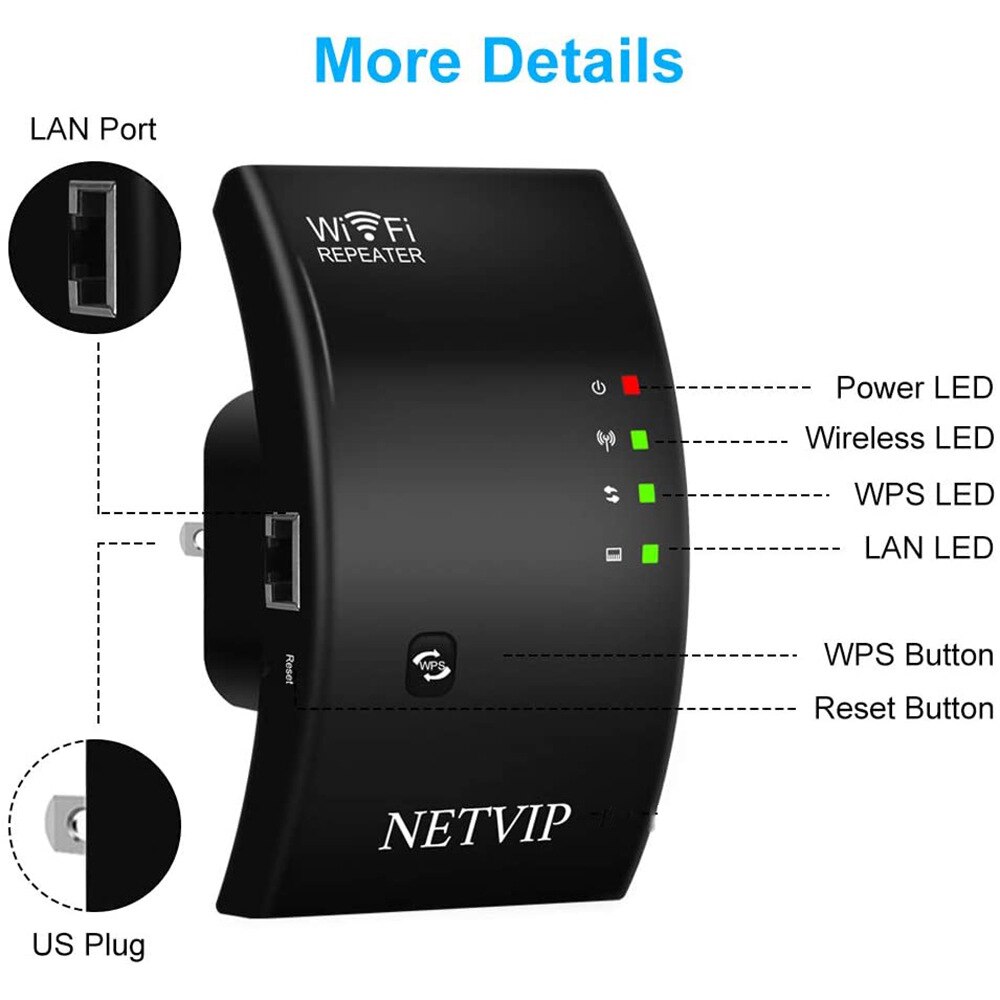
Wifi Range Extender Vs Wireless Access Point
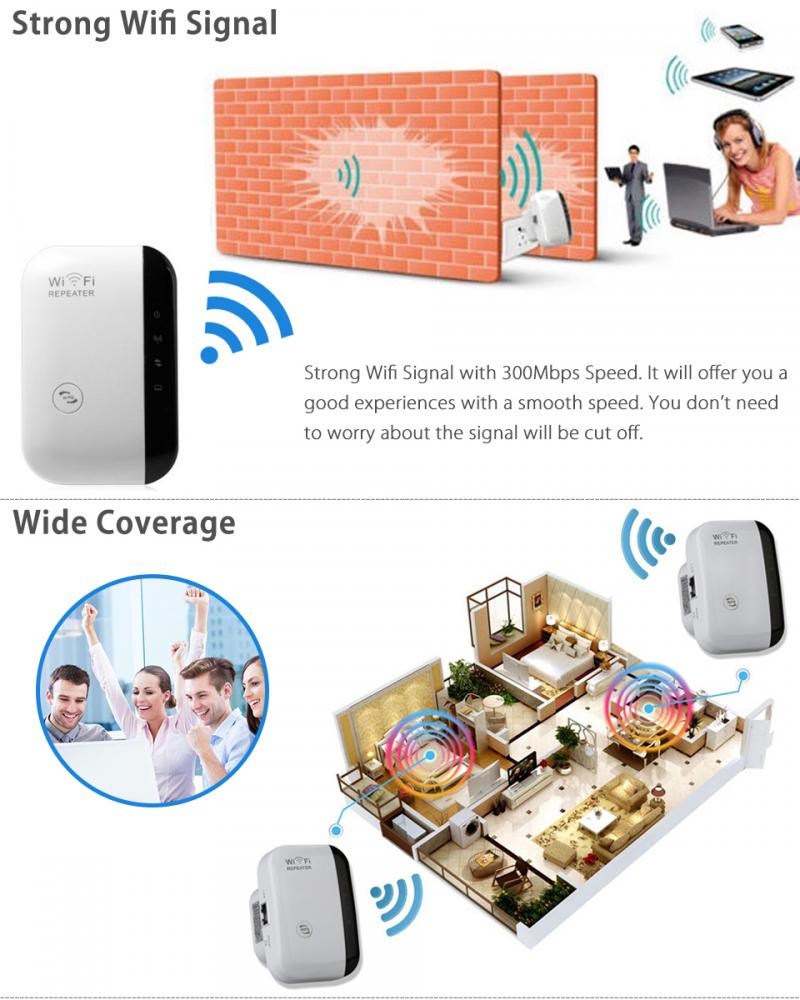
Alright, let's talk Wi-Fi, shall we? You know that feeling. You're chilling on the sofa, scrolling through cat videos, when suddenly... buffering. Or worse, you're trying to send that super important email from the furthest corner of your house, and it just hangs there, judging you. It’s like your Wi-Fi signal decided to take a permanent vacation, leaving you stranded in a digital desert. We've all been there, wandering around like a lost soul, phone held aloft, searching for that elusive bar of signal. It's truly a first-world problem, but boy, is it annoying!
And when that happens, two heroes usually pop up in your Google search: the Wi-Fi Range Extender and the Wireless Access Point. They sound similar, like two superhero cousins, but they tackle the same villain (lousy Wi-Fi) with slightly different superpowers. Let's break it down, shall we, with a few laughs along the way.
The Wi-Fi Range Extender: The Loudspeaker Enthusiast
Imagine your main Wi-Fi router is a really enthusiastic person at a party, telling amazing stories. Everyone near them can hear perfectly. But the folks in the kitchen, trying to sneak snacks, they're only catching snippets. That's where the Wi-Fi Range Extender waltzes in. Think of it as that one friend who hears the story, shouts "HEY EVERYONE, HE SAID...", and then repeats it a little louder for those further away. It's essentially a repeater.
Must Read
It picks up your existing Wi-Fi signal, gives it a little boost, and then re-broadcasts it. It’s like giving your Wi-Fi a megaphone. The upside? They’re generally super easy to set up. Plug it in, press a button, maybe log into a simple interface, and boom! You’ve probably got signal in that previously barren zone. They’re usually more affordable too, making them a great choice for a quick, low-fuss solution.
But here’s the catch, and it’s a big one: because it's repeating an existing signal, it's working with what it's given. If the signal it's trying to repeat is already weak or a bit shaky, the repeated signal will be… well, a bit shaky too. It's like photocopying a photocopy – you lose a bit of quality each time. Plus, sometimes it can create a separate network name, which means your devices might get confused, hopping between the main Wi-Fi and the extended one like a dizzy squirrel.
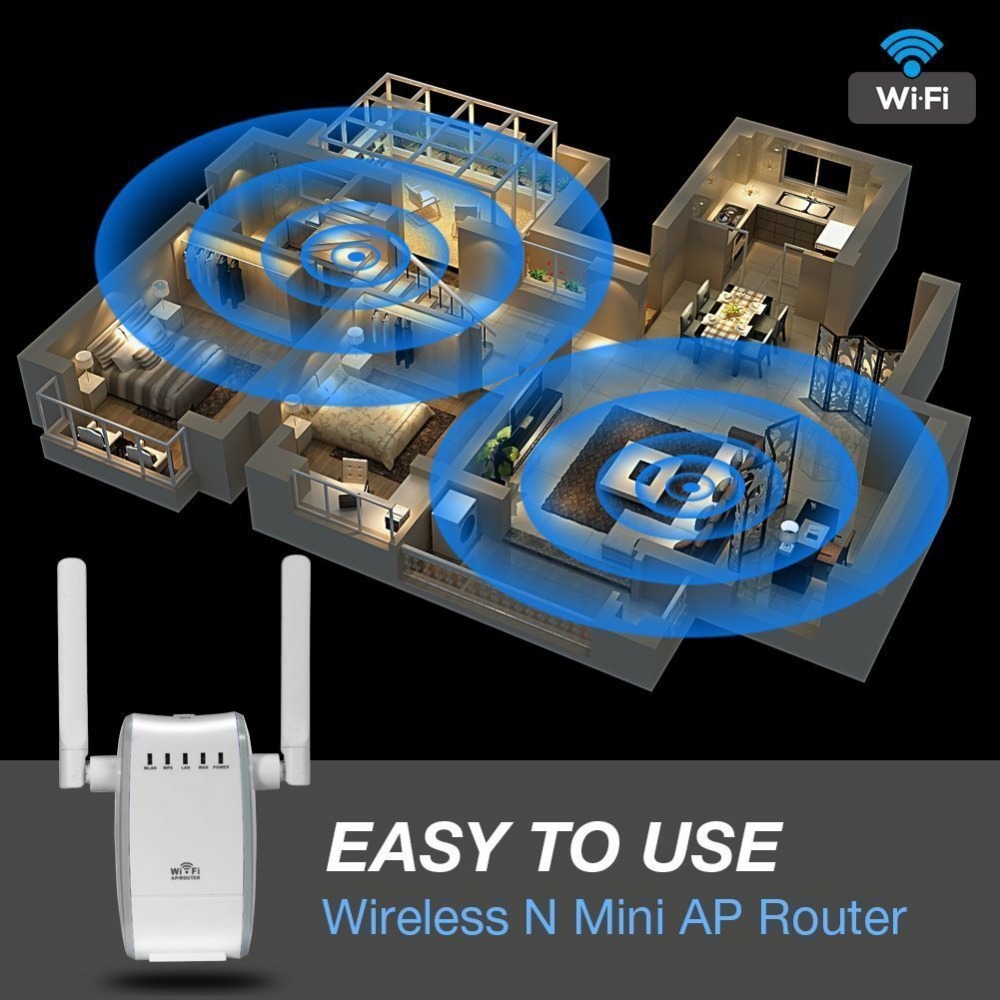
So, if you just need to stretch your Wi-Fi a little further to reach the patio for that one episode of your favorite show while grilling, an extender might be your best pal. It's perfect for those "just a little bit more" situations.
The Wireless Access Point (WAP): The Dedicated Branch Manager
Now, let's look at the Wireless Access Point (WAP). If your main router is the central office, a WAP is like opening a whole new, dedicated branch office. Instead of just shouting what the main office said, it gets its own direct, high-speed wired connection back to the main router. Think of it like extending a super sturdy ethernet cable (the digital equivalent of a dedicated, high-speed highway) from your main router to where the WAP lives.
Once connected by that cable, the WAP then broadcasts its own strong, fresh Wi-Fi signal. It's not repeating a potentially weak signal; it's creating a brand new, robust one, just for that area. It's like having a second, equally enthusiastic party host in another room, connected directly to the snack supply. No echoing, no lost quality. Just pure, unadulterated Wi-Fi goodness.
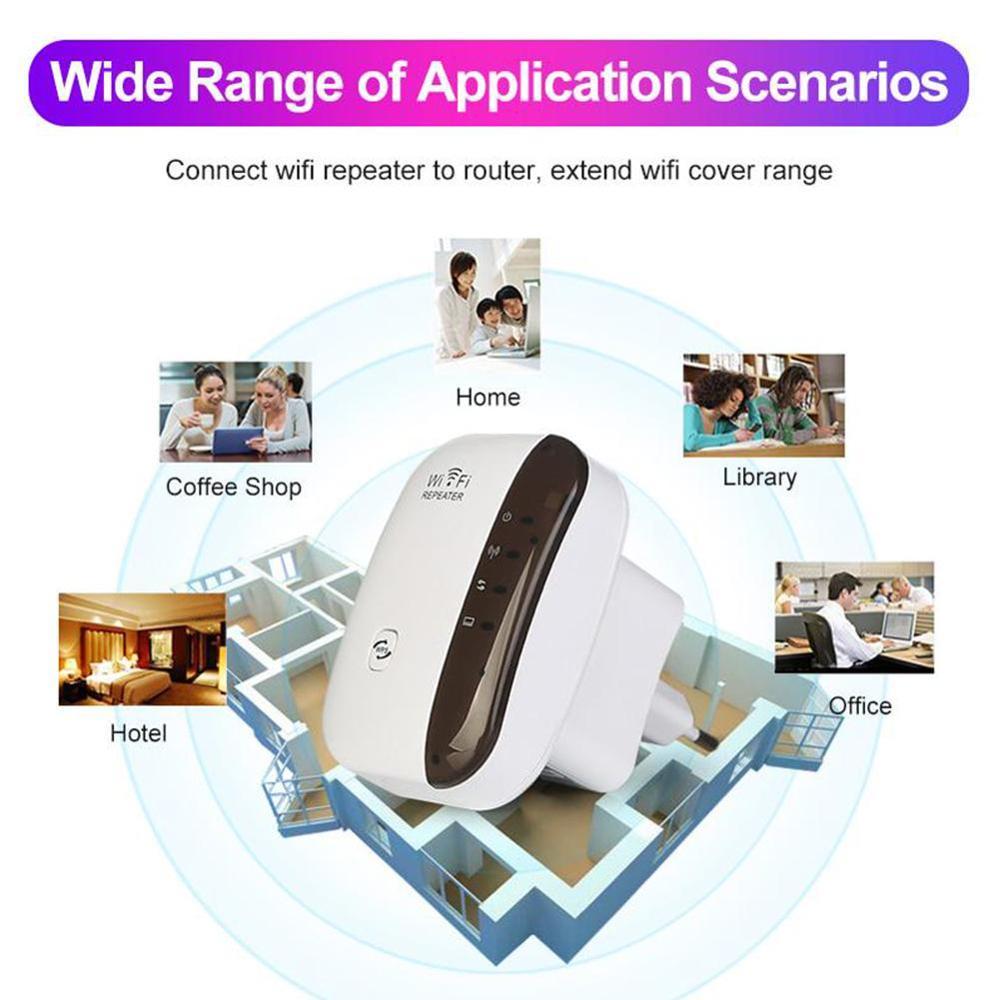
The biggest benefit here is performance. Because it has that direct wired connection, WAPs generally offer faster speeds and a more stable connection. This is fantastic if you're trying to turn your detached garage into a man-cave/she-shed, or if you've got a home office on the opposite side of the house where reliable video calls are absolutely essential. It can handle more devices with less fuss, making it ideal for heavier use.
The main "uh-oh" moment with a WAP is the setup. You'll likely need to run that Ethernet cable, which might involve some creative routing, drilling, or at least strategically placed rugs. It’s a bit more of an undertaking than just plugging something into an outlet, and they can be a smidge pricier. But for that rock-solid connection and better performance, many find it totally worth the effort.

So, Which One's For You?
If your Wi-Fi dead zone is just a mild annoyance, like a shadowy corner where you sometimes lose a bar, and you want a quick, easy fix, the extender is your buddy. It's the equivalent of putting a taller lamp in the dim corner.
But if you're experiencing a full-blown digital blackout, or you need consistently strong, reliable Wi-Fi for gaming, streaming 4K, or working from a remote part of your home, then the Wireless Access Point is your champion. It's the full electrical rewire to bring proper light to that dark corner. It's an investment in a better, less frustrating Wi-Fi future.
Ultimately, both are trying to save you from that dreaded buffer wheel. Just pick the right tool for the right job, and you'll be back to scrolling cat videos (or sending those important emails!) with a smile on your face in no time.