
Why Isn't My Phone Charging When I Plug It In

Okay, so your phone's stubbornly refusing to charge. Annoying, right? Like, you plug it in, see nothing, and suddenly you're staring down the barrel of a digital doomsday where you can't meme, text, or even Google "why isn't my phone charging?" Don't panic! Let's troubleshoot. It's probably not ghosts. (Probably.)
Is it Really Plugged In?
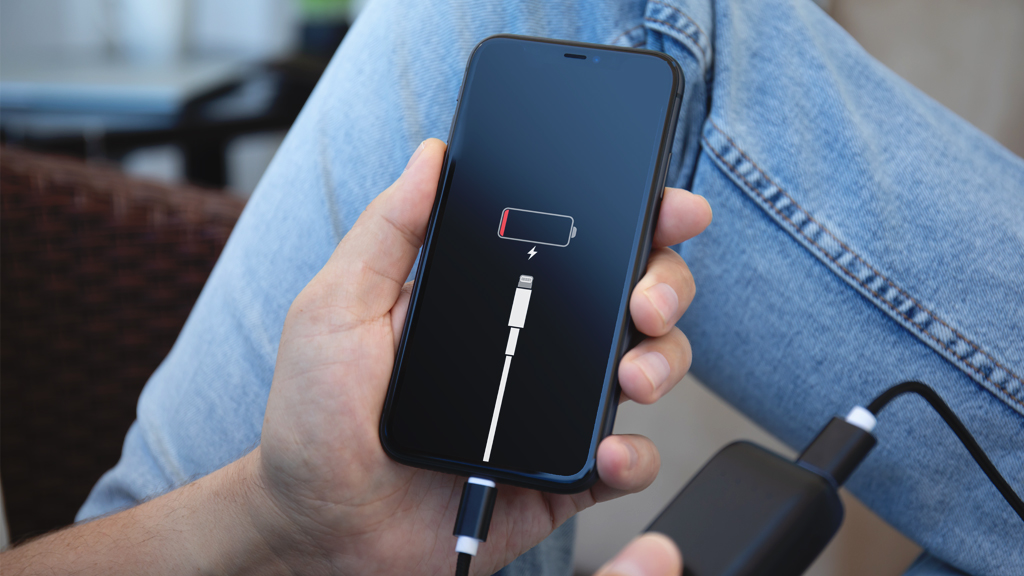
Sounds dumb, I know. But are you absolutely sure? Sometimes, it's the simplest things. We're talking, "Did you click it in?" kind of simple. Maybe you thought you plugged it in but the charging fairy was on break. Give it a wiggle. A gentle nudge. See if that helps. Think of it like a digital handshake. Gotta make a good connection!
Speaking of connections, check both ends! Is the wall adapter plugged into the outlet properly? Is the cable securely attached to the adapter? Double-check everything. It's like detective work, but for your phone's battery life.
Must Read
The Case of the Cruddy Cable
Cables. Those sneaky little culprits. They bend. They break. They fray. They collect pocket lint like it's their job. Examine your cable carefully. Any visible damage? Tears? Exposed wires? Bends that look... unnatural? If so, that's likely your problem. Time for a new cable. And maybe a little cable management, eh?
Fun fact: Did you know some cables are specifically designed for charging, while others are better for data transfer? It's true! A charging-optimized cable can sometimes deliver more power. It's like the difference between a garden hose and a fire hose. Both deliver water, but one does it with way more oomph.
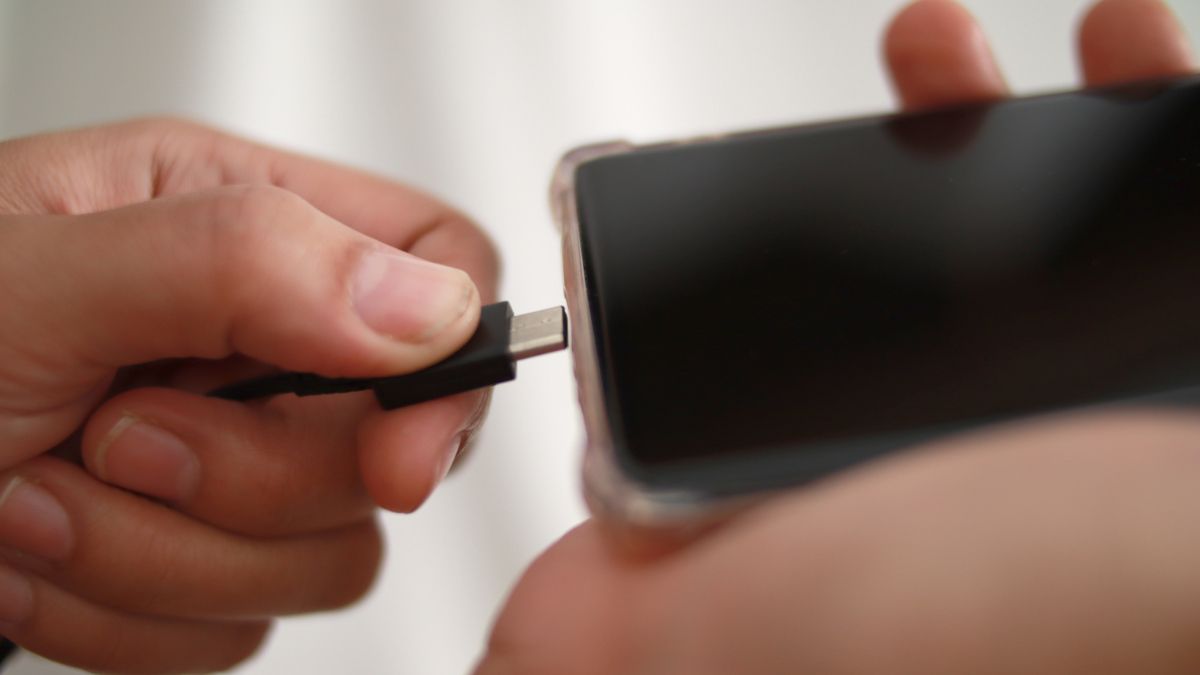
And another cable quirk: Some off-brand cables… well, let’s just say they aren’t created equal. Invest in a quality cable from a reputable brand. Your phone (and your sanity) will thank you.
Outlet Outage? Don't Shoutage!
Is the outlet working? Test it with another device, like a lamp or a hairdryer. (Okay, maybe not a hairdryer right next to your phone. Safety first!) If the outlet's dead, check your circuit breaker. Flipping a switch might be all it takes to revive your phone's charging capabilities.
Ever wonder why some outlets have those little "test" and "reset" buttons? Those are Ground Fault Circuit Interrupters (GFCIs). They protect you from electrical shock, especially in wet environments like bathrooms and kitchens. If one trips, just press the "reset" button.
The Port's Problem
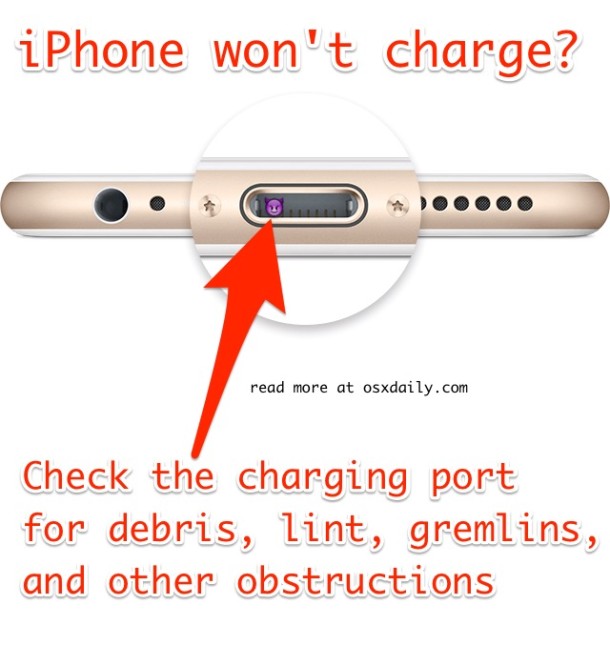
Your phone's charging port is a magnet for dust, lint, and other pocket debris. It's like a tiny black hole for gunk. Grab a can of compressed air and give it a gentle blast. (Hold the can upright!) You can also use a toothpick or a SIM card ejector tool to carefully remove any stubborn debris. Be gentle! You don't want to damage the pins inside.
Think of it like dental hygiene for your phone. Regular cleaning prevents plaque buildup (or in this case, lint buildup) that can interfere with charging. Just be really careful!
Battery Blues
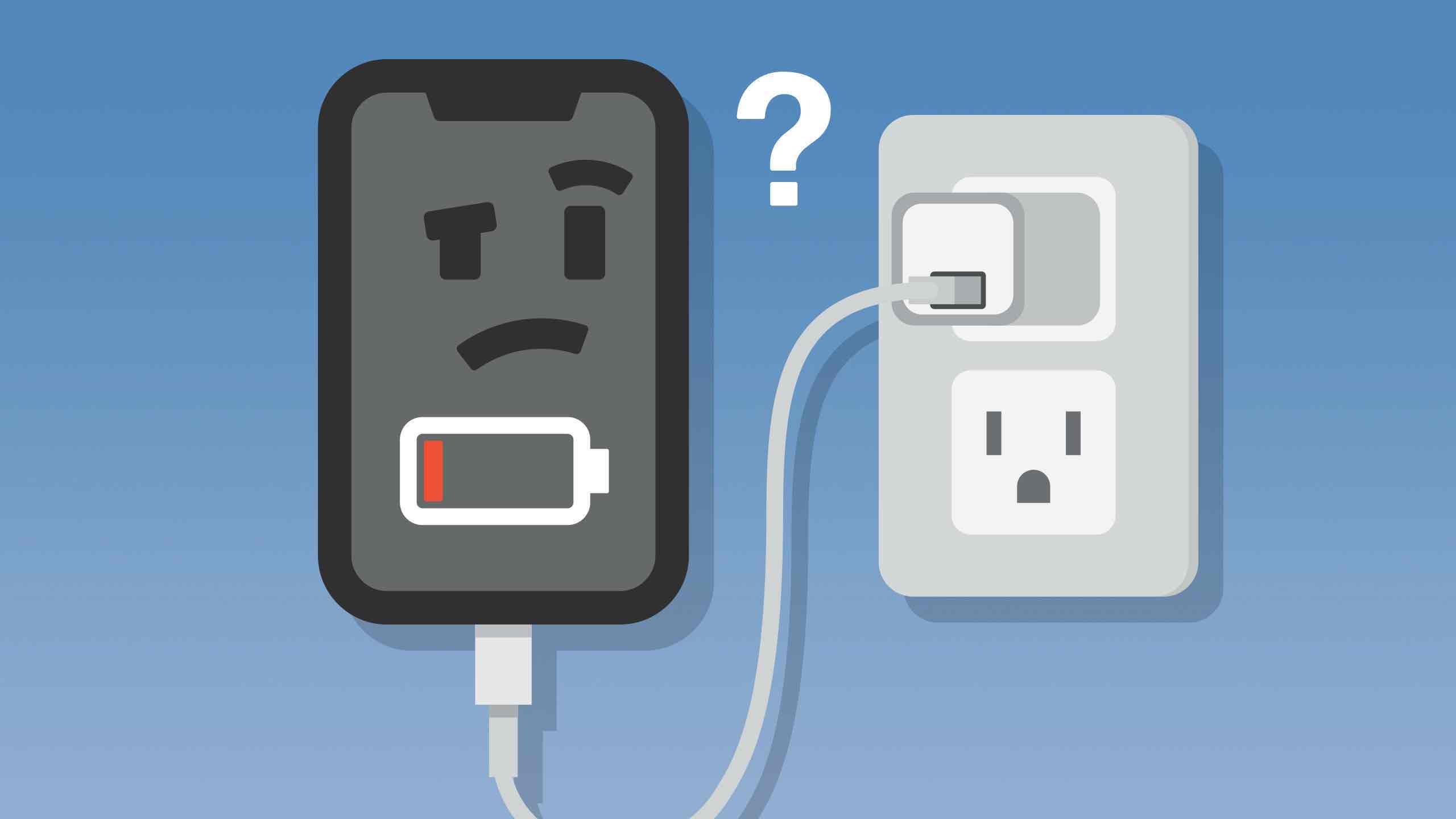
Is your battery completely dead? Sometimes, a battery can drain so low that it needs a "jump start." Leave your phone plugged in for a while – maybe 30 minutes or more – before trying to turn it on. It might just need a little time to recover.
Batteries are weird. They degrade over time. They're sensitive to temperature. They have a limited number of charge cycles. It's just a fact of life. If your phone is several years old, a worn-out battery might be the culprit. Consider a battery replacement or, dare I say, a new phone?
Software Snafus and Restart Rituals
Sometimes, the problem isn't hardware; it's software. A glitch or bug can sometimes prevent your phone from charging properly. Try restarting your phone. It's the digital equivalent of "have you tried turning it off and on again?" And it often works!
You might also check for software updates. An outdated operating system can sometimes cause charging issues. Keeping your phone up-to-date is generally a good idea for security and performance, too.
The Last Resort: Seek Professional Help!
If you've tried everything and your phone still refuses to charge, it's time to consult a professional. Take it to a phone repair shop or contact your phone manufacturer. They have the tools and expertise to diagnose and fix more complex problems. Don't try to fix it yourself if you're not comfortable doing so. You could end up making things worse!
Remember, technology can be frustrating, but it's also pretty amazing. Hopefully, these tips will help you get your phone charging again. Now go forth and conquer the digital world… fully charged!