
Why Is My Video Quality So Bad
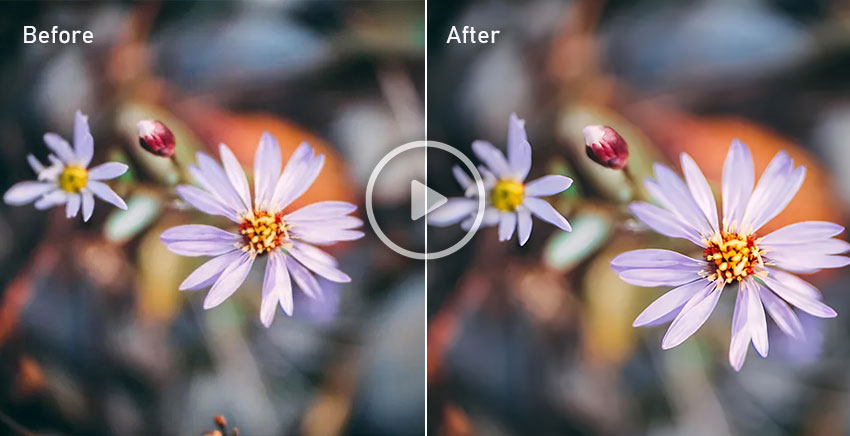
Ever found yourself staring at a pixelated mess on your screen, wondering, "Seriously, why does my video look like it was filmed on a potato?" You’re definitely not alone! It’s a super common frustration, especially when we’re all used to crystal-clear content. But here’s the cool part: the reasons behind that blurry blob are actually pretty fascinating, like a secret, intricate dance of technology happening right under your nose.
It’s rarely just one thing. It's a whole bunch of factors playing tug-of-war, all trying to get that video from its origin to your eyes as quickly and smoothly as possible. Think of it like a grand orchestra, and sometimes, a few instruments are just a little out of tune. Let's pull back the curtain and peek at some of the main culprits – and why they’re actually doing their best, most of the time!
Your Internet's "Pipeline" – The Bandwidth Dance
This is probably the first thing that springs to mind, right? Your internet connection. Imagine your internet as a highway. Your bandwidth is like the number of lanes on that highway, and your speed is how fast cars (your data) can drive. If you're trying to stream a gorgeous 4K movie, that's like trying to drive a giant convoy of semi-trucks down a tiny, two-lane country road. It's going to be slow, congested, and things will inevitably get backed up.
Must Read
When your "pipeline" isn't wide enough, or there are too many other "cars" (devices) on the road (network) at the same time, your video service faces a dilemma. It can either pause constantly to wait for more data (super annoying buffering!), or just send you a lower-quality version that fits through the narrow road quicker. Most services opt for the latter, because who wants endless pauses? It’s a clever balancing act to give you a continuous stream, even if it means a temporary dip in clarity.
The Device Detective – Your Screen and Its Brain
Sometimes, the video itself isn’t that bad, but your device just isn't showing it off properly. Think of it this way: if you’re watching a stunning high-definition nature documentary on a tiny, old flip phone screen (if those even exist anymore!), it’s not going to look as crisp as it would on a big, modern 4K TV. The screen’s resolution plays a huge role here. A lower-resolution screen can only display so many pixels, no matter how perfect the source video.
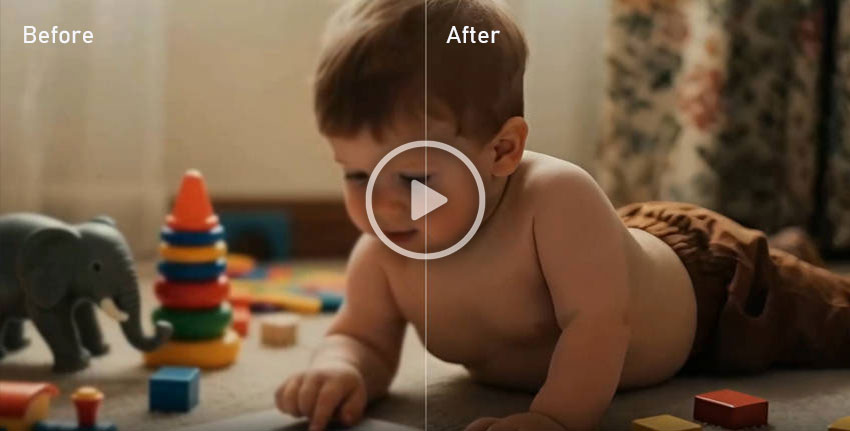
But it's not just the screen! Your device’s processing power also matters. Decoding and displaying video, especially high-quality video, takes a lot of computational muscle. An older phone, tablet, or computer might struggle to keep up, leading to dropped frames, stuttering, or even a deliberate downgrade in quality by the app to prevent a total freeze. It's like trying to run a super-demanding video game on an ancient computer – it just can’t handle it!
The Origin Story – Where Did That Video Come From?
Okay, so your internet is fine, your device is top-notch. What then? Well, let's go back to the source! How was the video recorded in the first place? Was it shot on a professional camera in stunning 4K, or was it a quick clip from a friend’s phone saved in a low-resolution format to save storage space? The original quality is your ultimate ceiling.

Even if it started out pristine, every time a video is edited, transferred, or uploaded to a platform like YouTube, TikTok, or Instagram, it often undergoes compression. This is essentially shrinking the file size by smartly discarding some information deemed "less important." Imagine you have a beautifully detailed painting. Compression is like taking a photo of that painting, and then taking a photo of that photo, and then emailing it. Each step might lose a tiny bit of detail. By the time it reaches you, it’s a much smaller file, easier to send, but perhaps not as vibrant or sharp as the original masterpiece.
The Platform's Peculiar Preferences – Streaming Service Shenanigans
Ah, the streaming services and social media giants! They play a massive role in what you see. These platforms need to serve billions of videos to billions of people, all with varying internet connections and devices. To do this efficiently, they often re-compress or "transcode" videos even further. They're trying to be good hosts, serving up the best possible version for your specific setup at that moment.
Think of it like a postal service. You send a perfectly packaged gift, but the postal service opens it up, repackages it into a smaller, standardized box that’s easier for them to handle and ship, and then sends it on its way. The gift is still there, but it might not be in its original pristine presentation. Netflix, YouTube, Disney+, and even Zoom calls do this constantly to ensure smooth delivery. They often create multiple versions of your video at different qualities, ready to serve whichever one your current connection can handle best. It’s a constant trade-off between quality and accessibility, necessary to keep the internet flowing.
The Language Barrier – Video Codecs
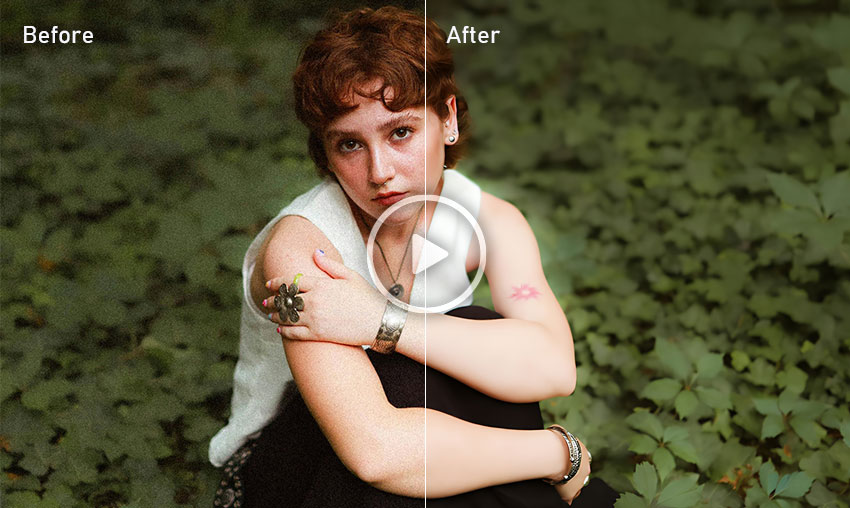
This one gets a little technical but it’s super cool! Video isn't just a raw stream of images; it's encoded using something called a codec (short for Coder-Decoder). Think of codecs as different languages or highly optimized ways of packaging video information. Some codecs are incredibly efficient at shrinking file sizes while maintaining good quality (like a highly optimized shorthand language), while others might be older and less efficient.
When you encounter a video, your device needs to "speak" the same codec language to decode and display it properly. If there's a mismatch, or if the codec used for compression was very aggressive to save space, you might see artifacts, pixelation, or just a generally mushy image. Different platforms and devices prefer different codecs, adding another layer to this intricate puzzle.

Wi-Fi Woes vs. Wired Wonders
Finally, let's not forget your own local network! Is your Wi-Fi signal strong and stable, or are you trying to stream from the furthest corner of your house, through three walls, and next to a microwave oven? A weak Wi-Fi signal can be just as detrimental as a slow internet connection from your provider. It creates bottlenecks right there in your home.
If possible, a wired Ethernet connection is almost always superior for critical streaming, as it bypasses the potential interference and instability of wireless signals. Think of Wi-Fi like talking across a crowded, noisy room, while Ethernet is a direct, crystal-clear phone line – much more reliable!
So, the next time your video quality takes a dip, instead of just sighing in exasperation, maybe take a moment to appreciate the sheer complexity behind that simple act of watching. It’s a dynamic, ever-changing dance between your device, your internet, the source, and a dozen other hidden technologies, all working tirelessly (and sometimes imperfectly!) to bring moving pictures to your screen. It's a reminder that even our everyday tech frustrations often hide a fascinating world of engineering marvels.