
Why Is My Iphone 14 Not Charging
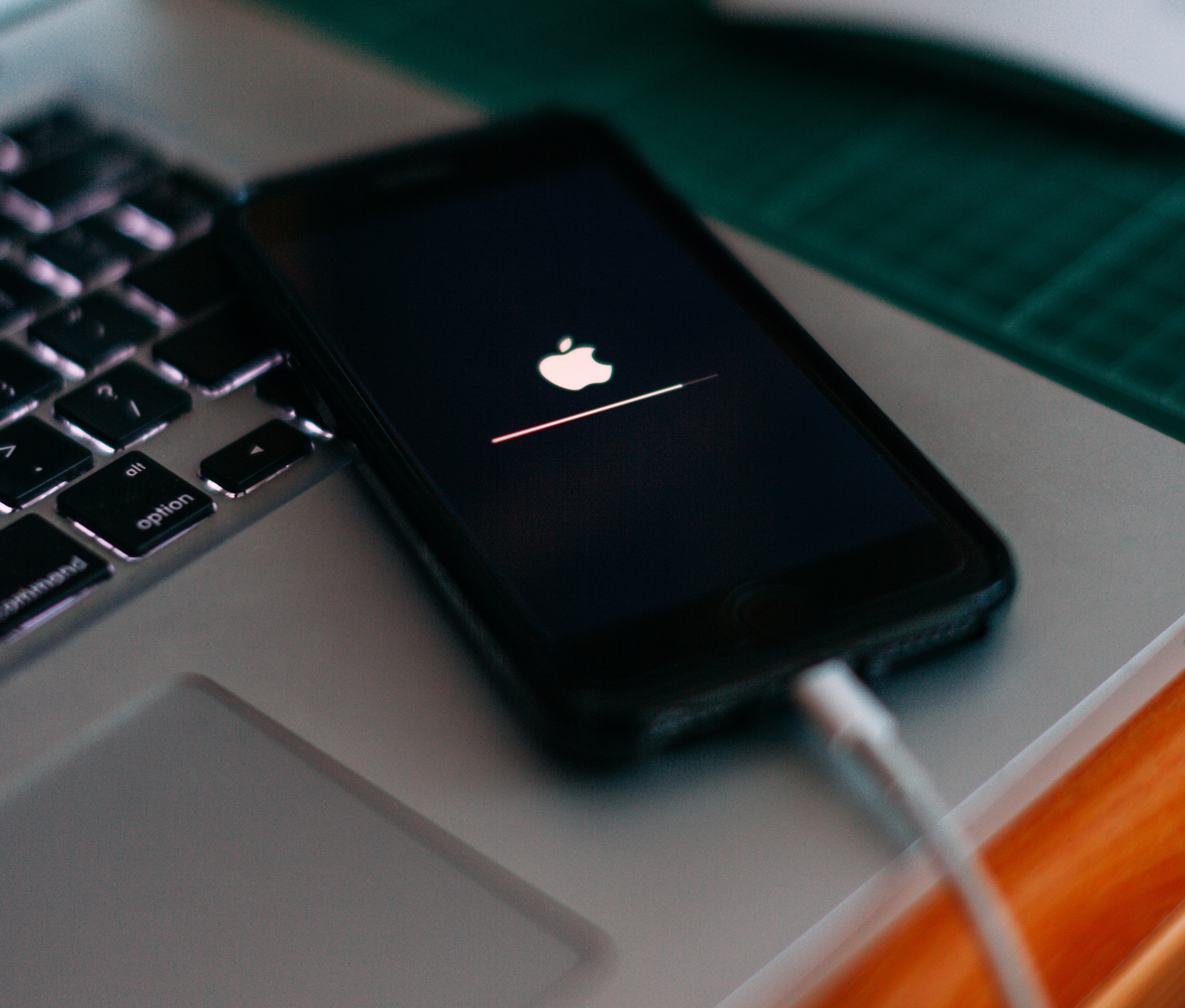
Ah, the classic morning routine. You roll over, groggy-eyed, reaching for your trusty iPhone 14, ready to scroll through the latest cat videos or check if the world ended overnight. But wait. Instead of that beautiful, familiar lock screen, you're greeted with… a blank screen. Or worse, the dreaded low battery icon, mocking your hopes and dreams. It’s like discovering your coffee maker didn’t brew, or your car keys have staged a jailbreak. Panic, a tiny, digital panic, sets in.
Before you launch your phone across the room or perform an exorcism, let's take a deep breath. Your iPhone 14 not charging isn't always a catastrophe. Often, it's just a little tantrum, a misunderstanding, or a tiny speck of dust being a huge jerk. Let's play detective, shall we?
The Case of the Fickle Cable and Adapter
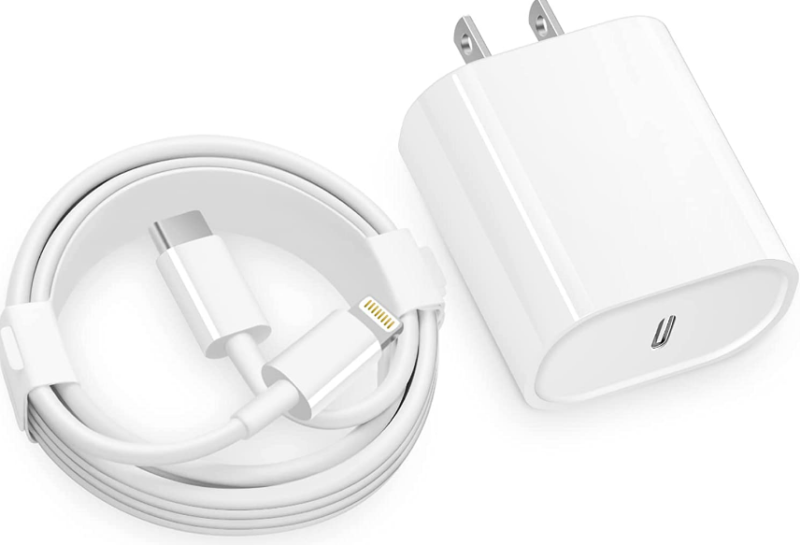
This is probably the number one culprit, like the missing sock in the laundry – you swear it was just there! Is your charging cable actually plugged into the wall adapter? And is that adapter actually plugged into the wall? Sometimes, it’s just a loose connection, like a shy person at a party not quite committing to the conversation. Give them a firm, gentle push.
Must Read
Next, examine the cable itself. Has it seen better days? Does it look like a dog’s chew toy or a victim of a particularly aggressive vacuum cleaner? A frayed cable is like a broken bridge – no power is getting across. And is it an Apple-certified (MFi) cable? Cheap, knock-off cables can be as unreliable as a fair-weather friend. They might work for a bit, then pull a disappearing act when you need them most.
The Mysterious Charging Port Clog
Your iPhone's charging port is like a tiny, exclusive nightclub for lint, dust, and pocket fluff. Over time, these microscopic party-goers can build up, creating a fuzzy blockade that prevents your charger from making proper contact. It’s a silent, fluffy conspiracy!
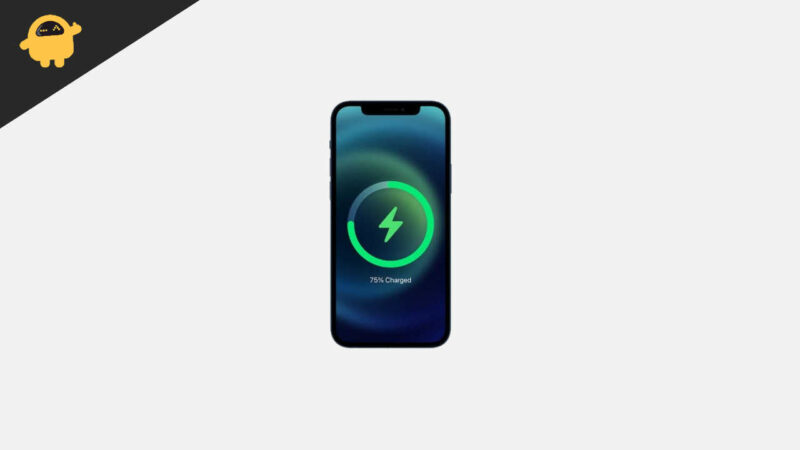
Take a peek inside with a flashlight. See any fuzzy monsters lurking? With the phone off, gently use a wooden toothpick or a soft, dry toothbrush to carefully dislodge any debris. Be super gentle, like you're defusing a tiny, digital bomb. You don't want to damage the delicate pins inside.
The Digital Hiccup: A Simple Reboot
Sometimes, your iPhone just needs a good old-fashioned brain reset. Just like when you feel overwhelmed and need a moment to collect your thoughts, your phone's software can occasionally get a little confused. It’s having a momentary senior moment, forgetting its primary job of charging.
A simple restart can often work wonders. Press and hold the volume button and the side button until the power off slider appears, then slide it. Wait a minute, then turn it back on. It’s the digital equivalent of a power nap, and it often solves a surprising number of minor charging issues.
The Temperamental Wall Socket
You’ve checked the cable, the port, and rebooted. What next? Is your wall socket even working? Try plugging another device into the same outlet. If that toaster or lamp also plays dead, congratulations, you've found the culprit! It’s not your iPhone; it's the outlet being a lazy bum.
Try a different wall socket, or even a different USB port on a computer (though computer USB ports charge slower). You’d be surprised how often a faulty socket is the villain in this charging drama.
Temperature Troubles: The Goldilocks Effect
Your iPhone 14 is a bit of a diva when it comes to temperature. If it's too hot (say, left in direct sunlight or under a pillow) or too cold (left in a car overnight in winter), it might refuse to charge. This is a built-in safety mechanism to protect the battery and internal components.
Think of it like a delicate flower; it needs just the right climate. Move your phone to a moderate temperature environment and give it some time to normalize. Once it's in its comfort zone, try charging again.
The Weary Traveler: Battery Health
While your iPhone 14 is relatively new, batteries, much like us, age over time. They don't hold a charge as effectively as they once did. You can check your battery's health by going to Settings > Battery > Battery Health & Charging. Look at "Maximum Capacity." If it's significantly below 80%, your battery might be showing its age.
It's like an old friend who can't run a marathon anymore but is still great for a gentle stroll. While not an immediate fix for "not charging at all," it might explain why your phone charges slowly or dies quickly even when plugged in.
When All Else Fails: Call in the Cavalry
If you've tried all these friendly troubleshooting tips and your iPhone 14 is still playing hard to get, it might be time to wave the white flag and seek professional help. There could be an internal hardware issue, and that's best left to the experts at an Apple Store or authorized service provider.
Don’t despair! Most charging woes are simple fixes. With a little patience and some detective work, you’ll likely have your iPhone 14 powered up and ready for action again. Happy charging!