
Why Is My Brand New Ipad Battery Draining So Fast
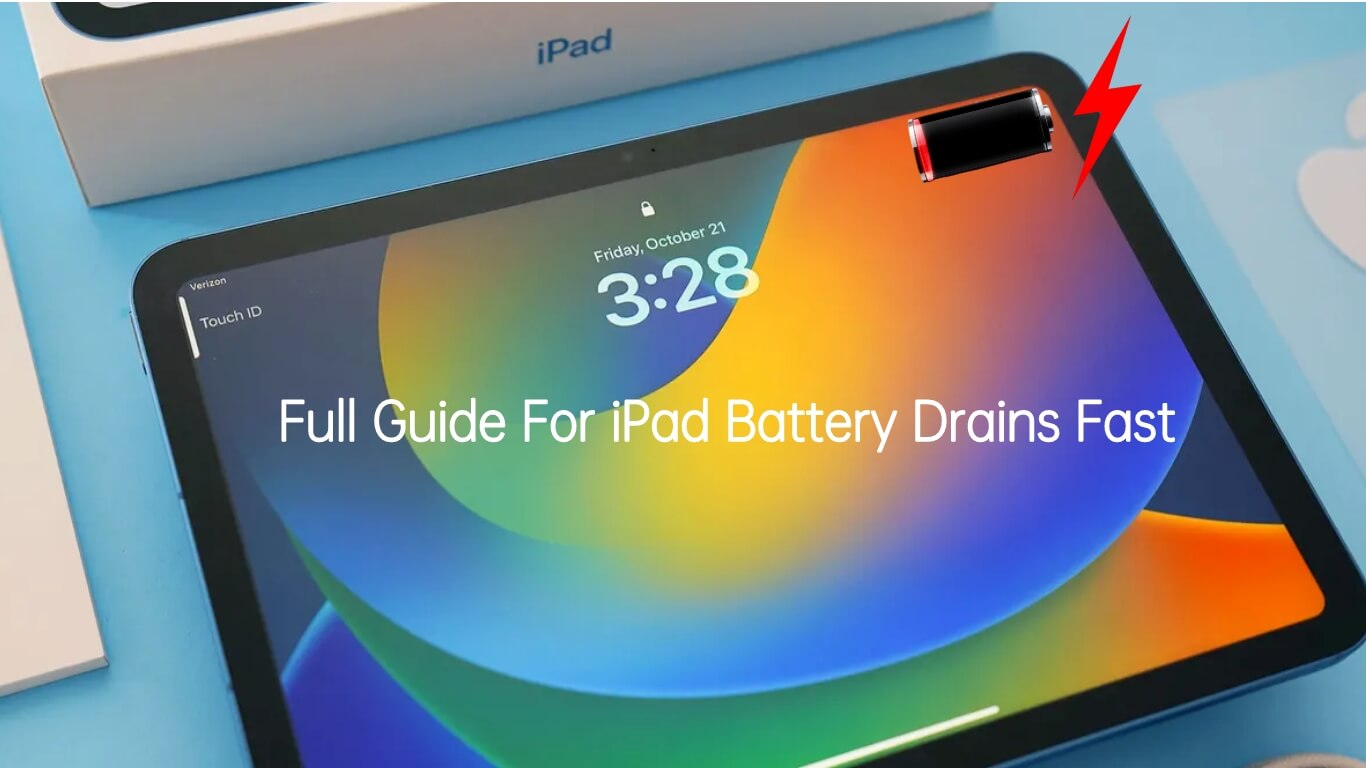
So, you unwrapped that shiny new iPad, the one you've been drooling over for weeks. You envisioned yourself lounging on the couch, effortlessly streaming movies, maybe even becoming a digital artist! But then, BAM! The battery starts draining faster than a toddler's attention span in a candy store. What gives?! You're not alone. It's a tale as old as time (or at least as old as iPads).
New Gadget, New Habits (and New Battery Drain)
Think of your brand new iPad like a hyperactive puppy. It's got all this pent-up energy and everything is fascinating. Every app, every setting, every notification is a new shiny object to chase. You're downloading apps like crazy, tweaking settings you don't fully understand (we've all been there!), and generally putting it through its paces. All this "puppy energy" takes a toll on the battery.
It's totally normal for a brand new device to have a quicker battery drain initially. Your iPad is basically introducing itself to all its new features and figuring out how to manage its resources. It's like a brand new employee on their first day, running around trying to learn everything at once!
Must Read
The Usual Suspects: Apps Gone Wild
Let's talk about apps. Some apps are battery hogs. They're the equivalent of that one friend who always needs to be the center of attention. Games, especially those with fancy graphics, are notorious culprits. Streaming video? Oh yeah, that's a battery guzzler, no doubt. Even apps running in the background can be sneaky battery vampires, sucking away precious power without you even realizing it.
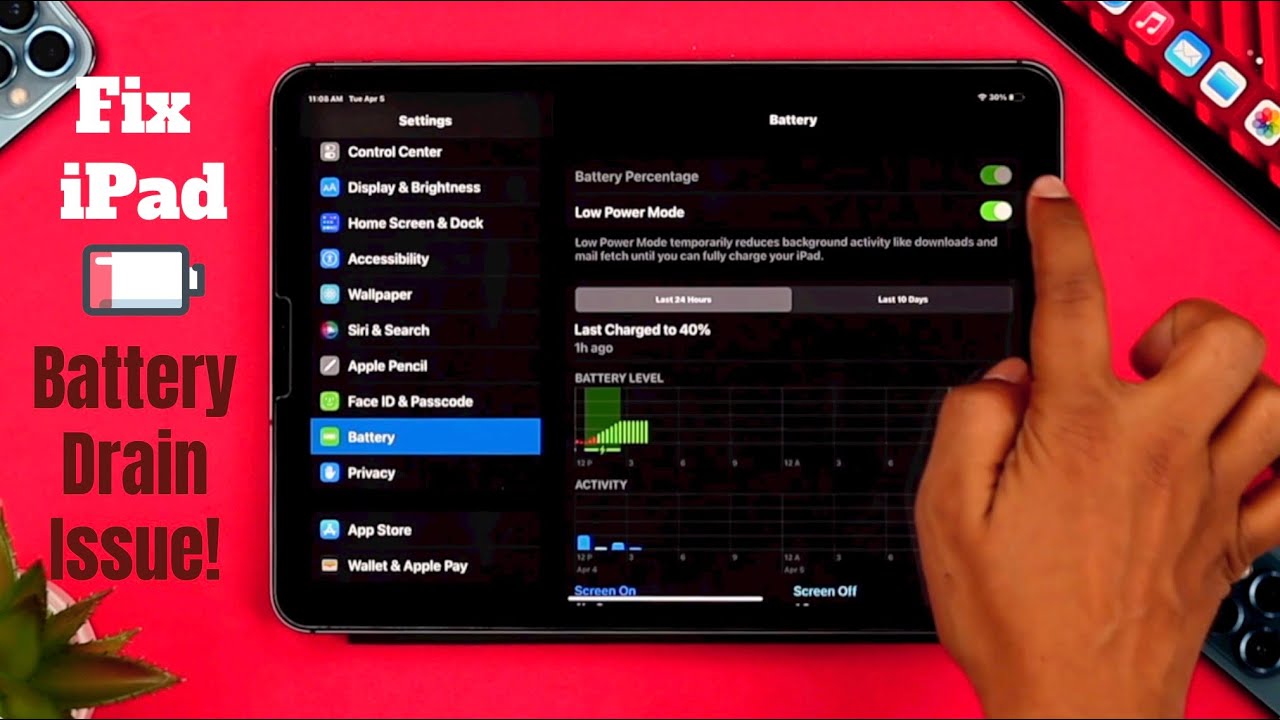
Check your battery usage in Settings. Go to Settings > Battery. There you’ll find a list of apps ranked by how much battery they’ve consumed. Seeing an app you barely use at the top of the list? That's your prime suspect! You can either limit its background activity, or, in extreme cases, delete it (gasp!).
Brightness: Shine Bright Like a… Battery Drain?
Screen brightness is a HUGE factor. Think of it like the sun. A little sunshine is great, but staring directly at the sun all day? Ouch. Your iPad screen works the same way. Cranked all the way up? Beautiful, but your battery will suffer. Dim it down a bit. You can even enable Auto-Brightness, so your iPad adjusts the brightness based on your environment. It's like having a built-in mood ring for your screen... except instead of your mood, it's managing your battery.
Location Services: Are You Being Tracked (and Drained)?
Location Services are super handy for things like maps and ride-sharing apps. But some apps want to know your location all the time, even when you’re not actively using them. It's like having a stage five clinger app that needs to know your every move. Go to Settings > Privacy > Location Services. Review which apps have access to your location and change them to "While Using the App" or "Never" for apps that don't really need to know where you are 24/7.
Background App Refresh: A Secret Battery Thief
Background App Refresh allows apps to update their content in the background, so when you open them, they're already up-to-date. Sounds convenient, right? It can be, but it also eats battery. Go to Settings > General > Background App Refresh and turn it off for apps that don't need to constantly be updating. Do you really need your solitaire game refreshing in the background?
Give it Time (and Maybe a Little TLC)
Sometimes, the battery drain will improve on its own after a few days as your iPad optimizes its performance. Let it go through its initial setup and indexing processes. Think of it as letting a new pair of shoes "break in."
If the battery drain is still excessive after a week or so, consider doing a full reset. Back up your iPad first, of course! This is like a digital spring cleaning, clearing out any lingering glitches or settings conflicts.
And lastly, make sure you’re running the latest version of iPadOS. Apple frequently releases updates that include battery optimization improvements. It's like giving your iPad a performance-enhancing upgrade.
So, don't panic! A fast-draining battery on a new iPad is often a temporary situation. By understanding the common culprits and taking a few simple steps, you can tame that battery beast and get back to enjoying your shiny new gadget to the fullest.
