
Why Is My Apple Watch Always On
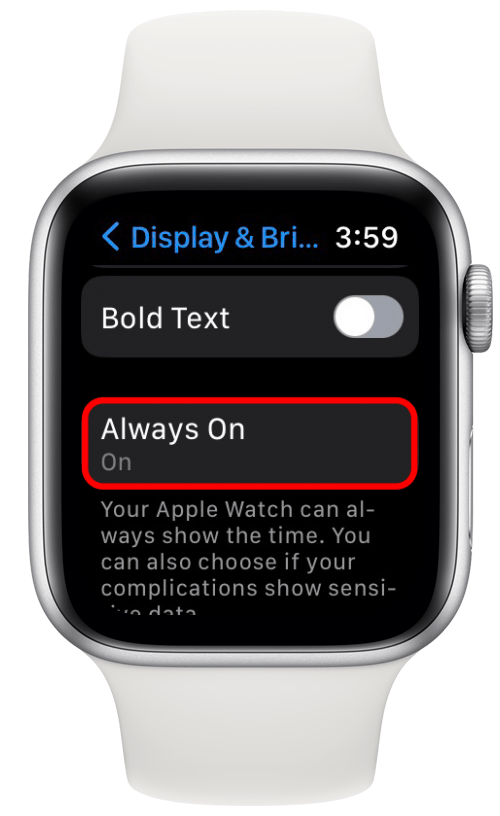
Alright, settle in, grab a coffee (or whatever your beverage of choice is), because we need to talk about something that might be silently judging us from our wrists: Why is my Apple Watch always on?
You’ve seen it, right? You glance down, not even raising your wrist to do the classic "check the time" maneuver, and there it is: your watch face, glowing subtly, like a tiny, ever-vigilant eyeball. It’s like a houseplant that never wilts, a loyal pet that never sleeps, or perhaps, a very persistent AI reminding you that yes, time is, in fact, still a thing.
The Big Reveal: It's Not a Glitch, It's a Feature!
Before you start tapping it nervously, wondering if you broke it or if it's developing sentience, let me reassure you: that perpetual glow is by design. Apple introduced the Always-On Retina display with the Apple Watch Series 5, and it’s been a staple ever since. Remember the old days? The frantic wrist flick, like you were trying to shoo away an invisible bee, just to see the time? Ah, memories.
Must Read
Now, your watch is more like a traditional wristwatch – always there, always ready. And frankly, it's pretty neat once you get past the initial "Is it secretly draining my life force?" panic.
How Does This Sorcery Work?
No, it’s not powered by tiny, over-caffeinated hamsters (though that would be a fascinating product demo). The magic behind the always-on display is some seriously clever engineering, primarily using something called LTPO (Low-Temperature Polycrystalline Oxide) technology.
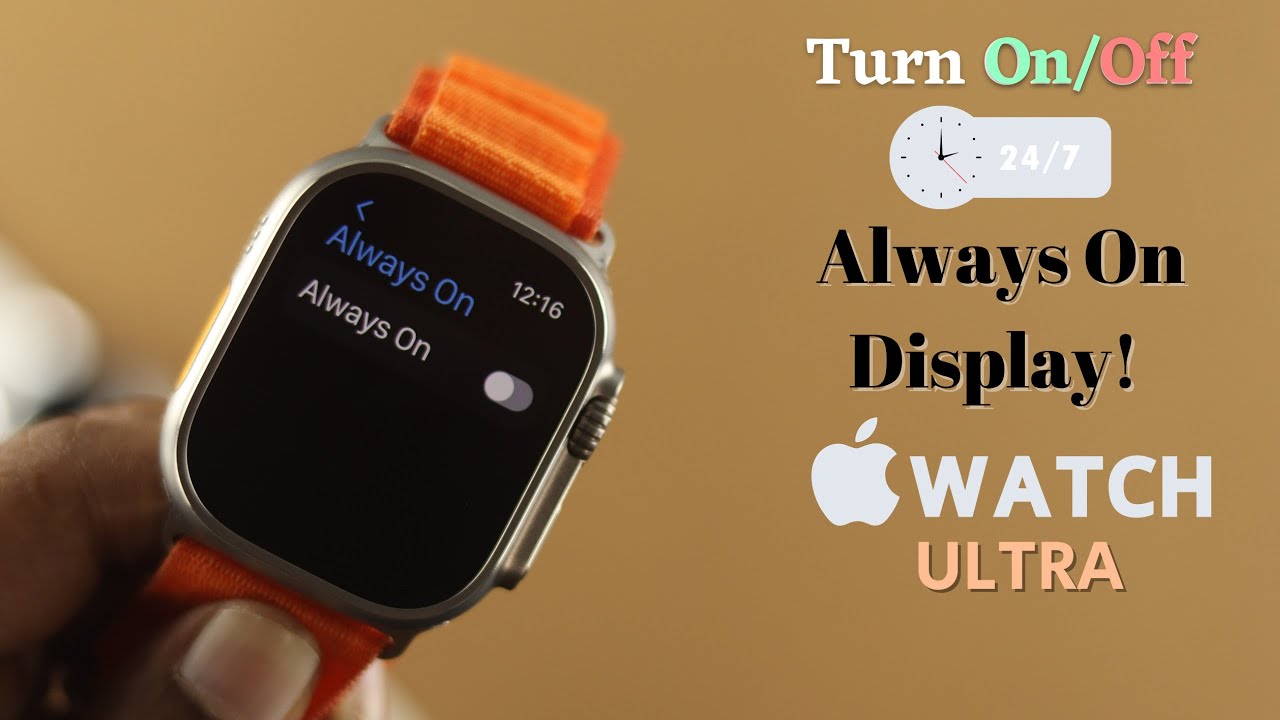
In layman's terms, this fancy tech allows the display’s refresh rate to drop dramatically when your wrist is down or inactive. Imagine your phone screen refreshing 60 times a second; your Apple Watch in always-on mode can drop to just one refresh per second. That's like going from a full-on sprint to a very leisurely stroll, saving a ton of energy.
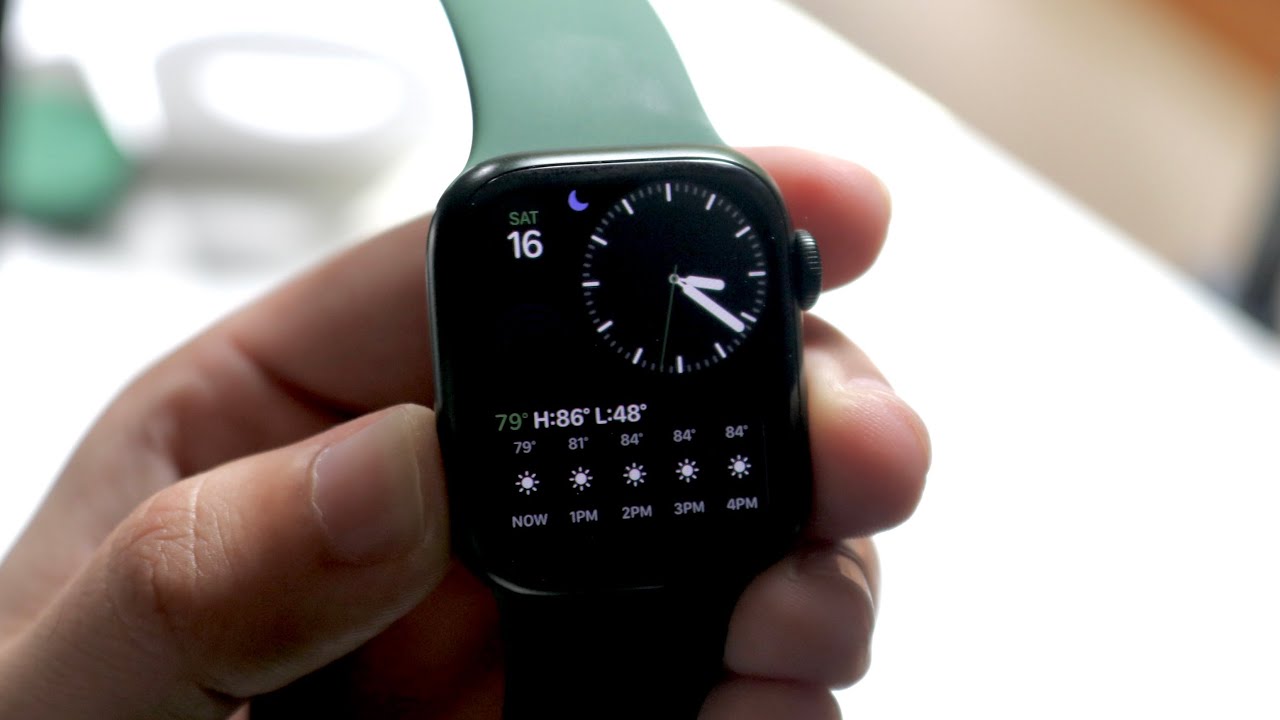
When you're not actively looking at it, the watch face intelligently dims, the second hand disappears, and some complications might simplify. It’s like it’s saying, "I’m here if you need me, but I’m going to conserve my energy (and yours) until then." Then, when you raise your wrist, BAM! Full brightness, full detail, like nothing ever happened. It's truly a tiny, technological chameleon.
Why Bother with "Always On"? The Perks!
Beyond simply avoiding the frantic wrist flick, there are some genuinely good reasons for this feature:
1. Instant Gratification (and Subtlety)
No more obvious checking of the time during a boring meeting or a tense board game. A subtle glance is all it takes. Your watch isn't just a gadget; it's a timepiece. And a timepiece should, you know, show the time.
2. Fitness Fanatics Rejoice!
Mid-plank and need to check your workout duration? No need to break form with an awkward wrist contortion. Your stats are just there, silently, encouraging (or judging) you. It’s perfect for seeing your progress without interrupting your flow, whether you're running, swimming, or just trying to survive another HIIT session.
3. It Looks Like a Watch!
Let's be real. Part of the appeal of an Apple Watch is its aesthetic. With the always-on display, it genuinely looks like a sophisticated piece of wristwear, rather than a blank, black square that only springs to life when summoned. It makes it feel more like a watch and less like a tiny, dormant computer.
4. No Missed Alerts (Sort Of)
While the display dims, your critical complications (like activity rings or temperature) are often still visible, albeit subtly. This means you can get a quick sense of essential info without even thinking about it. It’s a passive information feed right there on your wrist.
But What About My Precious Battery Life?!
Ah, the age-old question! This is where the LTPO tech really shines. Apple designed the always-on display to be incredibly power-efficient. While it naturally uses more battery than if the screen were completely off, the impact is surprisingly minimal for most users.

Think of it this way: the watch isn't always at full brightness, showing every detail. It's mostly just a faint outline, a ghost of its former self, until you activate it. So, while you might lose an hour or two of total battery life compared to a completely dark screen, for most people, it's a worthwhile trade-off for the convenience.
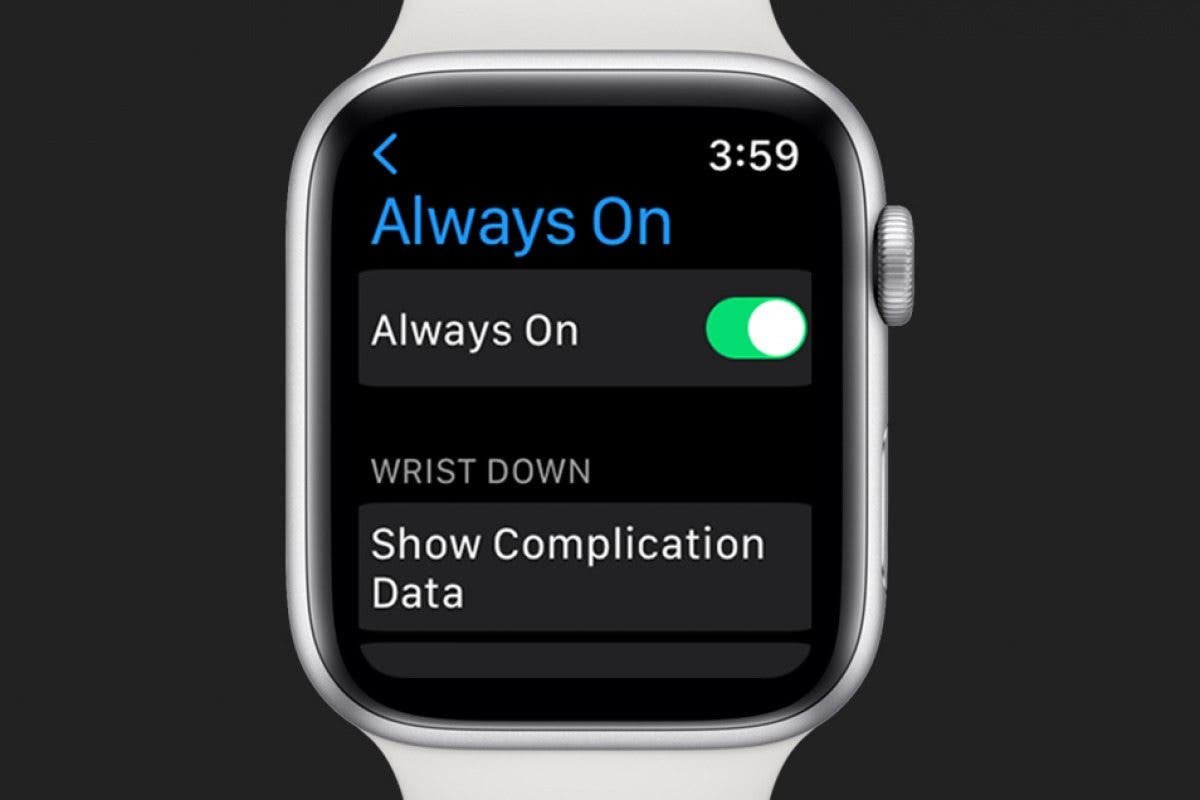
If you're a serious battery miser, you can turn off the always-on display in your watch settings. But honestly, for the casual user, it's a feature worth embracing. It's like having a tiny, glowing companion on your wrist that simply refuses to go to sleep. And sometimes, that’s exactly what you need!
So, Is My Watch Really Judging Me?
Probably not. But it is always there, always ready, always subtly glowing. It's a testament to how far wearable technology has come, from clunky prototypes to elegant, perpetually available assistants. So next time you glance at your perpetually lit wrist, give a nod to the clever engineers and the tiny hamsters (just kidding!) that keep your Apple Watch going, always on.