
Why Does My Phone Say It's Charging When It's Not

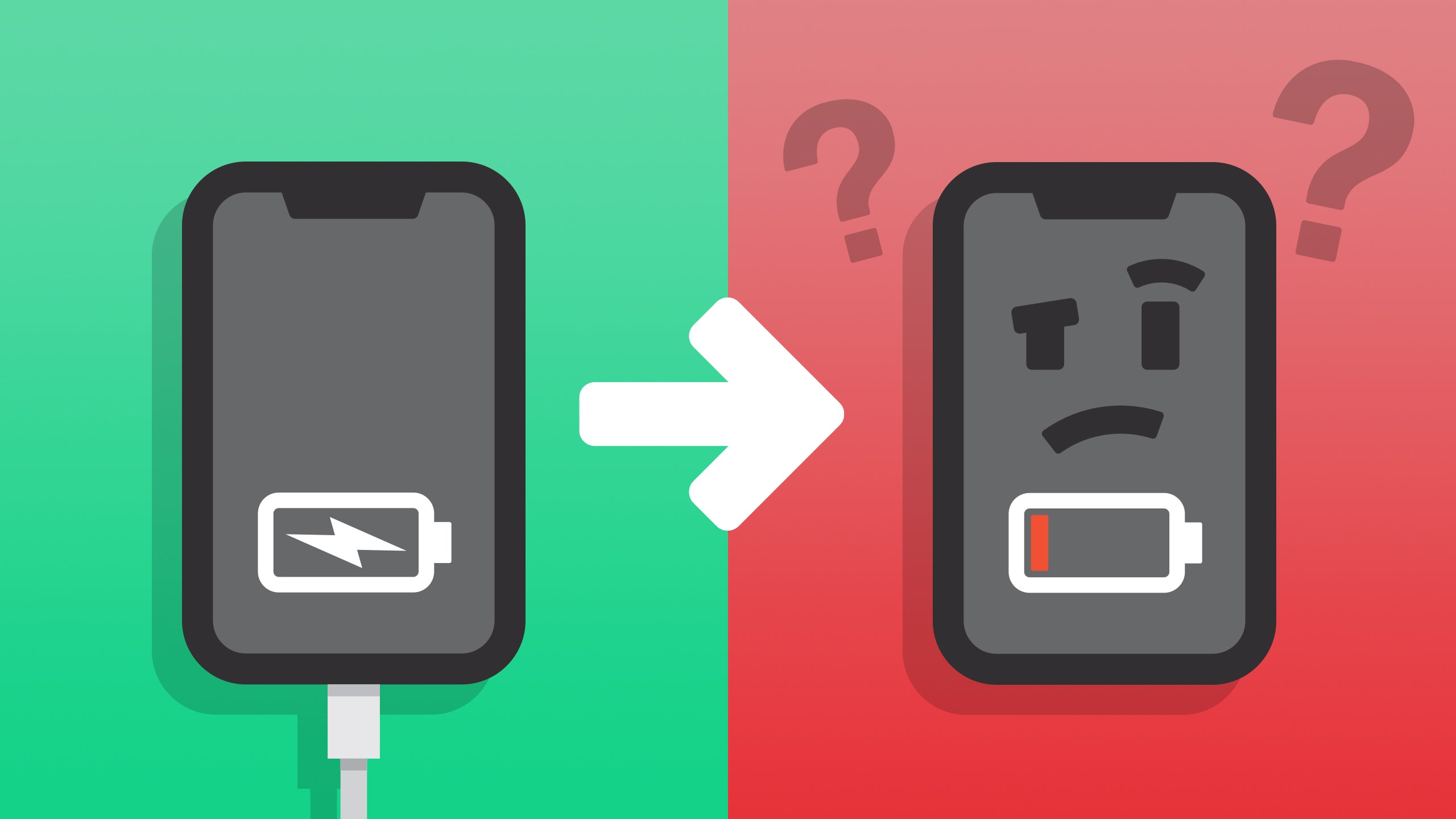
Okay, settle in, grab your latte, because we're about to dive into the mystery that has plagued phone users since, well, since phones started needing chargers. I'm talking about that infuriating moment when your phone boldly proclaims it's charging, complete with the little lightning bolt and everything, but… nothing is happening. Battery percentage stubbornly refuses to budge. What gives?
It's like your phone is gaslighting you. "Oh yeah," it whispers seductively, "I'm totally getting power. Feel the… nothingness."
The Usual Suspects: Cable Crimes
Let's start with the obvious: your cable. Think of your charging cable as a tiny, fragile bridge across a raging river of electricity. If that bridge is damaged, even slightly, the electricity isn't getting through properly. It might be just trickling across, enough to fool your phone into thinking it's charging, but not enough to actually, you know, charge.
Must Read
Pro Tip: Those cheap, knock-off cables you grabbed from the gas station at 3 AM? Yeah, those are usually the culprits. They're like the shady characters in a detective novel – always up to no good.
And speaking of shady characters, check for frayed wires, bent connectors, or any signs of physical abuse. Has your dog mistaken your charging cable for a chew toy? Did you accidentally use it to tie down a rogue houseplant? These are all very real possibilities, people.
The Port in a Storm (of Lint)
Next up: your charging port. Now, this is where things get… intimate. Think about all the places your phone has been. Pockets, purses, backpacks filled with crumbs and mysterious debris. All that stuff ends up crammed into your charging port, forming a microscopic fortress of gunk.
Imagine trying to charge your phone through a wall of lint, dust bunnies, and rogue pretzel pieces. It's not gonna happen. That little lightning bolt icon is just mocking you at this point.

Warning: Do not use a paperclip or anything metal to clean your charging port! You'll short-circuit something faster than you can say "Oops!" Instead, use a can of compressed air (the kind you use to clean your computer keyboard) to gently blow out the debris. Or, if you're feeling brave (and have turned your phone OFF!), a wooden toothpick can sometimes dislodge stubborn particles. Proceed with caution!
The Wall Adapter: More Than Just a Pretty Face
Don't underestimate the power of the wall adapter! Not all adapters are created equal. A weak or faulty adapter might provide just enough juice to trigger the charging icon, but not enough to actually charge your phone. It’s like trying to fill a swimming pool with a garden hose – you'll eventually get there, but it'll take forever, and everyone will be really impatient.
Fun Fact: Some phones require specific charging voltages and amperages. Using the wrong adapter could not only result in slow charging but could even damage your battery in the long run. So, use the adapter that came with your phone, or a reputable replacement from a trusted brand.

Software Gremlins: The Invisible Enemy
Sometimes, the problem isn't hardware; it's software. A glitch in your phone's operating system can cause it to misreport the charging status. Think of it as a tiny, digital imp playing tricks on you.
The Fix: Try restarting your phone. It's the digital equivalent of yelling at the gremlin to get out of your phone. You'd be surprised how often this works. If that doesn't do the trick, make sure your phone's operating system is up to date. Software updates often include bug fixes that address charging issues.
The Battery Itself: The Silent Sufferer
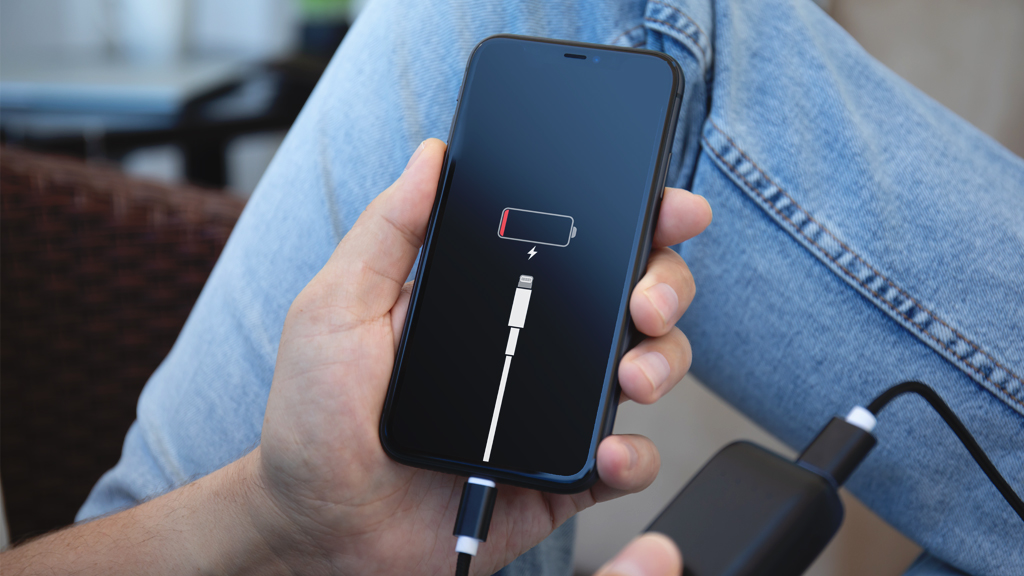
And finally, let's talk about the battery itself. Phone batteries aren't immortal. Over time, they degrade and lose their ability to hold a charge. If your phone is a few years old, and you're experiencing charging issues, it could be a sign that your battery is on its last legs. It’s like an old car – eventually, the engine just gives up.
Unfortunately, there's not much you can do about a dying battery except replace it. Consider this a gentle reminder to back up your data now!
So, there you have it. The next time your phone lies to you about charging, you'll know where to start looking. Happy charging (hopefully)!