Why Does My Phone Not Charge When Plugged In
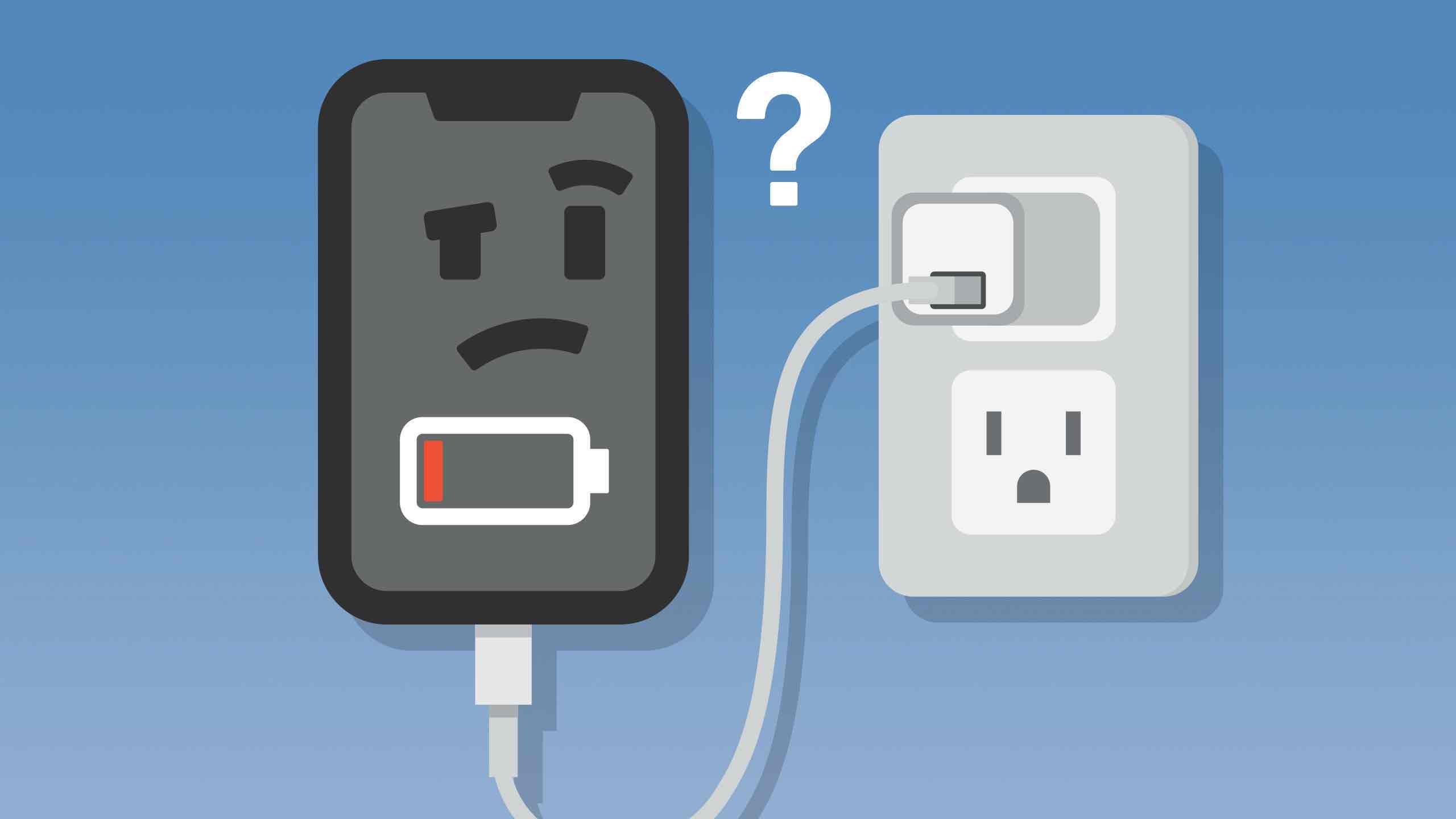
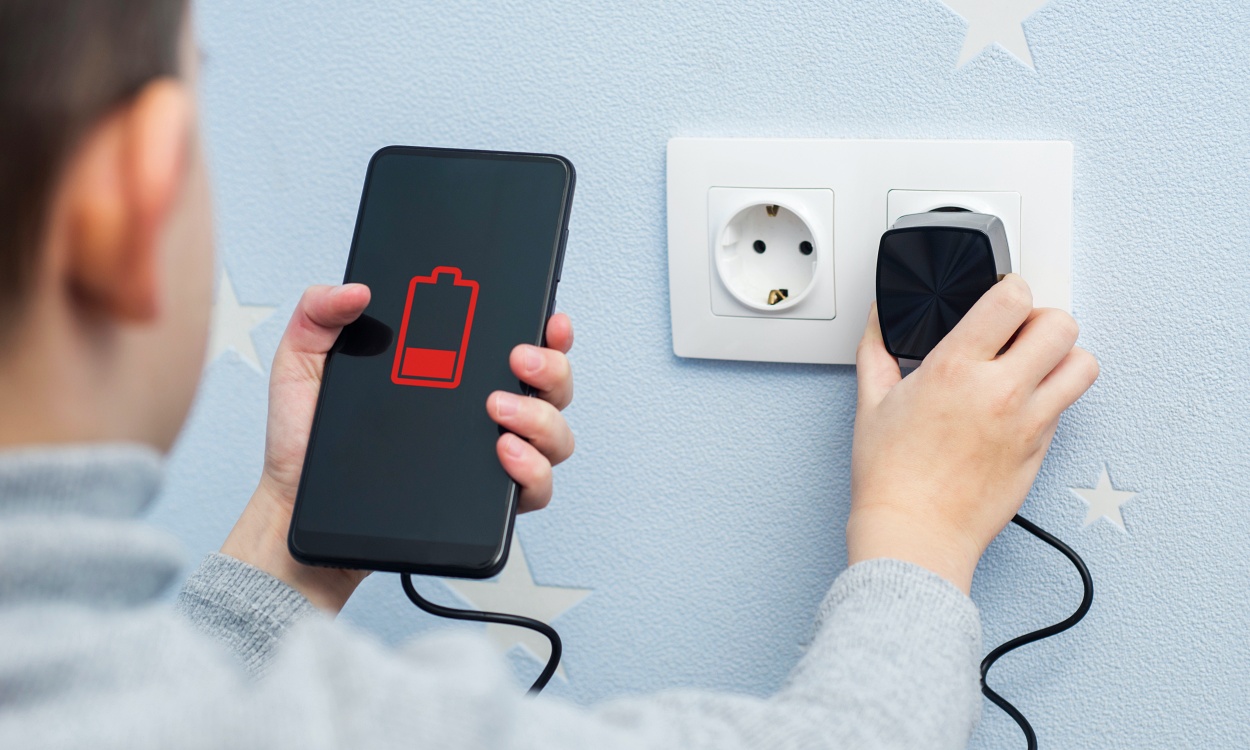
Hey there, tech adventurers! Ever been there? You're staring down the barrel of a dying phone battery, the dreaded 1% flashing mockingly. You plug it in, maybe even with a triumphant flourish, and…nothing. Nada. Zilch! Talk about frustrating! Why is your phone staging a rebellion against the charger? Don't worry, you're not alone, and we're here to debug this little mystery together. After all, a charged phone is a happy phone (and a happy you!).
Is it the Cable, Stupid? (Okay, Maybe Not Stupid!)
Let's start with the most likely culprit: the cable. Seriously, these little guys go through a lot. Bent, twisted, stuffed into bags… they're practically gladiators. Think of all the times you've yanked it out (guilty!). Is it frayed? Does the connector look wonky? If so, that's your prime suspect.
Pro Tip: Try a different cable! Borrow one from a friend, raid your drawer of forgotten electronics (we all have one!), or even grab a new one. It's often the quickest and easiest fix.
The Adapter Adventure
Okay, so the cable seems fine? Next up: the adapter, that little blocky thing that plugs into the wall. Is it properly connected to both the cable and the outlet? Sometimes, the connection can be a little loose, like a shy handshake. Give it a firm push.
Also, is the outlet itself working? Seems obvious, right? But trust me, it's worth checking. Try plugging something else into it – a lamp, a toaster (carefully!), or even another phone charger. No power? Blame the outlet, not your phone!
Must Read
A Port in a Storm (Or Maybe a Little Dust Bunny)
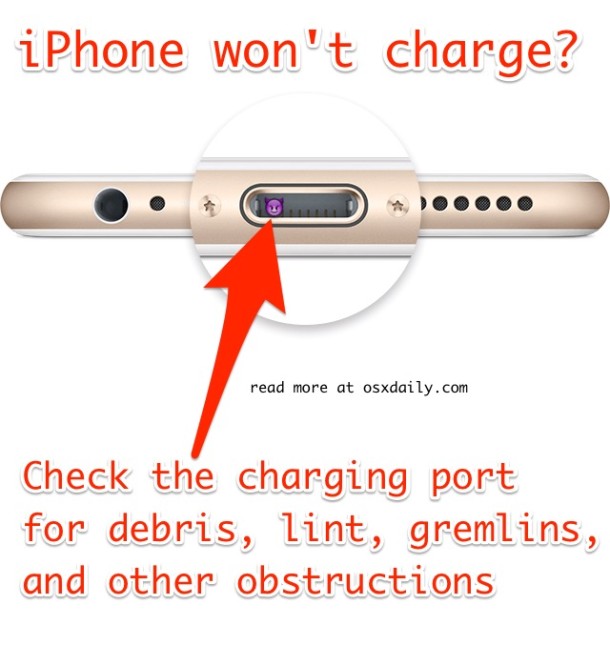
Time to get a little more hands-on. Take a good look at the charging port on your phone. Is it clean? Over time, lint, dust, and other gunk can accumulate in there, preventing a solid connection. It's like trying to dock a spaceship in a dusty hangar – not gonna happen!
Be careful! Don't use anything metal to clean it out (you don't want to damage the delicate pins inside). A can of compressed air is ideal, or even a toothpick (gently!) can dislodge any stubborn debris. You might be surprised what you find!
Software Gremlins and the Restart Remedy
Believe it or not, sometimes the problem isn't hardware at all – it's a software glitch. Your phone might be perfectly fine, but a rogue app or a system error is preventing it from charging properly. Sounds crazy, right? But it happens!
The solution? The age-old tech remedy: restart your phone! It's like giving it a digital nap. Hold down the power button (or whatever combination of buttons your phone requires) and reboot. This can often clear up minor software issues and get your charging back on track. It’s like magic, but with more silicon!

Battery Blues: Is It Just Getting Old?
Batteries, alas, don't last forever. Over time, they degrade, holding less and less charge. If your phone is a few years old, and you've noticed the battery life getting shorter in general, it might just be time for a new battery (or even a new phone).
Think of it like a marathon runner. Eventually, even the best athletes have to retire. You could look into battery replacement services, but honestly, that might be more trouble (and expense) than it's worth. Food for thought!
The Temperature Tango
Did you know that extreme temperatures can affect your phone's charging? If it's too hot or too cold, your phone might refuse to charge to protect the battery. Think of it as your phone being a bit of a diva!
If your phone feels unusually warm or cold, let it sit at room temperature for a while before trying to charge it again. Patience, young Padawan.
When to Call in the Professionals
If you've tried all of the above and your phone still refuses to charge, it might be time to consult a professional. There could be a more serious hardware issue that requires expert attention. Don't despair! There are plenty of qualified technicians who can diagnose and repair your phone.
Just remember, even a broken phone can be a learning opportunity!
Embrace the Power! (Of Knowledge!)
So, there you have it! A whirlwind tour of potential charging problems and their solutions. Hopefully, this has given you a better understanding of why your phone might not be charging and how to troubleshoot the issue. Remember, even tech hiccups can be opportunities to learn and grow. And who knows, maybe you've even discovered a hidden talent for tech repair! Now go forth, charge your phone, and conquer the digital world! There's a whole universe of apps, games, and cat videos waiting for you. And always remember, the more you understand how your devices work, the more fun you can have with them. What new tech mysteries will you unravel next?