
What Is The Best Slicer For Free Ender 3 V2

Alright, gather 'round, 3D printing comrades! Let's talk about the age-old question that plagues every Ender 3 V2 owner, especially those of us who are, shall we say, "financially conservative" (read: cheapskates). Which free slicer is the absolute bestest for our beloved budget beast?
Now, before we dive in, let's acknowledge the elephant in the filament closet: There's no single, universally perfect answer. Saying there's one "best" slicer is like saying there's one best flavor of ice cream. Sure, some people are die-hard vanilla fans (bless their hearts), but others crave the chaotic glory of rocky road.
But fear not, my friends! I'm here to guide you through the slicer jungle, armed with only my questionable wit and a whole lot of personal experience (and a healthy dose of internet research, because let's be honest, I don't know everything). We'll explore the contenders, highlight their strengths, and gently poke fun at their weaknesses. Think of me as your slightly-unreliable, but always entertaining, 3D printing guru.
Must Read
The Usual Suspects: Cura, the All-Around Champ
First up, we have Cura. Pronounced "Cure-ah," not "Cur-rah," unless you want to sound like you're ordering a bizarre medical procedure. Cura is the 800-pound gorilla of free slicers. It's developed by Ultimaker, a company that makes some seriously fancy (and expensive) printers, so you know they've put some effort into their software.
Cura is incredibly versatile. It's got a user-friendly interface (even for beginners), a massive library of settings to tweak, and a huge community backing it up. Need help troubleshooting a weird warping issue? Google "Cura warping" and prepare to be bombarded with solutions from fellow sufferers. Seriously, the forums are a goldmine.
Pros: Easy to learn, tons of settings, large community, integrates well with many printers (especially the Ender 3 V2, duh!), actively developed.

Cons: Can be a bit overwhelming with all the settings, updates can sometimes break things (because technology hates us), occasionally feels like it's designed for Ultimaker printers first, and everything else second.
PrusaSlicer: The Precision Powerhouse
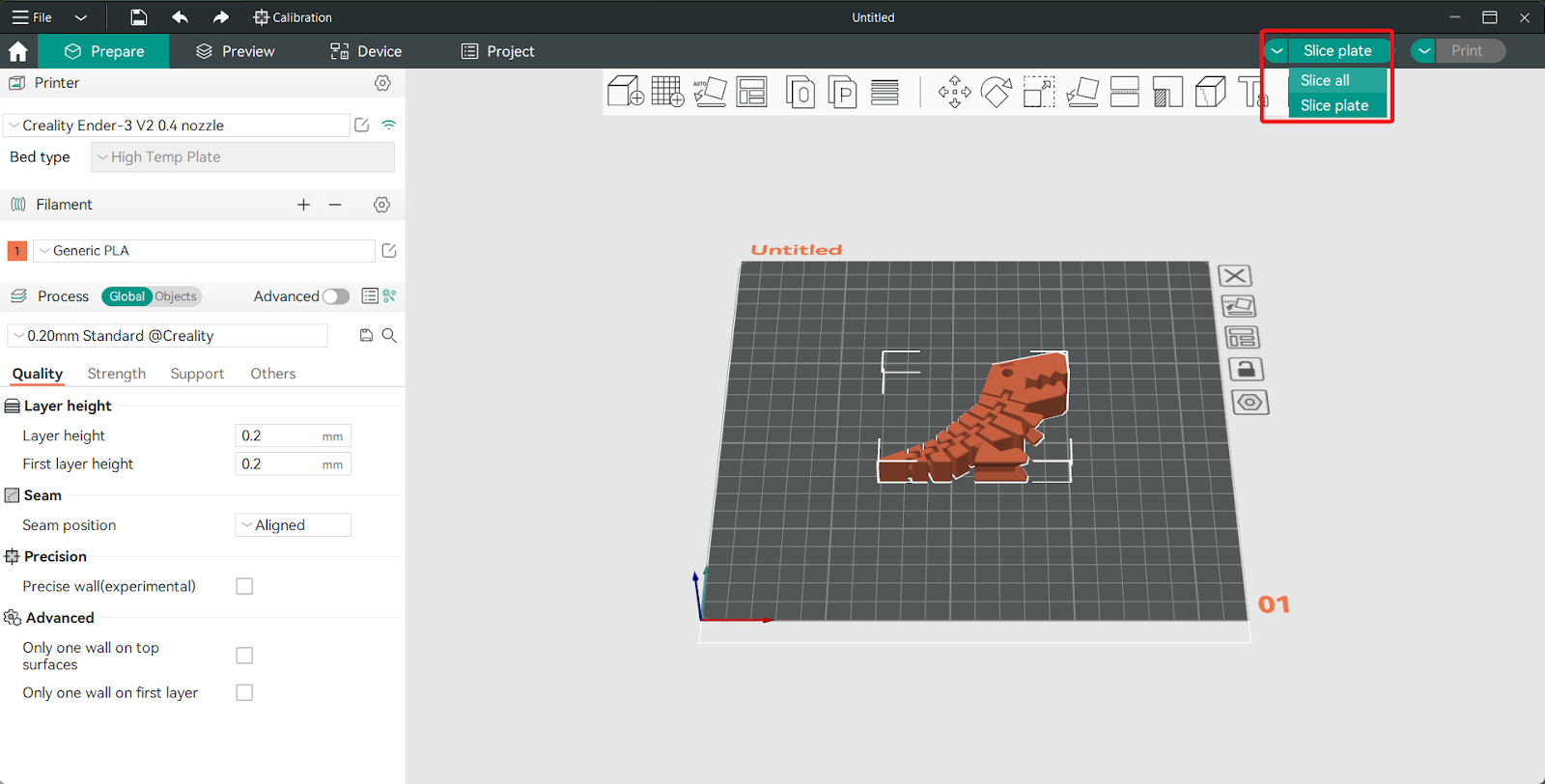
Next, we have PrusaSlicer. Don't let the name fool you; you don't need a Prusa printer to use it. This slicer comes from Prusa Research, another big name in the 3D printing world, and it's known for its precision and advanced features.
PrusaSlicer boasts features like variable layer height (allowing you to print details at different resolutions), adaptive bed meshing (for perfectly level first layers), and a surprisingly intuitive interface despite its complexity. It's like Cura's slightly smarter, slightly more serious older sibling. The one who always aces the tests, but also secretly plays video games all night.
Pros: Excellent precision, advanced features, great for detailed prints, actively developed, strong community.
Cons: Steeper learning curve than Cura, can be intimidating for beginners, default profiles might need tweaking for optimal Ender 3 V2 performance, sometimes feels like it's trying too hard to be perfect.
Ideamaker: The Sleek and Stylish Choice
Now for something a little different: Ideamaker. This slicer comes from Raise3D, and it's known for its clean, modern interface and focus on ease of use. It's like the Apple of the 3D printing world: sleek, intuitive, and surprisingly powerful under the hood.

Ideamaker excels at multi-part printing and support structure generation. It's also got a built-in cloud platform for sharing and downloading print profiles, which is pretty neat. If you're tired of clunky interfaces and endless settings, Ideamaker might be your jam.
Pros: Clean interface, easy to use, excellent support structure generation, cloud platform, supports multiple printers.
Cons: Less community support than Cura or PrusaSlicer, fewer advanced features, can feel a bit "locked down" compared to more open-source alternatives, might not be as actively developed as the other two.

The Verdict: It Depends! (But Here's My Biased Opinion Anyway)
So, which slicer is the "best" for your free Ender 3 V2? As I said before, it depends on your needs and preferences. But if you're twisting my arm and forcing me to choose, I'd recommend starting with Cura. It's the most beginner-friendly option, has a massive community to help you out, and offers a good balance of features and ease of use.
However, don't be afraid to experiment! Download PrusaSlicer and Ideamaker, give them a whirl, and see which one clicks with you. After all, the best way to find the perfect slicer is to try them all and see which one makes your prints sing (or at least not warp and fall apart).
Happy printing, and may your bed adhesion be strong and your filament never tangle!