What Is Cad Software Used For
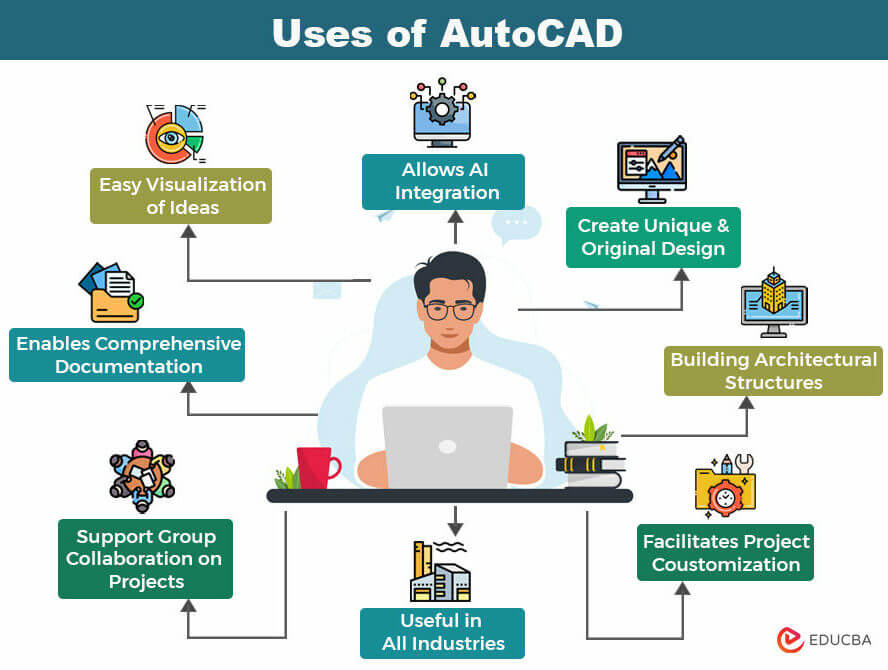
Ever gazed at a sleek new smartphone, admired a beautifully designed chair, or stood in awe of a towering skyscraper and wondered, "How do they even come up with that?" Well, prepare to peek behind the curtain into a fascinating world where ideas take tangible form long before a single piece of material is cut. We’re talking about CAD software, and it’s a lot more common and cool than you might think!
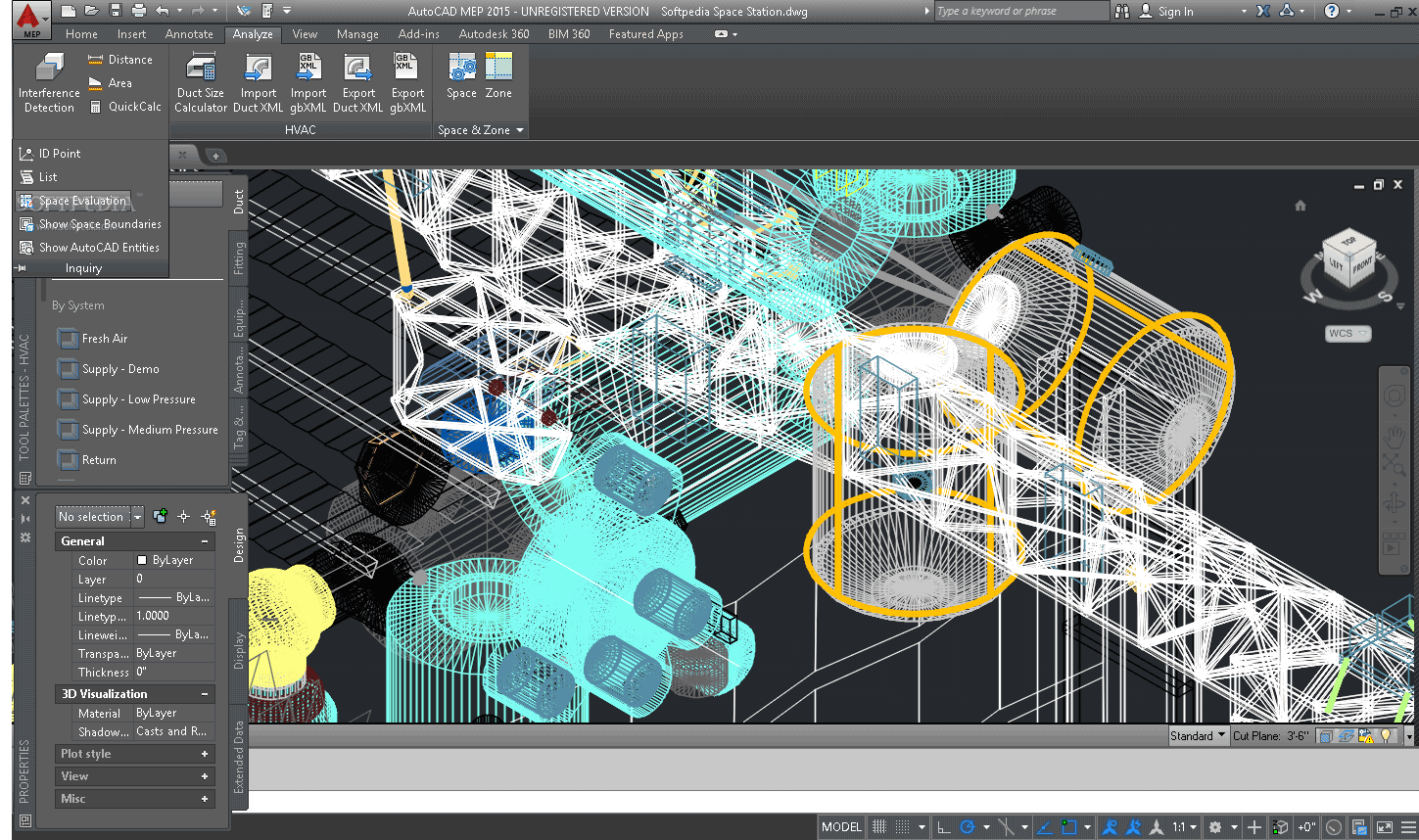
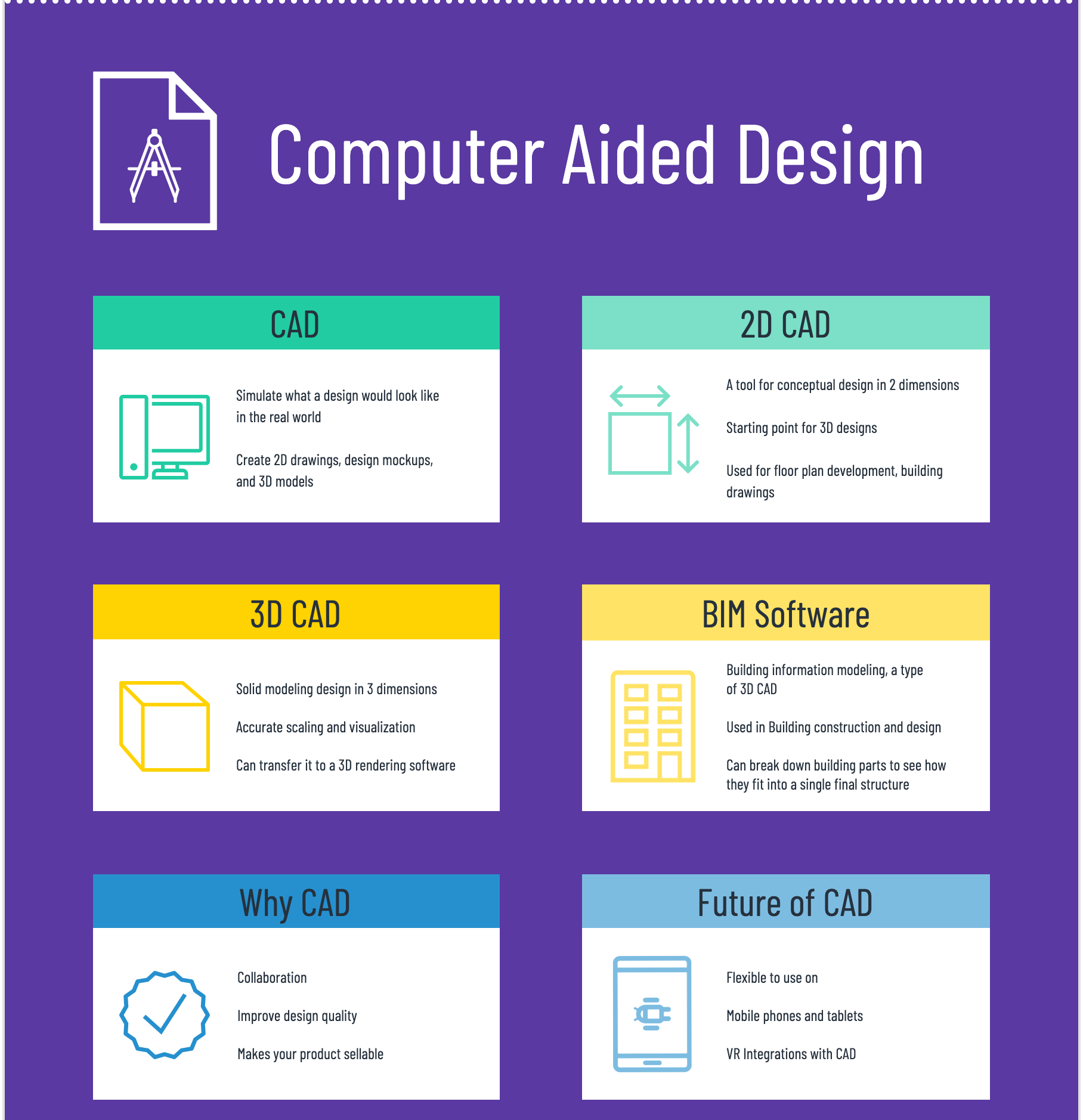
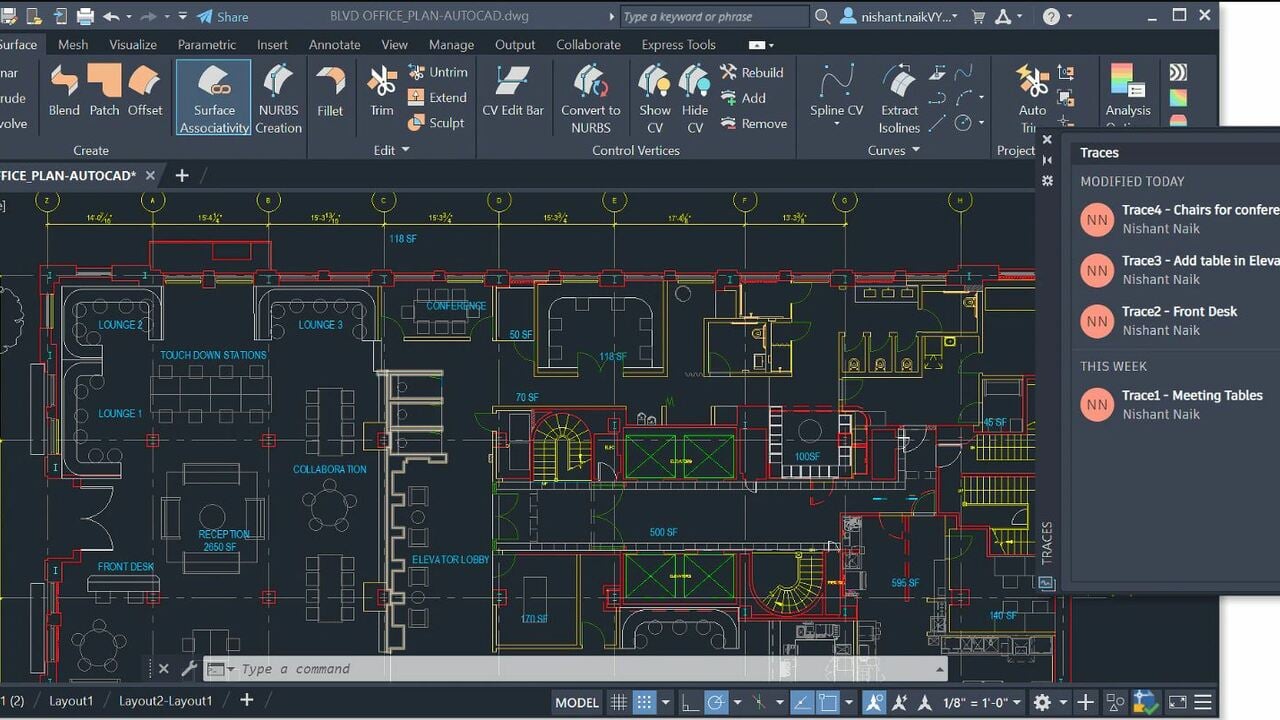
CAD stands for Computer-Aided Design, and it’s essentially a digital drawing board on steroids. Imagine having the power to sculpt, measure, analyze, and refine any object you can dream up, all within a virtual space. Its primary purpose is to help designers, engineers, and architects create incredibly precise 2D drawings and 3D models of virtually anything. The benefits are immense: it allows for unparalleled precision, making sure every screw hole aligns perfectly or every structural beam can handle its load. You can visualize concepts from every angle, zoom in on minute details, and even simulate how parts will move or fit together. This leads to better problem-solving, fewer errors, and a much faster, more efficient design process. It truly transforms the 'what if' into a clear, concrete blueprint.
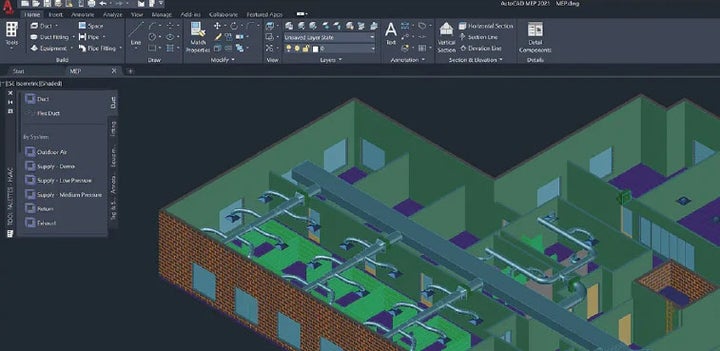
So, where does CAD pop up in our daily lives or in education? Everywhere! Think about the car you drive – every curve, engine part, and interior component was meticulously designed in CAD. Your smartphone's intricate casing and internal layout? CAD. The ergonomic shape of your favorite desk chair? You guessed it. Even the special effects in blockbuster movies sometimes start with CAD models. In education, it’s a cornerstone. Architecture students use it to build breathtaking virtual buildings; engineering students prototype robots and intricate machine parts; and product design classes churn out innovative gadgets. It’s a powerful tool that bridges the gap between imagination and manufacturing, making complex ideas understandable and buildable.
Must Read
Feeling a spark of curiosity? The good news is that exploring CAD isn’t just for professionals! There are fantastic, beginner-friendly ways to dip your toes in. For absolute newbies, a great starting point is TinkerCAD, a free, web-based tool that makes 3D modeling feel like playing with digital building blocks. For something a bit more advanced but still free for personal use, check out SketchUp Free or even student versions of powerful software like Fusion 360. YouTube is your best friend here; countless tutorials can guide you through creating your first simple object, like a personalized keychain or a custom phone stand. You might even find yourself designing something to 3D print! It's an incredibly rewarding journey that can unlock a whole new way of looking at the designed world around us. So, why not give it a try and start designing your own little corner of the future?