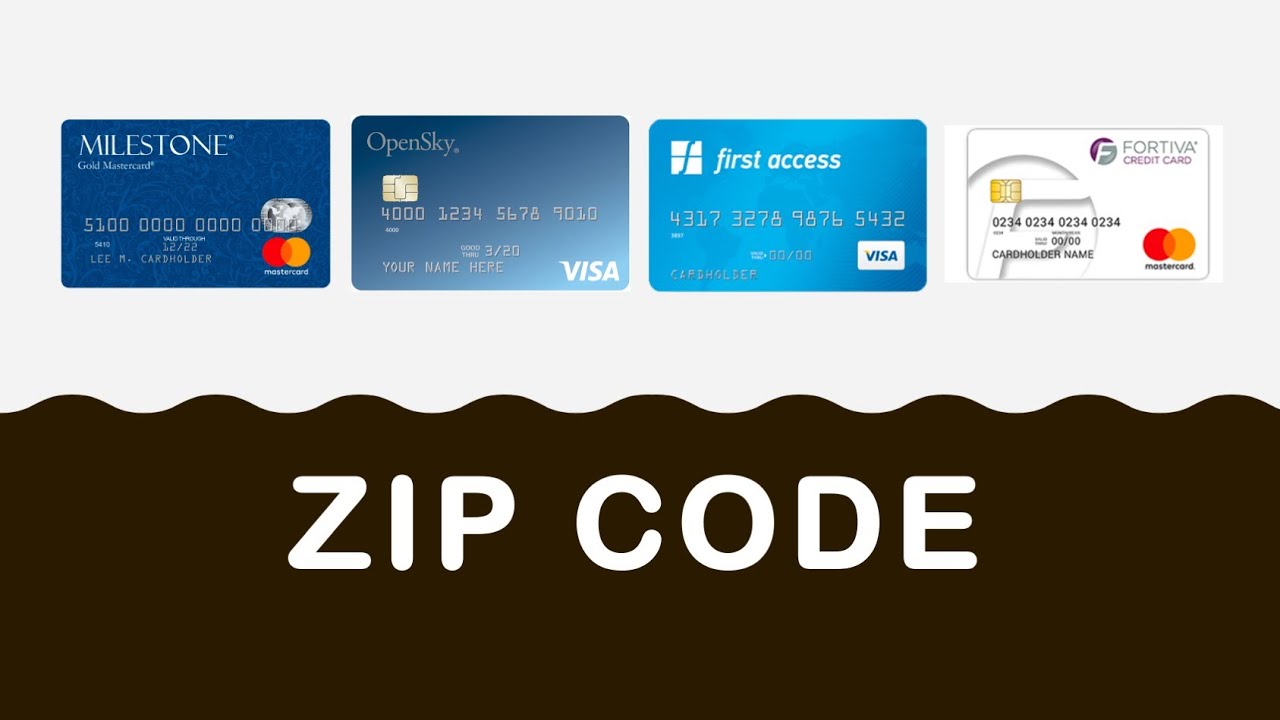
What Is A Billing Zip On A Credit Card

Hey there! Grab a coffee, settle in. We need to talk about one of those little digital speed bumps that makes you sigh, squint at your screen, and maybe even mutter under your breath. You know the one. You’re all set to hit "Place Order" online, your cart is brimming with glorious treasures, and then BAM! There it is: "Billing Zip Code."
You pause. Is it my current zip? Is it my old one? Wait, where do I even live again? A momentary crisis, right? It feels like such a simple field, but it can throw a serious wrench into your online shopping spree. So, let's pull back the curtain on this mysterious little number. What is a billing zip on a credit card, really?
What Exactly Is It?
Okay, so picture this: when you first got your credit card, you filled out a bunch of paperwork (or clicked a million buttons online, more likely). Part of that process was telling the bank where to send your statements. That address, the one they have on file for official correspondence about your account, has a zip code attached to it. That, my friend, is your billing zip code.
Must Read
It's super simple, actually. It's the zip code for the physical address where your credit card statements are mailed or officially linked to your account digitally. Not necessarily where you currently are. Not necessarily where you want your stuff shipped. Just the official address the bank has on record for your card.
Think of it as your credit card's home address, but specifically for official mail. Kind of like how you have your email address for important stuff, even if you’re currently on vacation in Tahiti. (Oh, to dream!)
Why Do They Even Ask for It?
Great question! Because honestly, sometimes it feels like they’re just trying to trip us up, doesn't it? But actually, there’s a really good reason. It’s all about security. Yup, that old chestnut. And it’s a big one.
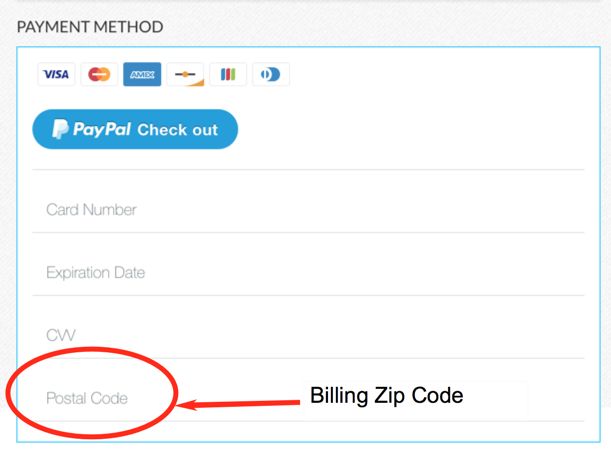
When you enter your card details online, the merchant (the store you’re buying from) doesn't actually get all your private information directly. Instead, they send your card number, expiration date, CVV, and – you guessed it – your billing zip code to your credit card company (or their payment processor). This is where the magic, or rather, the security check happens.
Your bank then performs something called an Address Verification System, or AVS, check. Fancy name, simple idea: they compare the zip code you entered with the billing zip code they have on file for your card. If they match, great! The transaction is more likely to go through. If they don't match... well, that’s when you often get that dreaded "transaction declined" message, even if you have plenty of funds.
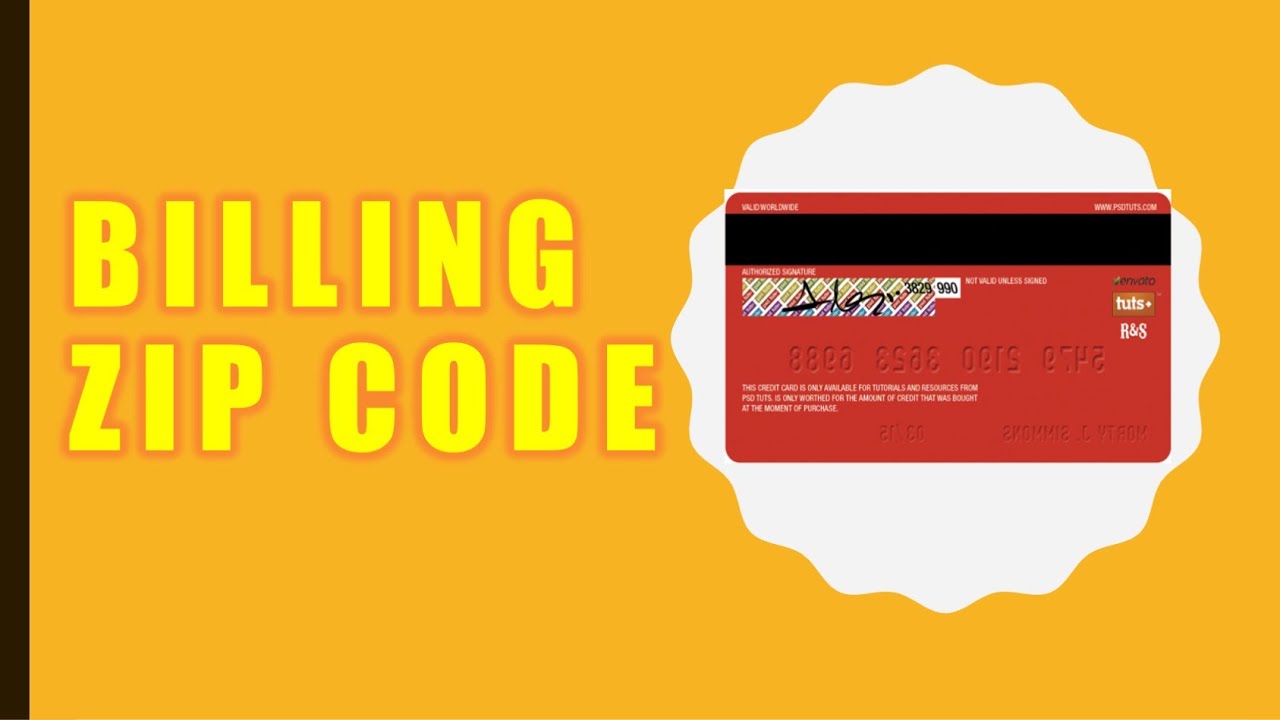
Why do they do this? To prevent fraud! If someone steals your credit card number, they might have the card number and expiration, but they probably won't have the billing zip code unless they also stole your wallet or mail. This extra layer of verification makes it much harder for thieves to make unauthorized purchases online. So, while it's sometimes annoying for us, it's a real superhero against scammers.
The Little Annoyances: When Things Go Wrong
We’ve all been there. You type it in, hit enter, and... "Declined." You double-check everything else. Card number? Correct. Expiration? Spot on. CVV? Nailed it. What gives?! More often than not, it's the billing zip code that's the culprit.
- You Moved! This is the classic. You moved a few months ago, updated your driver's license, told your grandma, but totally forgot to update your billing address with your bank. Happens to the best of us!
- Typo Troubles: Let's be honest, sometimes our fingers just have a mind of their own. A quick slip, and suddenly your 90210 is a 90219. Oops!
- Shipping vs. Billing Confusion: This is a big one. You might be sending a gift to a friend across the country, so you put their address as the shipping address. But then you accidentally use their zip code for billing. Nope! The billing zip always needs to be tied to your card's official address, regardless of where the package is heading.
So, How Do I Find My Billing Zip (If I'm Totally Lost)?
Fear not, intrepid shopper! If you're ever in doubt, finding your correct billing zip code is usually pretty easy:
- Check Your Statement: The most straightforward way! Look at a recent credit card statement, either the paper one that comes in the mail or the digital version on your bank's website or app. The billing address (and thus, the zip code) will be prominently displayed.
- Your Bank's App/Website: Log into your bank's mobile app or their website. Most have a "profile" or "account details" section where your official billing address is listed.
- Give Them a Call: When in doubt, call the customer service number on the back of your credit card. A friendly representative can confirm your billing address for you in a jiffy.
Don't Sweat It Too Much!
Ultimately, the billing zip code is a small but mighty player in the world of online transactions. It's a guardian, a gatekeeper, and yes, sometimes a little bit of a pain. But it's there to keep your money safe from pesky fraudsters, and that's something we can all appreciate, even if it means a momentary head-scratch during checkout.
So next time you see that field, you’ll know exactly what it's asking for and why. It's just your card's official hangout spot, keeping watch over your purchases. Now go forth and shop, confidently armed with your billing zip code knowledge!