
What File Does 3d Printer Use
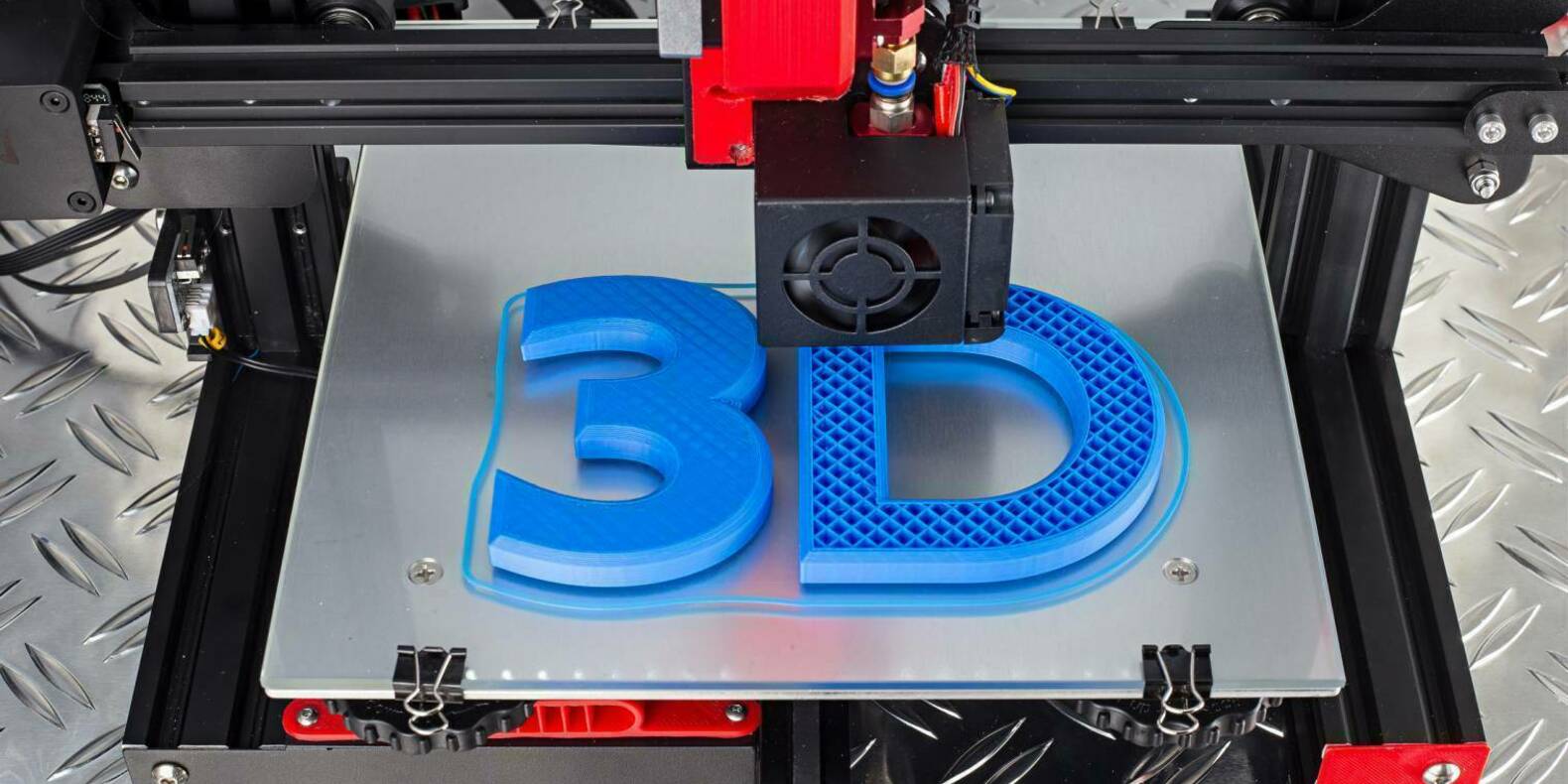
Unmasking the 3D Printer's True Language
Alright, let's talk 3D printers. Everyone always asks, "What file does a 3D printer use?" And almost everyone confidently declares, "Oh, it uses an STL file!" It's the go-to answer, the standard party line for casual tech chats.
Now, here's my slightly unpopular, but utterly true, opinion. That answer? It's kind of like saying a chef uses a cookbook. Sure, the cookbook is important, but it's not what the chef actually cooks with, right?
You don't toss the entire cookbook into the oven. The chef follows the instructions meticulously. And your 3D printer is much the same way; it follows very specific, direct instructions.
Must Read
The STL Lie (A Gentle Deception)
Let's clear the air about STL files first. Yes, you probably downloaded one. Yes, you probably opened it in some fancy software.
An STL file is basically a blueprint of your 3D object. Think of it as a detailed drawing, broken down into a gazillion tiny triangles.
It tells the printer, "Here's the shape of the thing I want!" It defines the outer surfaces, the curves, the corners. But that’s all it does: describe the shape. It’s like telling someone you want "a car" without mentioning it needs an engine, wheels, or even steering.
The STL is the "what," not the "how."
It doesn't tell the printer how fast to move. It doesn't say how hot the plastic should be. It certainly doesn’t whisper, "Start here, build this layer, then move up!"
So, while it's the file you start with, it's not the one the printer truly consumes. It’s merely the idea, the concept, the perfect vision of your future masterpiece.
Your printer is a hardworking robot, not a mind-reader. It needs direct, undeniable orders, not just a pretty picture to ponder.
Enter the Real Hero: G-code
Here's where my "unpopular opinion" really kicks in. The file a 3D printer actually uses is called G-code. This is the secret language, the command sequence, the ultimate instruction manual.
Imagine a chef's detailed recipe. It doesn't just show a picture of a cake; it tells you, "Preheat oven to 350°F. Mix flour and sugar. Add eggs one at a time. Stir for two minutes."
That's what G-code is for your 3D printer. It's a meticulous, step-by-step guide for every single microscopic movement and action.
It's a list of incredibly precise commands like "move to X10 Y20 Z0.2," "extrude E0.5 plastic," or "set extruder temperature to 200°C and fan to 50%." Every single detail is spelled out, leaving nothing to chance.
Without G-code, your printer is just a fancy paperweight. It literally cannot operate. It wouldn't know where to start, what to do, or even how to warm itself up from a cold start.

So, the next time someone says "STL," you can give them a knowing wink. The true hero, the unsung champion, working tirelessly behind the scenes, is the humble G-code.
The Master Translator: Your Slicer Software
Okay, if the printer uses G-code, and we start with an STL, how do we get from one to the other? This is where our magical helper, the slicer software, comes in.
Think of the slicer as a super-smart interpreter. It takes your lovely STL blueprint and translates it into hundreds, sometimes thousands, of lines of precise G-code instructions.
It "slices" your 3D model into ultra-thin virtual layers, much like a digital deli slicer. For each of these layers, it calculates exactly what the printer needs to do.
It determines things like how thick each layer of plastic should be. It figures out how much infill your object needs to be strong but not too heavy or waste material.
The slicer decides where the printer should start and end each line. It even plans the perfect path to avoid collisions or that dreaded stringy, oozing plastic. This ensures a clean and successful print, much like a meticulous choreographer.
It considers your chosen material, the nozzle size, and even the speed you want the print to run. It's truly a master planner and strategist, an unsung genius.
When you click "Slice" in your software, you're not just saving a file. You're giving birth to the printer's entire action plan, its very essence. It's a beautiful metamorphosis!
The slicer turns the abstract dream (the STL) into the concrete, detailed reality (the G-code). It’s truly where the magic happens behind the scenes, bridging the gap between imagination and tangible form.
Why This Distinction Matters (Beyond Bragging Rights)
Understanding the difference between STL and G-code is more than just trivia. It’s fundamental to getting great prints, consistently and reliably.
If your STL has an error, your slicer might struggle to interpret it correctly. This could lead to missing layers, weird gaps, or even total print failure in your final object.
But if your G-code settings are wrong, even with a perfect STL, your print will fail spectacularly. Too hot, too cold, too fast, too slow—all G-code decisions that impact the outcome.
Imagine having the perfect cake recipe (STL), but then using a broken oven or forgetting the baking soda (bad G-code settings). The result is still a culinary disaster, right?
So, when you troubleshoot a print, you often look at your slicer settings first and foremost. You're tweaking the G-code before it's even generated, perfecting the very instructions the printer will follow.
You're becoming the ultimate director, orchestrating every precise movement of your mechanical movie star, the 3D printer. You are in control of the details.
Embrace Your Inner G-code Guru!
So, the next time someone talks about 3D printer files, you can enlighten them. Smile mysteriously and say, "Ah, you mean the blueprint or the instructions? Because those are two very different things!"
You now know the crucial difference. The STL is the vision, the model, the digital sculpture we start with. But the G-code? That's the engine, the spirit, the very soul of the print job.
It’s what truly breathes life into your plastic creations, making them tangible from a digital idea. So, go forth and spread the truth, my fellow 3D printing enthusiast!
May your layers be smooth, your infill perfect, and your G-code always precise. Happy printing, and may your unpopular opinions be as accurate as your prints!