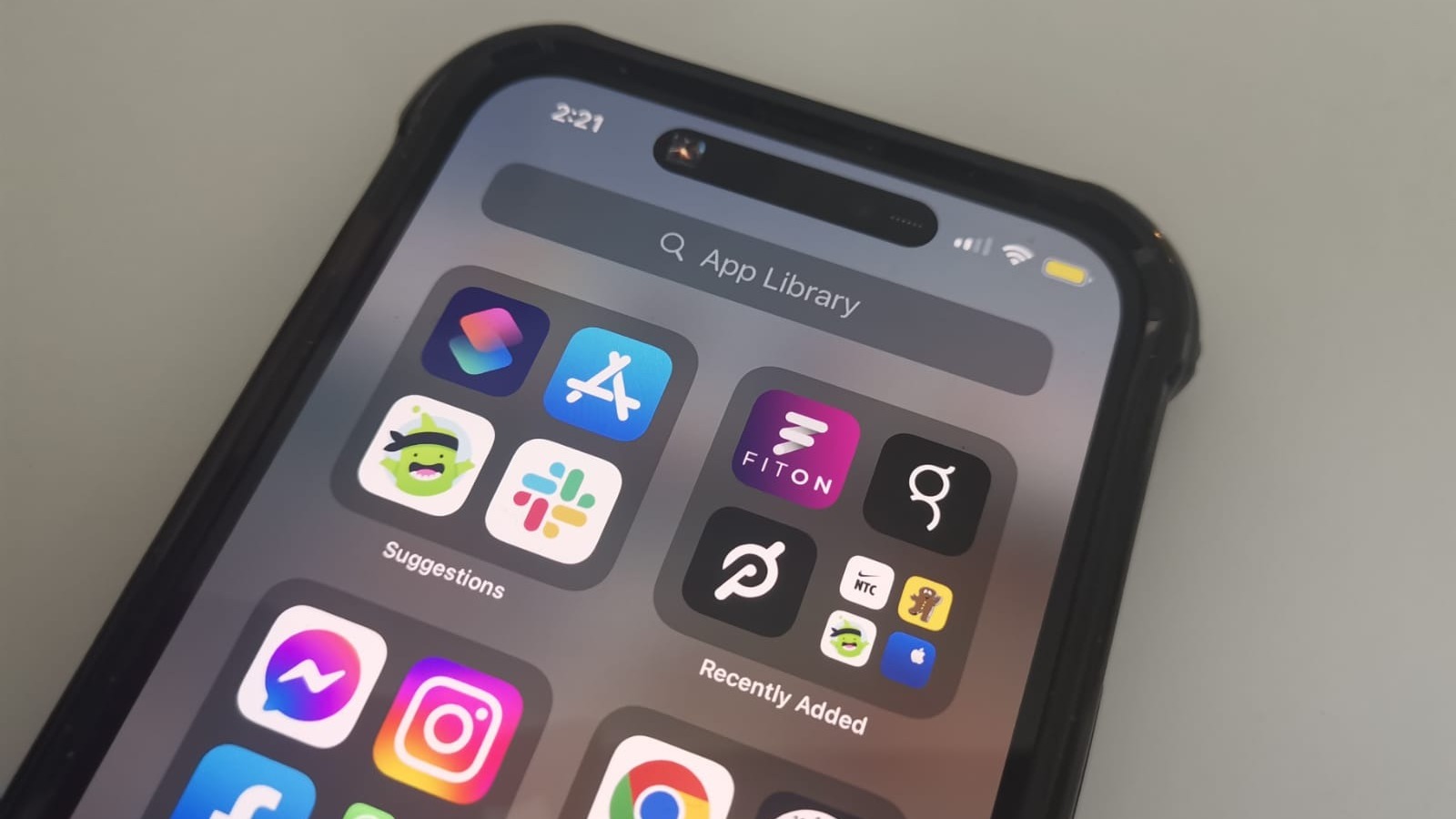
Ever glanced at your iPhone battery icon and thought, "Whoa, when did that turn yellow?!" It's a little like your phone suddenly wearing a neon vest.
No need to panic! That sunny, bright yellow isn't a sign of impending doom or a secret message from outer space. It's actually your iPhone being a total
pal.
It's your phone's way of saying, "Hey, I'm doing my best to stick around longer for you!"
The Yellow Secret Revealed!
That sunshine-yellow hue? It's not a secret warning signal from aliens. Nope! It’s your phone’s way of saying, "Hey, I’m in
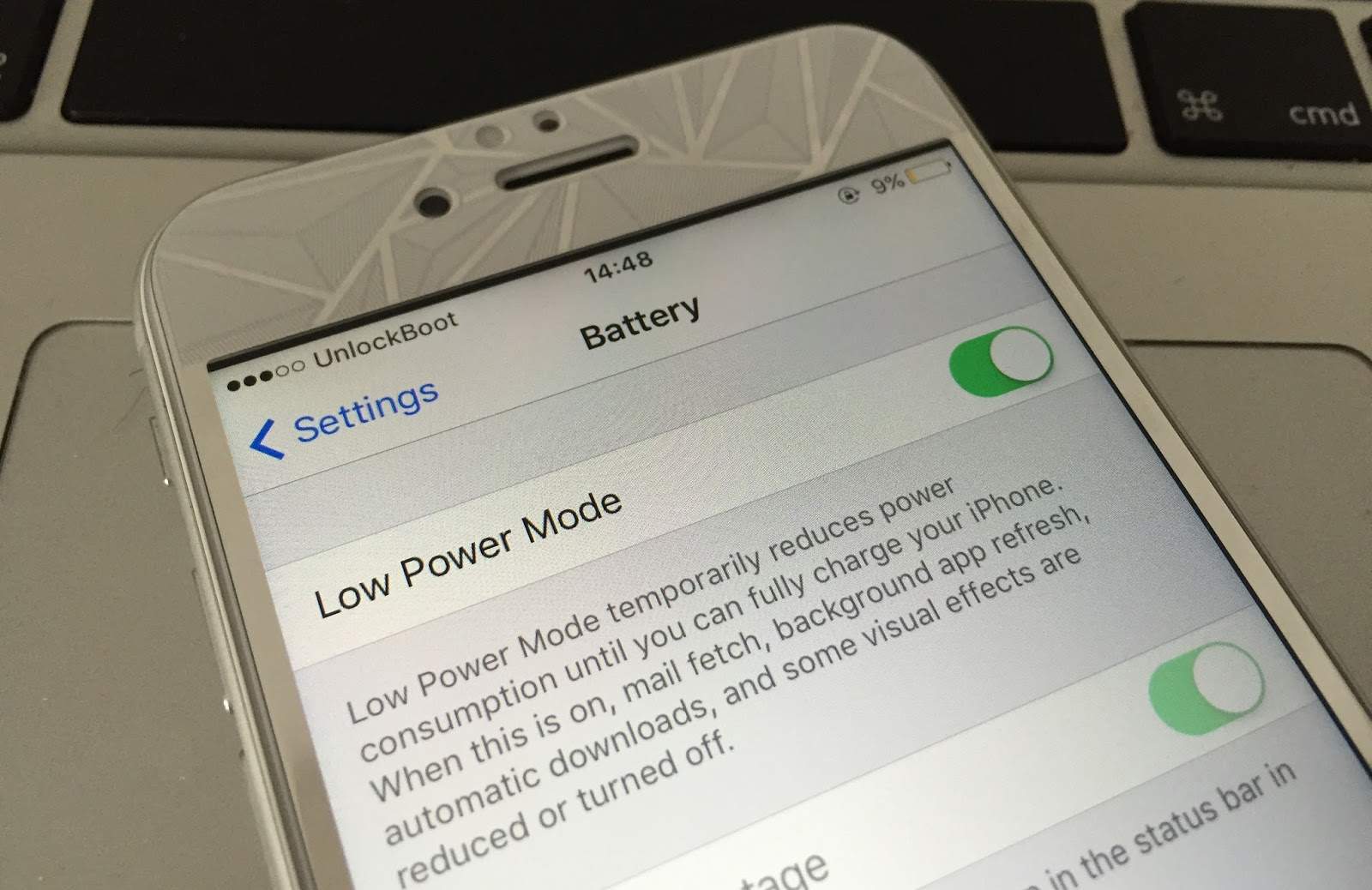
Low Power Mode!" This clever little feature is your iPhone's built-in superhero suit for when battery life starts to dwindle.
Think of it as your phone putting on its comfy sweatpants, canceling all non-essential appointments, and just chilling out to conserve energy. It's designed to extend your battery life when you're nowhere near a charger and every percentage point counts. Pretty neat, right?
What's It Actually Doing?
So, what magic does Low Power Mode perform to stretch that last bit of juice? It's not just a color change; it's a
whole vibe shift for your device. Your iPhone starts to make some smart sacrifices.
It tells apps, "Hold up, dudes, no background refreshing for you!" So, those apps won't secretly munch on your battery while you're not using them. It's like telling a bunch of kids to
play outside instead of raiding the fridge constantly.
Automatic downloads? Nope, not happening. Email fetch? Your phone won't automatically grab new emails; you'll have to
ask for them, like a polite digital butler. "Sir, I require new messages!"
Some visual effects might dim a bit, and Hey Siri might take a nap. Your screen might auto-lock faster too, plunging into darkness quicker to save every precious milliampere. Oh, and if you’re rocking 5G, it might slow things down a notch to conserve power. It's all about
efficiency, baby!
It's like your iPhone suddenly deciding to become a minimalist. It cuts back on the fancy extras, the background noise, the stuff you don't
absolutely need right this second, all to conserve energy.
When Does This Yellow Magic Happen?
Your iPhone isn't just randomly picking a color out of a hat. There's a method to the yellow madness. Typically, Low Power Mode automatically kicks in when your battery level hits
20%. A friendly pop-up even asks if you want to enable it.
Then, if you ignore that first warning and keep scrolling, it'll likely ask you again when you hit
10%. It's like your phone giving you two chances before it says, "Okay, I'm just gonna do this for your own good!"
The best part? You can totally toggle it on
manually whenever you want! Heading out for a long day with no charger in sight? Flick it on! Want to stretch that 50% battery through a marathon gaming session? Go for it!
Is This Yellow Thing... Bad?
Absolutely
not! This is crucial: the yellow battery icon and Low Power Mode are
good things. They are features, not bugs. Your iPhone isn't broken or dying prematurely. It's actually
helping you by extending its life until you can get to a charger.
Think of it as your phone being extra
resourceful and
smart. It’s not a warning of impending doom, but a friendly nudge, like a responsible friend telling you to pack a snack for a long trip.
Your iPhone's Inner Power Manager
This isn't just some random quirk; it's part of Apple's thoughtful design to help you get the most out of your device. Lithium-ion batteries, the kind in your iPhone, thrive on efficient management. Low Power Mode is a key player in that management game.
It's a little superpower your iPhone has, a hidden trick up its sleeve. It transforms from a high-performance sports car into a super-efficient electric scooter, all at the flick of a switch (or when it hits a certain percentage).
Mastering the Yellow Power
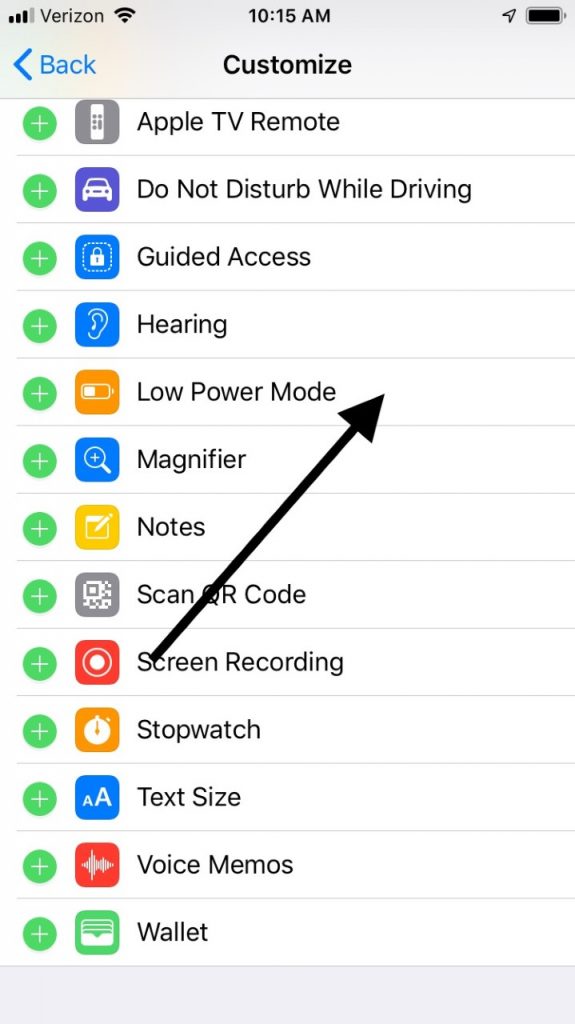
Want to be a true battery guru? You can add Low Power Mode to your Control Center for super-speedy access. Just head to
Settings > Control Center > Customize Controls and add "Low Power Mode." Boom! Instant power-saving at your fingertips.
And when does your iPhone switch
out of Low Power Mode? The moment you charge it up to
80% or more, it automatically goes back to its full-power, full-glory self. It's like your phone saying, "Okay, I'm fully rested, back to full power!"
So, next time you spot that cheerful yellow battery, give a little nod to your iPhone. It's not sick, it's not angry, and it's definitely not broken. It's just being super efficient, trying its best to keep up with your amazing, busy life. Go forth and manage your battery, you tech wizard!