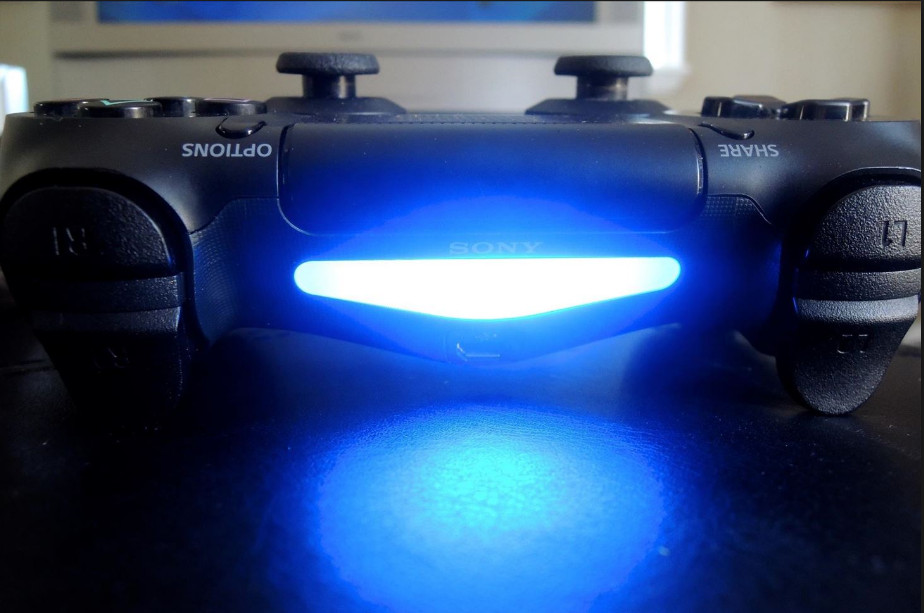
Ps4 Controller Blinking White
Okay, let’s talk about the PS4 controller blinking white. It’s the technological equivalent of your car alarm going off at 3 AM – annoying, confusing, and makes you feel like you’ve done something terribly wrong. But relax, you probably haven't.
We've all been there. You’re about to dive into a crucial boss battle in Elden Ring, or maybe you're just trying to unwind with some relaxing Stardew Valley, and BAM! Your trusty DualShock 4 starts flashing like a disco ball designed by a malfunctioning robot.
The White Light of Doom (or Mild Inconvenience)
That pulsing white light usually means your controller is desperately trying to connect to your PS4. It's like your controller is shouting, "Hey! Anybody home? System? Are you there, system? It’s me, your favorite controller!" only the system is playing hard to get.
Must Read
Think of it like this: your PS4 and controller are like two friends who sometimes have trouble finding each other in a crowded mall. That blinking white light is your controller frantically waving its arms, hoping to catch the PS4's attention. Sometimes it works, sometimes... well, sometimes you gotta intervene.
Possible Culprits: Why is My Controller Being So Dramatic?
So, what's causing this connectivity chaos? Here are a few common suspects:
- Low Battery: This is the most common offender. A nearly dead battery will cause the controller to blink frantically as it tries to establish a connection, hoping against hope for a power surge. It’s basically begging for its life. Plug it in!
- Wireless Interference: Think of your Wi-Fi router, Bluetooth devices, and even your microwave as party crashers. They can all interfere with the signal between your controller and your PS4. Try moving closer to your console or turning off other wireless devices temporarily.
- Controller Confusion: Sometimes, your controller just gets confused. Maybe it's trying to connect to a different PS4 (has happened!) or it’s just having a bad day.
- Hardware Hiccups: Rarely, it could be a more serious issue with the controller itself or the PS4's Bluetooth receiver. But don't panic just yet!
Troubleshooting: Operation "Get That Light to Stop Flashing!"
Okay, time to become a tech support hero (or at least, a functional gamer). Here's a step-by-step guide to banishing the blinking white light:

- Charge it!: Seriously, start here. Plug your controller into your PS4 using a USB cable and let it charge for at least 30 minutes. Sometimes that's all it takes. It’s like giving your controller a strong cup of coffee.
- The USB Reset Trick: If charging doesn't work, try resetting your controller. There's a tiny hole on the back of the controller (near the L2 button). Use a paperclip or a similar pointy object to gently press the button inside for a few seconds. This is like a hard reboot for your brain... or your controller's brain, at least.
- Pairing Up Again: Sometimes, you need to re-establish the connection between your controller and your PS4. Go to the PS4's settings, then Devices, then Controllers, and finally, Bluetooth Devices. From there, you can try to pair your controller again. The PS4 will try to "find" the controller so make sure your controller is on pairing mode.
- Check for Updates: Make sure your PS4 system software is up to date. Outdated software can sometimes cause connectivity issues.
- Avoid Obstructions: Ensure there are no obstructions between your controller and your PS4. Clear the path, and let the signals flow freely!
Still Blinking? Okay, deep breaths. If you've tried all of the above and your controller is still flashing white like a crazed lighthouse, it might be time to consider that it is broken or the connection issue is a complicated one. As a last resort, contact PlayStation support. Or, maybe buy a new controller. Think of it as retail therapy. You deserve it, especially after that stressful boss fight… or lack thereof because of that blasted blinking light.
Ultimately, dealing with the blinking white light is just a part of the gaming experience. It's a reminder that even our trusty controllers can have their moments of drama. And hey, at least you get a good story to tell… right?