
My Amazon Fire Will Not Turn On

Imagine this: You reach for your beloved Amazon Fire tablet, ready to dive into that thrilling e-book, binge-watch your favorite show, or simply escape into a game. You press the power button... and... nothing. Just a cold, unresponsive black screen. Your heart sinks faster than a stone in a well, right? It's like finding your favorite pet has suddenly decided to play the world's most frustrating game of hide-and-seek! Utter digital heartbreak!
Before you start practicing your dramatic cries to the heavens or declaring your Fire tablet officially "kaput," let's take a deep breath. We've all been there, hovering on the brink of digital despair. But hold on a second! More often than not, the solution is so wonderfully, ridiculously simple, it's almost embarrassing. So, let's grab our metaphorical detective hats and channel our inner tech whisperers!
The Classic "Is It Plugged In, Sweetie?" Moment
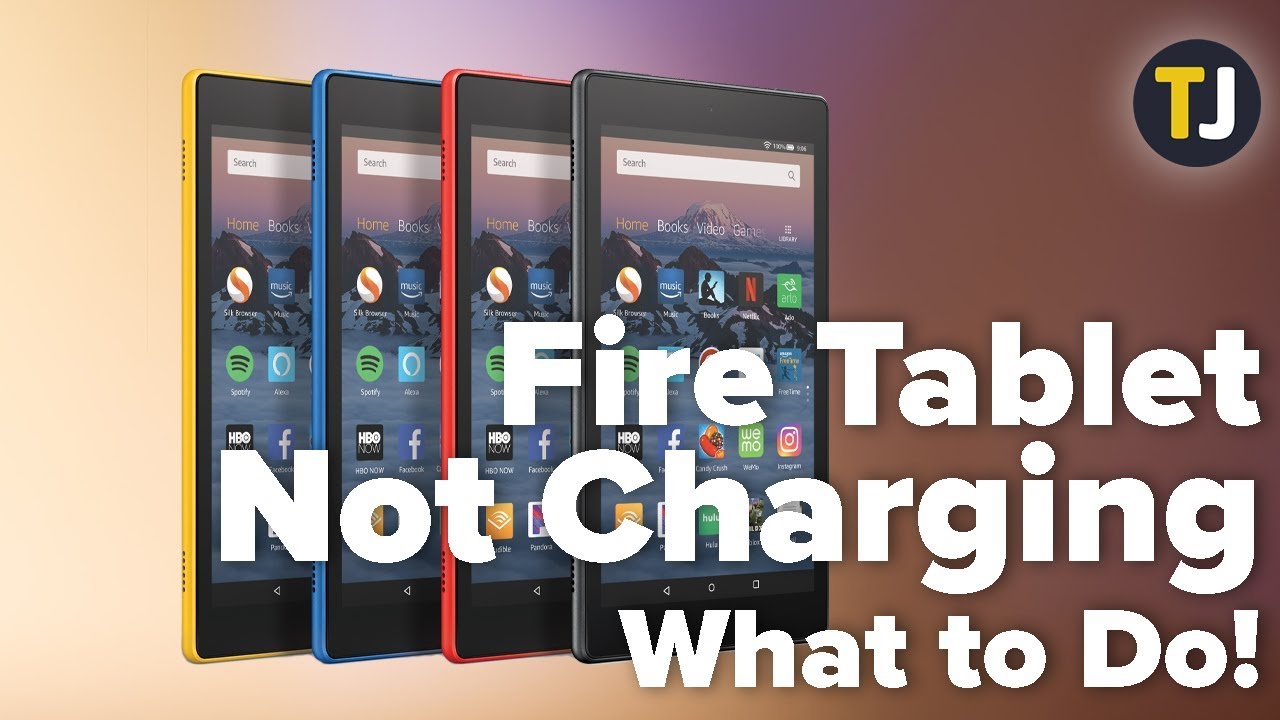
First things first, and please don't roll your eyes too hard: Is your Amazon Fire actually charged? I know, I know, it sounds ridiculously obvious, but how many times have we stared at our dead phone, utterly perplexed, only to realize later we totally forgot to plug it in? It’s the digital equivalent of searching high and low for your car keys only to find them dangling from the ignition! So, plug it in!
Must Read
And when I say "plug it in," I mean really check everything. Sometimes, it’s not the tablet, but the accessories playing a cruel trick. Is your charging cable in tip-top shape, or does it look like it's been through a wrestling match with a particularly feisty badger? A frayed or dodgy cable can be a real sneak. Try a different cable if you have one lying around – preferably one you know works with another device. Same goes for the little power adapter cube; they can sometimes decide to take an unexpected retirement.
Also, don't forget the wall outlet! Sometimes, an outlet can be a bit... temperamental. It might work for your lamp but refuse to power up your precious Fire. Try a different socket, a different room, even a different building if you're feeling adventurous! You'd be amazed how often a grumpy outlet is the culprit.
The Digital CPR: Holding On For Dear Life
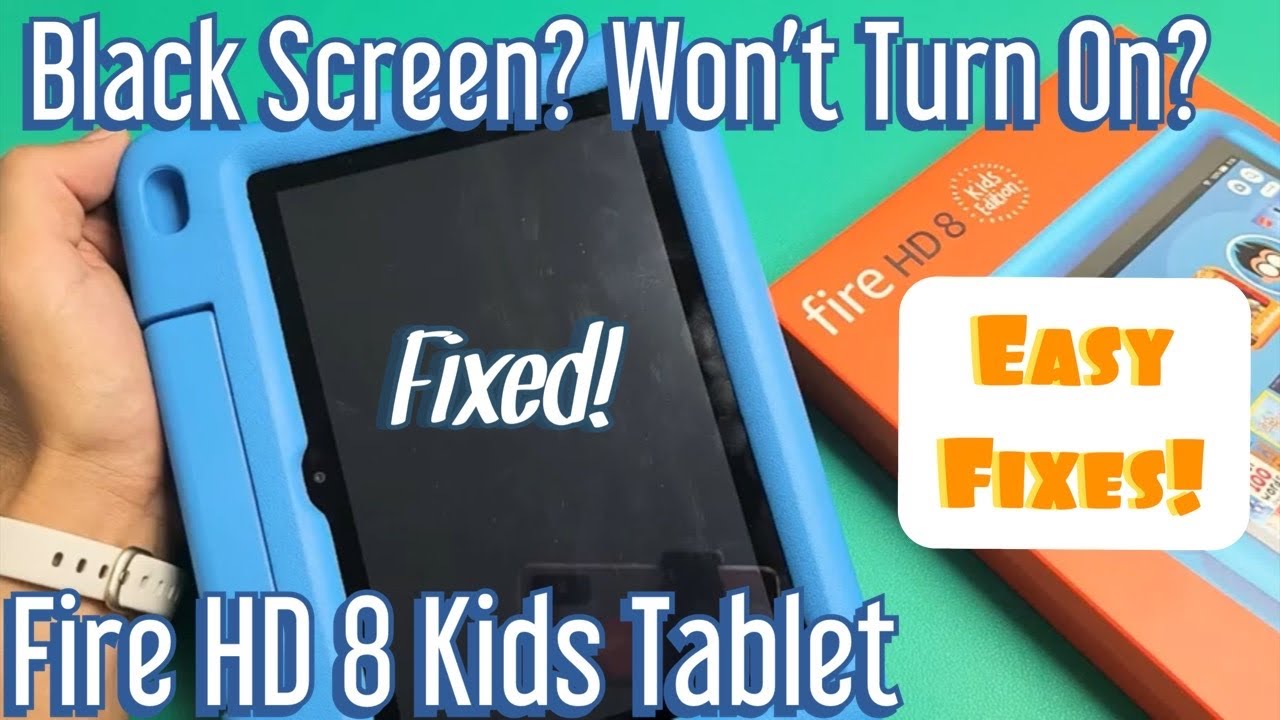
Okay, so you've confirmed it's plugged in, the cable's good, the adapter's shining, and the outlet is behaving. Still nothing? Time for what I like to call "digital CPR." This is where we give our Fire a little firm but loving persuasion. We're going to perform a hard reset, even though it's technically already "off."
Locate that trusty power button (the one you usually press briefly to wake it up). Now, instead of a gentle tap, you're going to give it a long, sustained hug. I'm talking about holding that button down for a good, solid 20 to 40 seconds. Yes, it feels like an eternity in gadget-time. You might feel a bit silly, just staring at a black screen, patiently holding a button. But don't give up! This isn't just a casual press; it's a statement!
"Keep holding! Imagine you're trying to convince a stubborn mule to move – gentle persistence is key!"
Often, after this extended button-holding ceremony, your Amazon Fire will suddenly spring back to life, perhaps flashing the logo or showing a charging indicator. It’s like it just needed a really, really long nap and a firm wake-up call.
The "Walk Away for Five Minutes" Miracle
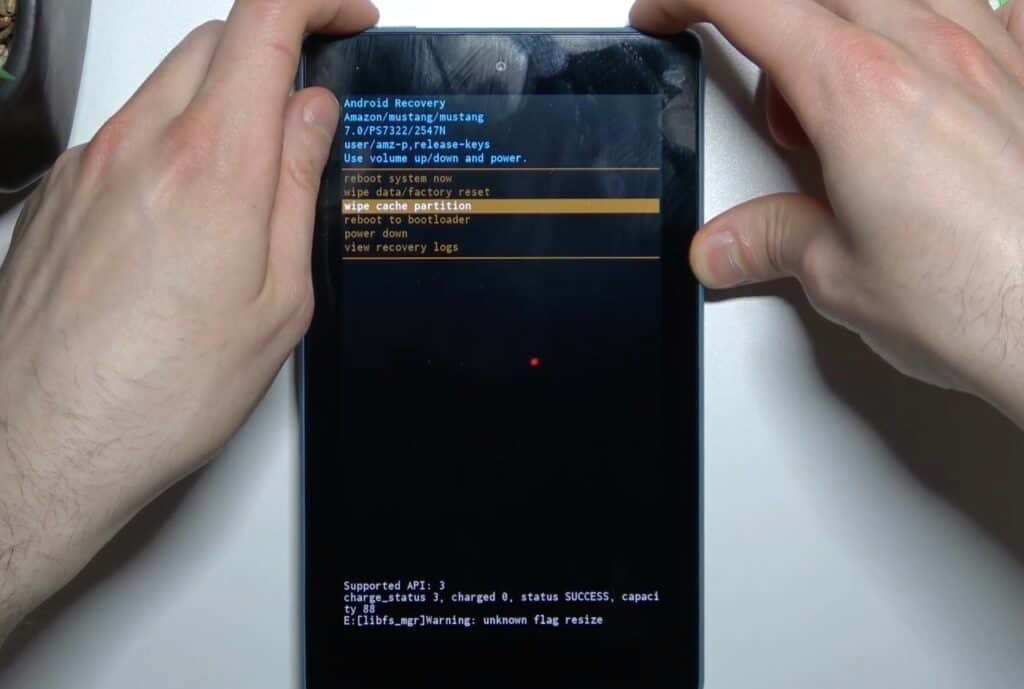
Still stubbornly black? Sometimes, our gadgets just need a timeout, much like a grumpy toddler. If the hard reset didn't immediately work, plug it back in and then... walk away. Seriously! Go grab a cup of tea, pet your actual pet, do a quick little dance, or simply stare out the window for five to ten minutes. When you come back, try pressing the power button again (a quick press this time) or repeat the long press if you're feeling extra determined.
Electronics can be finicky beasts, and sometimes a little bit of time plugged in, allowing the battery to get some juice flowing after a deep discharge, combined with a moment to "think," is all it needs. It's like giving it a moment to realize it's actually supposed to be awake!

The Environmental Check: Not Too Hot, Not Too Cold!
This might sound a bit quirky, but electronics are sensitive souls! Is your Fire tablet super cold? Like, did it spend the night in a frosty car? Or is it blazing hot from being left in direct sunlight? Extreme temperatures can sometimes prevent it from turning on. Move it to a comfortable, room-temperature spot and let it acclimatize for a bit before trying to power it on again. Treat it like a delicate houseplant – happy in mild conditions!
When All Else Fails: Call in the Cavalry!
You've tried everything! You've been the detective, the digital doctor, and the patient parent. If your Amazon Fire is still stubbornly refusing to wake up, don't despair! This is when you reach out to the fantastic folks at Amazon Customer Service. They are absolute wizards when it comes to troubleshooting their devices and can guide you through more specific steps or discuss warranty options.
Remember, these things happen! Gadgets, despite their magical abilities, can sometimes have a little hiccup. The important thing is that you tried these super easy, common-sense steps first. More often than not, your beloved Fire tablet will be back in action, ready to serve up all your entertainment and reading needs. So go forth, be brave, and reclaim your digital playground!