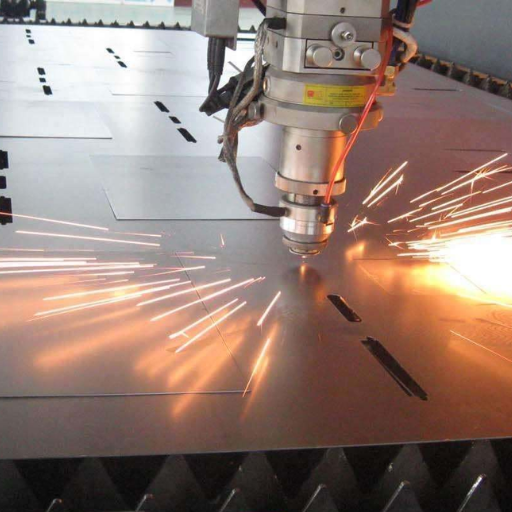
Laser Cutter Settings For Different Materials

Let's face it, there's something incredibly satisfying about watching a laser beam precisely carve intricate designs into a piece of wood, acrylic, or even fabric. Laser cutters have moved from the realm of industrial manufacturing into the hands of hobbyists, artists, and small business owners, offering a powerful tool for creation and customization. Whether you're drawn to the clean lines, the satisfying sizzle, or the endless possibilities, the allure of laser cutting is undeniable.
But beyond the initial 'wow' factor, laser cutters serve a genuinely useful purpose in everyday life. Think about it: personalized gifts, custom signage, intricate home decor, and even prototyping for new inventions – laser cutters are at the heart of it all. They allow for a level of precision and detail that's simply unattainable with traditional hand tools, opening up a world of possibilities for both creative expression and practical applications. They're used extensively in manufacturing, creating intricate parts for electronics, medical devices, and aerospace industries. They're even being used to create personalized prosthetics and intricate art installations! The versatility of this technology is truly astounding.
Common examples abound. Ever admired a beautifully engraved wooden cutting board? Laser cutter. Needed a custom acrylic stand for your collectibles? Laser cutter. Saw a cool leather wallet with a unique pattern? You guessed it, laser cutter! From architectural models to personalized phone cases, the applications are limited only by your imagination.
Must Read
Now, let's talk about making the most of your laser cutting experience, and that starts with understanding the crucial role of laser cutter settings. Forget the idea that one setting fits all! Different materials react very differently to the laser's power and speed. Trying to cut thick wood with settings designed for thin paper will likely result in either a charred mess or, worse, a fire! Similarly, using high power on delicate fabric can vaporize it instantly.
Here are a few practical tips to help you dial in the perfect settings for your next project:

1. Always start with test cuts: Before committing to your final design, cut small squares or circles on a scrap piece of the same material. Adjust the power and speed until you achieve a clean cut without excessive burning or incomplete penetration.
2. Understand the power/speed relationship: Generally, thicker materials require more power and slower speeds, while thinner materials need less power and faster speeds. But this is just a starting point! Experimentation is key.
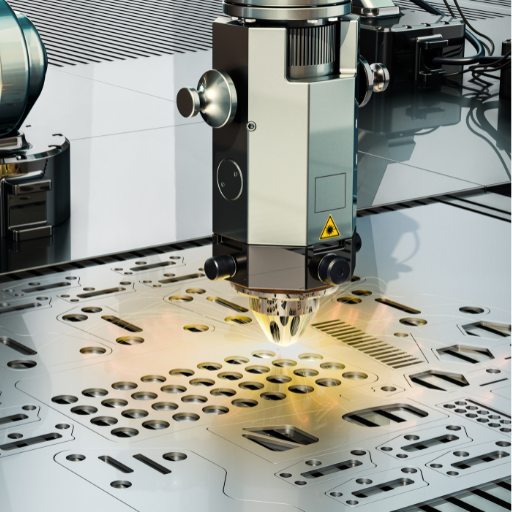
3. Consider the material's properties: Some materials, like acrylic, can melt if the power is too high. Others, like certain types of wood, are prone to scorching. Research the specific characteristics of your material before you begin.
4. Ventilation is vital: Laser cutting produces smoke and fumes, some of which can be harmful. Ensure your laser cutter is properly ventilated to protect your health and prevent damage to your equipment.
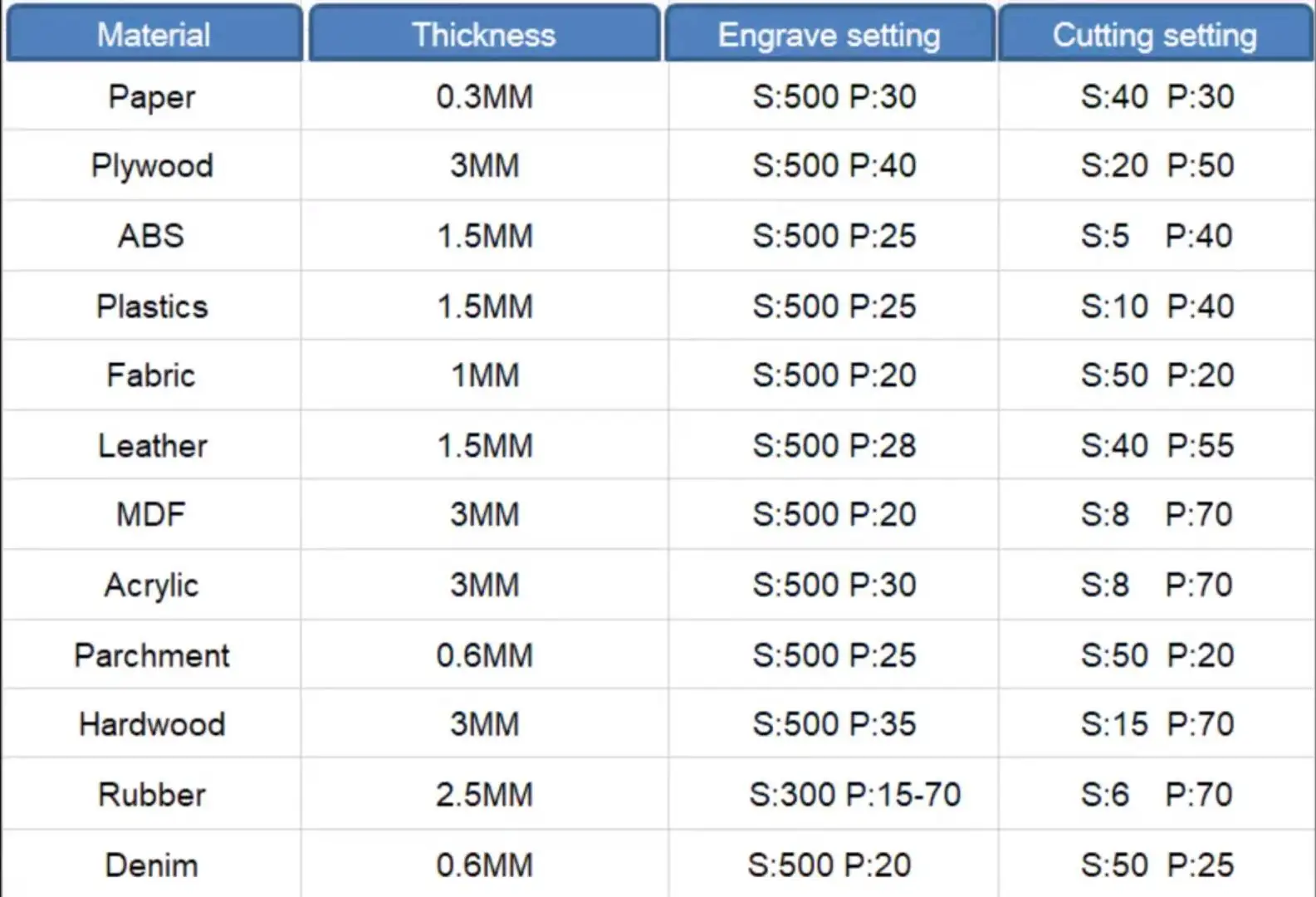
5. Online resources are your friend: Numerous online forums and communities are dedicated to laser cutting. Take advantage of these resources to learn from experienced users and find recommended settings for different materials. Don't be afraid to ask for help!
Mastering laser cutter settings is an ongoing learning process, but by following these tips and embracing experimentation, you'll unlock the full potential of this amazing technology and bring your creative visions to life with stunning precision and detail. Happy lasering!