
Laptop Battery Is Not Charging When Plugged In

Okay, so picture this: You're in the zone. Your creative juices are flowing, the deadline is looming, and your laptop's battery icon is flashing that dreaded red. You plug it in, expecting the sweet, sweet relief of charging... but nothing. Zilch. Nada. What gives?
We've all been there, right? That moment of panic when your trusty laptop seems to have betrayed you. But before you start frantically searching for a replacement or resigning yourself to a low-power existence, let's take a breath and explore why your laptop battery might be staging a rebellion. Think of it like this: your laptop is a high-performance athlete, and its battery is its energy source. Sometimes, even athletes need a little TLC and troubleshooting.
The Usual Suspects: Power and Connection
First things first, let's check the obvious. Is the power outlet actually working? Seriously! It sounds silly, but you'd be surprised how often this is the culprit. Try plugging in a lamp or your phone charger to make sure the outlet is delivering power. Think of it as detective work – eliminating suspects one by one.
Must Read
Next, give your power adapter and cord a good once-over. Are there any visible signs of damage? Frayed wires? A wobbly connection where the cord plugs into your laptop? A damaged cord is like a kink in a water hose; it restricts the flow. And just like a kinked hose won't water your garden properly, a damaged cord won't charge your laptop.
Make sure the adapter is securely plugged into both the outlet and your laptop. Sometimes, it's just a matter of a loose connection. A little wiggle here, a gentle push there, and boom! Problem solved. It's like giving your laptop a reassuring hug.

Battery Blues: Is It the Battery's Fault?
Now, let's consider the battery itself. Laptop batteries, like all batteries, have a lifespan. Over time, they lose their ability to hold a charge. It's a natural process, kind of like how we all get a little slower as we age. If your laptop is a few years old, it's possible that the battery is simply reaching the end of its run. Have you ever noticed how your phone battery seems to drain faster after a year or two? It's the same principle.
Some laptops have removable batteries. If yours does, try removing the battery and cleaning the contacts. Dust and grime can sometimes interfere with the connection. A clean battery contact is a happy battery contact! While the battery is out, try plugging in the laptop directly using the power adapter. If it powers on, that's a strong indication the battery is the problem.
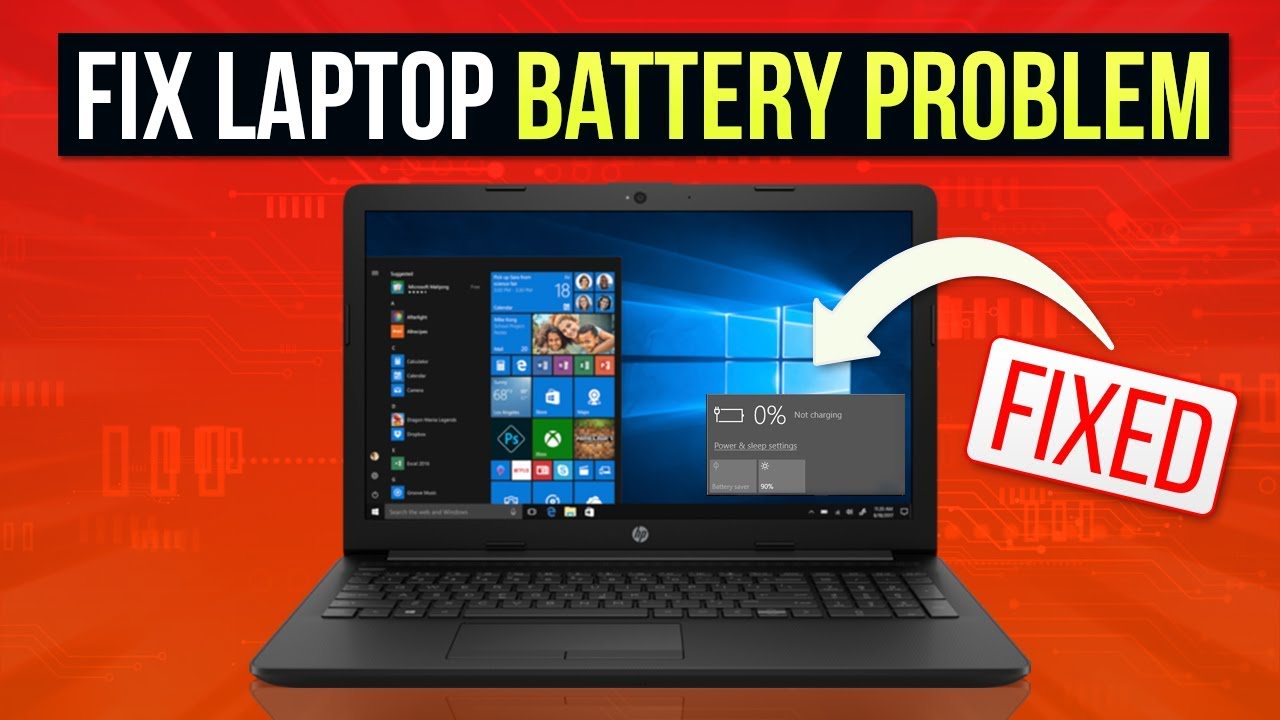
Even if your battery isn't removable, there might be software tools that can help you diagnose its health. Many operating systems have built-in battery health monitors. Take a peek! It’s like getting a check-up at the doctor, but for your laptop's power source. These tools can give you valuable information about the battery's capacity and overall condition.
Software Shenanigans: Blame the Brain!
Believe it or not, software can sometimes interfere with the charging process. Operating system glitches or outdated drivers can cause your laptop to think the battery is fully charged when it's not, or prevent it from charging altogether. It's like a miscommunication between the brain (the software) and the body (the battery).
Try restarting your laptop. Seriously, it sounds cliché, but it often works! Restarting can clear up temporary glitches and reset the charging process. It's the digital equivalent of taking a deep breath and starting over.
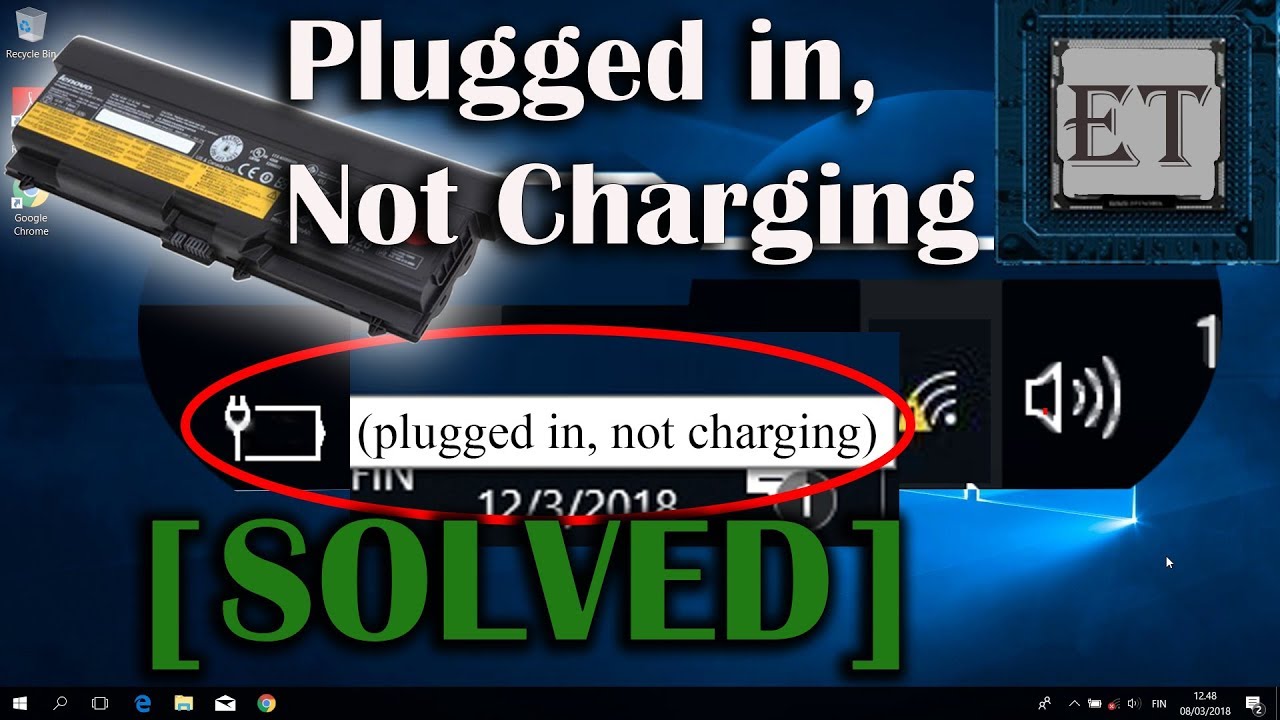
Also, check for driver updates, especially for your battery and power management. Outdated drivers can cause all sorts of weird issues. Think of drivers as the translators between your hardware and software. If the translator isn't speaking the right language, things can get confusing.
Heat Wave: Is Your Laptop Overheating?
Overheating can also prevent your laptop from charging. Batteries are sensitive to temperature, and if your laptop is getting too hot, it might stop charging as a safety precaution. Think of it as your laptop trying to protect itself from getting burned. Make sure your laptop has proper ventilation. Don't block the vents with blankets, pillows, or anything else that could trap heat. A cool laptop is a happy laptop!
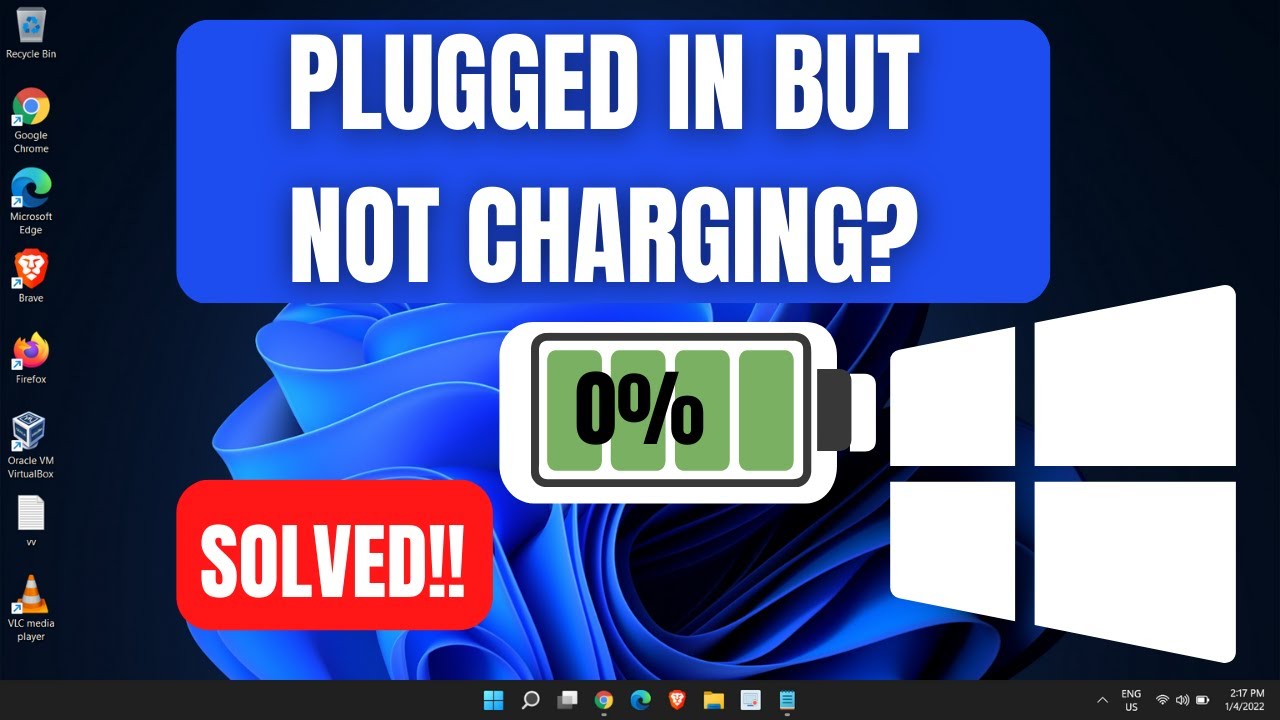
If your laptop is consistently overheating, it might be time to clean out the internal fans. Dust and debris can accumulate over time, hindering their ability to cool the system. It's like giving your laptop a spa day, complete with a deep cleaning!
Deep Dive: When to Call in the Pros
If you've tried all of these troubleshooting steps and your laptop still refuses to charge, it might be time to consult a professional. There could be a more serious hardware issue at play, such as a faulty charging port or a damaged motherboard. Think of it as calling in the experts when you've exhausted all your own resources. A qualified technician can diagnose the problem and recommend the best course of action.
So, don't despair when your laptop battery refuses to charge. With a little patience and detective work, you can often identify and resolve the issue. And hey, even if you can't fix it yourself, at least you'll have a better understanding of what's going on inside your trusty machine. Good luck and may your battery always be fully charged!