
How To Use Multimeter To Check Battery Voltage
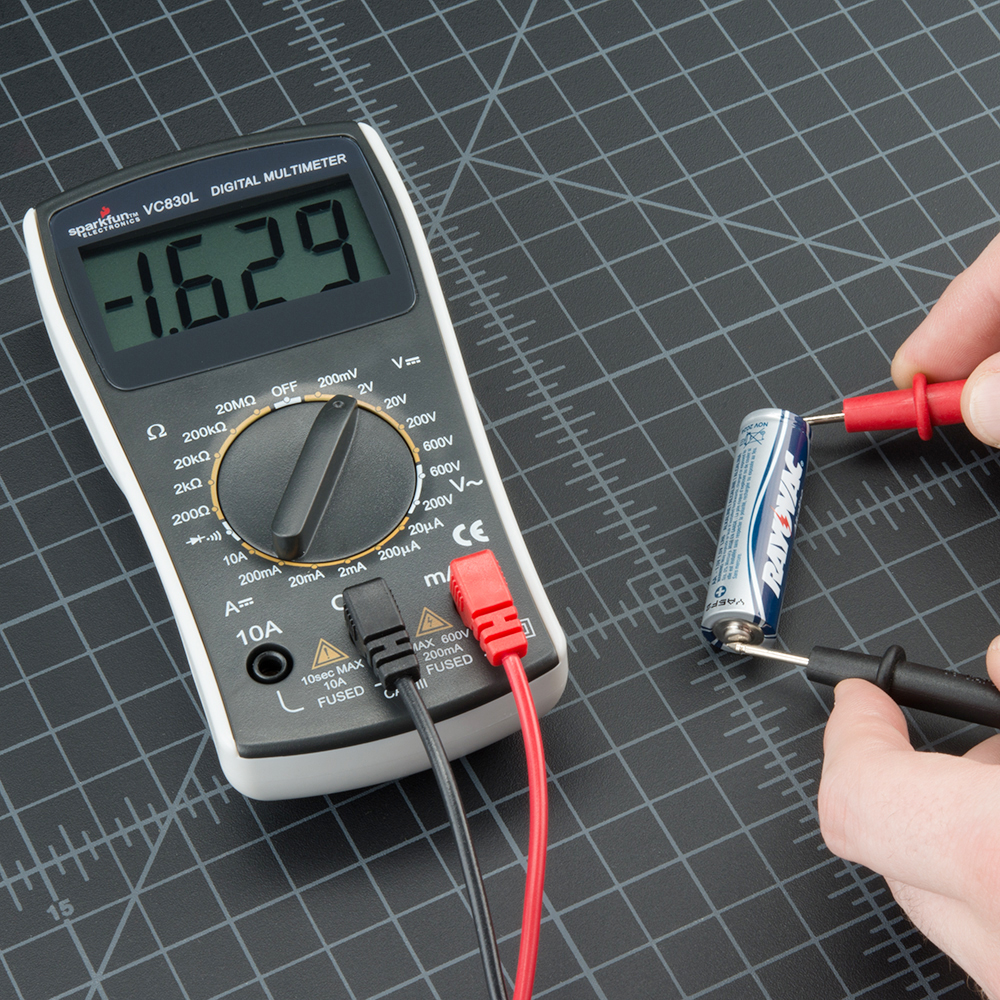
Okay, so picture this: you're about to embark on that epic road trip, playlist curated, snacks packed (the good kind, not the "healthy" kind), and you turn the key... silence. Just the ominous clicking of a car battery that's apparently decided to go on strike. We've all been there, right? It's like your car is saying, "Nope, not today!"
But fear not! Before you resign yourself to calling AAA or bribing a neighbor with your prized cookies, there's a simple, almost magical tool you can use to diagnose the problem: the multimeter. Now, I know what you're thinking: "Multimeter? Sounds complicated!" But trust me, it's way easier than trying to assemble IKEA furniture without the instructions.
Think of a multimeter as the doctor for your electronics. It can measure all sorts of things, but today we're focusing on its superpower: checking battery voltage. It's like taking your battery's temperature to see if it's running a fever (aka, not enough voltage).
Must Read
Getting Ready: The Multimeter and the Battery
First things first, grab your multimeter. If you don’t have one, you can pick one up pretty cheap at any hardware store. Consider it an investment in your sanity. It’s cheaper than a therapist, and arguably more helpful when your car refuses to cooperate.
Now, find your battery. Usually, it’s lurking under the hood of your car, or sometimes (like in some motorcycles or scooters) it might be hidden away like a treasure. Observe it carefully. Are the terminals corroded? (That greenish-white stuff is the battery’s version of the zombie apocalypse.) If so, carefully clean them with a wire brush or a baking soda and water paste. Safety first! Wear gloves and eye protection. Nobody wants battery acid in their eye – trust me on this one.
Setting Up Your Multimeter: From Confusion to Clarity
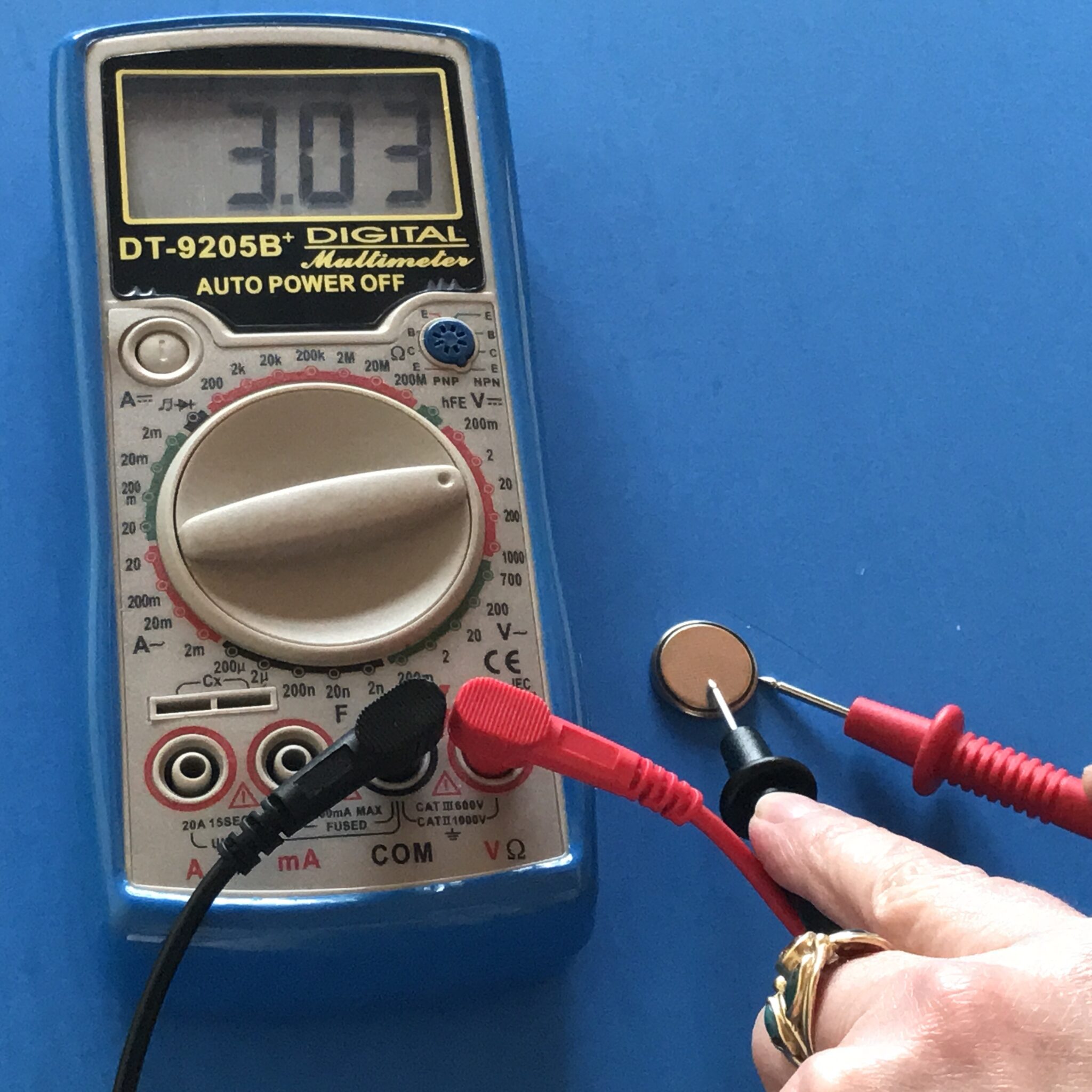
Alright, the slightly intimidating part: setting the multimeter. Don't panic! Look for the "DC Voltage" (often written as "VDC" or "DCV") setting. It looks like a V with a straight line above it (as opposed to a wavy line, which is AC Voltage – we're not dealing with that today).
Choose a voltage range that's higher than your battery's voltage. Car batteries are typically 12 volts, so set your multimeter to 20V or higher. This is like telling the thermometer to be ready for a fever; you're setting the scale so it can properly read the voltage.

Now, find the probes. Your multimeter should have two wires: a red one (positive) and a black one (negative). Think of them as little electronic feelers, ready to sense the battery's energy.
Testing the Battery: The Moment of Truth
Okay, deep breath! This is the exciting part.
Carefully touch the red probe to the positive (+) terminal of the battery. You'll usually see a plus sign marked near the terminal. Similarly, touch the black probe to the negative (-) terminal. Again, look for the minus sign.
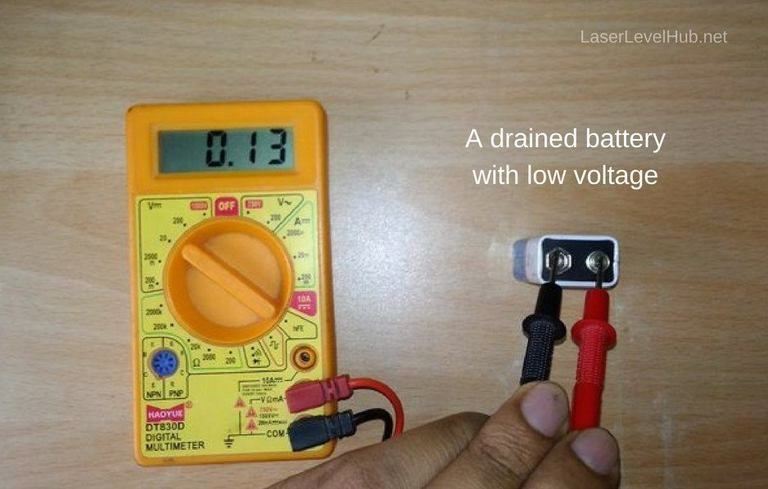
Make sure the probes are making good contact. Wiggle them a little if you need to. Think of it like trying to get a good radio signal – sometimes you need to adjust the antenna.
Now, look at the multimeter's display. It should show you the battery's voltage. A fully charged 12-volt battery should read somewhere between 12.6 and 12.8 volts. If it's lower than 12 volts, your battery is likely discharged and needs a good charge. If it’s way down below 11 volts, it’s probably time for a new battery. RIP battery, you served your purpose.
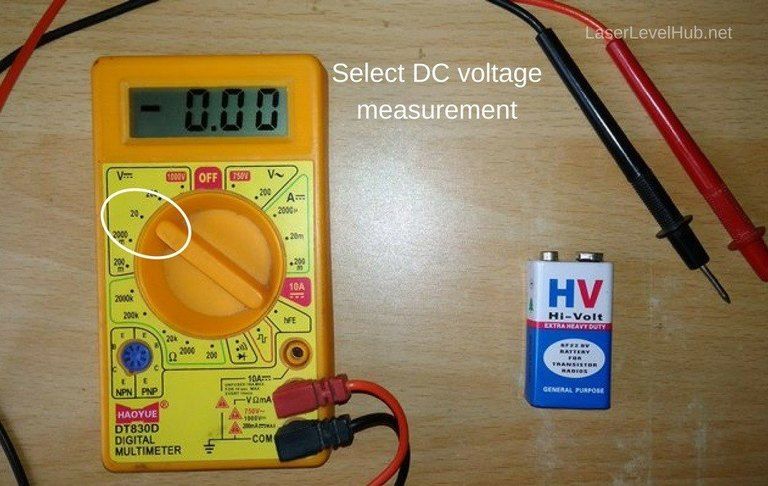
Pro Tip: If the reading is negative, you've got the probes reversed. No biggie, just swap them around!
What the Voltage Means: Decoding the Battery's Message
So, you've got a voltage reading. Now what? Here’s a cheat sheet:
- 12.6-12.8V: Your battery is a happy camper. Full charge!
- 12.0-12.4V: Getting a little low. Might want to give it a charge.
- Below 12.0V: Houston, we have a problem! Your battery is likely discharged. Time to charge it up or consider a replacement.
Using a multimeter to check your battery voltage is easier than ordering pizza online. And knowing how to do it can save you from getting stranded with a dead battery. So go forth, multimeter in hand, and conquer those electrical gremlins! And remember, if all else fails, there's always those cookies...