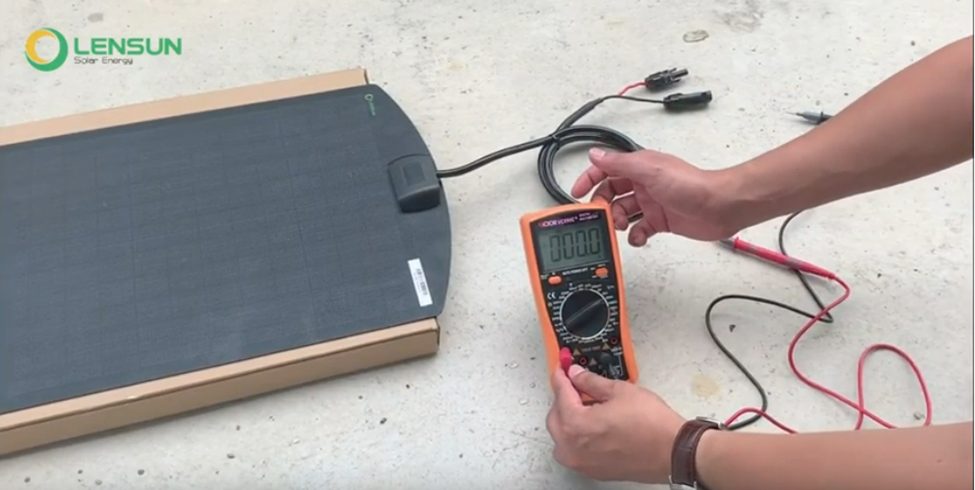
How To Test A Solar Panel With A Multimeter

Okay, so your solar panel is looking a bit…sun-kissed, let's say. Maybe it's not exactly pumping out the juice like it used to. We've all been there. It’s like that time you thought you could make coffee without coffee grounds – looked right, smelled kinda right, but utterly useless. Turns out, just having the equipment doesn’t guarantee results! And that’s where our trusty sidekick, the multimeter, comes in.
Think of a multimeter as the doctor for your solar panel. It's going to run some tests, poke around, and tell you if things are healthy or if your panel needs a serious intervention (or maybe just a good scrub). And don't worry, you don't need a PhD in electrical engineering to use one. Trust me, if I can do it, you definitely can. I once tried to assemble IKEA furniture without instructions. This is way easier.
What You'll Need (Besides Patience)
First, the obvious: a solar panel you suspect might be playing hooky. Next, you'll need a multimeter. These things are pretty affordable, you can find them at most hardware stores or online. Grab some alligator clips (optional, but incredibly helpful – imagine trying to hold the probes on while juggling a cup of coffee, yeah…clips are better). And finally, good old safety glasses. We're dealing with electricity, even if it's solar, so better safe than sorry.
Must Read
Setting Up Your Multimeter: Choosing the Right Mode
Here’s the key: You're going to be measuring DC voltage and possibly DC current. On your multimeter, there's a dial that looks like it has more settings than a fancy espresso machine. Look for the "V" with a straight line above it (sometimes with a dashed line underneath too). That's your DC voltage setting. Turn the dial to a setting that's higher than what your solar panel is rated for. For instance, if your panel is rated for 20V, set the multimeter to 200V or the next highest setting. This prevents overloading and potentially damaging the meter. Seriously, don’t skip this step. Imagine trying to catch a runaway shopping cart. You want to be prepared!
If you want to measure current (how much "juice" it's pumping), look for "A" with the same straight line. Be very careful with this setting! Only measure current after you've measured voltage. Incorrectly measuring current can blow a fuse in your multimeter (been there, done that, got the T-shirt…and the replacement fuse).

Testing the Voltage: Is the Sun Shining… Literally?
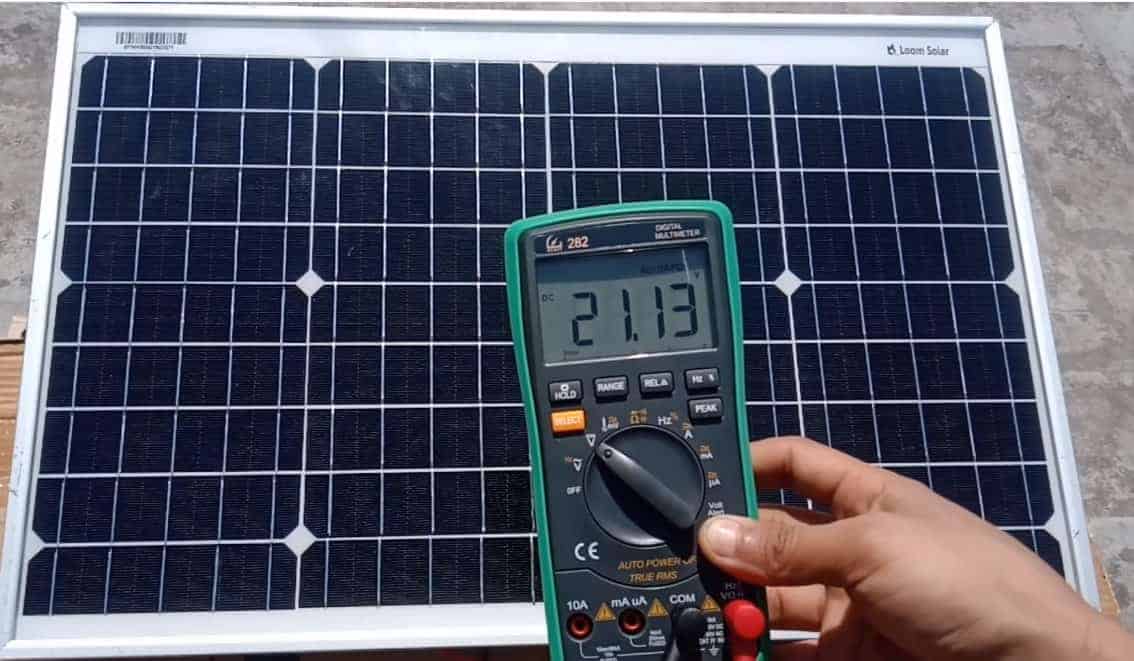
Now, here's where the magic happens! Expose your solar panel to direct sunlight. Think of it like giving it a little pep talk, “C’mon, you can do it, shine bright!” Take the multimeter probes (the red and black pointy things). Connect the red probe to the positive (+) terminal of your solar panel, and the black probe to the negative (-) terminal. If you’re using alligator clips, clip them onto the terminals first to free up your hands.
Read the voltage on the multimeter. Compare that reading to the voltage rating printed on the back of your solar panel (usually labeled as "Vmp" or "Open Circuit Voltage"). If the voltage reading is close to the rated voltage, your panel is likely in good shape! If it's significantly lower, something's up. It's like ordering a pizza and getting a cracker – technically, it's sort of the same thing, but definitely not what you expected.
Testing the Current (Proceed With Caution!)
Only do this if you feel comfortable and understand the risks! Set your multimeter to the DC current setting. This is important: you need to connect the multimeter in series with the solar panel. This means disconnecting one of the wires from either the positive or negative terminal of the solar panel, and then connecting the multimeter between the disconnected wire and the terminal. Think of it like completing a circuit, you are the missing link!
Read the current on the multimeter. Compare that reading to the current rating printed on the back of your solar panel (usually labeled as "Imp" or "Short Circuit Current"). Again, if the reading is close to the rated current, your panel is doing its job! A significantly lower reading suggests a problem.
Troubleshooting: What If It's Not Working Right?
If your voltage or current readings are low, check the following: Is the panel clean? A layer of dirt can drastically reduce output. Are there any shadows on the panel? Even partial shading can have a big impact. Are all the connections tight and secure? Loose connections are like a bad joke – nobody likes them. If you've checked all these things and your panel still isn't performing, it might be time to consult a professional. Maybe it needs some serious TLC… or maybe it's time for a new panel. But hey, at least you now know how to test it yourself! And that's a power move, if you ask me. Now go forth and conquer the sun!