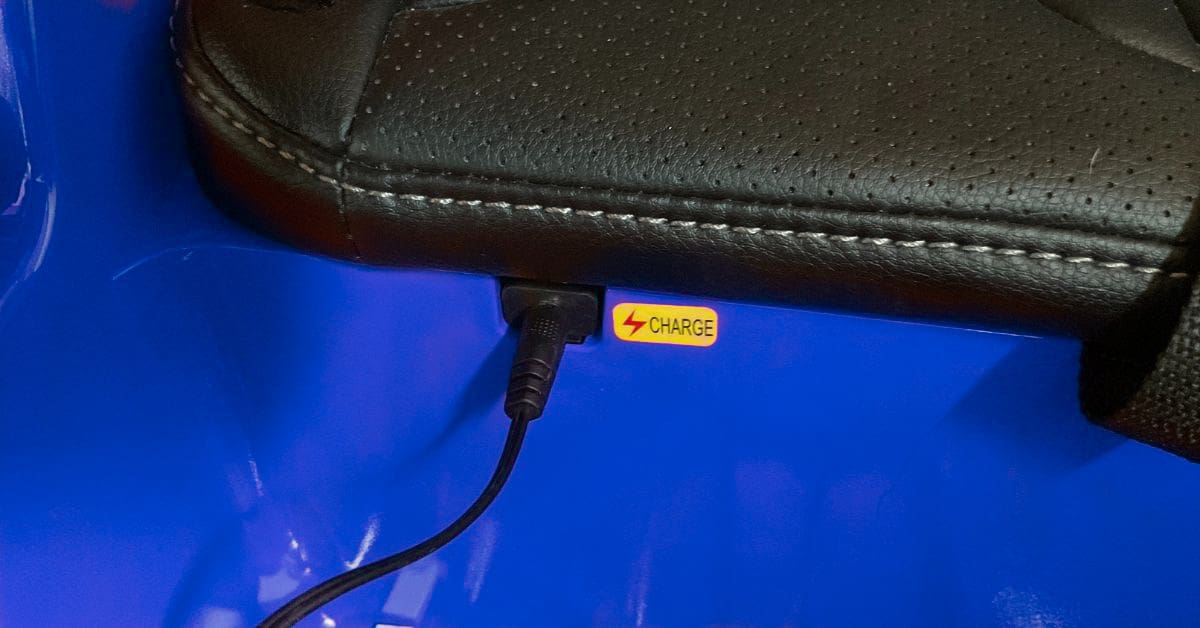
How To Tell If Power Wheels Battery Is Charging
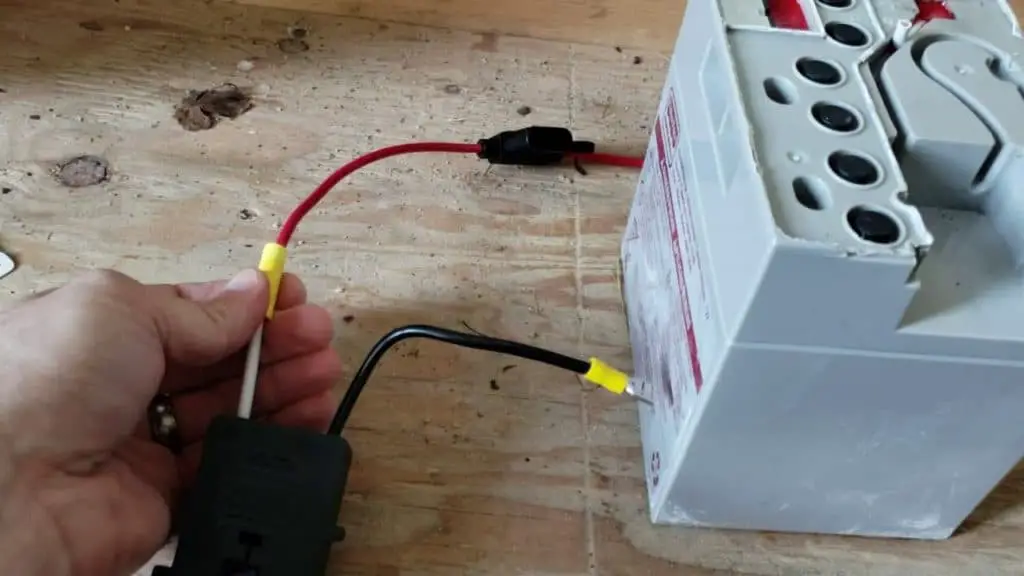
Hey there, fellow Power Wheels enthusiast! So, your little speed demon’s ride has gone silent? Don't panic! First step, we gotta figure out if that battery is actually getting any juice. Let's troubleshoot that charging situation together, shall we? It's easier than assembling that darn thing in the first place, I promise!
The Obvious Suspects: Plug It In, Plug It In!
Okay, this might sound ridiculously simple, but trust me, we’ve all been there. Is the charger actually plugged into both the battery and the wall? I've personally spent a good hour convinced my phone was broken, only to realize... yeah, no power. Double-check! Make sure that connection is snug on both ends. No wiggling allowed!
Speaking of the wall, is the outlet itself working? Plug a lamp or something else into the outlet to make sure it's providing power. You’d be surprised how often this is the culprit. And if it is? Well, you’ve just solved your problem and learned a valuable lesson about electrical outlets. Two birds, one stone!
Must Read
Light 'Em Up! The Charger Light Indicator
Most Power Wheels chargers have a little light (or LED, if you're feeling fancy) that indicates its status. This is your first line of defense! Usually, the light will be red or orange while charging and turn green when fully charged. However, and this is a big "however," some chargers do the opposite! Check your charger's manual (if you can find it... good luck with that! Maybe try Google). If the light isn't on at all, well, Houston, we have a problem. See the previous section about plugging things in correctly.
If the light is flashing, that usually indicates an error. Again, consult the mystical manual (aka Google) to decipher the flashing code. It might be overheating, a bad connection, or the battery might be completely dead. Don't lose hope yet!
Feeling the Heat (Literally)
Carefully touch the battery and the charger after they've been plugged in for a little while (say, 30 minutes). Do they feel warm? A little warmth is normal – it means energy is flowing! But if they're burning hot, unplug them immediately! That's a sign of a serious problem and could be dangerous. Like, call-a-professional-because-you-might-burn-your-house-down dangerous.
Voltage Check: Time to Get Technical (Sort Of)
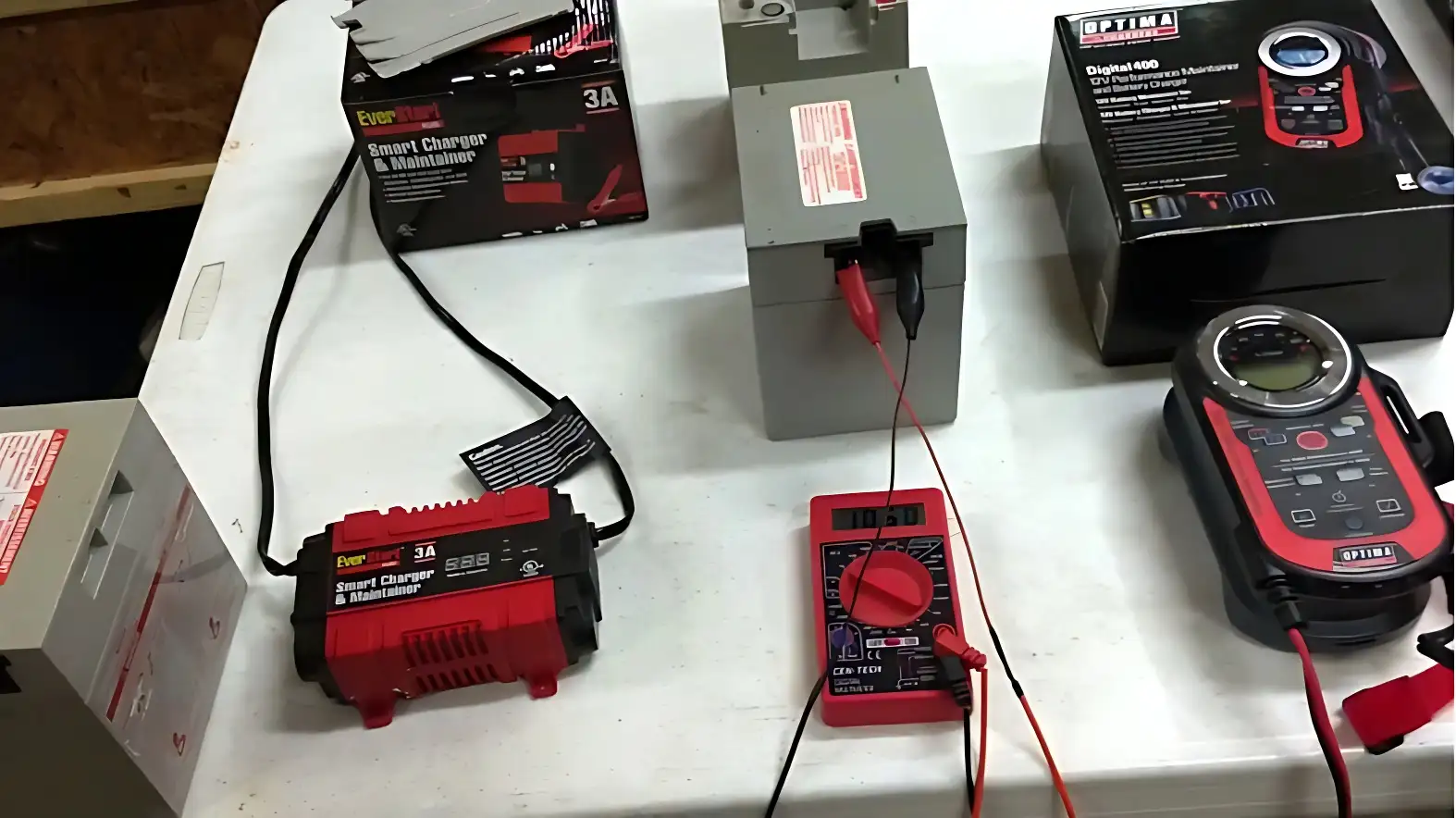
Okay, this one requires a little more effort, but it's a pretty reliable way to check if the battery is charging. You’ll need a voltmeter. Don’t worry, you don't need to be an electrical engineer to use one. You can pick one up at most hardware stores for a reasonable price. Plus, owning a voltmeter makes you feel like a legit DIY-er.

Set the voltmeter to the appropriate DC voltage range (usually around 20V). Then, carefully touch the red probe to the positive (+) terminal on the battery and the black probe to the negative (-) terminal. Note the voltage reading. While it's charging, the voltage should be gradually increasing. If it's staying the same or decreasing, the battery isn't charging.
The "How Long Has This Been Charging?" Test
Power Wheels batteries typically take anywhere from 8 to 18 hours to fully charge. If you’ve been charging it for a ridiculously long time (like, overnight) and it's still not working, the battery might be beyond repair. They don't last forever, unfortunately. It's the circle of life... for batteries. Time for a new one!
The Last Resort: Try a Different Charger
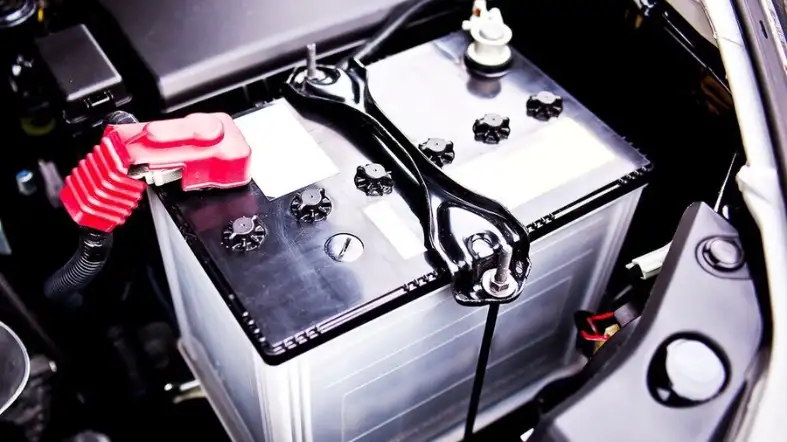
If you suspect the charger itself is the problem, try using a different charger that's compatible with your Power Wheels battery. Borrow one from a friend (if you have a friend who also owns a Power Wheels and is willing to share!), or you can sometimes find universal chargers online. If the battery charges with a different charger, you know the original charger is the culprit.
In conclusion: Troubleshooting a Power Wheels battery can feel like a Herculean task, especially when you've got a disappointed kiddo looking up at you with those puppy-dog eyes. But don't despair! By systematically checking the connections, lights, temperature, and voltage, you can usually pinpoint the problem and get that little car back on the road in no time. And hey, even if you end up needing a new battery, think of it as an opportunity for an upgrade! Maybe one that lasts longer... or even goes faster? Just kidding (mostly!). Now go forth and conquer that Power Wheels! You got this!