How To Tell If A Power Supply Is Bad

Ever had a beloved gadget suddenly go dark, or a trusty computer start acting like it had a mind of its own? It's a frustrating moment, but also a fantastic opportunity to play detective! Learning how to tell if a power supply is bad isn't just a useful tech skill; it’s genuinely empowering. It saves you money, cuts down on wasted time, and gives you that satisfying "aha!" moment when you figure out what's wrong. Think of it as mastering a small but mighty secret in the world of electronics – a secret that keeps your digital life running smoothly.
This little piece of troubleshooting wizardry holds benefits for everyone. For beginners, it’s a gentle introduction to understanding how your devices actually work, building confidence in tackling bigger tech challenges. For families, imagine being able to quickly diagnose why the kids’ gaming PC isn't turning on, or why the Wi-Fi router keeps resetting – keeping peace and connectivity in the household! And for the seasoned hobbyists, it deepens your understanding for custom builds, repairs, or even resurrecting vintage electronics. Knowing your power supply is often the first step in unlocking a world of DIY tech solutions.
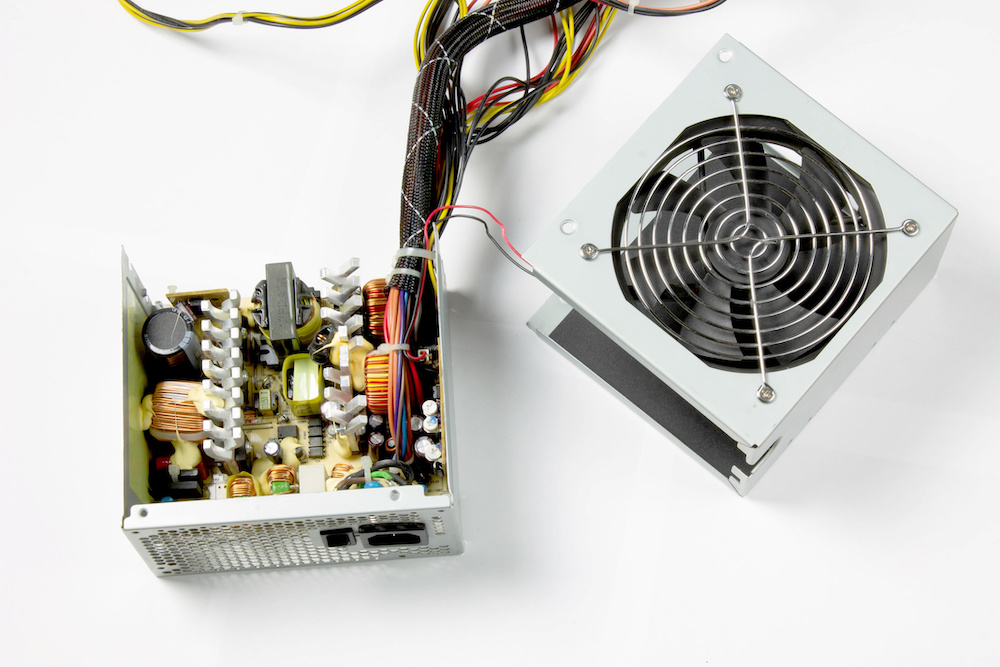
The "power supply" isn't just that big box inside your desktop computer, either! The principles apply across a wide array of gadgets. Your laptop charger that suddenly stops charging, an external hard drive that won't spin up, or even a monitor that flickers on and off – these are all situations where a failing power supply could be the culprit. Sometimes it’s a complete shutdown, other times it’s an annoying intermittent issue. Recognizing these variations helps narrow down the problem, whether it's the main power unit or just a dodgy cable.
Must Read
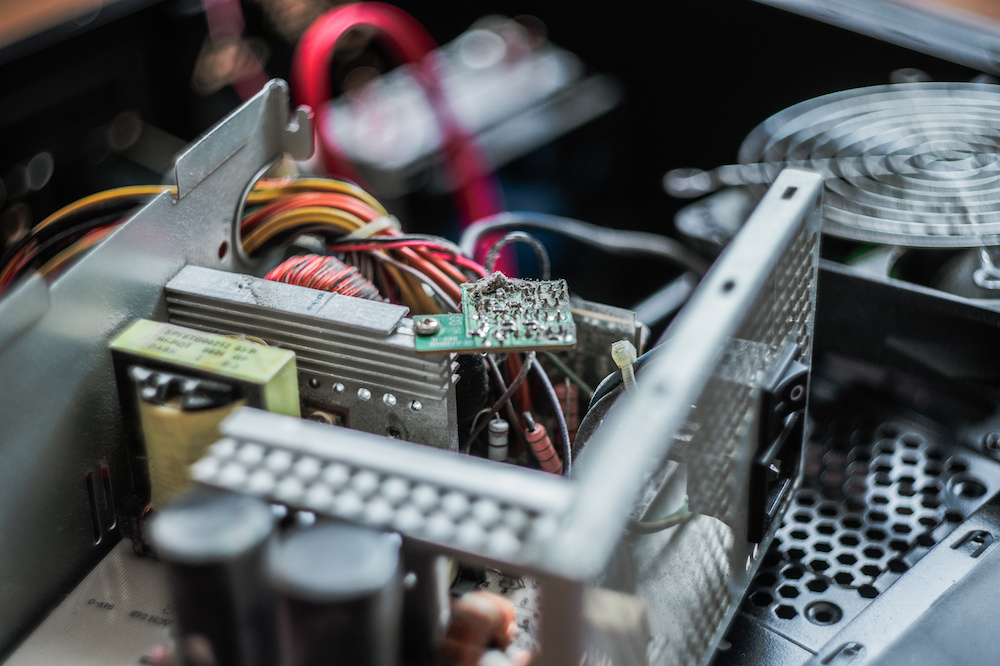
So, how do you start your power supply detective work? Here are some simple, practical tips. First, do a visual inspection. Unplug everything safely, then look for anything obviously amiss: burnt smells, bulging capacitors, or scorch marks on the unit itself. Second, listen closely. A failing power supply might make unusual noises like clicking, grinding, or a fan that sounds like a jet engine (or no fan sound at all!). Third, check your connections. Ensure all cables are snugly plugged into the wall, the power strip, and the device itself. Try a different wall outlet or power strip to rule out external issues. If you have a spare power supply that's compatible, a careful and safe swap is often the quickest way to confirm your suspicions. Remember, safety first – if you're unsure, consult a professional!
Ultimately, learning to diagnose a bad power supply isn’t just about fixing a problem; it’s about gaining a valuable life skill that empowers you in our increasingly digital world. It’s incredibly satisfying to save money on a repair you can do yourself, or to bring a beloved device back to life with a bit of savvy troubleshooting. So go ahead, embrace your inner tech detective, and enjoy the satisfaction of keeping your electronics humming along!