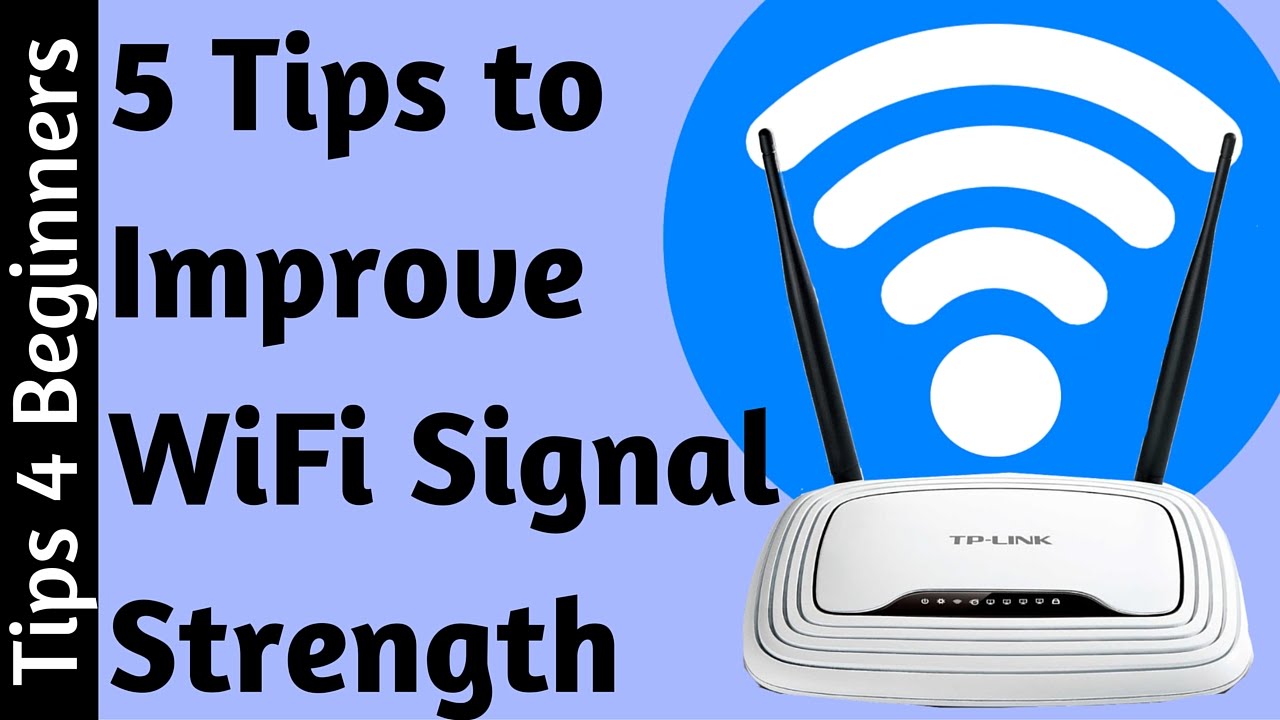
How To Strengthen Your Wifi Connection

Ever been in the middle of a thrilling movie, or a crucial online game, and suddenly...
Think about it. That moment when a video finally plays without a hitch, or your game connects instantly. It’s pure joy! We often just accept slow Wi-Fi, grumbling under our breath. But giving your Wi-Fi a little boost can feel like discovering a secret superpower. It’s surprisingly entertaining to see how a few simple tweaks can transform your online world. Let’s dive into some easy ways to make your internet connection sing!
Find Your Router's Happy Spot
Your router, that little blinking box, is the heart of your home's internet. And just like us, it has a "happy place" where it performs best. Many people just plonk it down wherever it plugs in. But that's like putting a spotlight in a closet and expecting it to light up the whole house! Your router loves being out in the open, high up, and as
Must Read
Imagine your Wi-Fi signal as an invisible sphere, radiating outwards. If your router is hidden in a corner, half of that sphere is going into your neighbour's wall! Try moving it to a more open space, perhaps on a shelf in the living room. It's amazing how much difference a few feet can make. You'll be surprised at the instant gratification of seeing more bars on your devices. It's a small victory, but oh-so-satisfying!
Clear the Digital Obstacle Course
Wi-Fi signals are a bit shy. They don't like running into things! Thick
walls, metal objects, and even certain appliances can block or weaken them. This is where your inner detective comes out again. Take a look around your router. Is it behind a massive TV? Next to a noisy microwave? Microwaves, especially, are famous for causing temporary Wi-Fi headaches. They operate on a similar frequency, leading to what feels like a mini digital war in your kitchen!
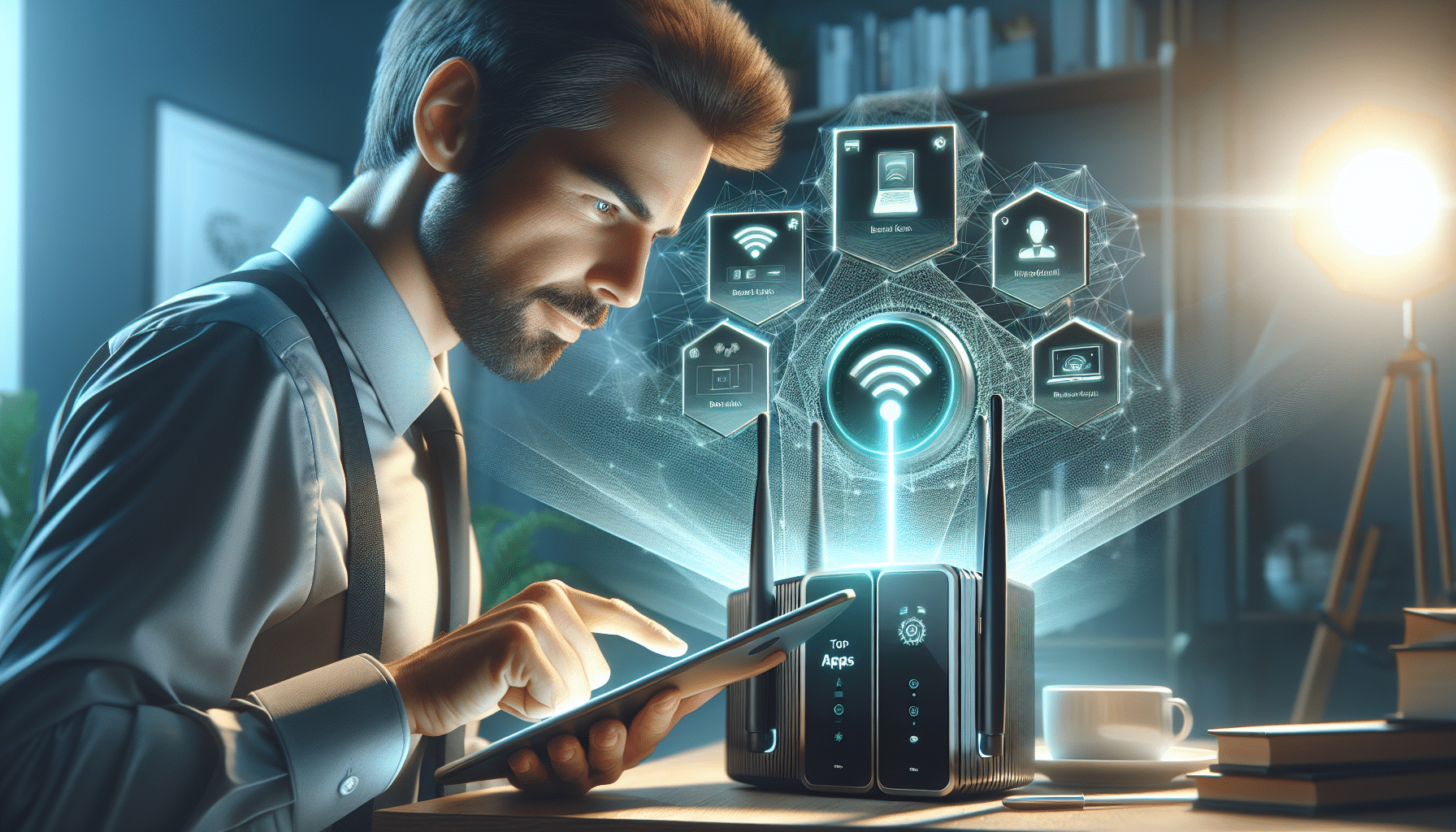
Think of your Wi-Fi signal like a beam of light. Anything that blocks light will also block your signal to some extent. So, try to keep clear paths between your router and your most-used devices. Moving that big fish tank or a metal filing cabinet might just be the secret ingredient. It's like clearing a path for a speedy race car; fewer obstacles mean faster speeds and smoother rides. You'll feel a sense of accomplishment, like winning a small battle against digital sluggishness.
Outsmart the Digital Traffic Jam
Sometimes, your Wi-Fi connection is slow not because of distance or obstacles, but because of too many digital conversations happening on the same "road." Your router uses different
You can often change your router's channel through its settings. It sounds super techy, but many modern routers have apps that make it surprisingly simple. It’s like finding a less crowded lane on a busy highway. Switching to a
The Power of a Simple Reboot
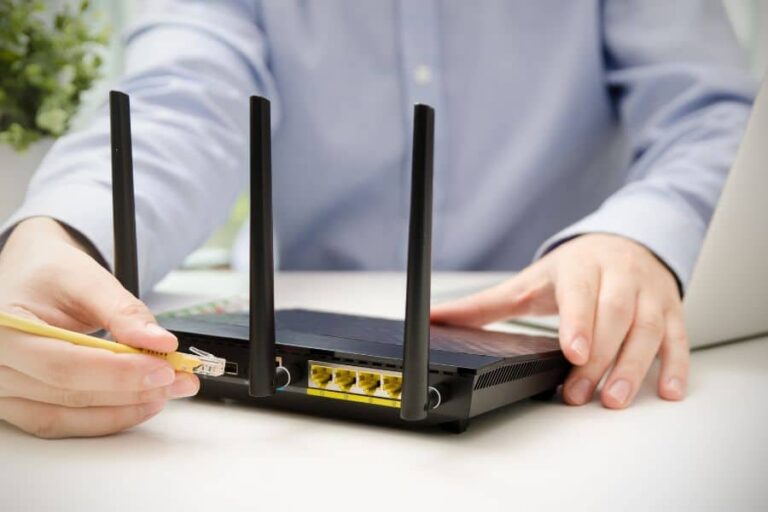
Sometimes, your router just needs a little nap. Just like your computer or phone, routers can get bogged down and overwhelmed. They're working hard, constantly sending and receiving data! A quick reboot – unplugging it for about 30 seconds and then plugging it back in – can often work wonders. It clears its head, refreshes its connections, and lets it start fresh. It's the simplest fix, and sometimes the most effective!
You’ll be amazed how often this ancient digital wisdom holds true. That moment when everything clicks back into place, faster and more stable, after a simple power cycle? It's a small, satisfying victory. It feels good to solve a problem with such an easy solution, like finding a lost remote right in front of you.
Consider a Signal Booster
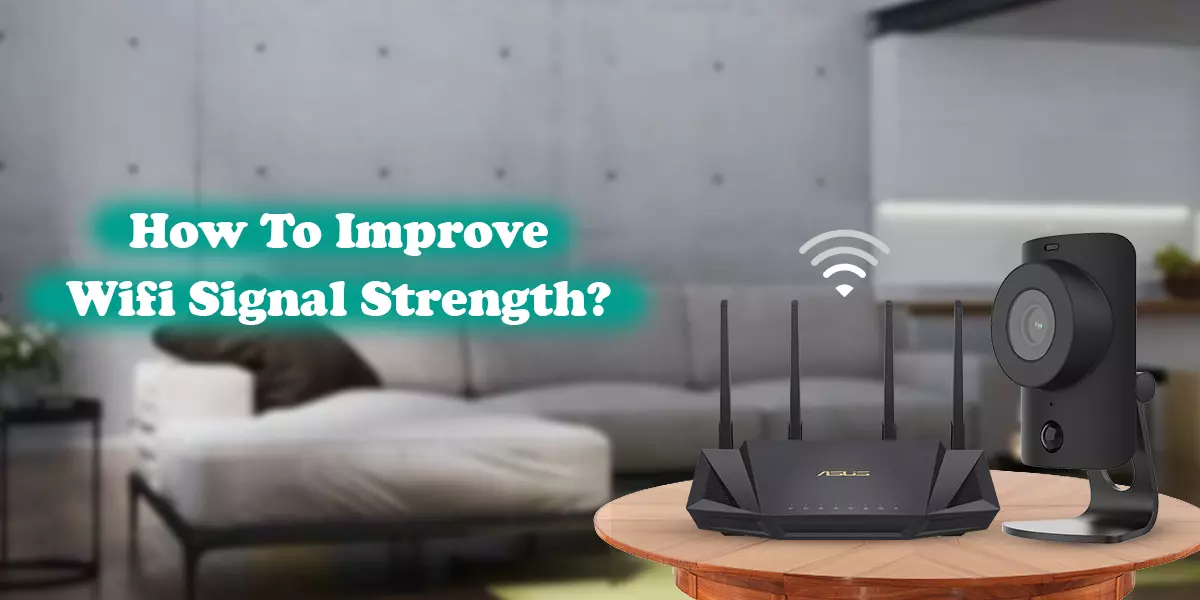
If your home is large, or has many thick walls, even the best router placement might not cover every nook and cranny. That's where a Wi-Fi extender or a
Setting these up is often much easier than you'd think, almost like magic! Imagine being able to stream your favorite show with perfect clarity, even on the furthest patio. Or having a strong connection in every bedroom. The freedom and flexibility these offer are truly special. It's like giving your internet signal a super-sized boost, ensuring consistent entertainment and connectivity throughout your entire space.
So, next time your Wi-Fi starts acting up, don't just sigh in defeat. Embrace the challenge! Try one of these simple tips. You might be surprised at how much fun it is to optimize your home network. And the reward? A stronger, faster, more reliable connection that keeps your entertainment flowing and your frustration at bay. Go on, give your Wi-Fi the love it deserves!