
How To Stop House Alarm From Beeping

You’re just chilling, perhaps unwinding with your favorite podcast, perfecting your sourdough starter, or deep in a Netflix binge, when suddenly – BEEP BEEP BEEP. Not your phone, not the microwave, but that particular, piercing cry of your house alarm system. It’s like your home decided to throw an impromptu, very loud tantrum. We’ve all been there, standing in the hallway, bewildered, wondering, "How do I make it stop?!"
Fear not, intrepid homeowner! This isn't a scene from a spy movie where you have to cut the red wire (or is it the blue?). It’s usually a much simpler fix. Let's decode the mystery of the beeping alarm and restore your home to its tranquil state, one practical step at a time.
Why Is My House Performing a Solo?
Before you dive into full panic mode (or call your neighbour who looks perpetually annoyed), let's understand why your home might be channeling its inner siren. Alarms beep for a few common reasons, usually as a friendly reminder that something needs your attention. It could be:
Must Read
- A power outage (or just a glitch in the matrix of your electricity).
- A low battery in a sensor or the main panel itself (yes, they run out of juice too!).
- A faulty sensor, or perhaps a window or door that didn't quite close properly.
- An accidental trigger – maybe your furry friend jumped just high enough, or you nudged a sensor while dusting.
Immediate Ceasefire: The Disarm Code is Your BFF
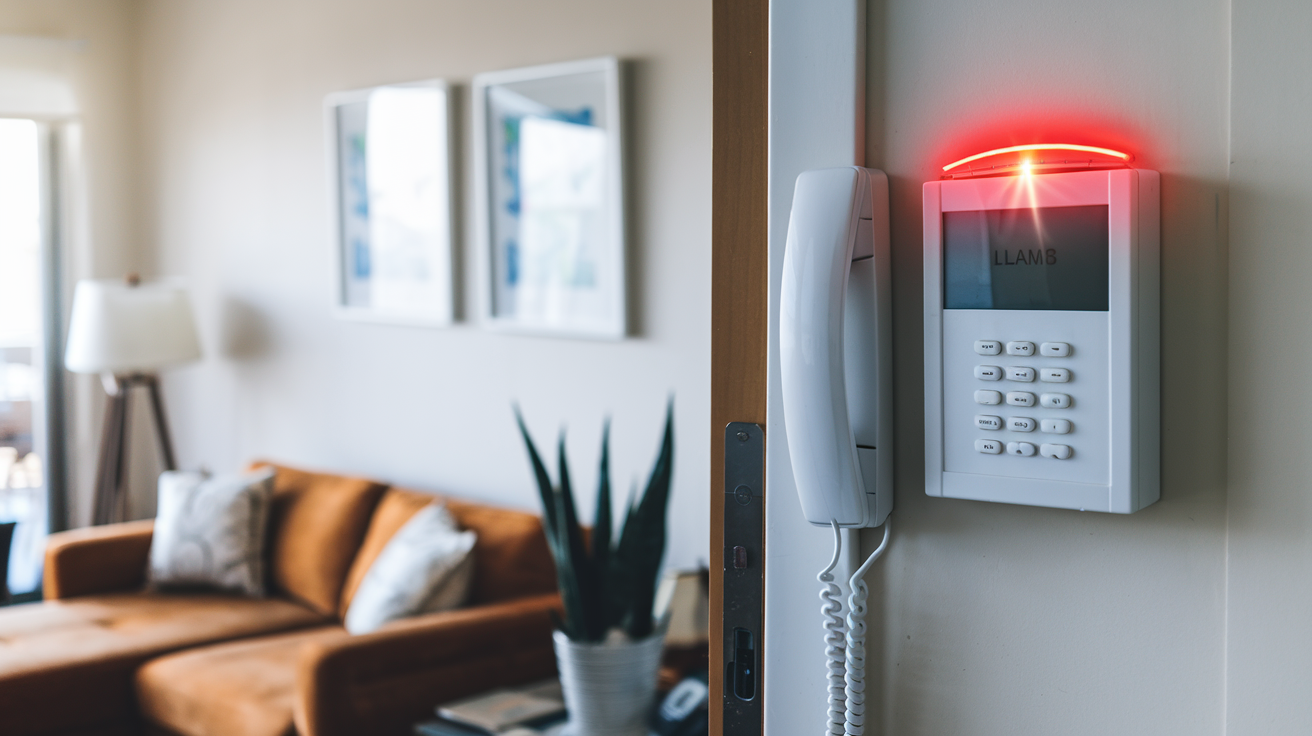
First things first: the immediate silence. Your primary weapon against the unwanted symphony is your keypad and your disarm code. This is your "panic button" for actual panic situations (and accidental beeps).
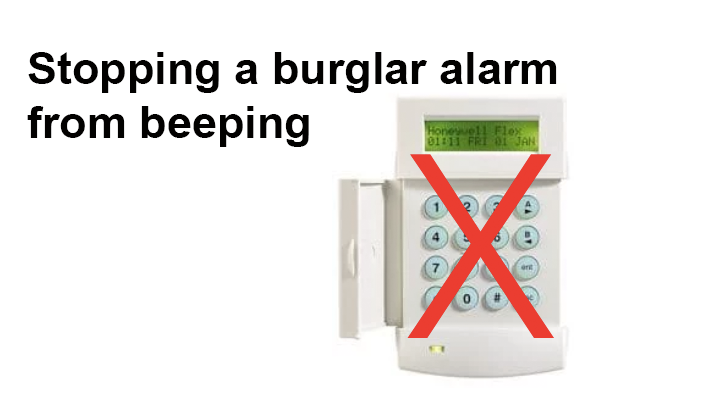
Locate your alarm keypad. Input your master disarm code. For many systems, you might need to enter it twice, or press a specific "off" or "reset" button after the code. Voila! Sweet, sweet silence. If it doesn't stop immediately, try re-entering the code and pressing "clear" or "reset" a few times. Think of it like rebooting a stubborn computer – sometimes it just needs a firm nudge.
Pro Tip: If you have an external siren that’s blaring, silencing the internal panel usually silences the external one too, though it might take a moment. Give it a minute before assuming you’ve failed.
The Investigation: What’s Causing the Ruckus?
Now that the immediate crisis is averted, let's play detective. Your alarm panel often provides clues. Look for messages like "Low Batt," "Fault Zone 3," "AC Loss," or "System Trouble." These are your breadcrumbs:

1. Check the Power Supply: Did the power flicker? Is the main alarm panel’s power plug securely in the outlet? Sometimes, a brief power interruption can cause the alarm to switch to battery backup and then beep when power returns, indicating it's back on AC power, or if the battery backup is low.
2. Identify the Faulty Zone: If the panel indicates a "fault zone," check that specific window, door, or motion sensor. Is it closed properly? Is anything obstructing it? A classic scenario is a window left ajar by a breezy evening, or a cat trying to climb a curtain near a motion sensor.
3. Battery, Oh My Battery: Alarms typically have a backup battery (often a large 12V rechargeable battery inside the main panel box) and smaller batteries in individual sensors. If the panel says "Low Batt," it could be either. Replace sensor batteries as needed (usually standard AA or AAA, but check your manual!). The main panel battery might need professional replacement if it’s old or constantly draining.

4. The User Manual: Your Unsung Hero: Seriously, dig it out. That dusty booklet holds the keys to your system’s specific quirks and commands. It'll tell you how to clear trouble codes, bypass zones, and perform system tests. Consider it your home alarm's Wikipedia page.
When to Call in the Cavalry
Sometimes, despite your best efforts, the beeping persists or the fault isn’t clear. This is when it’s time to call your alarm monitoring company or a professional technician. They have the tools and expertise to diagnose complex issues, replace main panel batteries, or fix stubborn sensors. Don’t feel like a failure for needing backup – even the best detectives call for forensic help sometimes!
A Little Prevention Goes a Long Way
To avoid future surprise serenades:
- Regular Checks: Test your alarm system annually. This checks sensors and the main panel.
- Battery Swaps: Replace sensor batteries every 1-2 years, even if they haven't indicated low power yet. It’s like changing the oil in your car.
- Educate the Household: Make sure everyone knows the disarm code and basic troubleshooting steps. There's nothing worse than waking up to a wailing alarm and realizing you're the only one who knows how to silence it.
The Harmony of a Quiet Home
A beeping alarm might feel like a major disruption, but often, it's just a little hiccup in the otherwise smooth symphony of your daily life. It’s a reminder that even the systems designed to protect us sometimes need a little care and attention. Just like fixing a squeaky door or a flickering light, tackling a beeping alarm is another small victory in the grand adventure of homeownership. And hey, at least now you know your alarm system is indeed working!
For the `