
How To Stop Green Light On Alexa
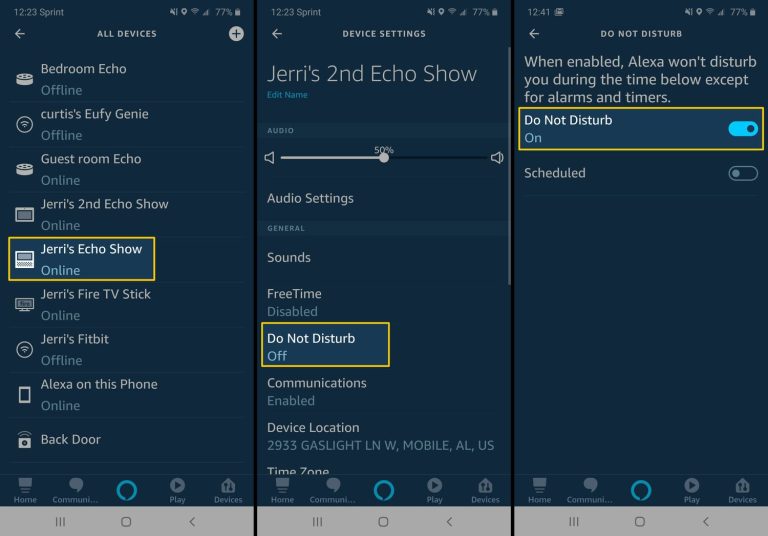
Ever found yourself staring at your Alexa device, baffled by a persistent, glowing green ring? You know the one. It just sits there, radiating a mysterious emerald hue, perhaps while you're trying to unwind with some calming music, or maybe when you’re half-asleep and it looks suspiciously like a tiny alien spaceship has landed on your counter. "What in the world are you doing, little green light?" you might whisper. Trust us, you're not alone in this slightly bewildered, slightly annoyed club.
That little green ring can be a real head-scratcher, can't it? It’s like that one blinker on your car that just won't quit, or a forgotten pot simmering on the stove, demanding your attention without actually saying anything. And while it might seem like a small thing, a lingering, unexplained light can mess with your zen, make you wonder if someone's listening in (spoiler: probably not in a spooky way!), or just generally feel like an unresolved mystery in your perfectly organized smart home.
So, What's the Deal with the Green Glow?
Let's clear the air right away. That glowing green ring isn't a secret signal from the future, nor is it a sign that Alexa is about to sprout legs and start dancing. It has a much more practical, albeit sometimes annoying, explanation:
Must Read
The green light on your Alexa device means you have an active call or Drop In session. Think of it like a tiny, glowing "on the phone" sign. Someone might be trying to reach you, or perhaps you're currently in a conversation.
Making That Pesky Green Light Vanish: Your Secret Weapon
Good news! Getting rid of the green light is usually as simple as saying the magic words. In most cases, it’s a quick fix that will bring immediate satisfaction (and peace to your counter).
1. The Classic "Hang Up"
This is your go-to move. If the green light is on because you, a family member, or even a curious pet (don't underestimate them!) accidentally started a call, the easiest way to end it is by simply telling Alexa:
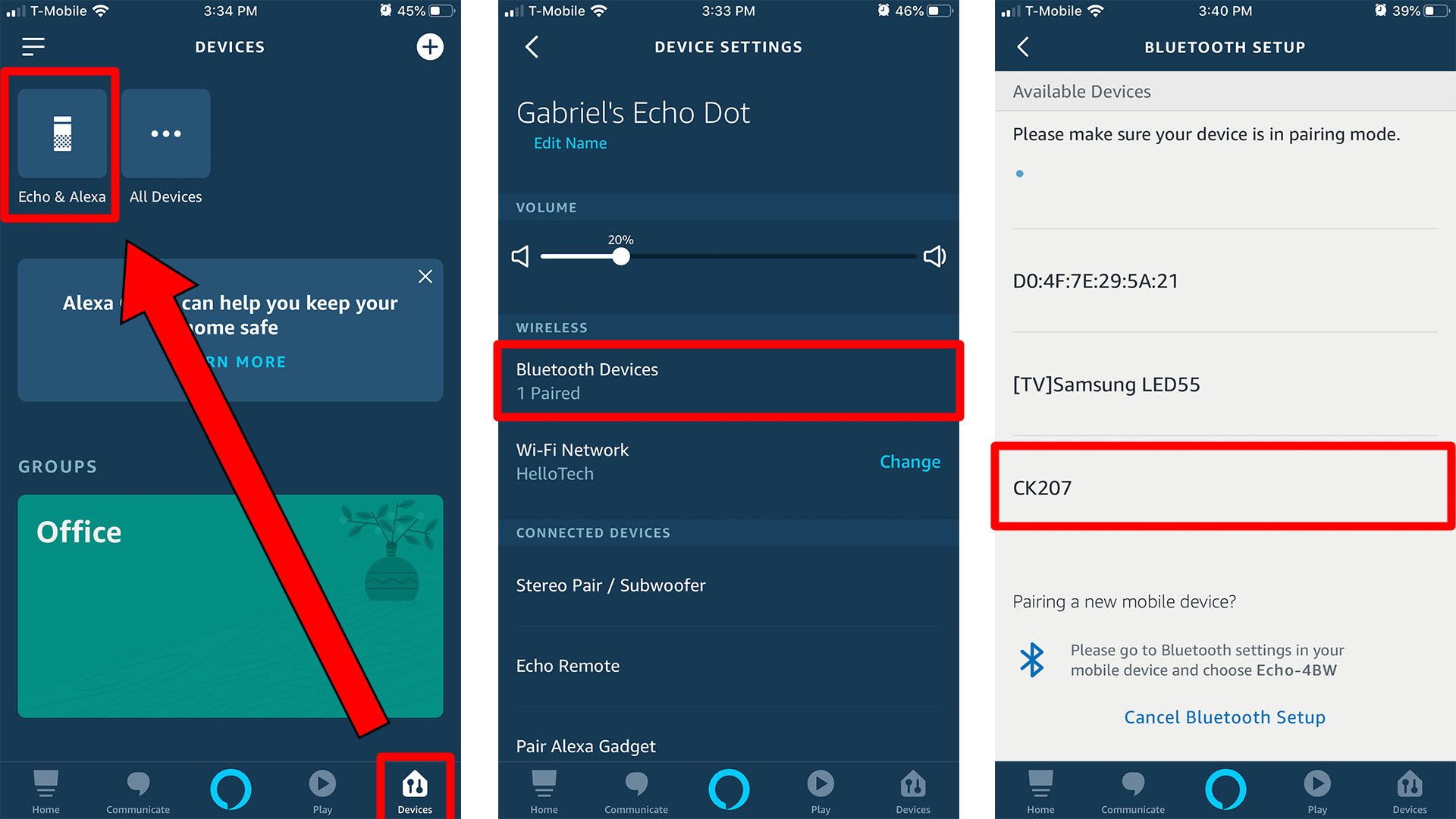
"Alexa, hang up."
Or, you can try:
"Alexa, end call."
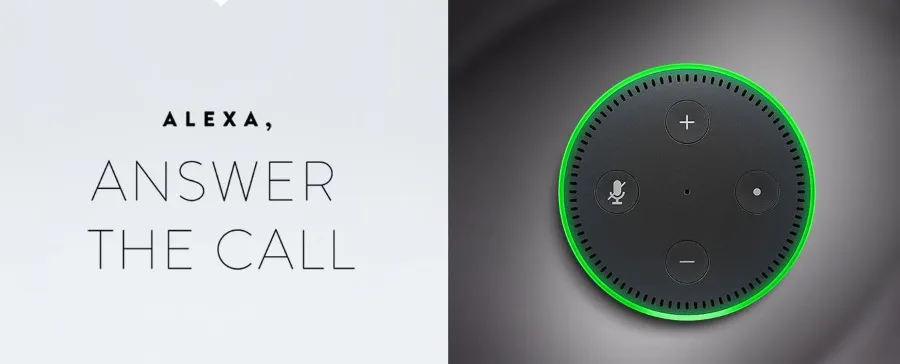
Boom! Just like that, the light should disappear. It’s like telling a persistent friend on the phone, "Alright, gotta run!" and gently putting down the receiver. Often, someone might have "butt-dialed" your Alexa (or voice-dialed, in this case), or maybe your kids were having a chat with Grandma and forgot to properly disconnect.
2. When the Green Light is Stubborn: Check the Alexa App
Sometimes, the light might be a bit more tenacious, or you might not be sure what call it's referring to. This is where your trusty Alexa app comes into play. Think of the app as Alexa’s diary, where you can see all the comings and goings.
Here’s how to investigate:
- Open the Alexa app on your smartphone or tablet.
- Tap the "Communicate" icon at the bottom of the screen (it usually looks like a speech bubble).
- Look for any active calls or conversations. You might see a name or a device listed as being "on a call."
- From here, you should be able to manually end the call if it's still active in the app.
This is particularly useful if the green light is due to a "Drop In" feature being active. What's Drop In? It's like an intercom system for your Alexa devices, or even for friends and family you've given permission to. Someone might have "dropped in" on your device, perhaps to say hello, or accidentally. The app will tell you who!

Why Should You Even Care About a Little Green Light?
Okay, so it’s just a light, right? A tiny, glowing circle. But here’s why banishing that emerald intruder can bring surprising joy:
-
Peace of Mind: No more wondering if you're accidentally broadcasting your kitchen dance moves to an unsuspecting relative. When the light is off, you know your Alexa is just chilling, waiting for your next command, not in an active conversation.
-
Clarity and Control: You're the boss of your smart home, not some random blinking light! Taking control of these small things gives you a sense of mastery over your tech, which feels pretty good.
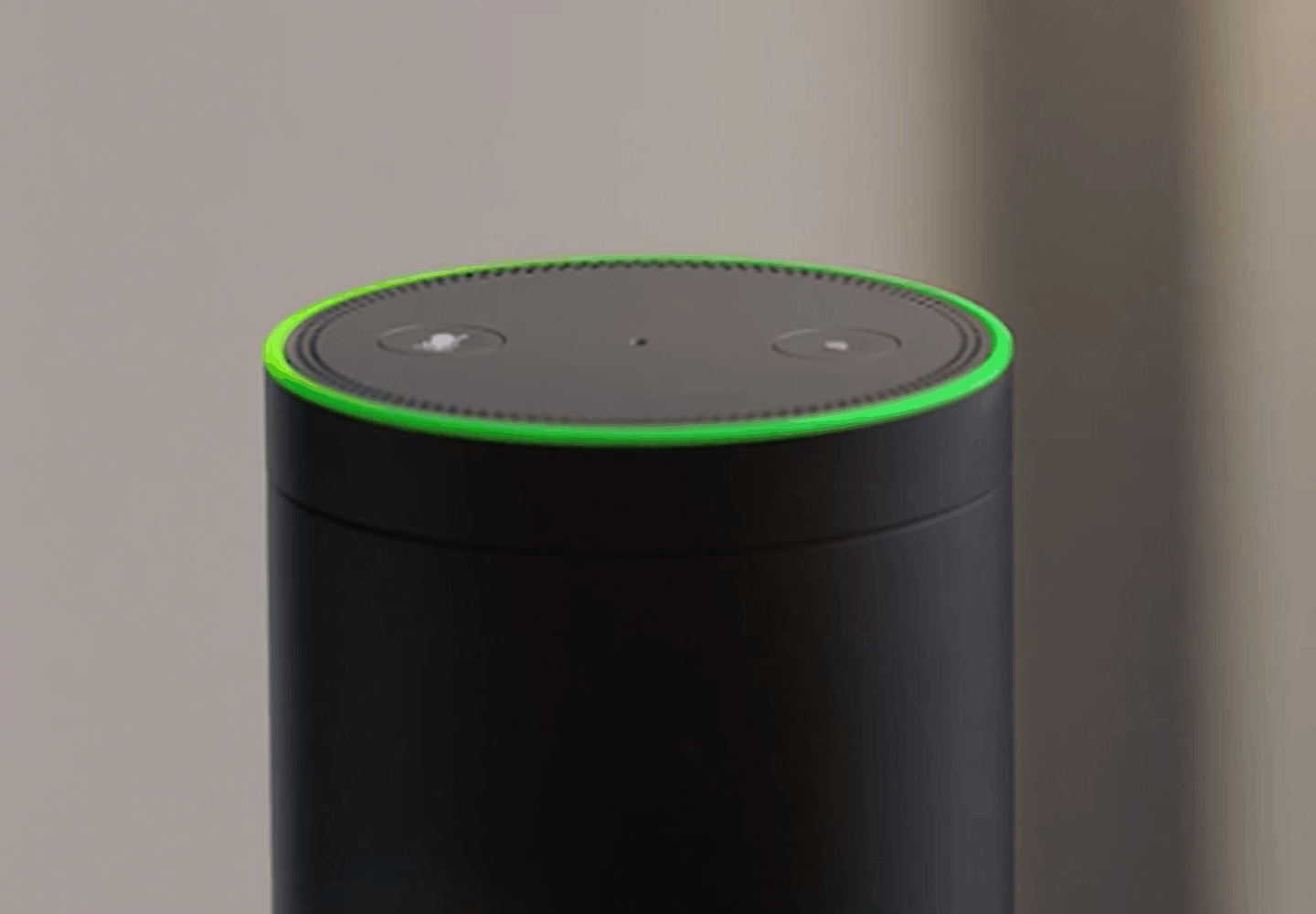
Alexa Flashing Green Light - What does it mean? - Spacehop -
Less Visual Clutter: Our homes are already full of little indicators and lights. Removing an unnecessary glow helps simplify your environment and contributes to a calmer atmosphere. Think of it as tidying up your digital space.
-
No More Mystery: The unknown can be unsettling. Once you know what the green light means and how to deal with it, it transforms from a spooky enigma into a simple, solvable puzzle. That's empowerment, folks!
A Little Extra Tip for the Future
If you find the Drop In feature causing a lot of these mysterious green lights, you might want to adjust your settings in the Alexa app. You can choose who can "Drop In" on your devices, or even disable the feature entirely if you don't use it. Just head to Communicate > Settings (the gear icon) > Drop In to customize your preferences.
So, next time you spot that glowing green ring, don't fret! You're now armed with the knowledge and the commands to make it vanish. Go forth and enjoy your perfectly non-glowing, zen-like Alexa experience. You've earned it!