How To Stop Dsc Alarm System From Beeping
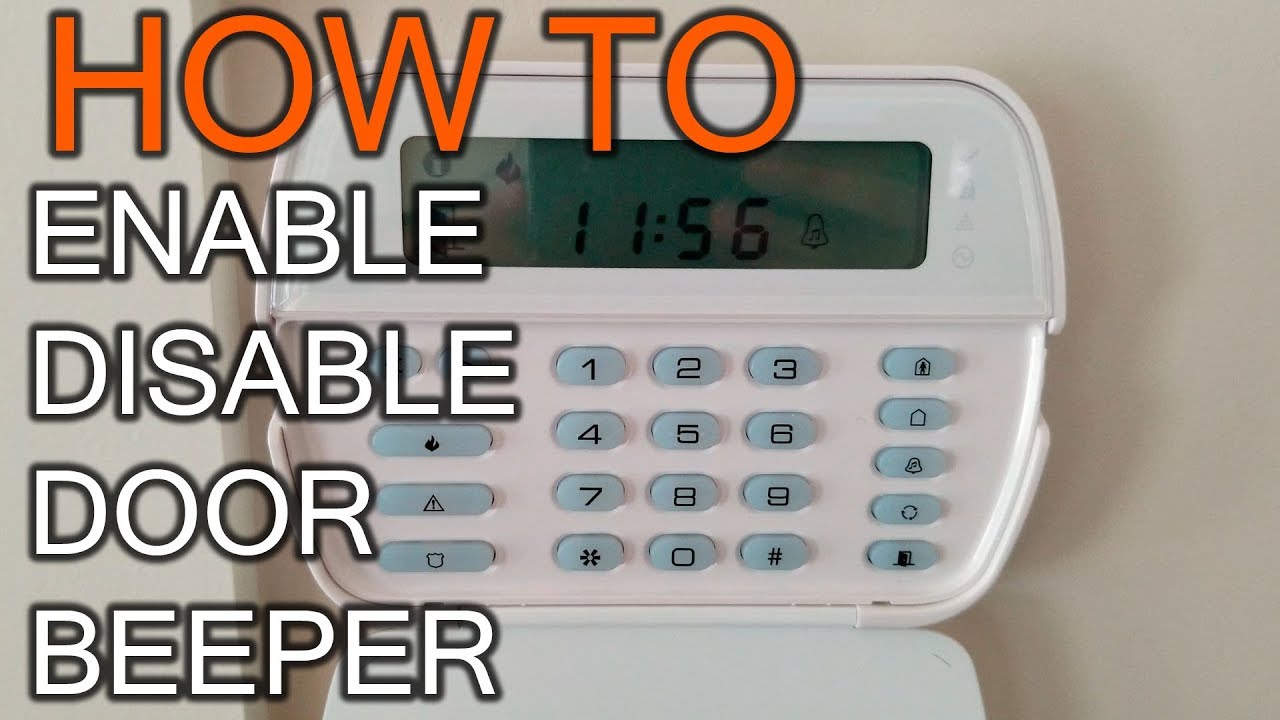
Ah, the sweet symphony of... wait, no. That's not right. We're talking about the dreaded, insistent, mind-numbingly repetitive beep of your DSC alarm system. It's the kind of sound that can turn a peaceful morning into a frantic scavenger hunt, or a quiet evening into a quest for silence. If you've ever felt like your alarm system is subtly mocking you with its persistent chirps, you're definitely not alone. It's like your home is trying to tell you something, but in Morse code that only it understands.
Fear not, fellow homeowner! This isn't a call to arms, but a guide to peace and quiet. We're going to demystify that mysterious beeping and get your home's guardian back to being a silent protector, rather than an auditory irritant. Think of this as your personal Rosetta Stone for alarm system communication.
Why Is My DSC System Playing That Annoying Tune?
Before we dive into the fix, let's play detective. Your DSC alarm system, whether it’s a classic PowerSeries or a more modern Neo, is designed to keep you safe. So, when it beeps, it's usually trying to alert you to a trouble condition. It's not just doing it for fun, though it might feel like it at 3 AM. Common culprits include:
Must Read
- Low Battery/AC Power Loss: The most frequent offender!
- Open Zone: A door, window, or sensor is not closed properly.
- Sensor Trouble: A specific sensor isn't communicating or has its own issue.
- Communication Failure: The system couldn't reach the monitoring station.
- System Tamper: Someone tried to open the control panel.
Silencing the Immediate Racket: The Quick Fix
Okay, let's cut to the chase. You need that noise gone, now. The fastest way to silence the incessant beeping is often deceptively simple:
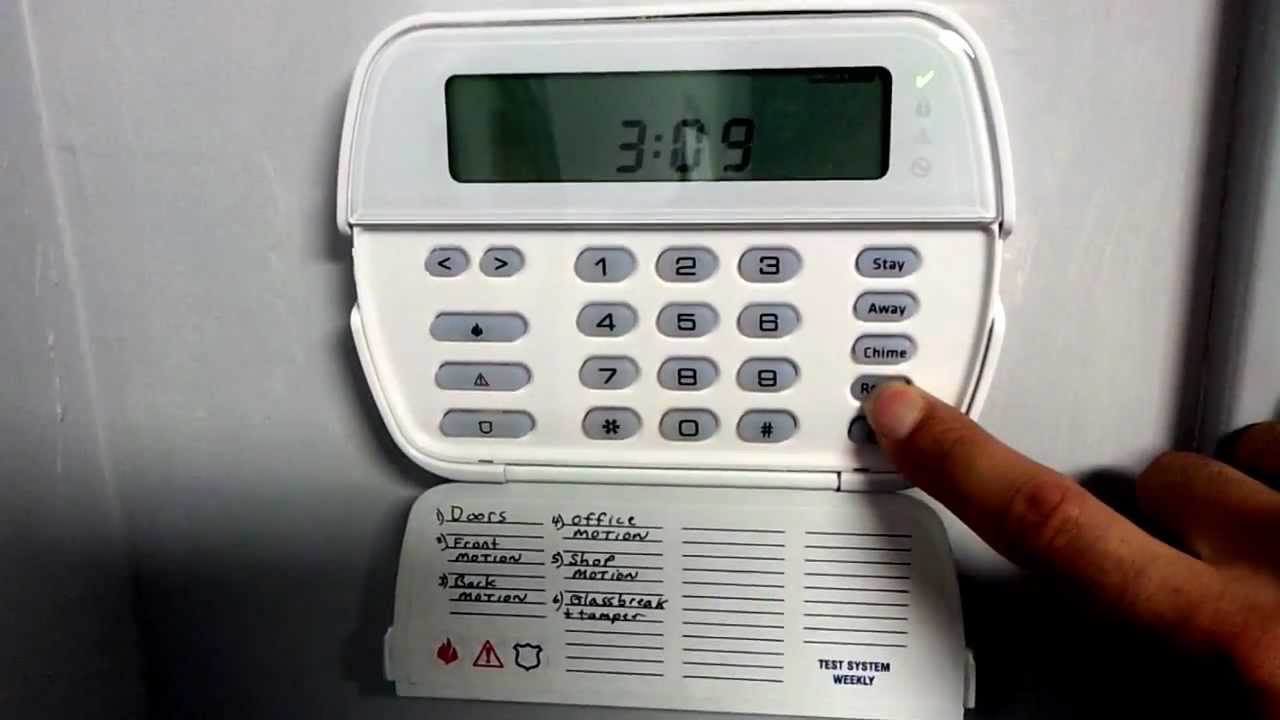
Simply press the # key on your keypad.

Yep, that's it! In many cases, this will temporarily silence the trouble beeps. Think of it as hitting the snooze button on your alarm system. It won't fix the underlying problem, but it will give you a moment of blessed quiet to figure out what's really going on. Sometimes, entering your master code followed by # is also required, especially on older models or for specific trouble conditions.
Becoming a DSC Whisperer: Diagnosing the Root Cause
Now that you've bought yourself some time, let's get to the bottom of it. Your DSC keypad is actually quite chatty, if you know how to listen. Look for the trouble light or system light (often a yellow triangle or a specific indicator). This light usually stays illuminated when there's an issue.

To find out what specific trouble condition is causing the ruckus, press 2 on your keypad. This command will illuminate one or more numbers, each corresponding to a specific problem:
- 1: Service Required. This is a big one and usually means there's a sub-menu. Press 2 again to see specific codes:
- 1 (within 2-1): Low Battery. Often the main control panel battery (a large 12V battery inside the metal box). These usually last 3-5 years. Fun fact: Most security system batteries are lead-acid, similar to a tiny car battery, designed for deep discharge cycles.
- 3 (within *2-1): Telephone Line Trouble. The system can't communicate with the monitoring station via the phone line.
- 4 (within *2-1): Communication Failure. Similar to phone line trouble, but could also relate to cellular or IP communicators.
- 8 (within *2-1): Loss of Time and Date. The system clock needs to be reset.
- 2: AC Failure. The system isn't getting power from the mains. Check your circuit breakers and ensure the transformer (usually a beige or black box plugged into an outlet) is secure.
- 3: Telephone Line Trouble. Your phone line connection to the panel is disrupted.
- 4: Communication Failure. The system couldn't send signals to the monitoring center.
- 5: Sensor Trouble. A wireless sensor has low battery or a wired sensor is faulty.
- 6: Sensor Tamper. A sensor has been opened or removed from its mounting.
- 7: Wireless Device Low Battery. Specific to wireless sensors like door contacts or motion detectors.
- 8: Loss of Time and Date. Reset your system's clock.
Once you see the number(s) corresponding to the issue, you can begin troubleshooting. For instance, if you see 2, then 1, then 1, you've got a low main battery. If it's 2, then 7, you've got a low battery on a wireless device. Time to swap those AAAs or CR123As!

Practical Tips & Pro Insights
- Check Your Power: If you see "AC Failure" or "Low Battery," first ensure the alarm transformer is securely plugged into an outlet and that the outlet has power. A surprisingly common culprit is an unplugged transformer!
- The Manual is Your Oracle: Seriously, dig out that user manual. It contains specific instructions for your exact DSC model and will be your best friend for complex issues. Can't find it? Many manuals are available as PDFs online by searching for your specific DSC model number.
- Battery Replacement: For the main panel battery, it's usually inside the metal control box (often in a closet or basement). Disconnect AC power first, then the battery terminals (negative first). For wireless sensor batteries, it's usually a simple swap, but ensure you use the correct type. Remember to recycle old batteries responsibly!
- Bypassing Zones: If an open door or window is the issue and you can't close it immediately, you can often bypass the zone temporarily. Enter 1 [zone number] #. Remember to un-bypass it later!
- When to Call the Pros: If the problem persists, involves intricate wiring, or you're simply uncomfortable, don't hesitate to call your alarm monitoring company or a local technician. Sometimes, a professional reset or component replacement is necessary. Don't be a DIY hero if it risks your home's security!
The "All Clear" Feeling
Once you've addressed the underlying issue – whether it's plugging in the transformer, replacing a battery, or simply closing a window – your system should eventually clear the trouble condition. You might need to enter your master code and then press # to clear the trouble light completely and reset the system. A silent alarm system, with its trouble light off, is a badge of honor. It signifies that you've successfully communicated with your home, understood its needs, and restored harmony.
Just like tidying up a cluttered room brings a sense of calm, silencing that incessant alarm beep brings a wonderful peace to your home. It’s a small victory, but an important one. Taking control of these minor annoyances in life, whether it's a beeping alarm or a squeaky door, contributes to a smoother, more enjoyable daily existence. So, congratulations, you've not just stopped a beep; you've mastered a moment of modern home maintenance, ensuring your sanctuary remains exactly that – a sanctuary, not a symphony of digital frustration.