
How To Save A Video Online
We've all been there. Scrolling through TikTok, Instagram, or YouTube, and BAM! A video so good, so hilarious, so perfect, that you just have to keep it forever. Maybe it's a cat doing parkour, a makeup tutorial that finally clicks, or a snippet from your favorite obscure 80s movie. Whatever it is, the question is: how do you capture that digital gold and keep it safe on your device?
The Digital Preservationist's Toolkit
Forget dusty archives and white gloves, saving videos online in the 21st century is all about apps, browser extensions, and a little bit of know-how. Let’s dive into some of the easiest methods.
Built-In Download Options: The Obvious Choice
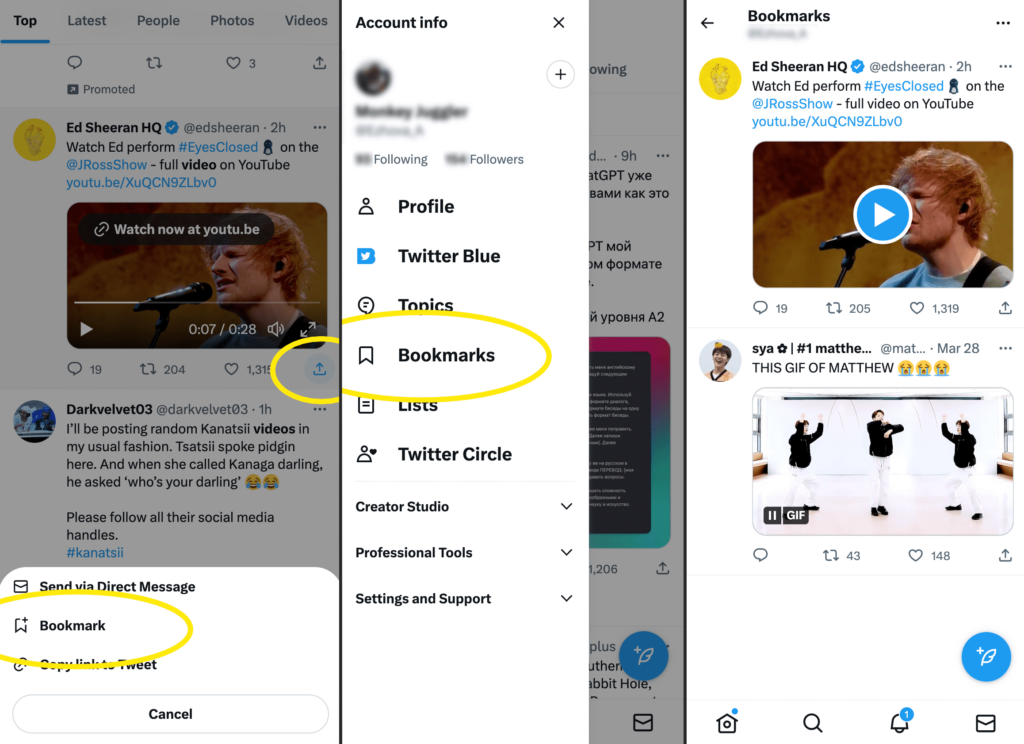
First things first: check if the platform offers a built-in download option. YouTube Premium allows downloads for offline viewing (though those videos are only accessible through the YouTube app). Some Instagram creators enable downloads for their Reels. Look for a download icon – usually a downward-facing arrow or three vertical dots revealing a "Download" option. This is the simplest and most ethical way to save a video, respecting the creator's intent.
Must Read
Screen Recording: The Old Reliable
Think of screen recording as the digital equivalent of holding a camcorder up to a TV screen (remember those days?). Most smartphones and computers have built-in screen recording features. On iPhones, it's usually accessible via the Control Center. On Android, it often lives in the quick settings menu. On Windows, try the Windows key + Alt + R shortcut. For Macs, use Shift + Command + 5.
Pro Tip: Put your phone on "Do Not Disturb" before you start to avoid those embarrassing notification pop-ups in your masterpiece recording!
![How to Save Videos from YouTube to Your Devices Free [Guide 2022]](https://youtubedownload.minitool.com/images/uploads/articles/2020/01/how-to-save-videos-from-youtube/how-to-save-videos-from-youtube-6.png)
Third-Party Apps and Websites: Proceed with Caution
This is where things get a little more… adventurous. Numerous apps and websites promise to download videos from various platforms. A few reputable options include:
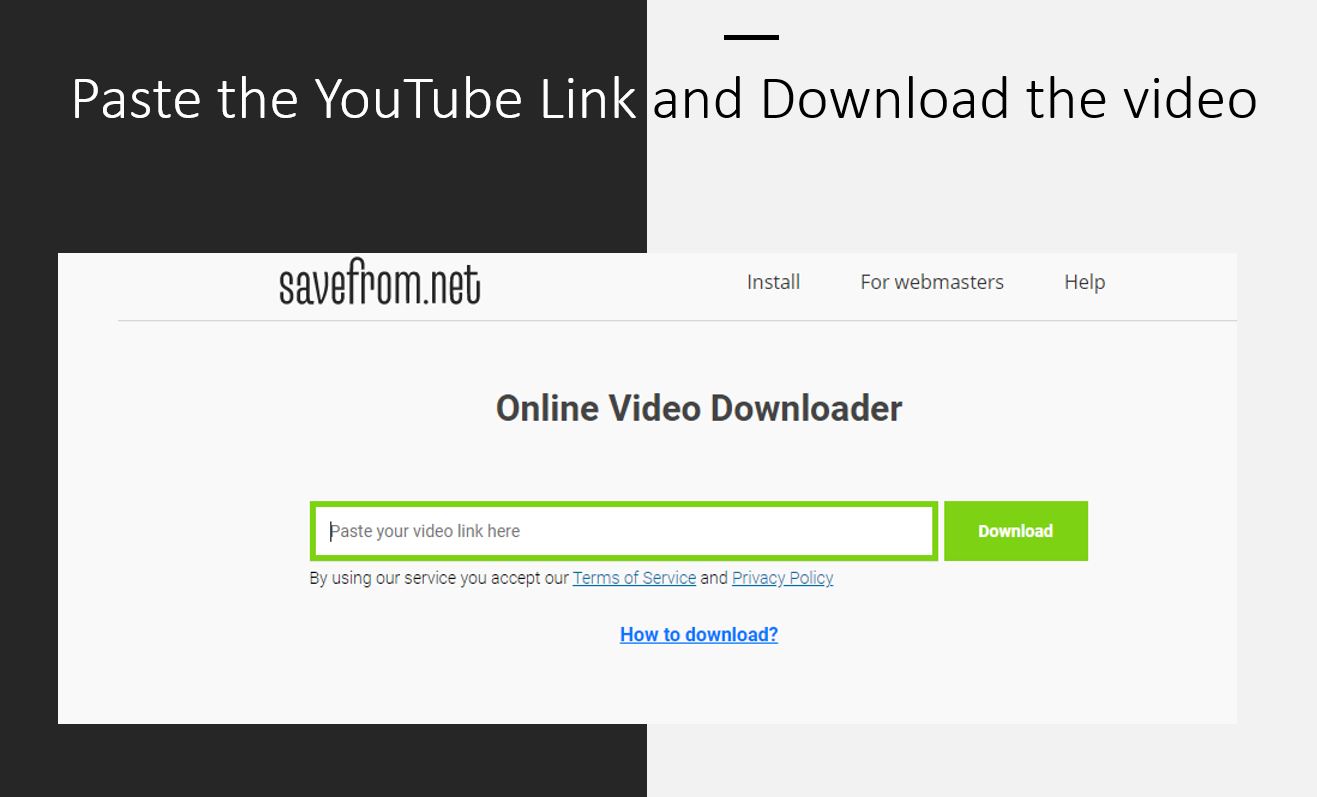
* Video DownloadHelper (Browser Extension): Works across many websites and is generally reliable. * SaveFrom.net: A popular website; just paste the video URL and choose your download quality. * Snaptube (Android): An Android app designed for video downloading.Caveat emptor! (That's Latin for "buyer beware"!). Be very careful when using third-party options. Always check reviews, ensure the site is secure (look for the padlock icon in your browser), and avoid downloading anything from questionable sources. Some websites might try to trick you into downloading malware or unwanted software.
Fun Fact: The first YouTube video, "Me at the zoo," was uploaded in 2005. Imagine trying to download that back then!
Respect the Content Creator
While saving videos for personal use is generally fine, it's crucial to remember copyright laws and the content creator's rights. Don't repost videos without permission, and always give credit where it's due. Think of it like sampling music – give props to the original artist!
The Etiquette of Digital Hoarding
Just because you can download everything doesn't mean you should. Be mindful of your storage space. Nobody wants a phone filled with blurry memes from 2012 (okay, maybe some of us do!). Regularly cull your collection and delete duplicates. Cloud storage options like Google Drive, Dropbox, or iCloud can be a lifesaver for archiving your favorite digital treasures.

Visual Break: Think of Marie Kondo, but for your digital life. Does this video spark joy? If not, let it go!
When sharing videos, always consider the source. Sharing low-quality, heavily compressed videos is a digital faux pas. Aim for the highest resolution possible without sacrificing too much storage space.
Bold Text Emphasis: Prioritize Quality. Be Respectful. Stay Secure.
Video Saved. Now What?
Saving videos online is a useful skill in our increasingly digital world. Whether it's preserving a precious memory, learning a new skill, or simply enjoying a funny moment, having the ability to capture and store these moments adds a new dimension to our online experience. The next time you find a video that resonates with you, you’ll have the tools and the knowledge to keep it safe and sound. Now go forth and curate your digital masterpiece!
We all experience moments of connection and joy through online videos. Remembering to responsibly save and store these videos enriches not only our personal lives, but also our ability to share and engage with the world around us. That little nugget of joy you found online might just be the thing that makes someone else's day, so go forth and share some love – responsibly, of course!