How To Recover Data From Black Screen Samsung
Okay, so your Samsung's gone black screen on you? Don't panic! I know it feels like the digital apocalypse, but chances are your data isn't gone forever. Think of it like your phone just decided to take a really, really long nap. Let's see if we can wake it up and rescue those precious photos, funny memes, and that grocery list you swear you wrote down.
Force Restart: The Digital Equivalent of a Cold Shower
First things first, let's try a classic: the force restart. This is basically like giving your phone a digital jolt of electricity. Okay, maybe not electricity exactly, but you get the idea. It's surprisingly effective. The method depends on your phone model. Typically, it involves holding down a combination of buttons (usually the power button, volume up/down, and maybe the home button – if you have one of those relics). Just Google "force restart [your Samsung model]" and follow the instructions. It's usually pretty straightforward. Don't be scared if you think you're pressing them wrong, just give it a shot!
Why does this work? Well, sometimes your phone just gets stuck in a software loop. A force restart cuts through that loop and restarts the system. It's like untangling a really stubborn knot in your headphones...but with less swearing (hopefully).
Must Read
Samsung Find My Mobile: Your Remote Control to Rescue
If you've previously set up Samsung Find My Mobile (and let's be honest, who remembers setting things up?), you might be in luck! This is like having a secret remote control for your phone. You can use it to unlock your screen, even if it's blacked out, and hopefully back up your data to the cloud.
Head over to the Samsung Find My Mobile website on a computer or another device. Log in with your Samsung account (the one you use on your phone). If your phone is online, you should be able to see it on a map. Look for options like "Unlock," "Back up data," or "Erase data". Choose “Back up data” before you try anything else! Think of it as preserving the ancient artifacts before the museum explodes. We want to rescue those memories!
ADB (Android Debug Bridge): For the Tech-Savvy Superhero (Maybe)
Okay, this one's a bit more advanced, so don't feel bad if it sounds like gibberish. ADB (Android Debug Bridge) is a command-line tool that lets you communicate with your Android device from your computer. If you've enabled USB debugging on your phone before it went kaput (which, let's be real, most people haven't), you might be able to use ADB to pull data off of it.
This involves downloading the Android SDK, installing drivers, and typing arcane commands into a terminal window. It’s basically like playing hacker, but with less risk of going to jail (hopefully). There are tons of tutorials online, but be warned: it can be a bit technical. If you're not comfortable with command lines, maybe skip this one and ask a tech-savvy friend (or bribe them with pizza).
Data Recovery Software: The Last Resort (and Potentially Costly)
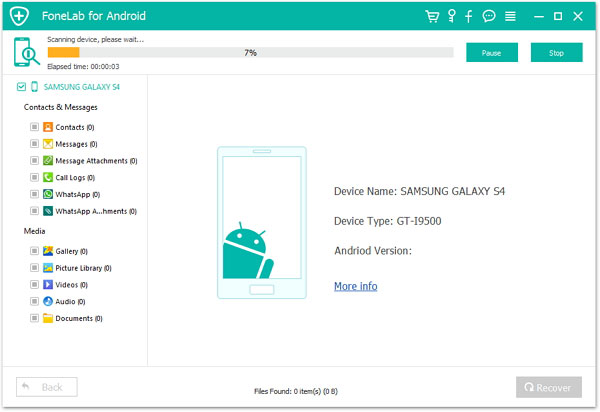
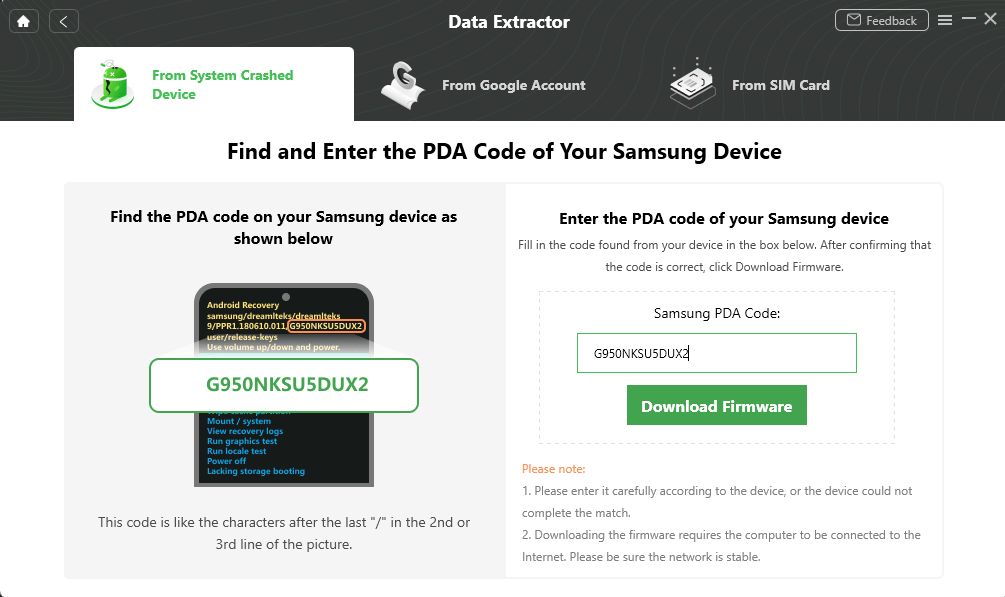
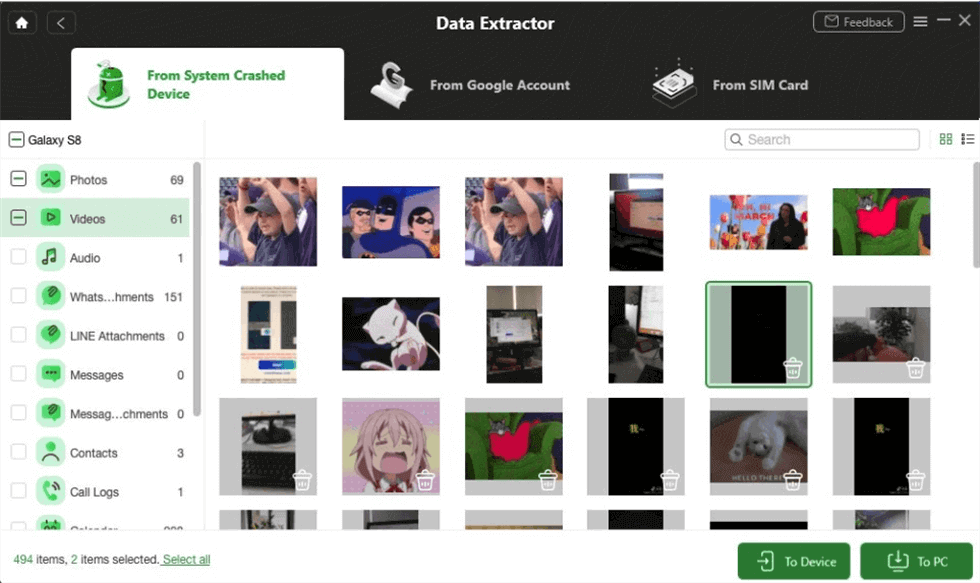
If all else fails, you can try using data recovery software. There are several programs out there that claim to be able to recover data from broken or damaged Android devices. Some are free, some are paid. Be careful when choosing a program, and read reviews before you download anything. Some of these programs can be a bit…questionable. You don't want to trade one problem for another.
Keep in mind that the success rate of data recovery software can vary depending on the severity of the damage and the type of data you're trying to recover. It's not a guaranteed solution, but it's worth a shot if you're desperate. Think of it as a hail mary pass in the fourth quarter. You never know; it might just work!
When to Call in the Professionals
Sometimes, you just have to admit defeat and call in the professionals. If your phone has suffered physical damage (like a cracked screen or water damage), or if you've tried everything else and nothing has worked, it might be time to take it to a data recovery specialist. These guys have specialized tools and techniques that can often recover data from even the most badly damaged devices. It can be pricey, but if the data is truly important to you, it might be worth it.
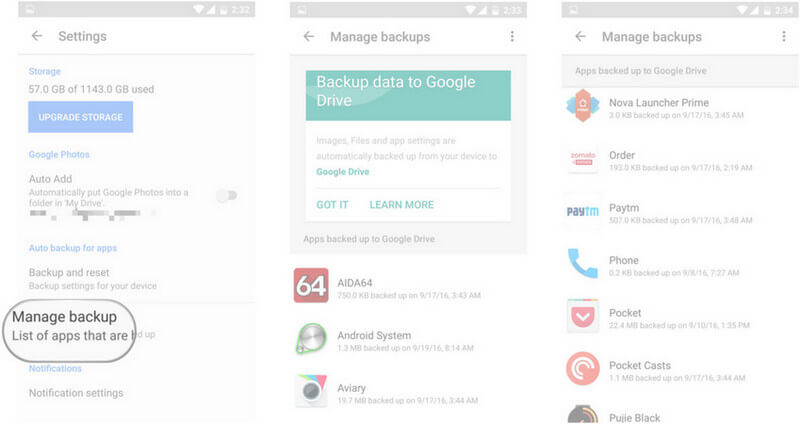
Moral of the Story? Back up your data! Seriously. Cloud storage, external hard drives, carrier pigeons with SD cards strapped to their legs – whatever works for you. Just make sure you have a backup. Future you will thank you.
So, there you have it! While a black screen is never fun, there are several avenues you can explore to try and recover your precious data. Stay calm, take a deep breath, and remember: even if you lose some data, it's not the end of the world. You can always take more pictures, make more memories, and, most importantly, back them up! Good luck, and may the data recovery gods be ever in your favor!